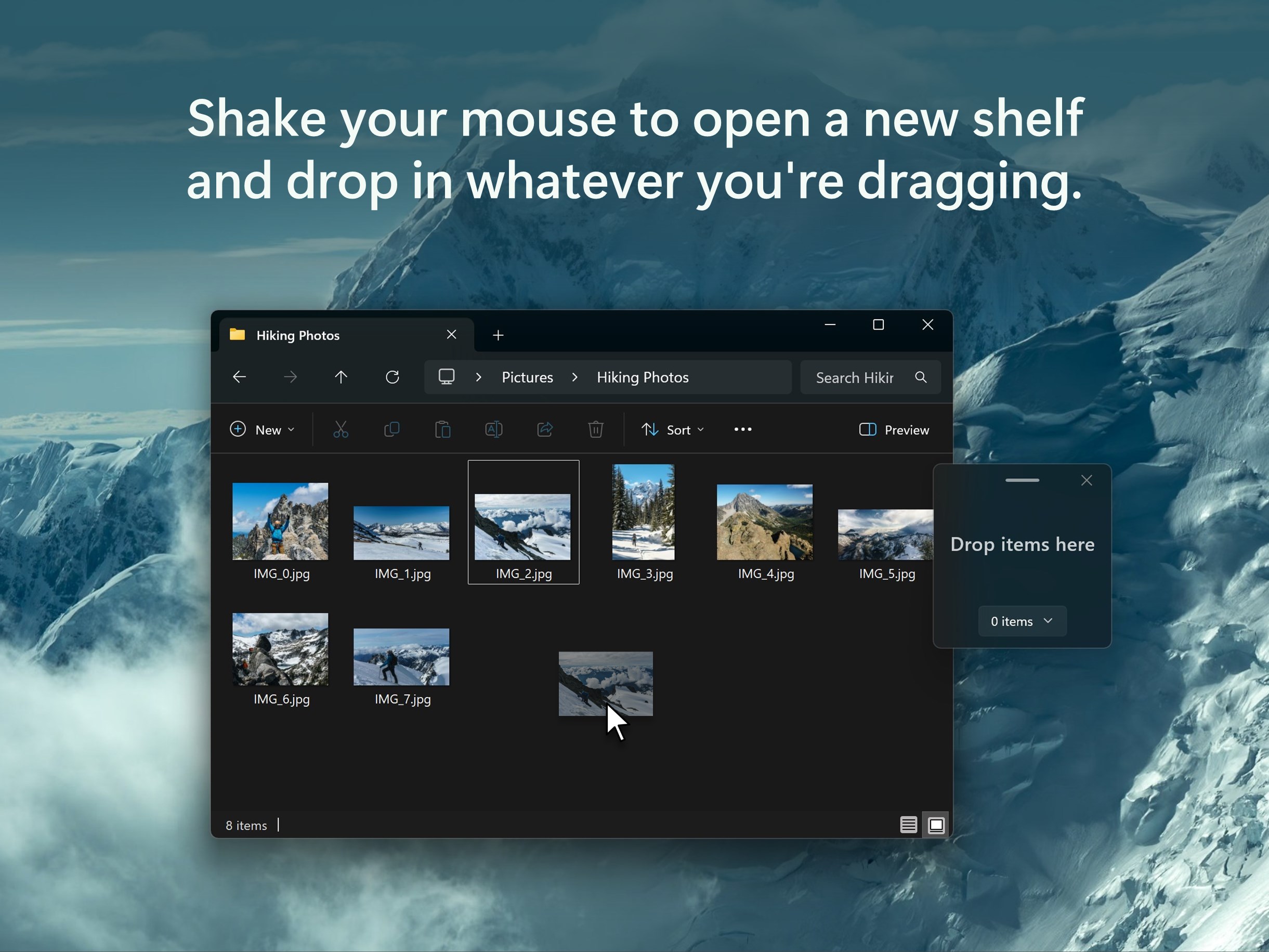
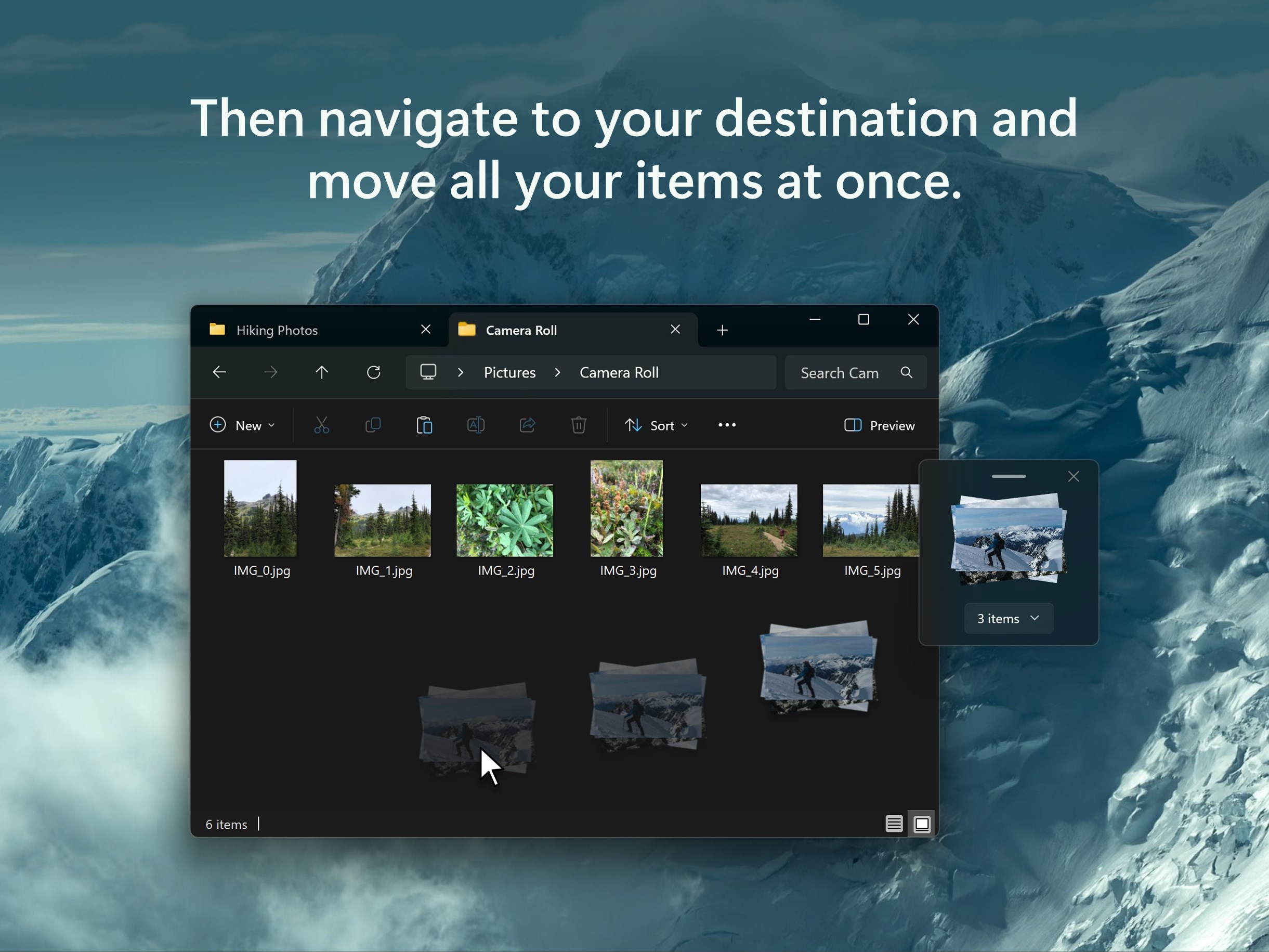
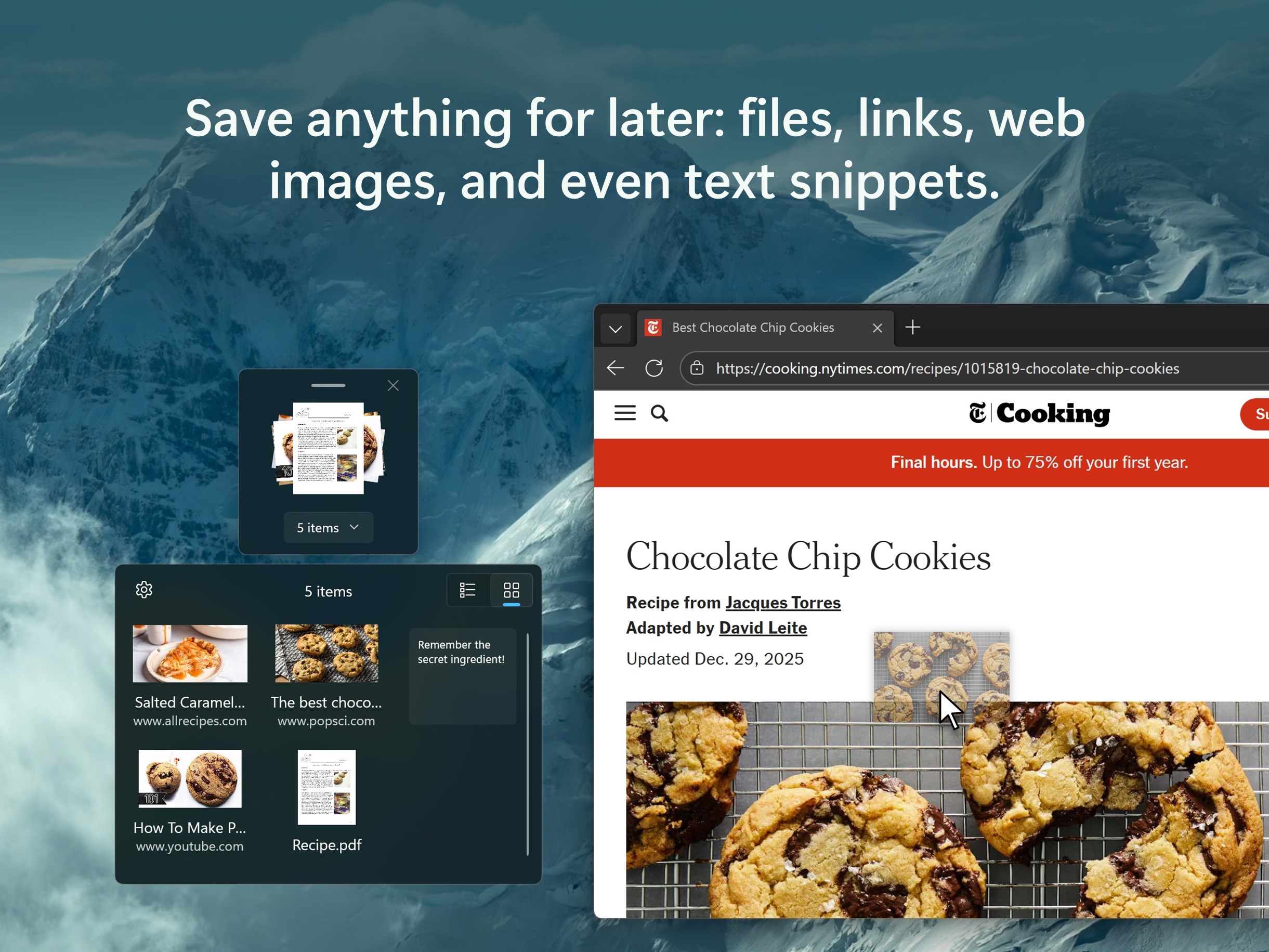
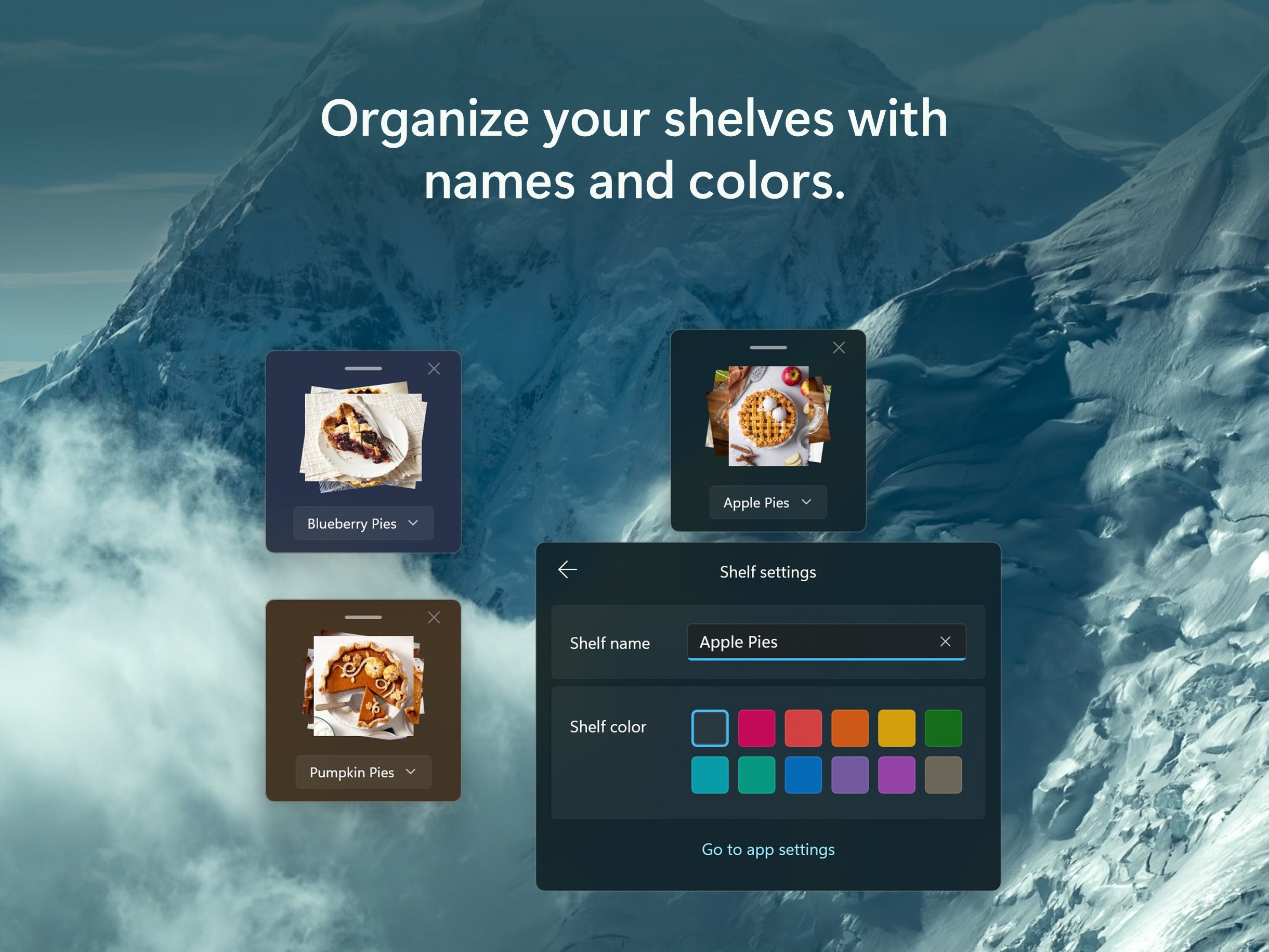
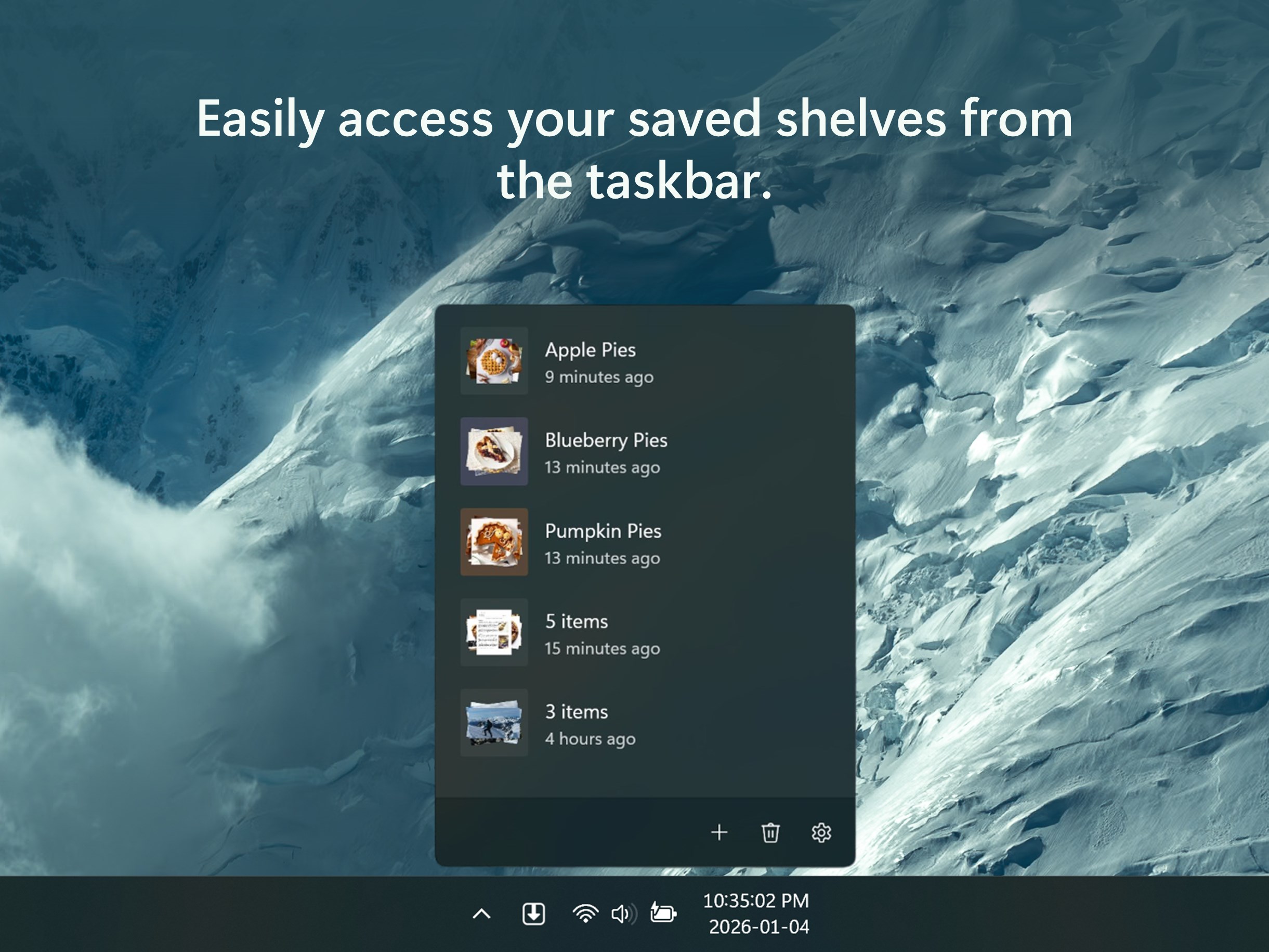
Stash and hold stuff until you need it. Dropshelf makes moving and copying files easier and faster. Note: The free version of Dropshelf has a forced waiting time of 3 seconds before you can add more items to a shelf. Upgrading to Dropshelf Pro is a one time in-app purchase that removes this limitation and unlocks additional pro features. • A "shelf" for your files Shake your mouse to open a new shelf and drop in whatever you're dragging. Shelves always stay on top of other windows, so you can navigate stress-free between folders, pages, and windows with your files safely set aside. Then, drag your files out of the shelf to where they're supposed to go. • Hold any content Shelves can hold files, folders, documents, images, videos, multimedia, URLs, web images, and even text snippets. • Save shelves for later Give your shelf a name and custom color (Dropshelf Pro feature) — then stash it away and open it up later to pick up right from where you left off. Dropshelf works great as a bookmarking tool to organize your research or quickly save a link to read later. • Designed for Windows Dropshelf has a thoughtfully crafted UI that feels native to Windows 11, with acrylic materials and controls that follow the latest Fluent design principles.
Productivity · Windows · Free
Rating: 4.2 out of 5, based on 22 user ratings.