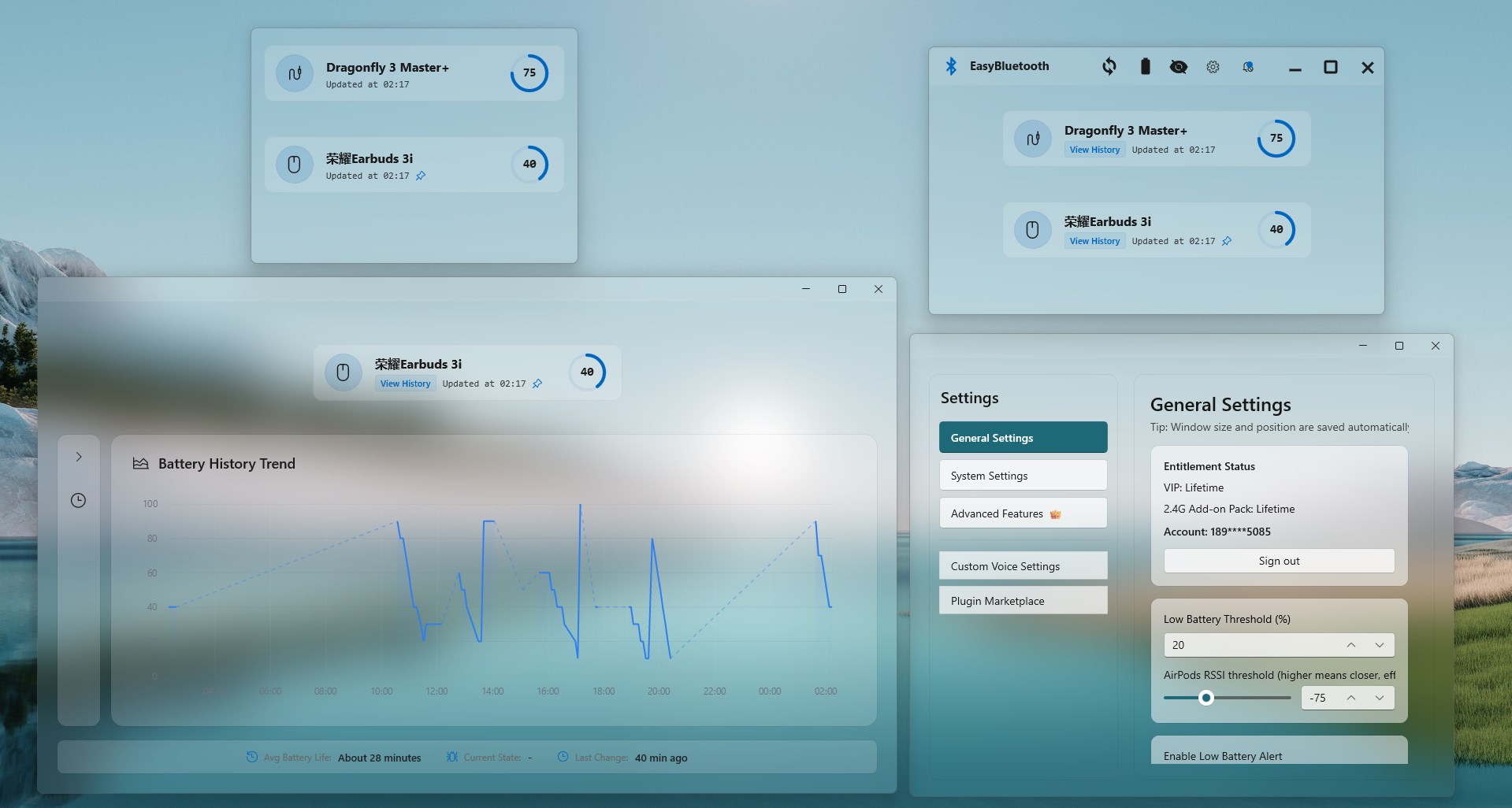
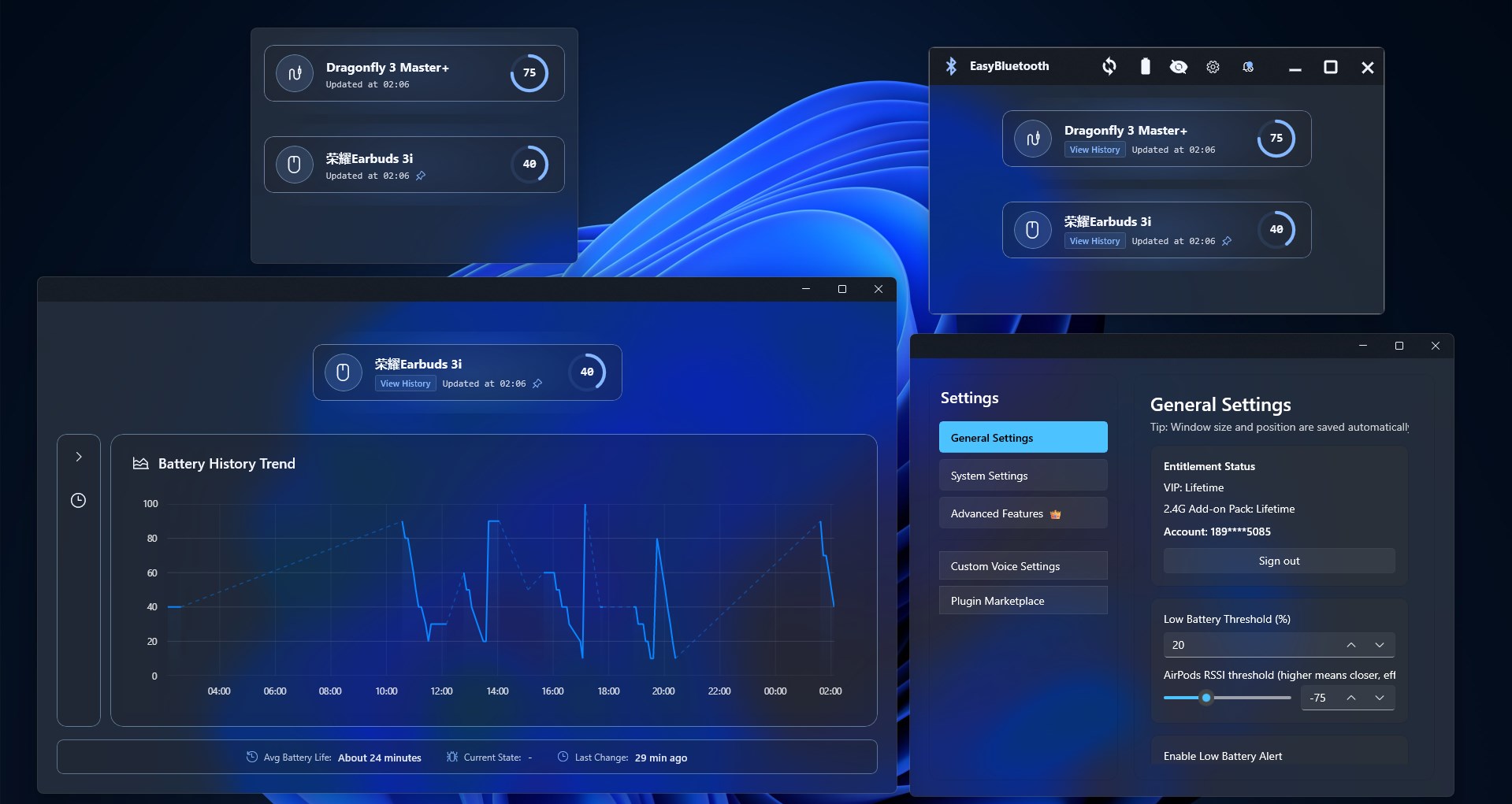
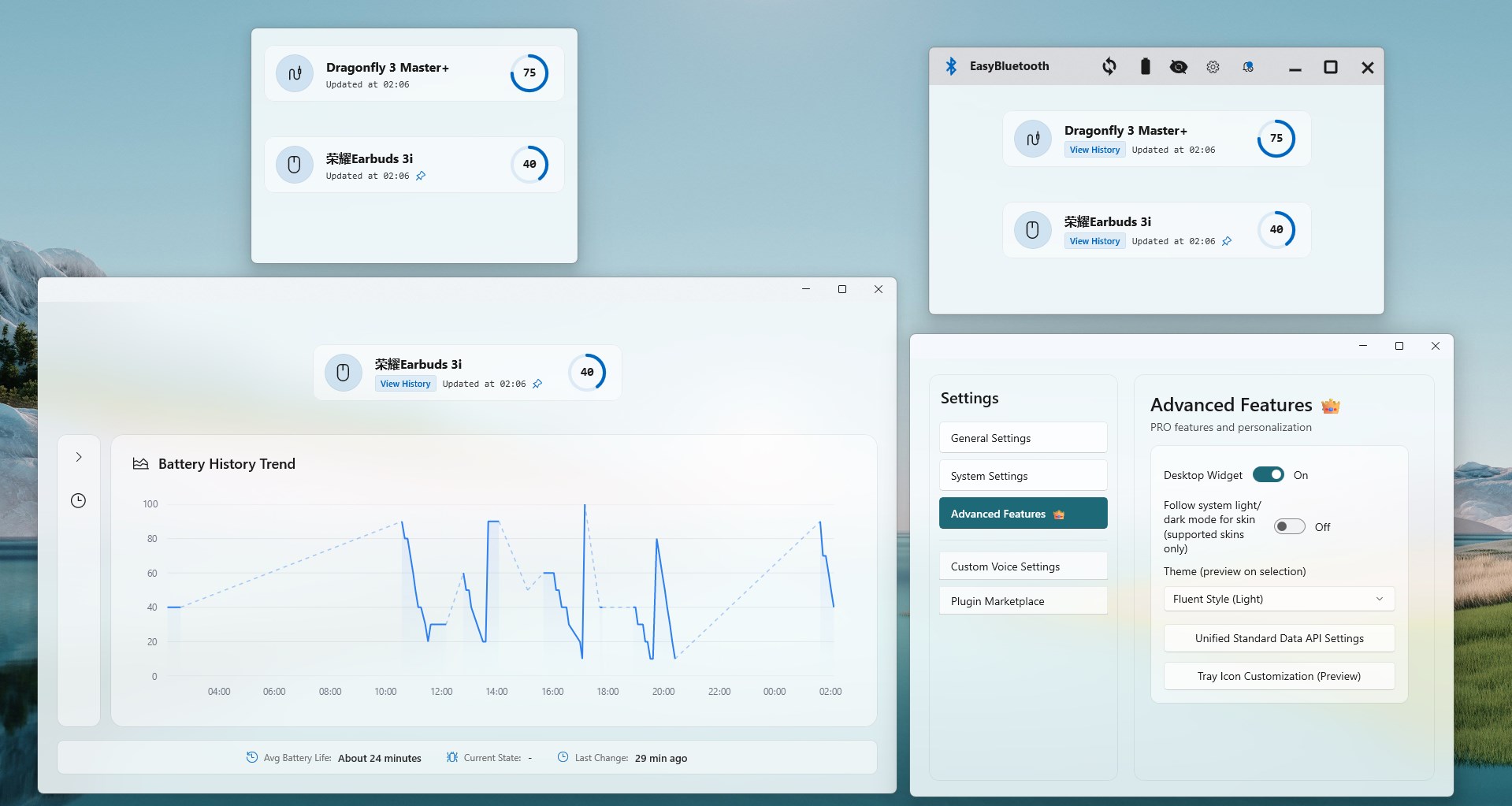
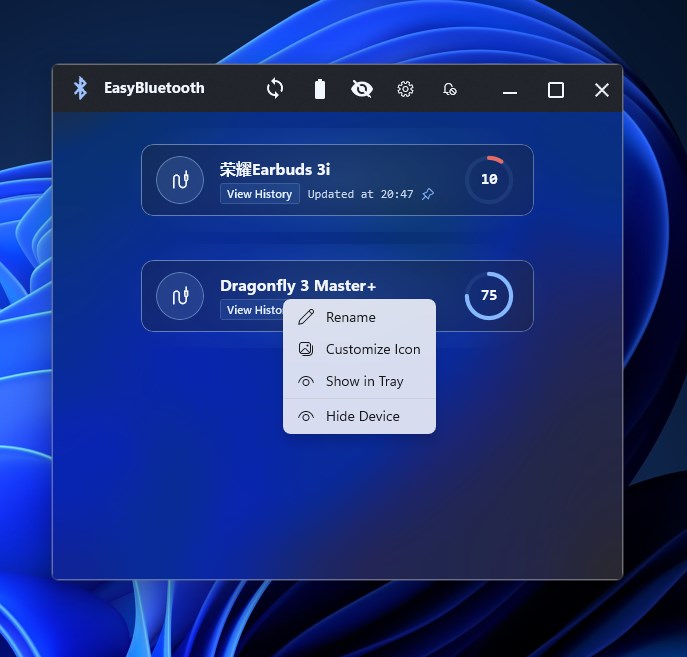
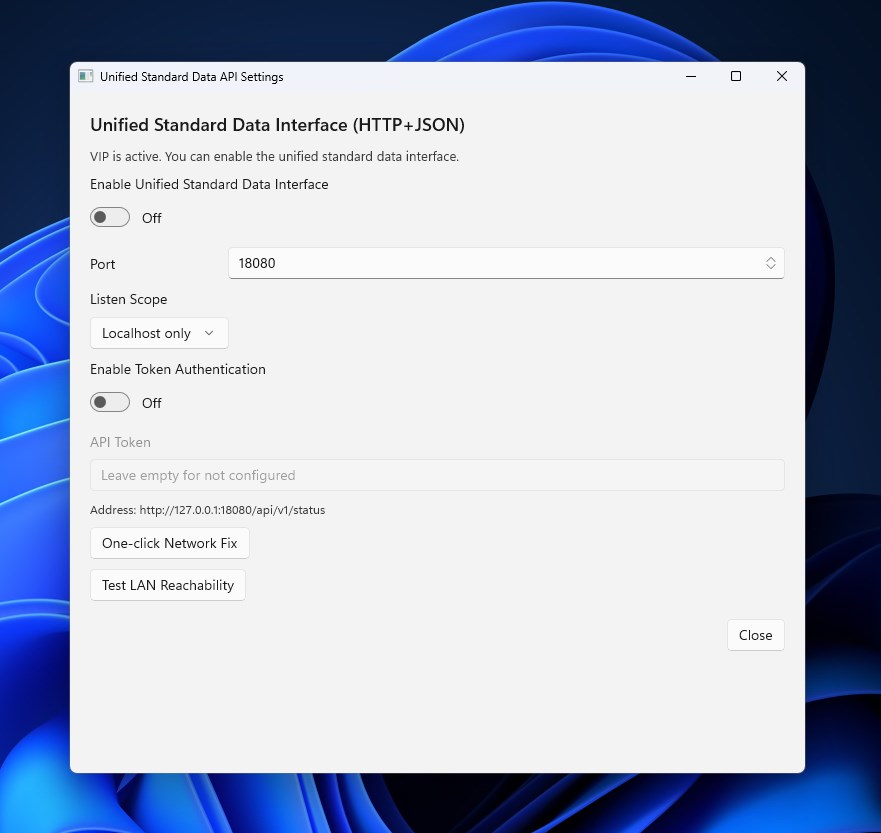
Description: EasyBluetooth is a wireless device assistant designed specifically for the Windows desktop. It helps you intuitively monitor and manage the status of your connected wireless devices—including both 2.4G and Bluetooth peripherals. By focusing on battery levels, connection status, and convenient controls, it makes your daily use completely hassle-free. Simply open the app to automatically refresh device information and clearly view key data directly in your taskbar and system tray. Built with the modern WinUI 3 interface, EasyBluetooth delivers stable performance and rapid startup, making it perfect for running continuously in the background during work or entertainment. The app supports theme switching and previewing to match your personal style. Additionally, it offers a floating Widget (desktop applet) that displays real-time battery and connection status without interrupting your workflow. The app features local logging and optional Toast notifications, ensuring that low-battery alerts reach you promptly but unobtrusively. You can also enable "Run at startup" in the settings, allowing the app to automatically safeguard your device experience as soon as your system boots. In-App Purchases (IAP) Note: Basic features are completely free to use. You can unlock the following through in-app purchases: VIP Membership: Unlocks enhanced features such as the floating Widget, theme packs, and advanced notification strategies. It also includes a unified standard data interface, allowing you to extract and display battery data in any format you desire. VIP benefits are subject to the in-app description and require no additional downloads. Theme previews offer a short-time trial so you can experience them intuitively before purchasing. 2.4G Expansion Pack: Unlocks battery recognition limits for all 2.4G device brands currently supported by the app. Target Audience: Users who frequently rely on peripherals like Bluetooth headsets, keyboards, mice, or drawing tablets. Users who want continuous and convenient feedback on device battery and connection status directly on their desktop. Users who prefer a unified, clean, and high-performance native Windows experience. Currently Supported Devices: Classic Bluetooth and BLE devices. AirPods, XBOX, and PS4/PS5 controllers (including some compatible Chinese-brand gamepads). 2.4G Device Brands Supported: Razer, Logitech, ROG, ATK/VGN, HyperX (headsets), Machenike, and Rapoo. Contact Us: Email: support@easybluetooth.net Website: https://easybluetooth.net/ Discord:https://discord.gg/gZjuRdc6QQ github:https://github.com/xhx123/EasyBluetooth-community
Utilities · Windows · Free