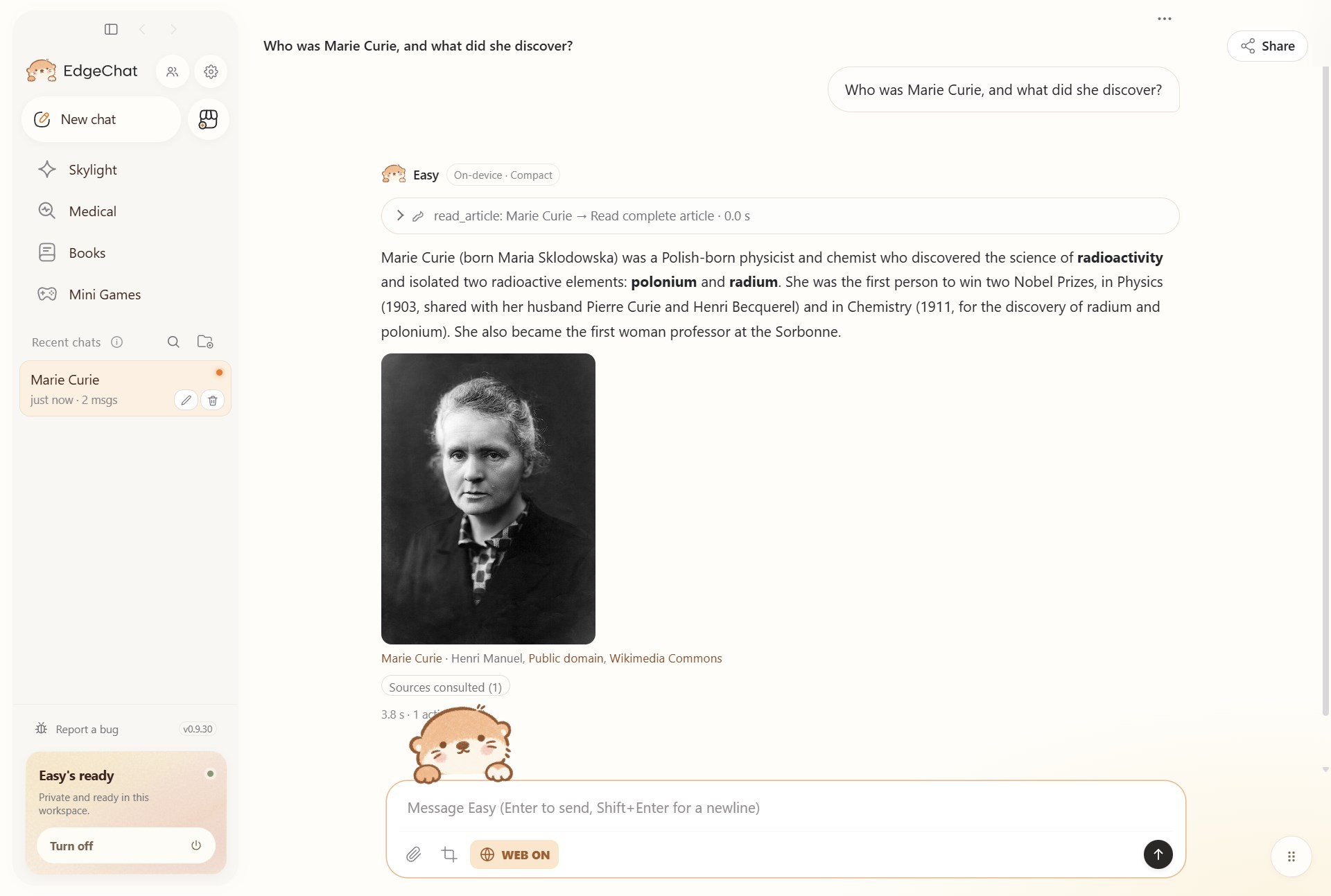
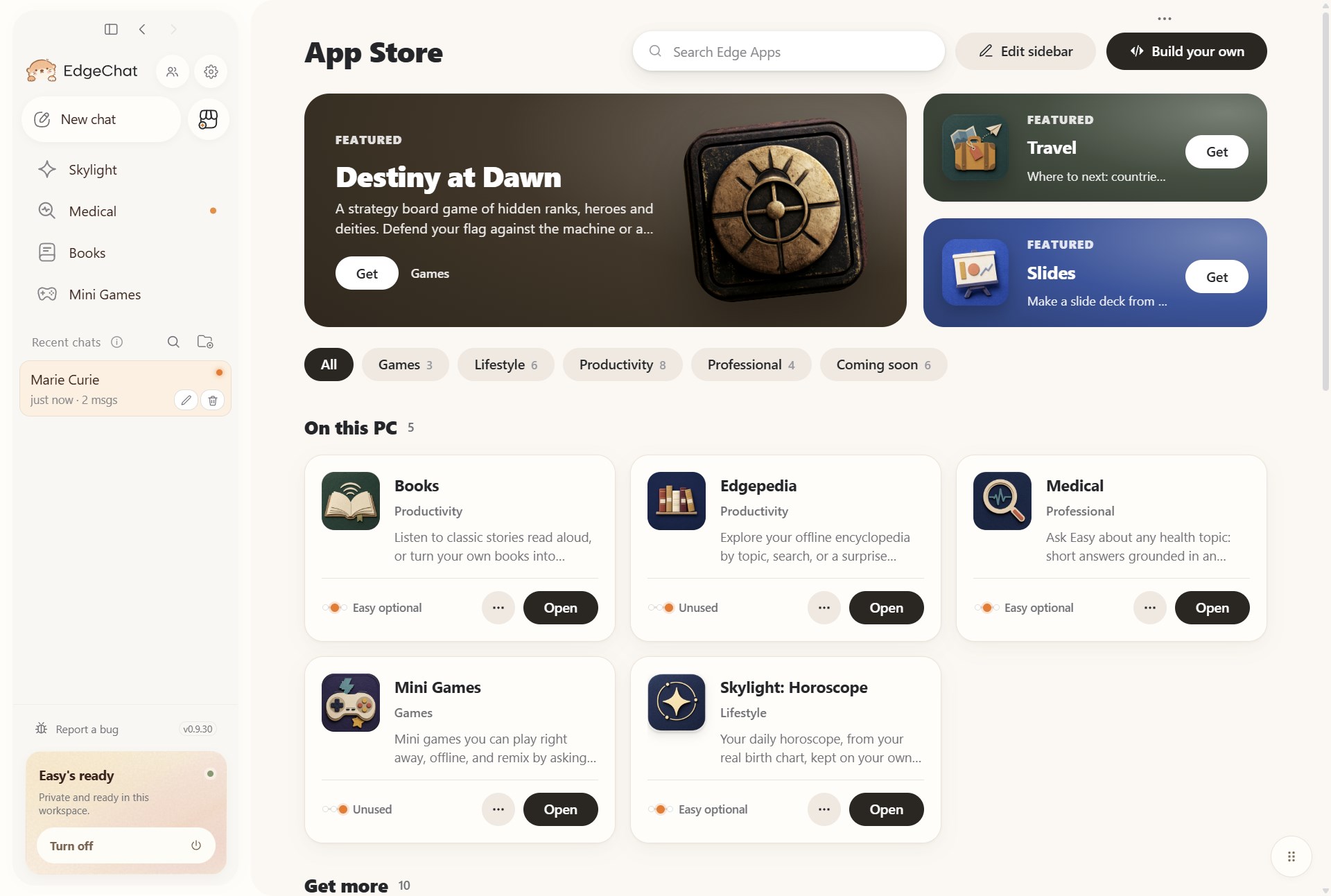
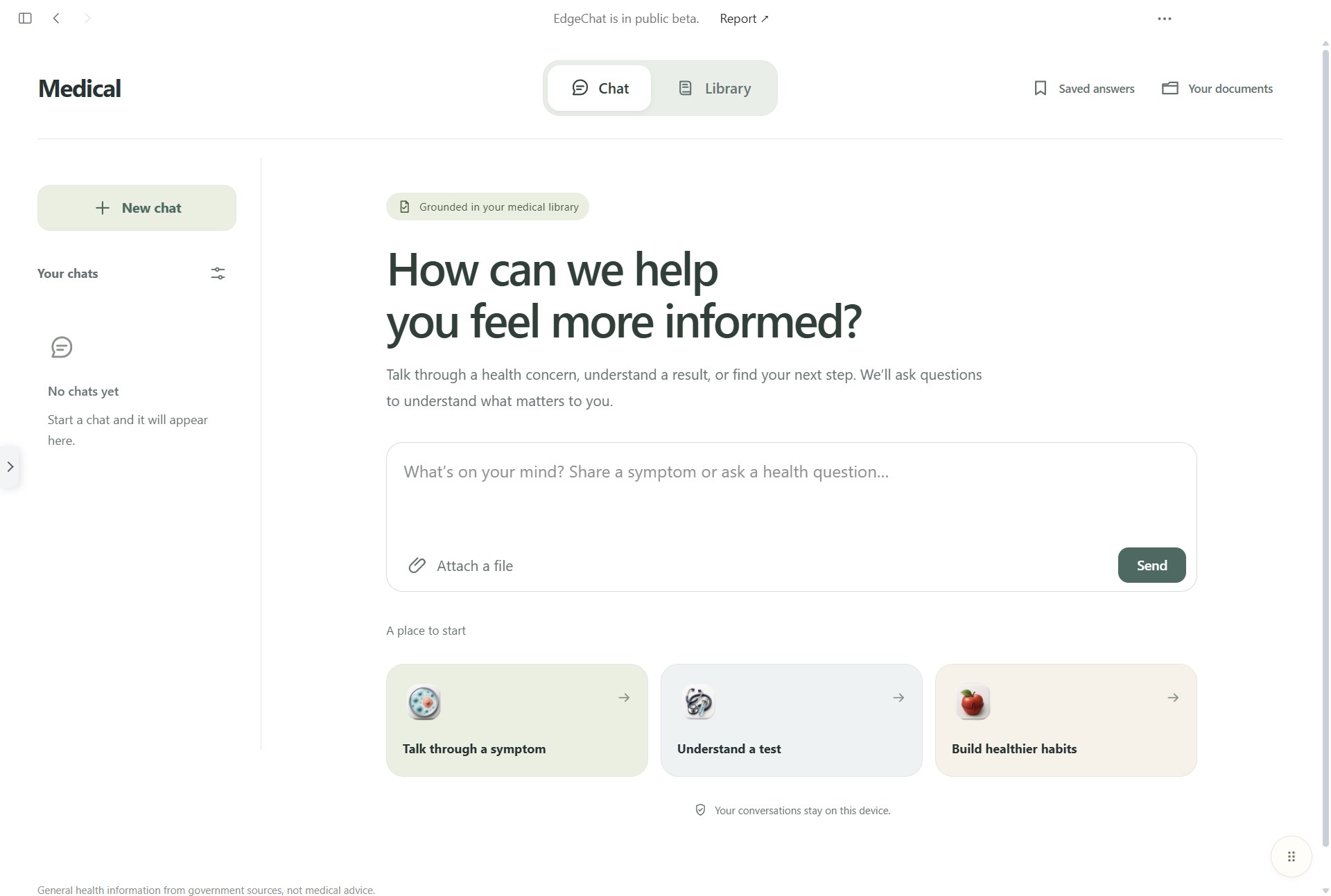
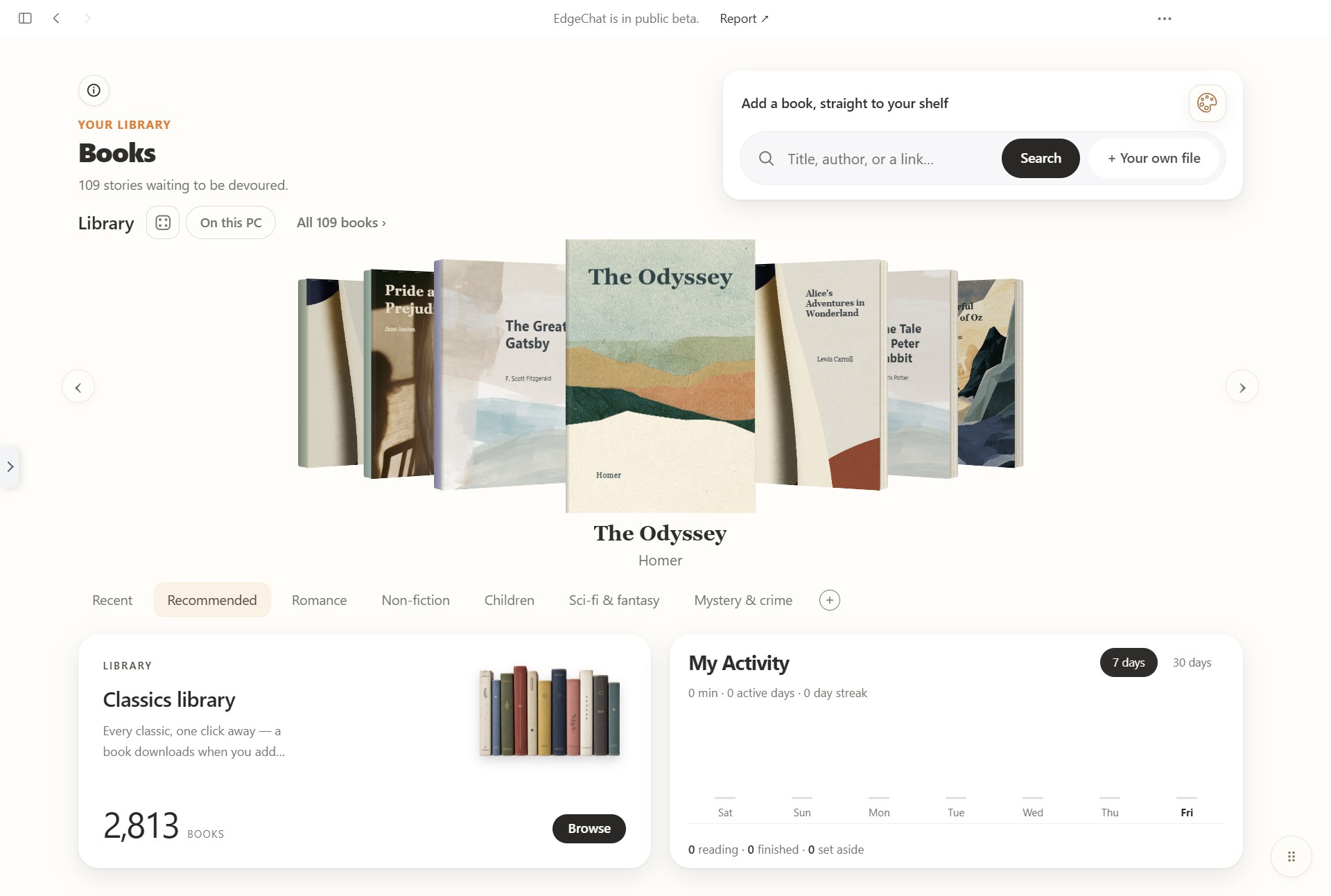
EdgeChat is an AI assistant that runs on your PC: Easy's replies are generated live by an AI model on your own processor, not on a server. Like any AI, Easy can be wrong; check what matters. After you install EdgeChat, it downloads what Easy needs, with progress you can watch and resume: Edgepedia, an offline encyclopedia of 367,000 articles (about 2.0 GB), and then its compact AI model (about 1.6 GB). Once they are in, local chat and offline libraries work without the internet. Optional cloud AI for Medical and Confidant requires an internet connection and your consent. Civilization without the Internet. EdgeChat gives everyone intelligence, knowledge, and apps on their own device. Free. ASK EASY Ask anything. Easy answers from Edgepedia and cites the article she used. Give her a PDF, a Word file, or a spreadsheet, and she reads it on your PC. She remembers what you ask her to remember, and you can see and delete every memory. EdgeChat's screens come in English, Chinese, Spanish, Hindi, and Arabic. EDGE APPS EdgeChat comes with apps that Easy works inside, and you can add more from EdgeChat's own Edge App library with one click. Every downloaded app is signed and verified before it installs. Apps run on your PC; Medical and Confidant also offer optional cloud AI. - Edgepedia: explore the offline encyclopedia by topic, search, or a surprise article. - Medical: explore an offline medical library, with sources one tap away and optional cloud AI. Not medical advice. - Confidant: reflective conversations with optional cloud AI. - Translator: translate text between languages. - Books: a library of classic stories to read on your PC. - Mini Games: games you can play right away, offline. - Skylight: your daily horoscope from your real birth chart. - In the Edge App library inside EdgeChat: Legal (assess legal situations and draft demand letters from your private documents, offline; not legal advice), Slides (a slide deck from a few lines), Chef (recipes and cooking answers from an offline library), Ergo Adventure and Destiny at Dawn (strategy board games), MovieCritic, Wine, Travel, SlopDetector (checks writing for filler, unclear phrasing, and typos), and OcuPathIF Lite (pathology image maps). PRIVATE BY DESIGN Local chat, documents, photos, and memories are stored on your PC. If you choose cloud AI in Medical or Confidant, the request content is sent to the cloud service after the app explains the service and asks for your consent. In main chat, Easy can search the web when Web access is on. Web access starts on; you can switch it off at setup, in any chat, or for good in Settings. EdgeChat sends anonymous usage counts, such as how often each app is opened, never what you type or which files you use. Ultra-Private Mode stops them, and takes EdgeChat off the internet entirely. There is no account and no sign-in. MADE FOR ORDINARY PCS EdgeChat starts with a compact AI model built for laptops with 8 GB of memory and integrated graphics, and uses your graphics card when it helps. Larger models are optional downloads for stronger PCs. If an answer is wrong or inappropriate, press "Report" under it and choose "Bug" or "Inappropriate or harmful answer": the report goes to the EdgeChat team with that answer attached, and you see exactly what is sent before you send it.
Productivity · Windows, iPhone, iPad, Android · Free