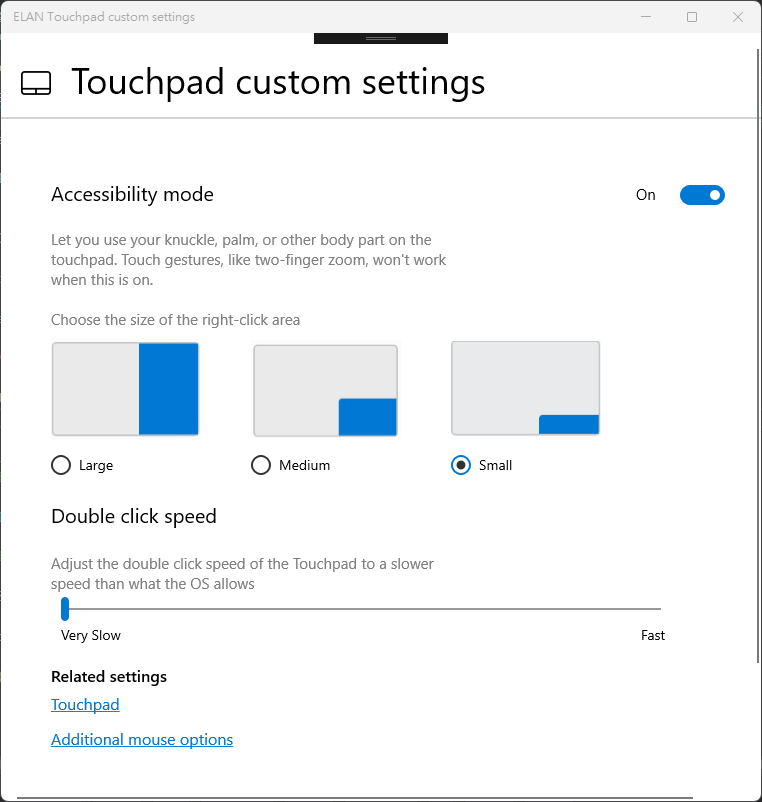
Elan Touchpad custom settings Control Panel Empowering users with customizable touchpad settings, this app enhances accessibility and usability. Key features include: Accessibility Mode Toggle: Enable or disable accessibility-specific configurations easily. Right-Click Zone Adjustment: Personalize the touchpad's right-click area size with options for Small, Medium, and Large. Double-Click Speed Configuration: Adjust double-click speed for improved interaction and precision. Designed for seamless integration, the app ensures a tailored and user-friendly touchpad experience. * PC with ELAN Touchpad driver required.
Utilities · Windows · Free