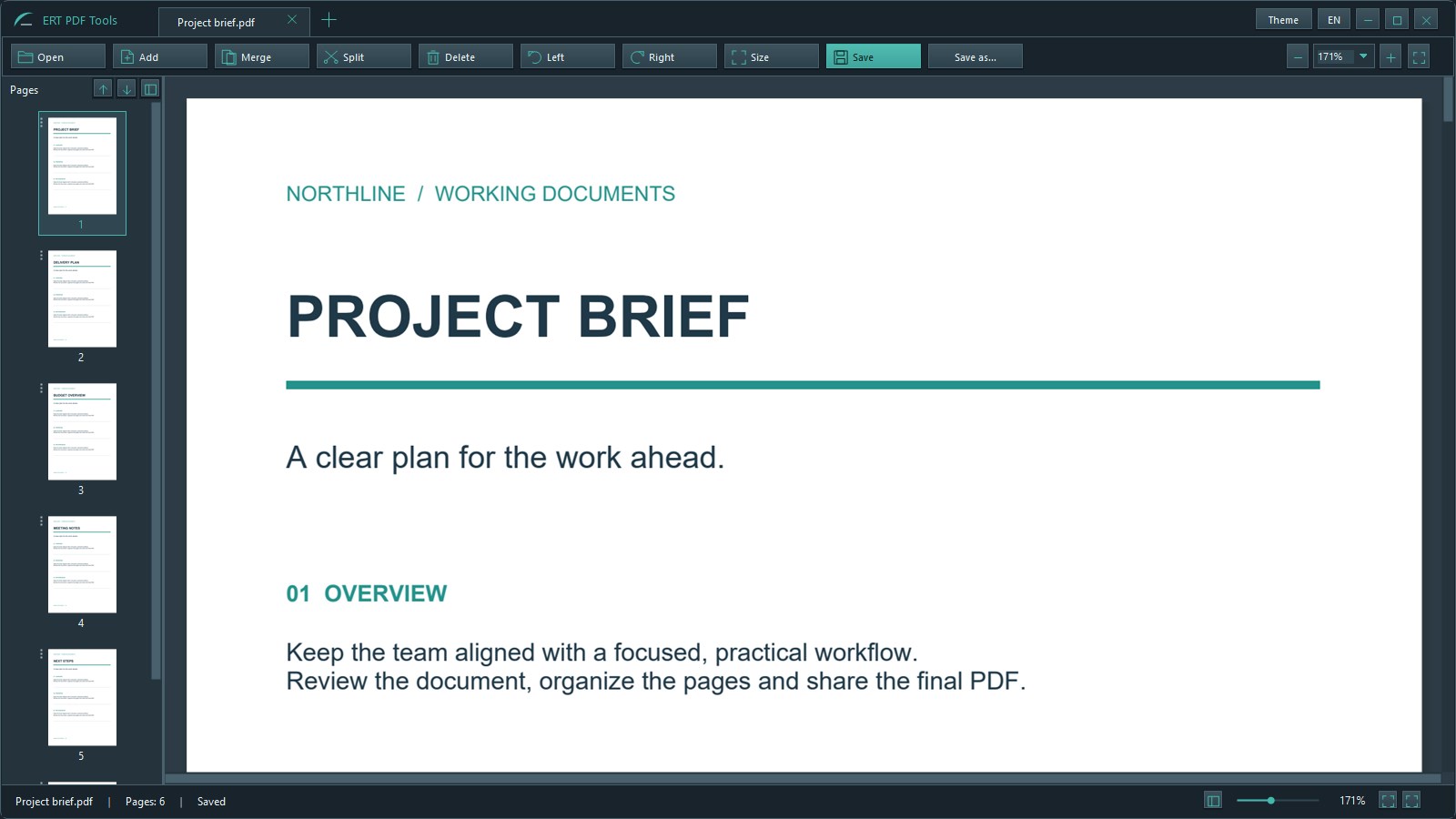
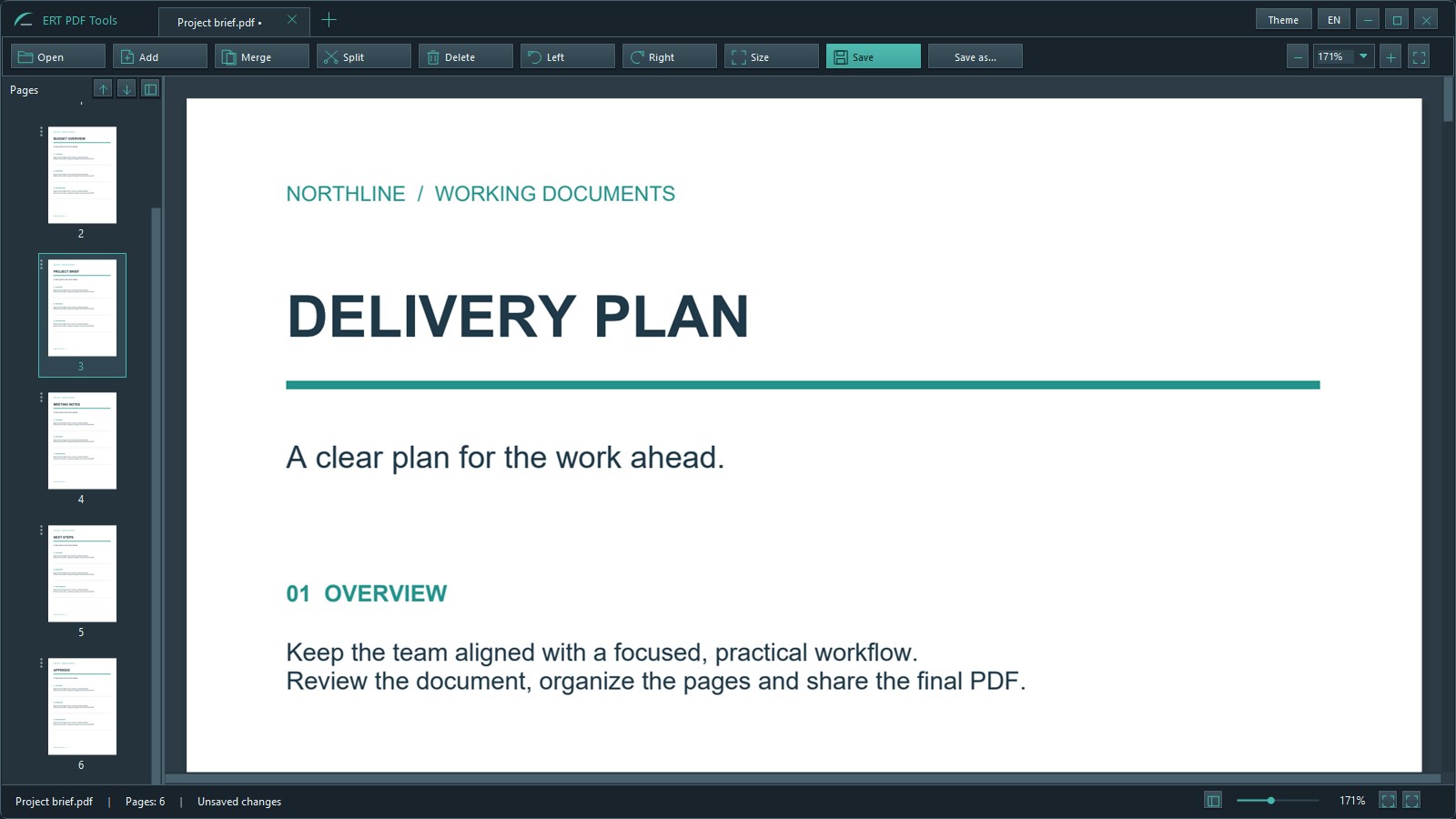
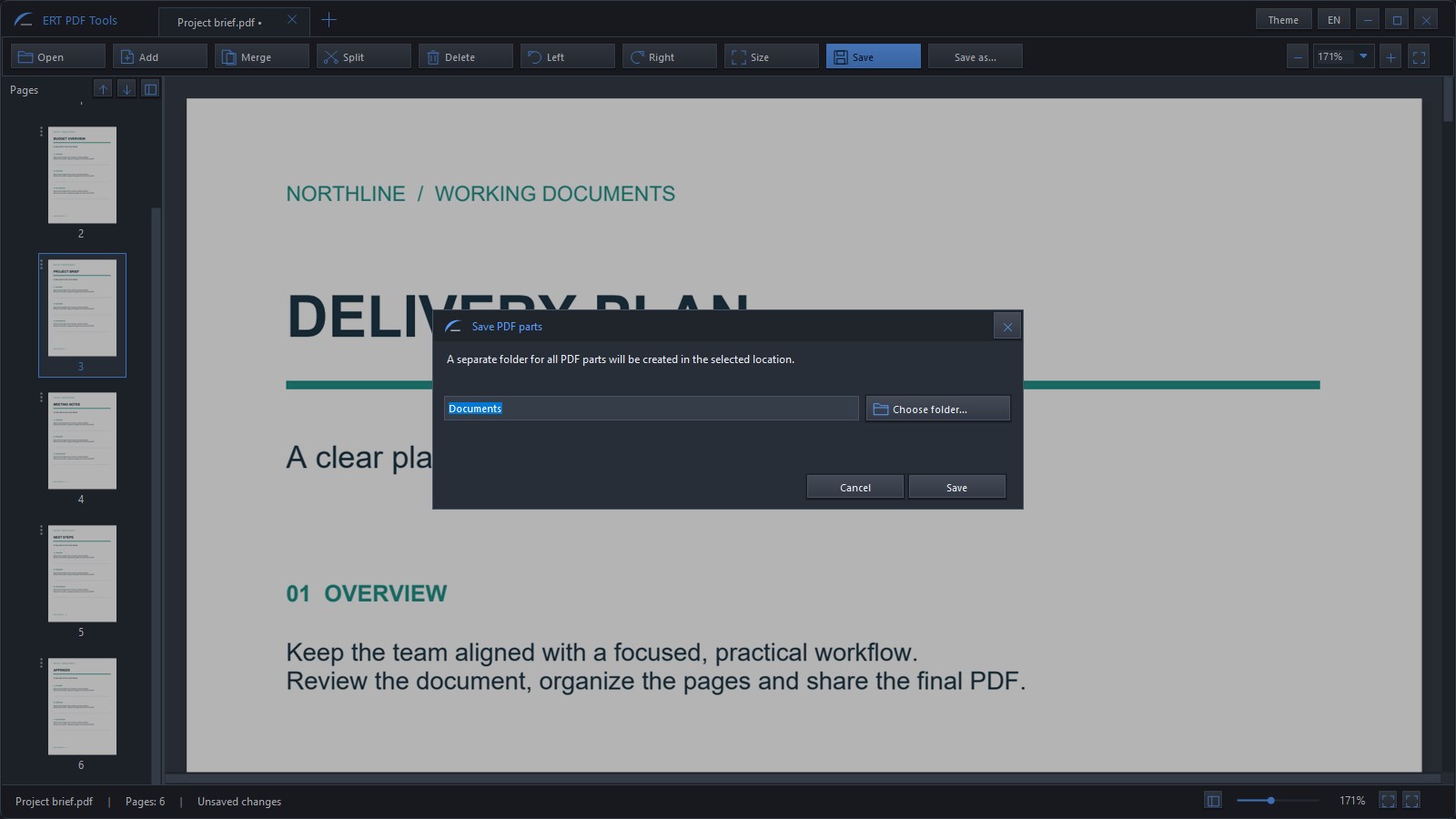
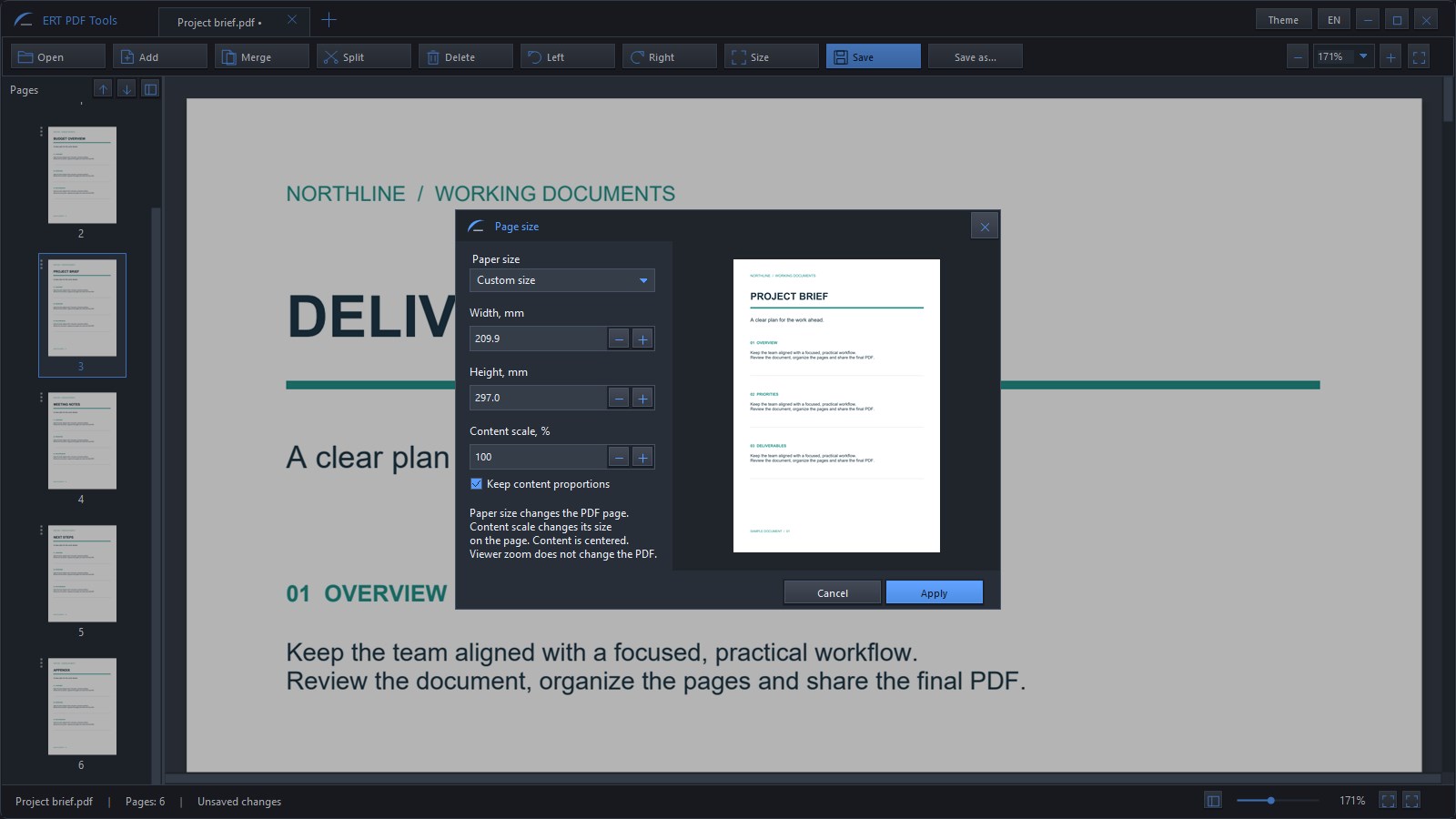
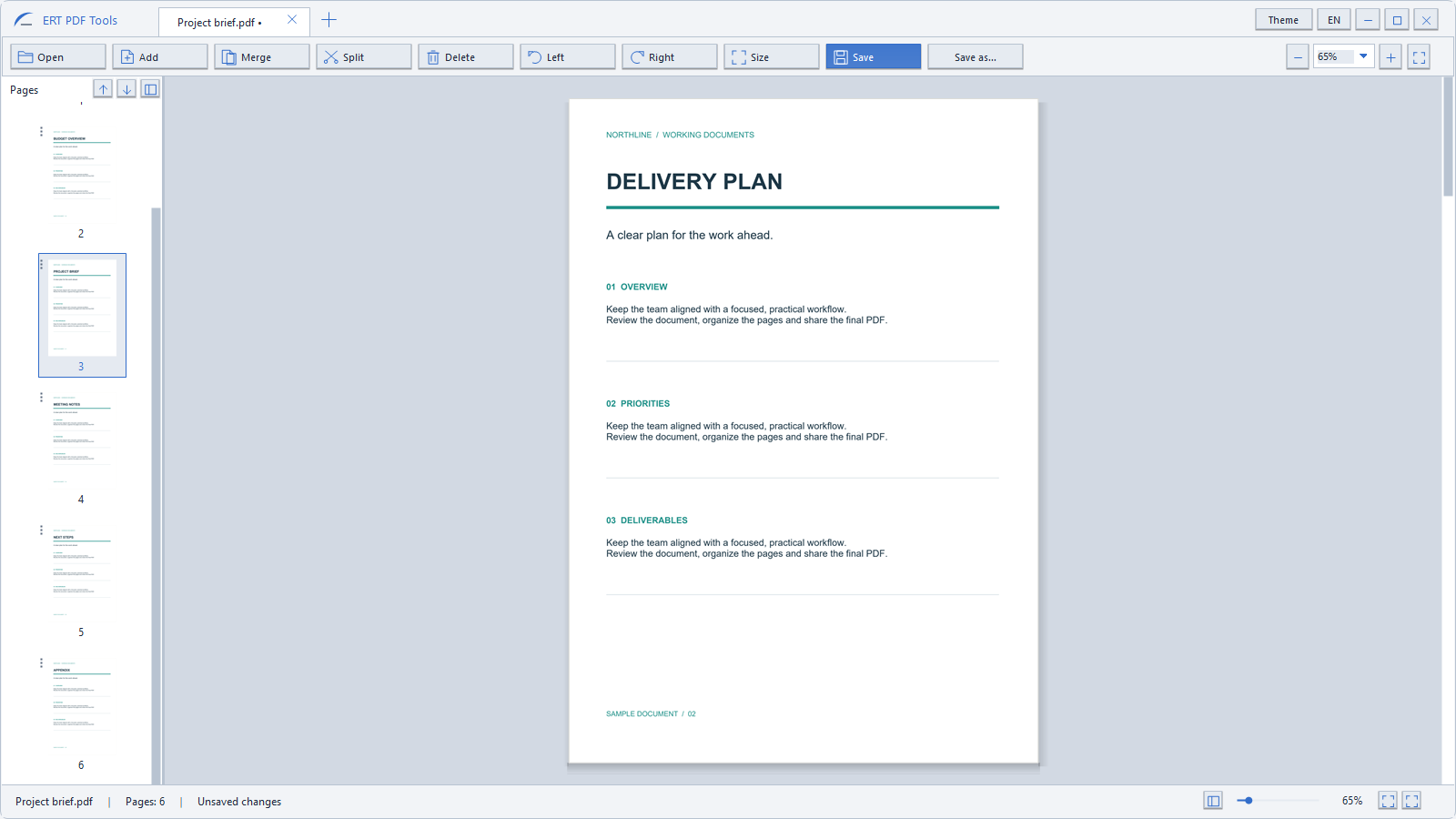
ERT PDF Tools — Merge & Split Merge PDFs, put pages in the right order, and keep only what you need. ERT brings document viewing and practical page tools into one Windows workspace. Drag page thumbnails to change the order. Rotate pages, remove unwanted sheets, and combine documents. Work with multiple files in tabs and open PDFs directly from Windows File Explorer. Need separate files? Split a PDF into individual pages, selected pages, or page ranges. Choose where to save them; the results are kept together in a new folder. Adjust paper size and content scale with a preview when your pages need a different format. Bring supported Word documents, spreadsheets, presentations, images, and text files into your PDF workflow. Document processing takes place locally on your computer. Conversion layout may vary depending on the original file and installed fonts. Choose from five interface themes and switch between English, Ukrainian, and Russian. ERT focuses on viewing, converting, and organizing document pages. It does not include editing existing text or images inside a PDF, OCR, electronic signatures, or cloud storage. A free 7-day trial is available through Microsoft Store. Purchase the full version to continue using ERT after the trial. Check Microsoft Store for current pricing and trial terms.
Business · Windows · $2.49