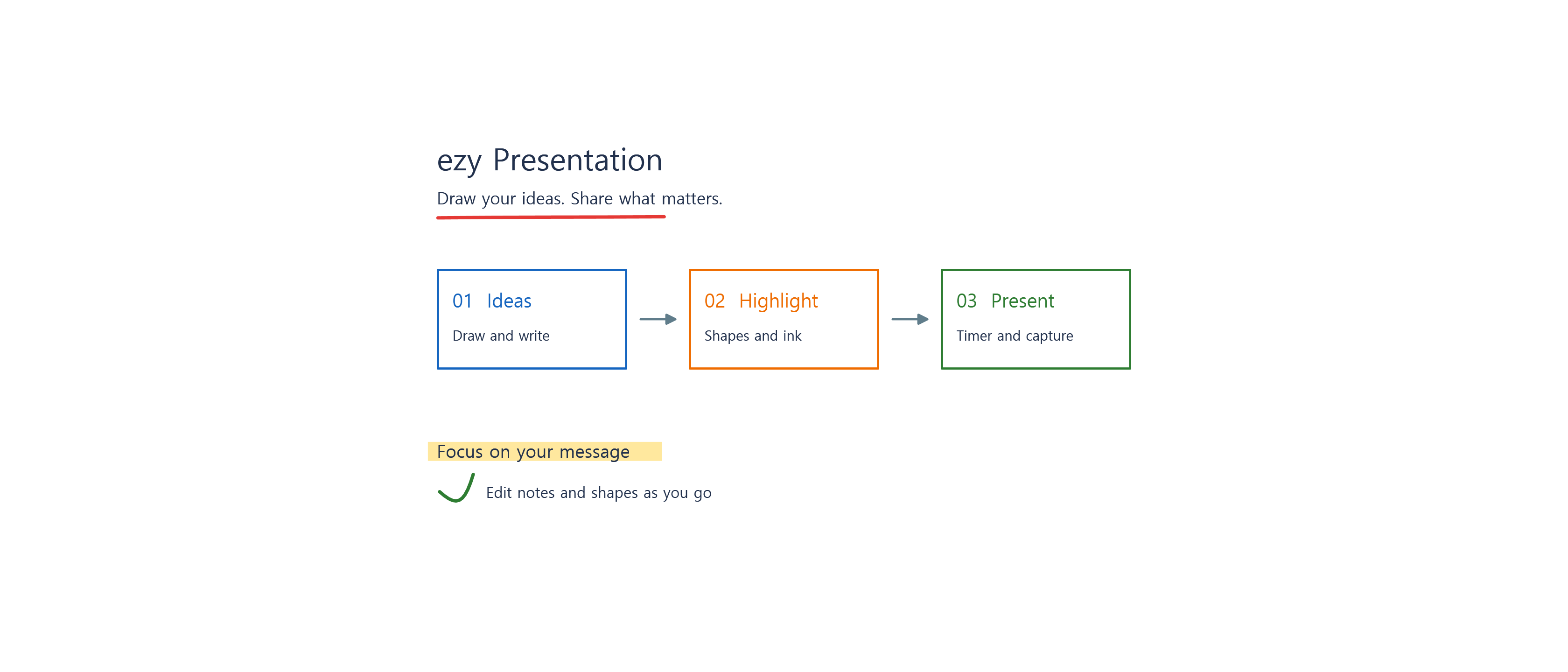
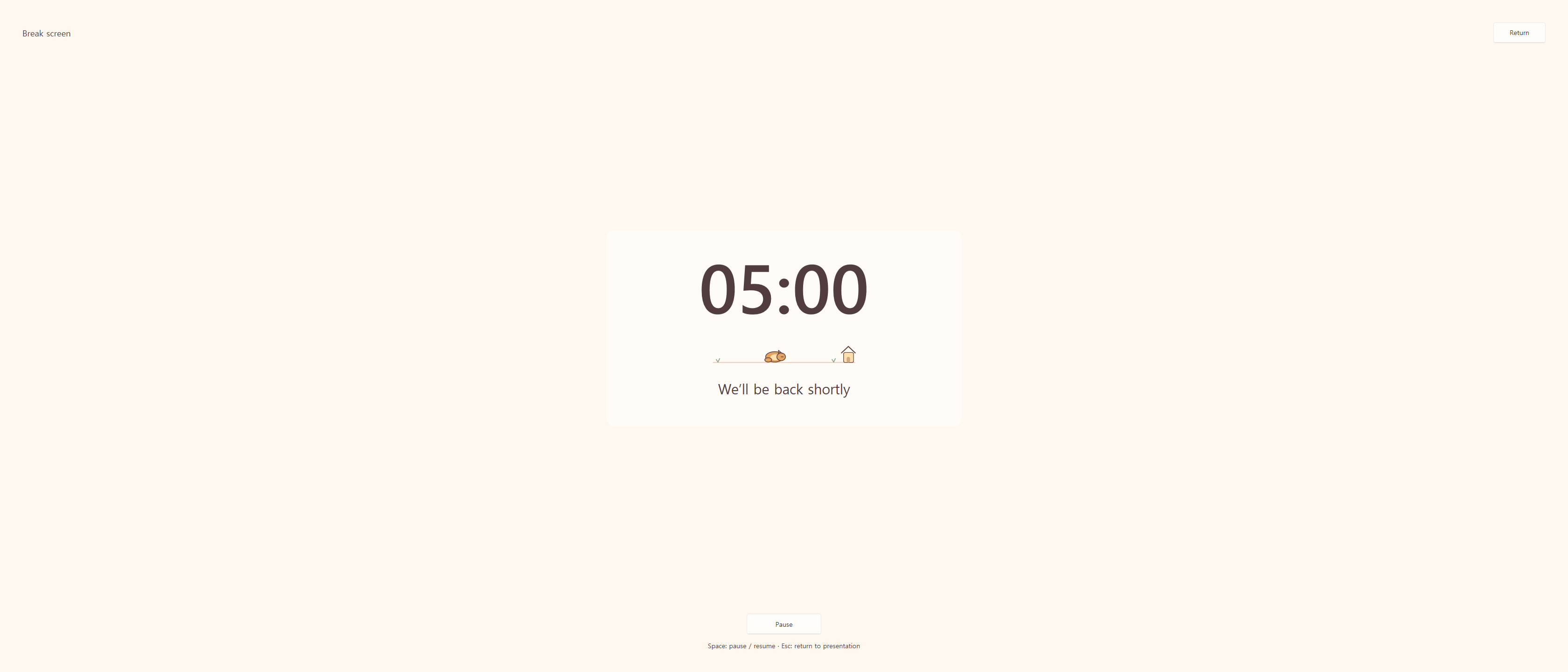
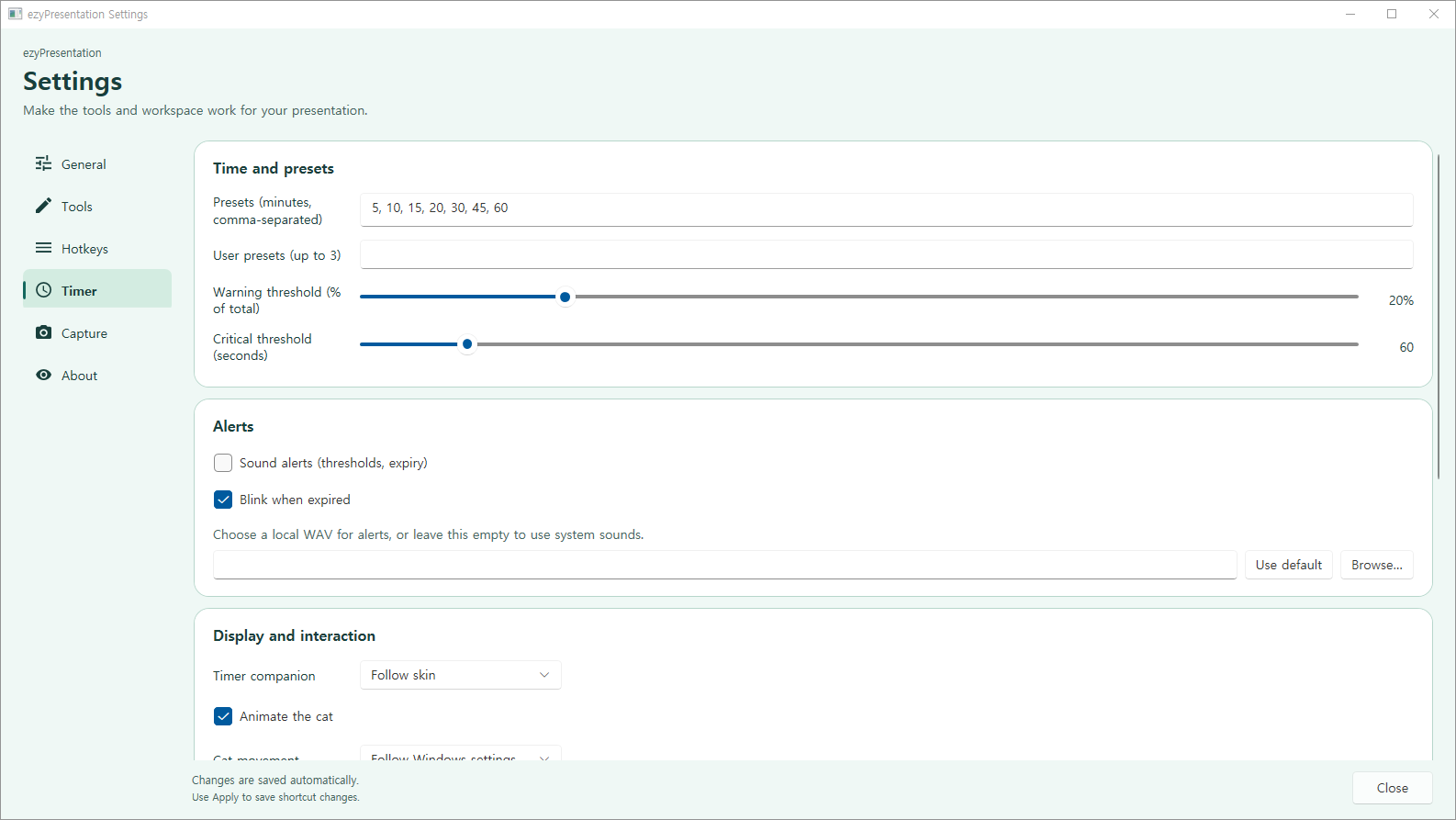
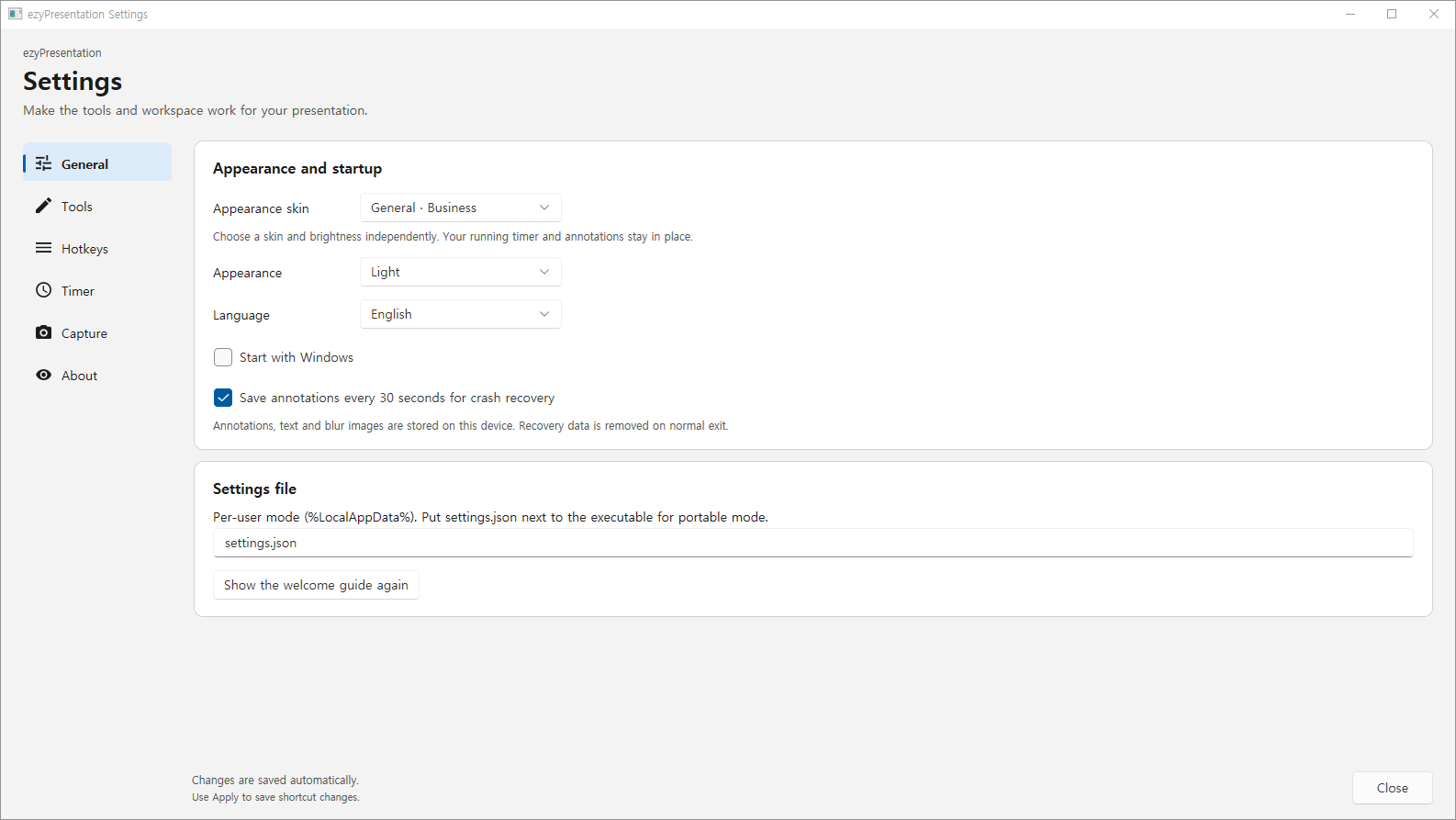
ezy Presentation helps you present, teach, and demonstrate on Windows. Draw over your screen, highlight details, zoom in on a still view, and keep track of your presentation time. Use the floating toolbar or keyboard shortcuts to reach your tools. Choose from four toolbar and tool-options sizes. Level 1 is the smallest, level 4 is the largest, and level 3 keeps the original size. Changes apply immediately and are saved automatically. Explain your ideas with pens, highlighters, shapes, arrows, and text. Select annotations to move or resize them. Use whiteboard and blackboard modes, undo and redo, and cursor highlighting. Number keys provide quick tool selection while drawing. Point at the screen or draw temporary trails with the laser pointer. Clear a whole stroke or its oldest parts after a chosen delay, with smooth fading, palette or rainbow colors, size, contrast outlines, and click highlighting. Choose whether to include the laser in screenshots and recordings independently. Manage your session with a countdown, count-up timer, clock, and full-screen break view. Adjust the timer's size, display, colors, and sounds. Choose Business, School, or Home styles with light and dark themes. Save screenshots or selected regions as PNG files, or copy them to the clipboard. Record a monitor, region, or window as MP4 or GIF. Extract text from a selected area with Windows local OCR, stitch manually scrolled captures, and use DemoType to type prepared text into another app during a demonstration. The interface supports Korean and English. No app account is required. The app does not transmit screen, OCR, or DemoType content to developer servers. Settings, diagnostic logs, and enabled annotation recovery data are stored on your device. Sharing of copied content and saved files depends on Windows and the apps or folders you choose. Requirements and limits: Designed for Windows 11 x64 PCs with a mouse and keyboard. Recordings contain video only; microphone and system audio are not recorded. OCR requires Windows OCR support for the selected language. Zoom uses a still screen image. LiveZoom/LiveDraw features that require Windows UIAccess are not included in this Store edition's supported features. Protected content and screens restricted by Windows may not be captured.
Productivity · Windows · Free