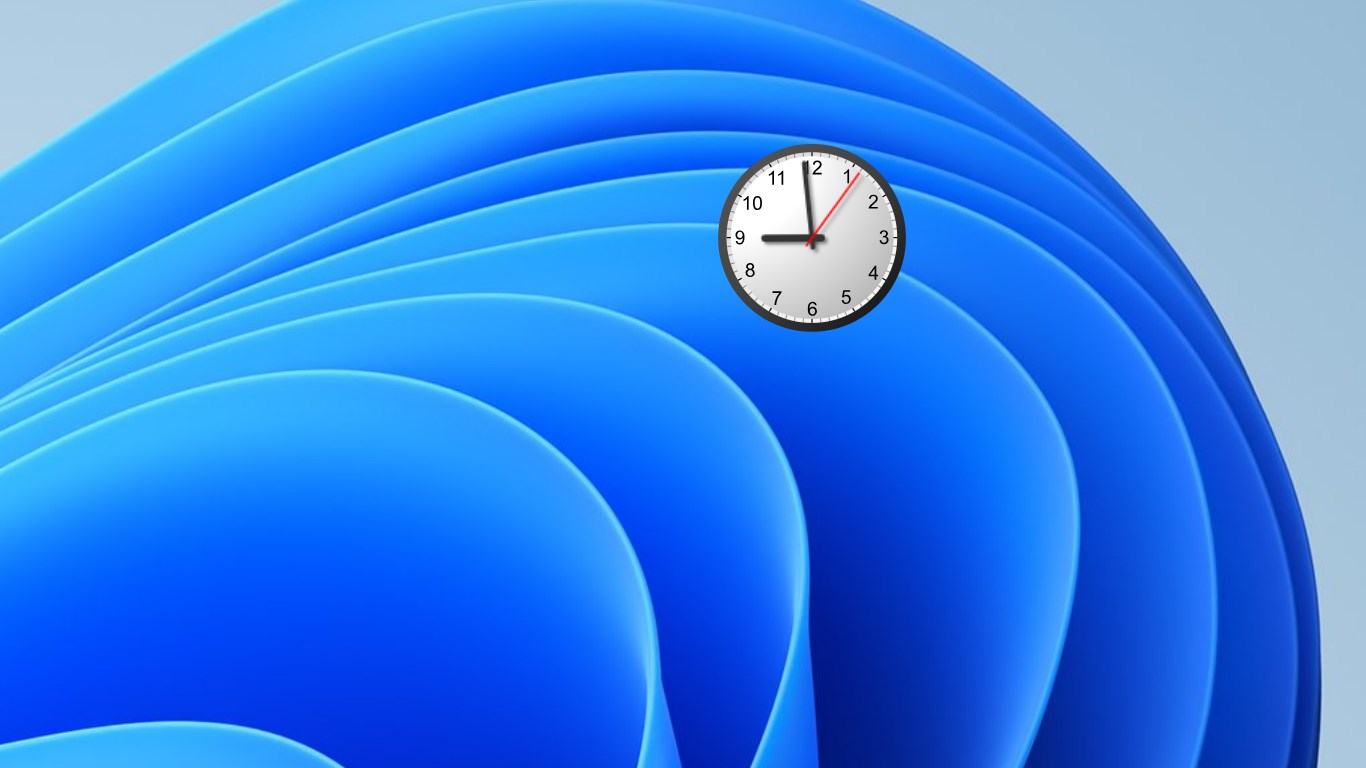
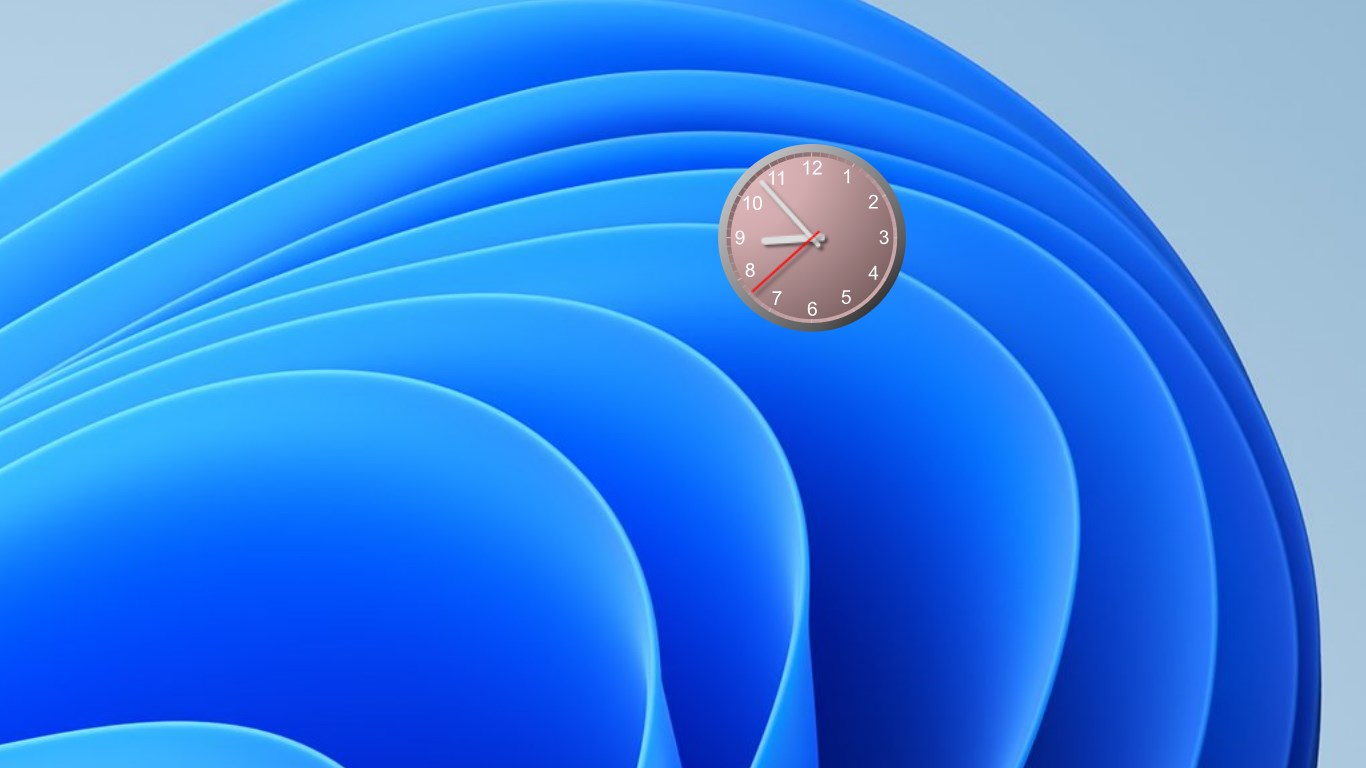
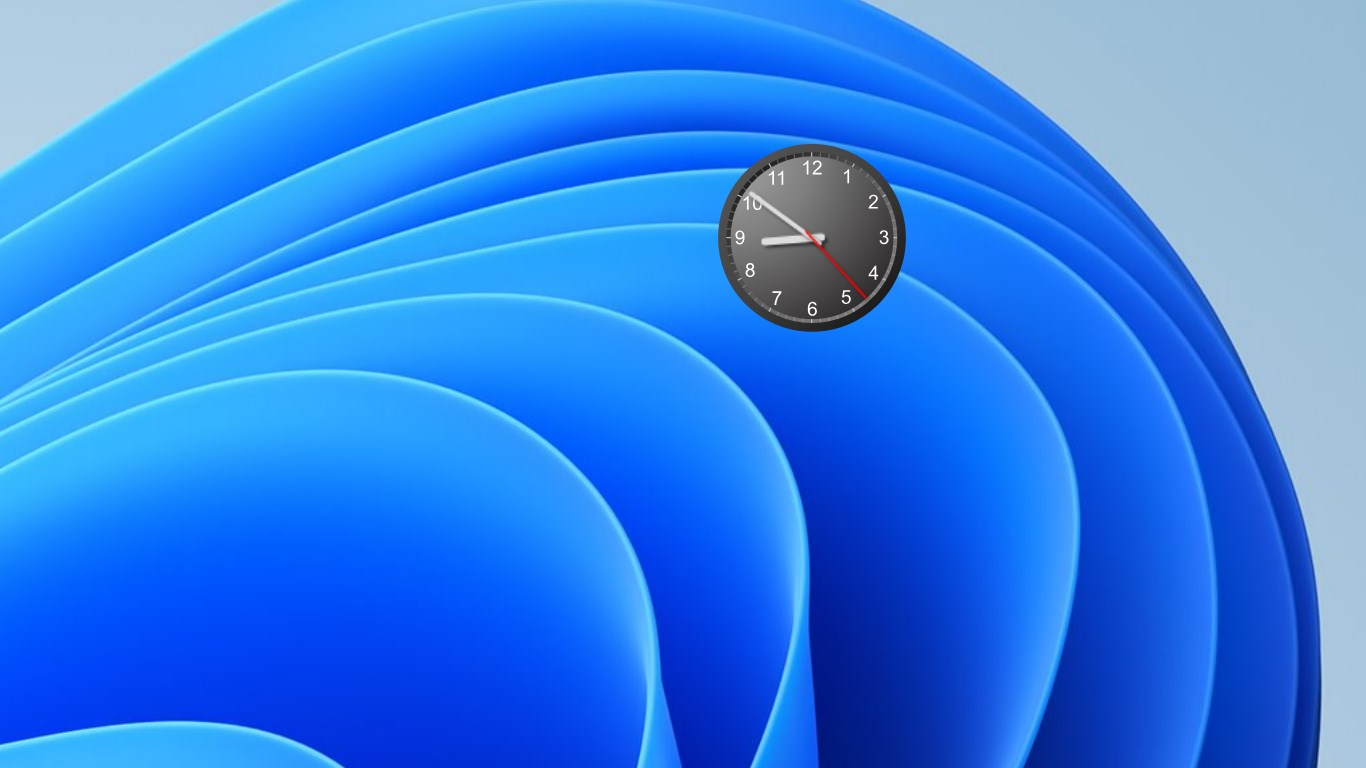
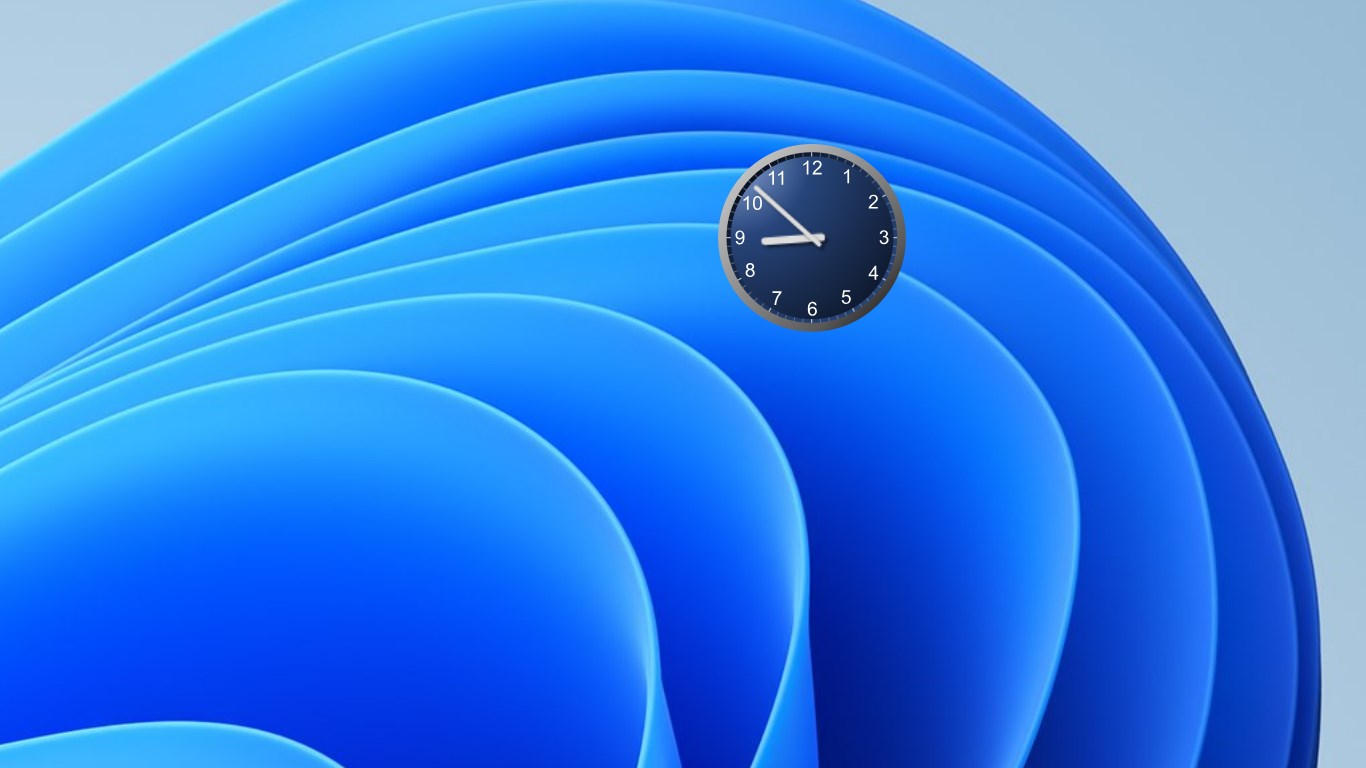
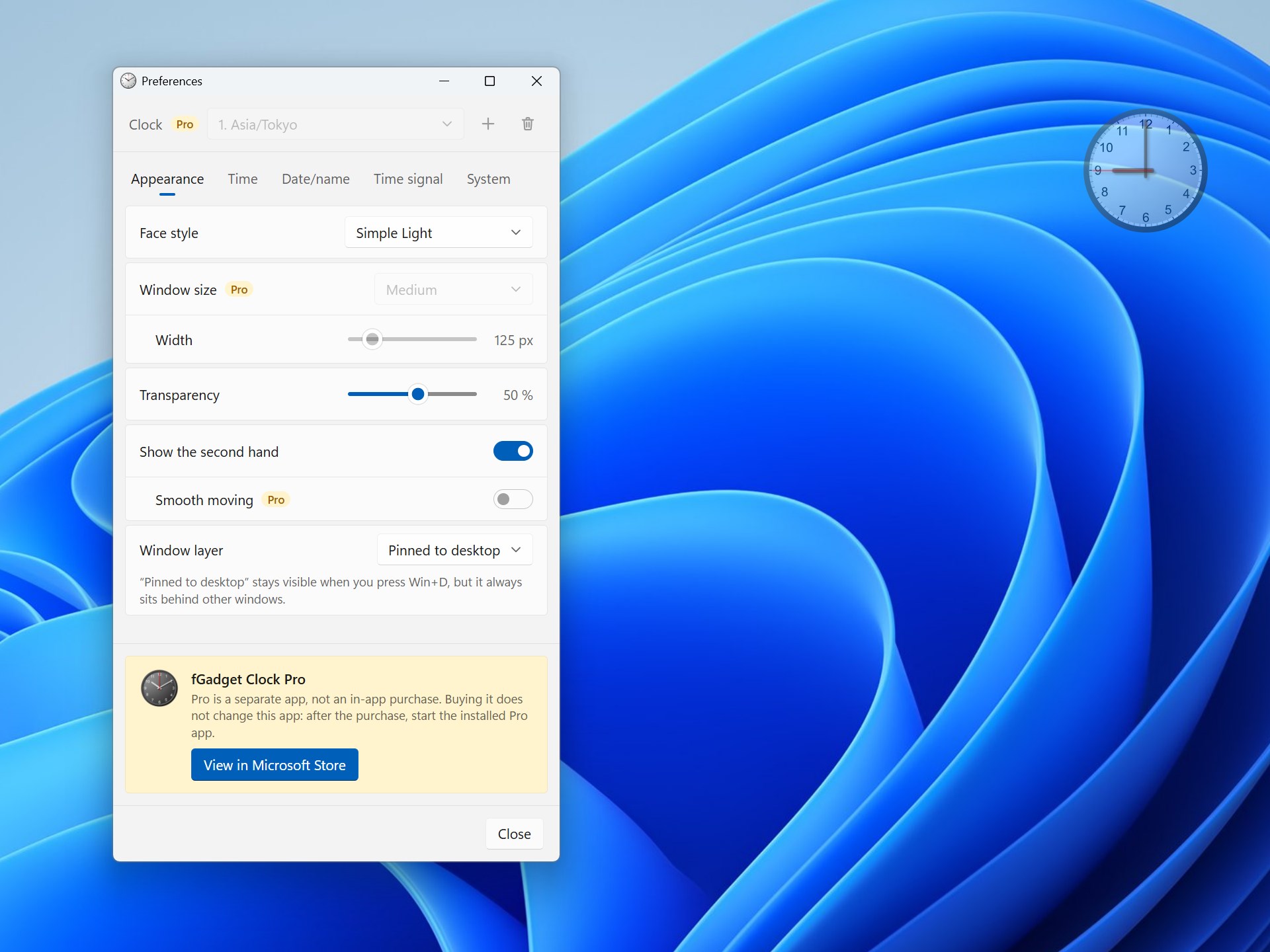
A clean analog clock that lives on your desktop. Free, tiny, and always where you left it. fGadget Clock Lite brings back the desktop clock gadget, rebuilt for Windows 11 and Windows 10. There is no window to open and no taskbar button: just a round dial with hour, minute and second hands. Drag it to any corner of any monitor, and it will be waiting there every time you sign in. FOUR FACES Simple Light, Simple Dark, Simple Navy and Simple Pink. Pick the one that settles into your wallpaper, or the one that stands out against it. MAKE IT YOURS Turn the transparency up to 90% and the clock fades into your wallpaper instead of covering it. Hide the second hand for a calmer dial. IN VIEW, NEVER IN THE WAY Choose how the clock sits among your windows: • Pinned to desktop: the clock stays visible when you press Win+D to show the desktop, and it always stays behind your other windows, so it never covers your work. • Always on top: the clock floats above everything, handy during a presentation or a video call. • Normal: the clock behaves like any other window. QUIET AND EASY • Starts with Windows. Turn it off anytime in Preferences or in Windows Settings > Apps > Startup. • Hover over the clock for four small buttons: About, Preferences, Minimize and Close. Or right-click it for a menu. • Ctrl+P opens Preferences, and Ctrl+Q quits. • Launch it twice and you still get one clock: the second launch just brings the first back into view. • Remembers where you left it. SPEAKS YOUR LANGUAGE English, Japanese, German, Spanish, French, Korean, Portuguese, Simplified Chinese and Traditional Chinese. The app follows your Windows display language on first launch, and you can switch anytime in Preferences. The Preferences window is designed in the Windows 11 style and turns dark with your system theme. SMALL AND PRIVATE The whole download is under 4 MB. Everything runs on your PC: no account, no ads, no tracking, and no internet connection needed. The time comes from your PC's clock, and your settings stay in a file on your PC. GOOD TO KNOW • Lite shows one clock at one fixed size, in your Windows time zone. The second hand ticks once a second. • Settings marked "Pro" in Preferences belong to fGadget Clock Pro. They are shown so you can see what Pro offers, and cannot be turned on in Lite. WANT MORE CLOCKS? TRY fGadget Clock PRO fGadget Clock Pro is a separate app with its own page in the Microsoft Store. It is not an in-app purchase or an upgrade: buying it does not change this app. Install Pro, then quit and uninstall Lite. Pro adds: • Up to 8 clocks, each in its own time zone: a world clock right on your desktop • All 13 faces, including warm wood-grain and soft pastel designs • Any size from 64 to 512 pixels • A smoothly sweeping second hand • The date, the day of the week and a place name on the dial • Hourly chimes with seven sounds, from Westminster chimes to a cuckoo clock
Productivity · Windows · Free
Rating: 3.4 out of 5, based on 21 user ratings.