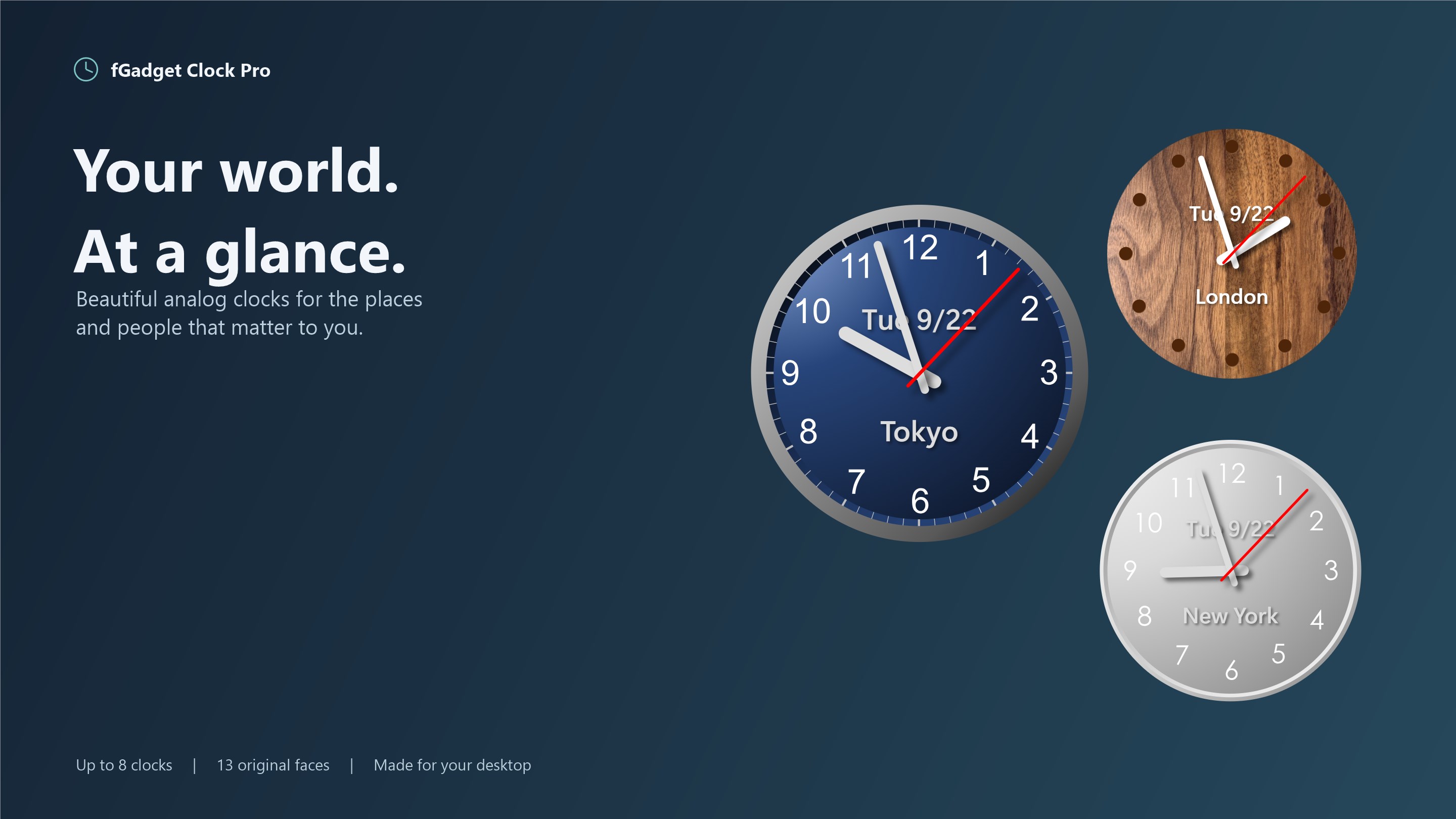
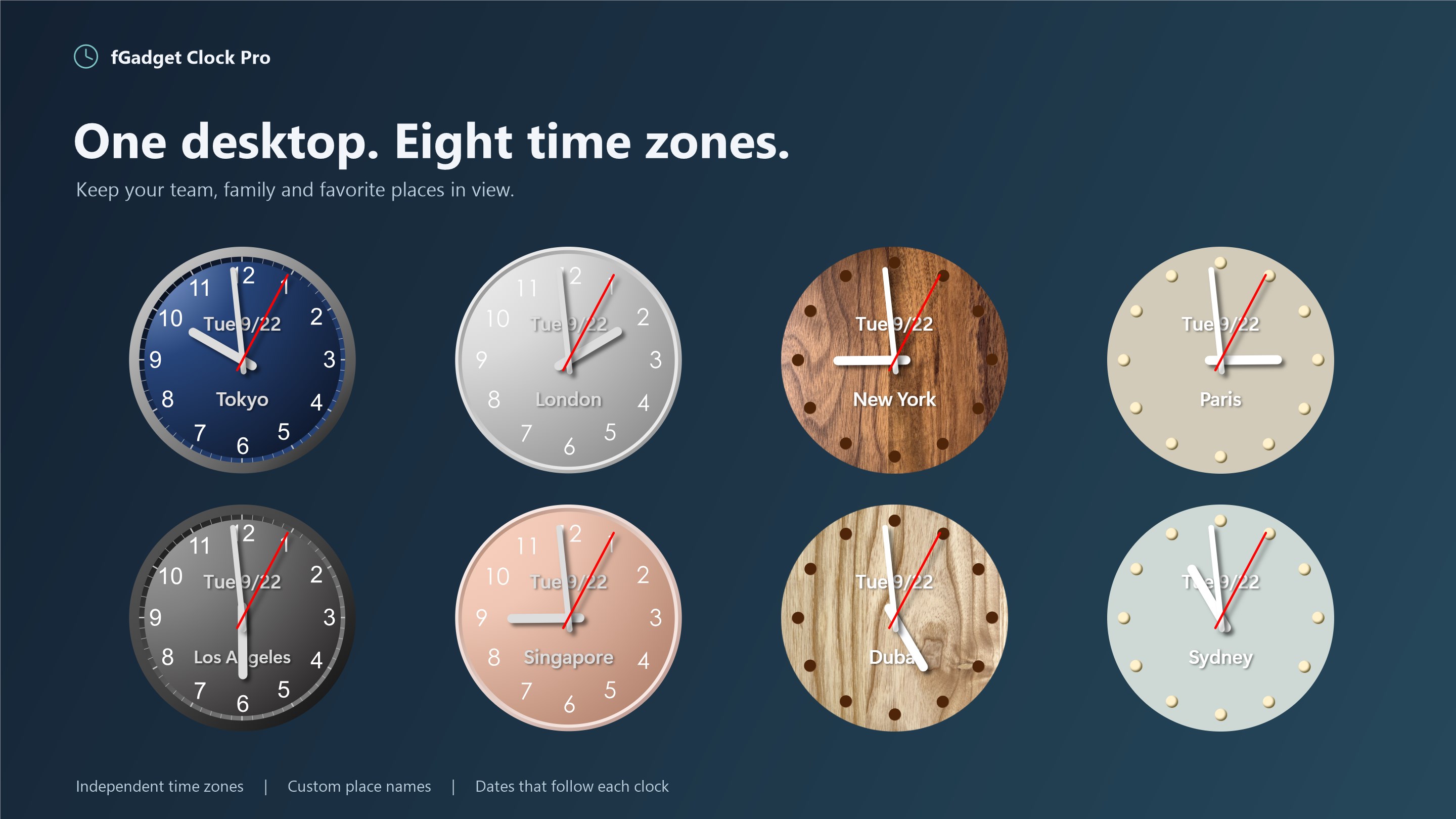
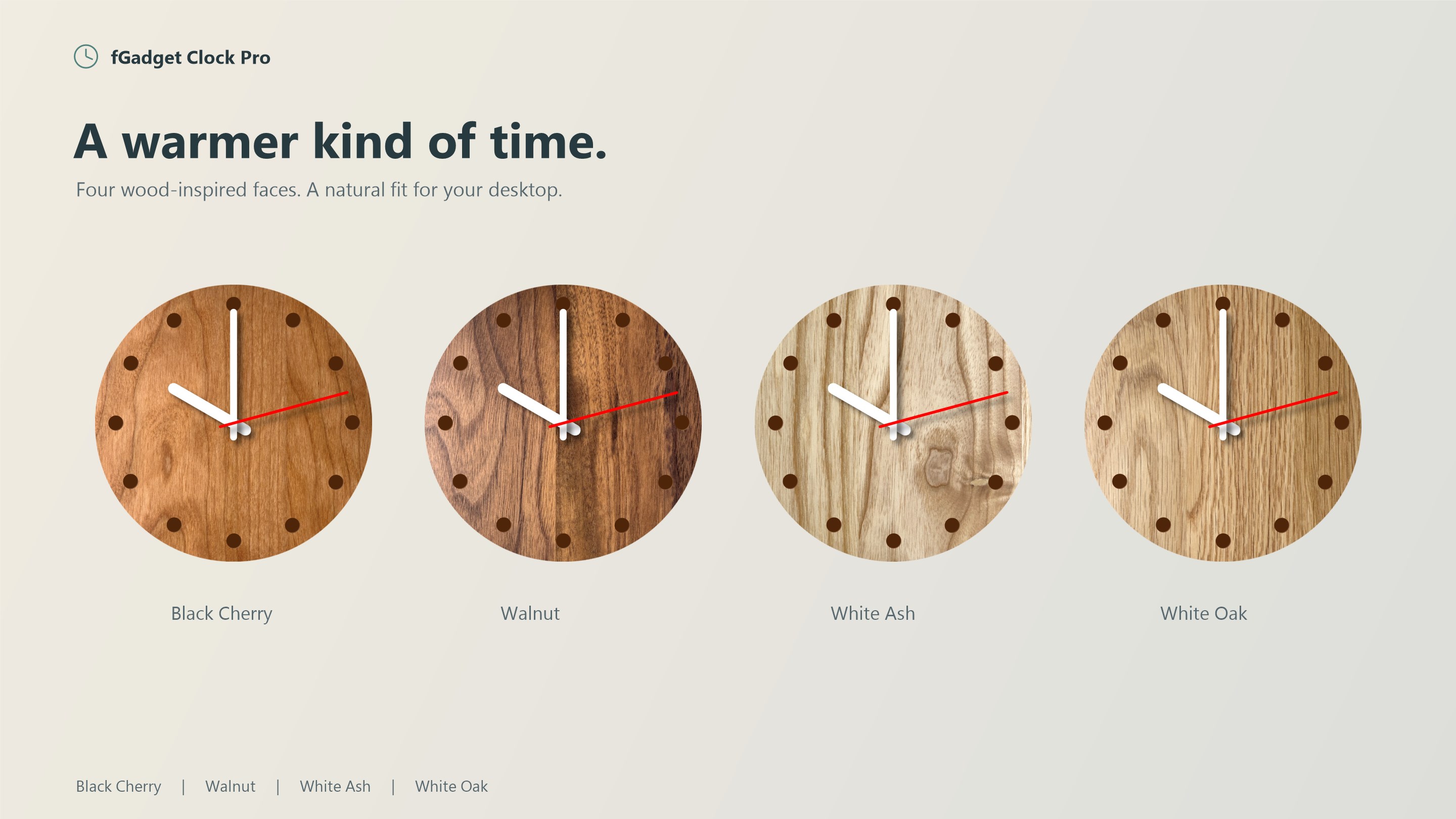
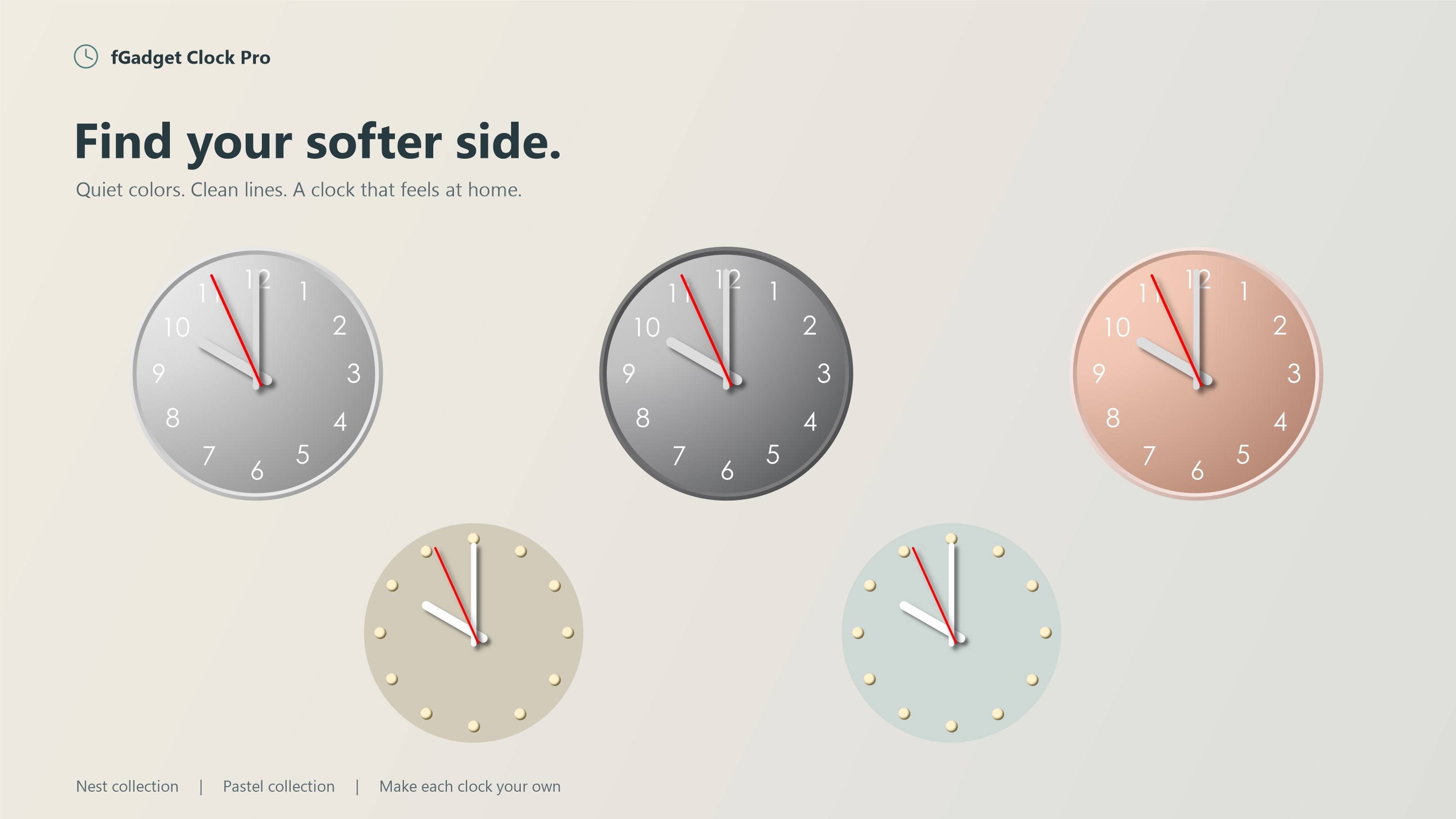
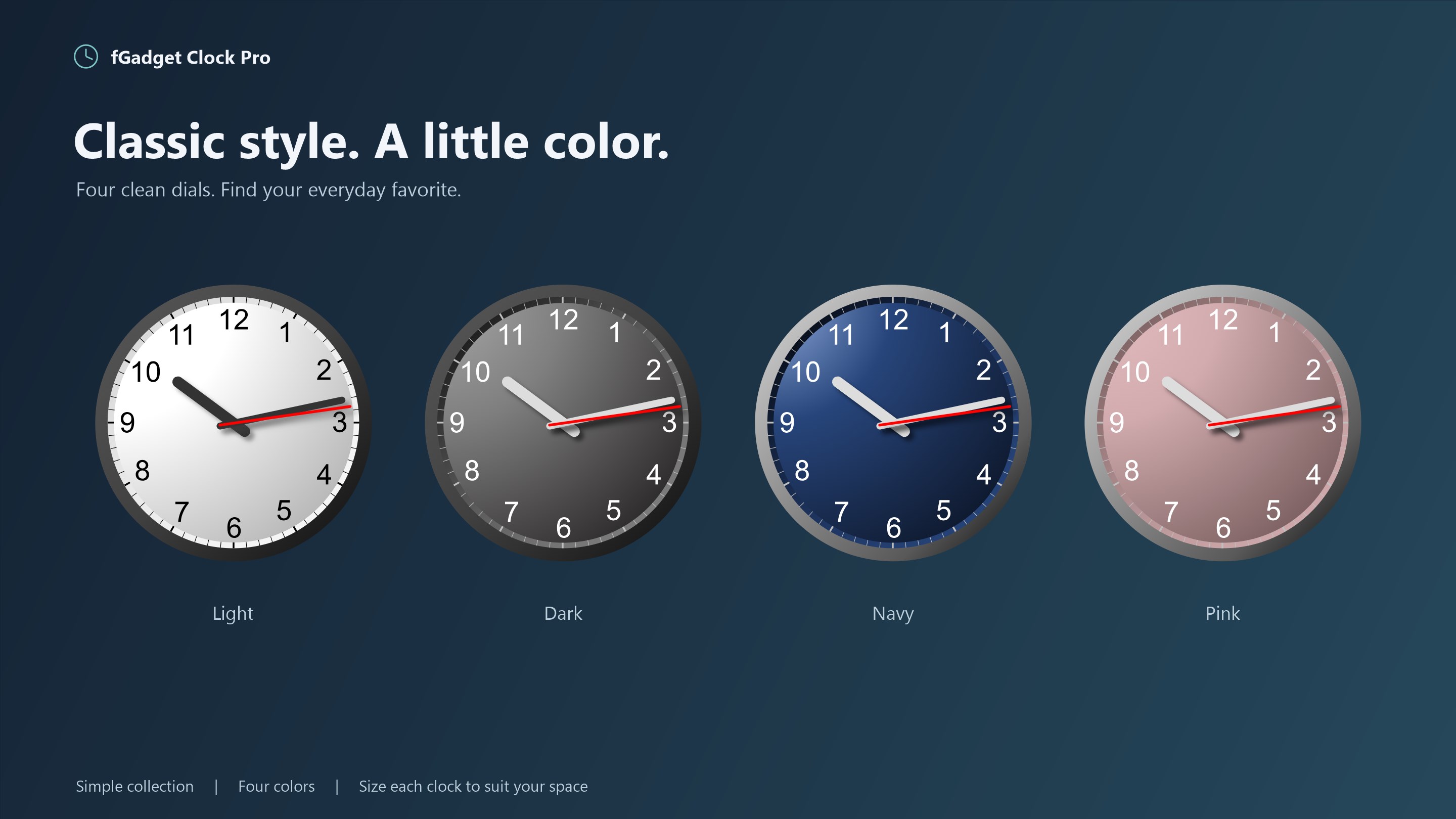
Put a real analog clock on your Windows desktop. Or eight of them. fGadget Clock Pro is a desktop clock gadget for Windows 11 and Windows 10. It draws a clean analog dial with smoothly sweeping hands, sits exactly where you leave it, and stays out of your way. Add a second clock for a colleague's time zone and a third for home, and you have a world clock that is always in view without opening a single window. A WORLD CLOCK ON YOUR DESKTOP Place up to 8 clocks and give each one its own face, size, transparency, time zone, date and place name. Choose from 400+ time zones or UTC. Label a clock "Tokyo" or "New York", or let the app name it from the time zone. 13 ORIGINAL FACES Four collections, all drawn for this app: • Simple: Light, Dark, Navy, Pink. Crisp and minimal. • Nest: Snow, Sand, Charcoal. Soft, modern dials. • Woody: Black Cherry, Walnut, White Ash, White Oak. Warm wood grain. • Pastel: Greige, Bluegray. Gentle, muted tones. Size each clock from a tiny 64 pixels to a 512-pixel wall clock, set the transparency anywhere from 0 to 90%, show or hide the second hand, and let it sweep smoothly or tick. HOURLY CHIMES, YOUR WAY Seven time signals, with a preview button so you can choose by ear: • NHK World Radio Japan time signal (3 seconds) • BBC News countdown (20 seconds) • Westminster chimes followed by the hour strikes, the way Big Ben does it • Cuckoo clock that calls the hour • Striking bell that strikes the hour • Temple bell • Digital watch beep Turn the chime on for the one clock you want to hear, set the volume, and it rings on the hour in that clock's time zone. STAYS WHERE YOU PUT IT • Pinned to desktop: the clock stays visible after you press Win+D to show the desktop, and never covers your work. • Always on top: keep a clock above every window while you present or take a call. • Starts with Windows: your clocks are back the moment you sign in. Manage it under Settings > Apps > Startup like any other app. • Every clock remembers where you left it, on any monitor. DATE AND PLACE NAME ON THE DIAL Show the date above or below the center, with or without the day of the week, in month/day or day/month order. Add a place name of up to 16 characters. Both follow the clock's own time zone, so a clock set to Sydney shows Sydney's date, not yours. MADE FOR WINDOWS 11 Hands stay sharp at 125% and 150% display scaling and on multi-monitor setups with mixed scaling. The settings screens follow the Windows 11 design language and switch to dark mode with your system theme. The interface is available in English, Japanese, German, Spanish, French, Korean, Portuguese, Simplified Chinese and Traditional Chinese, and picks your Windows display language automatically. PRIVATE BY DESIGN fGadget Clock Pro runs entirely on your PC. No account, no ads, no telemetry, and no internet connection needed. It is a one-time purchase with nothing to subscribe to. PRO OR LITE? The free fGadget Clock Lite gives you a single clock with the four Simple faces. Clock Pro adds everything above: up to 8 clocks, all 13 faces, adjustable size, time zones, hourly chimes, date and place name, and 9 languages.
Productivity · Windows · $3.99
Rating: 2.7 out of 5, based on 9 user ratings.