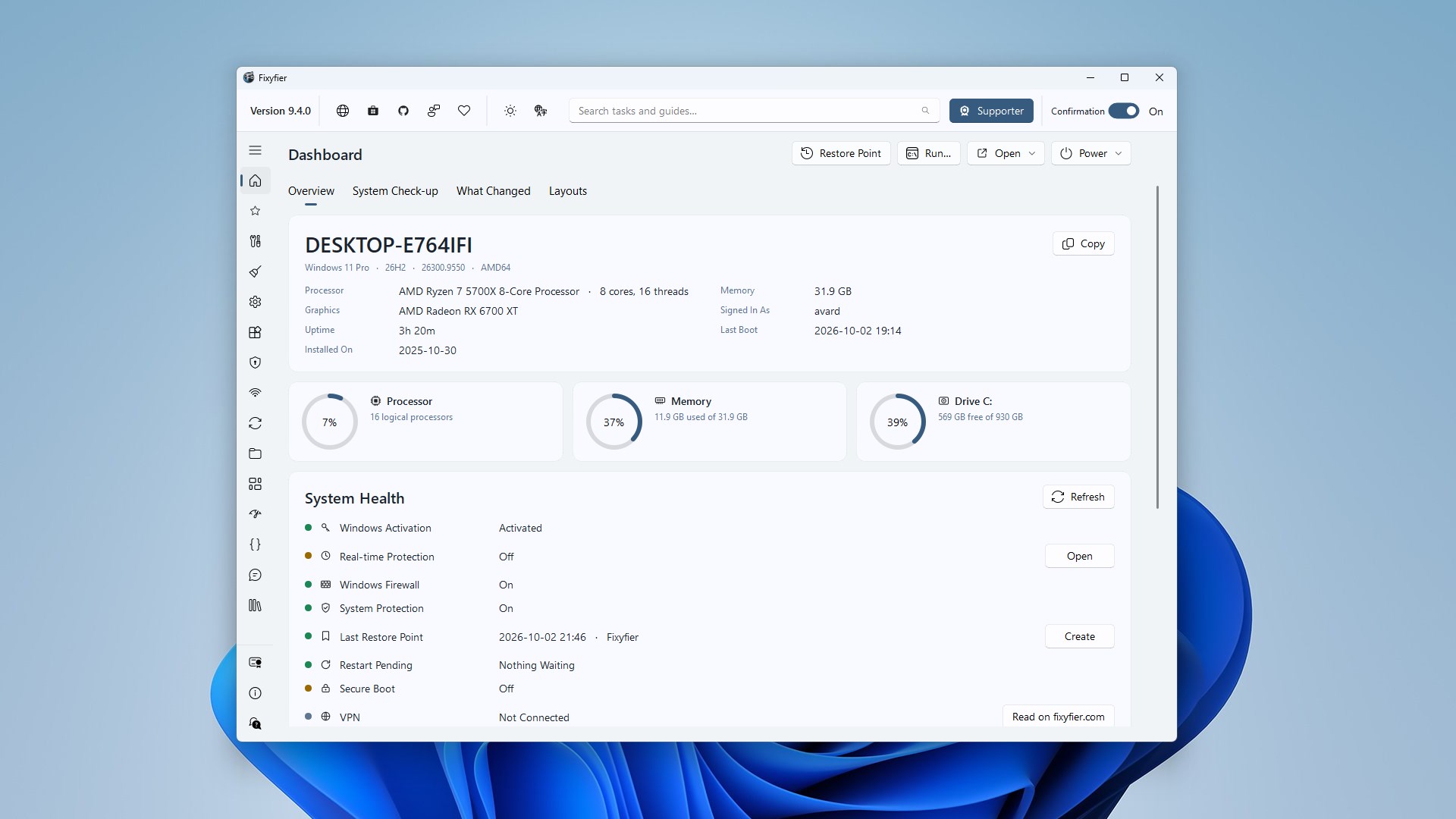
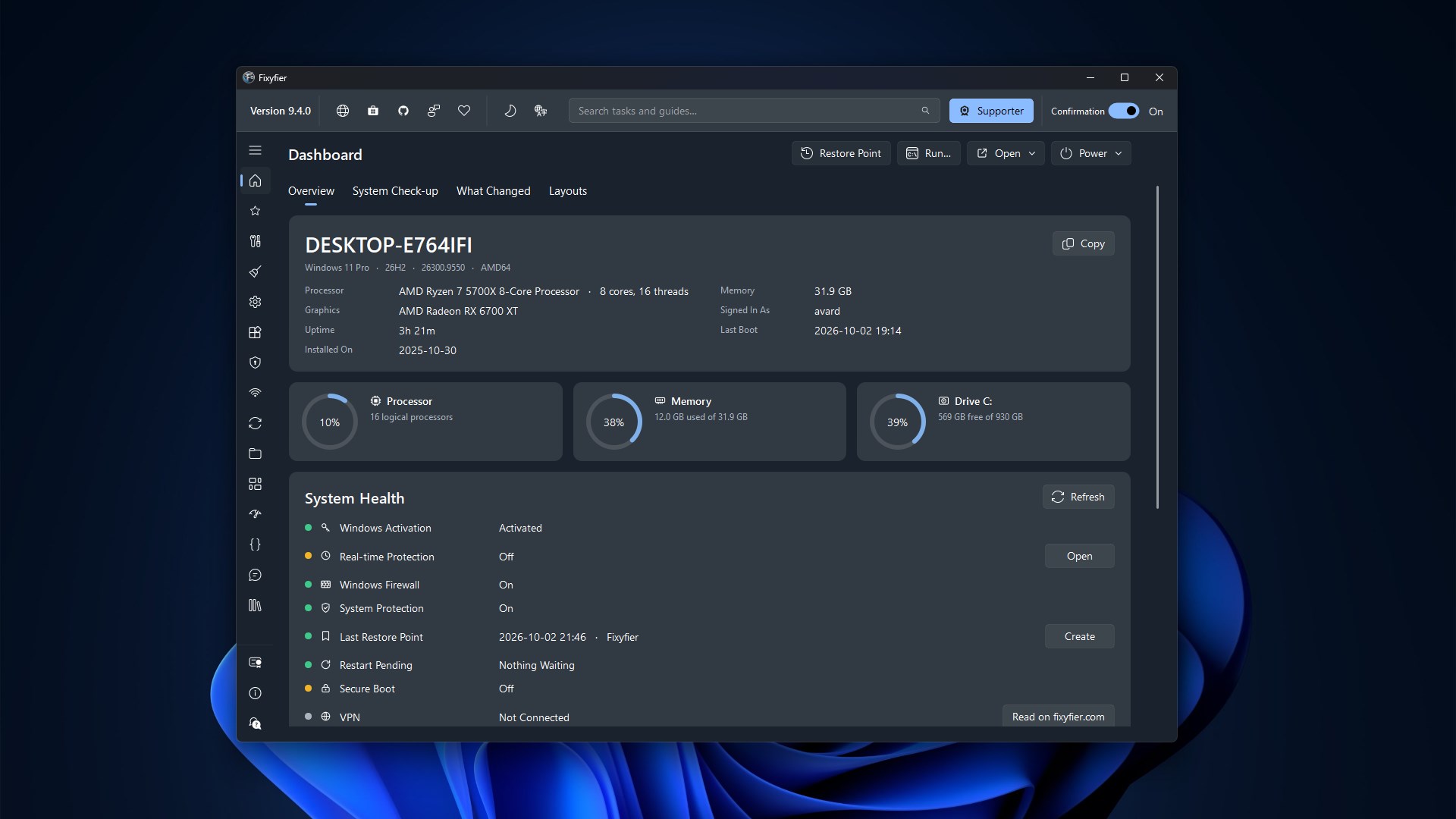
Fixyfier is a Windows maintenance and repair toolkit. It brings together the tools Windows already ships with — DISM, SFC, CHKDSK, the built-in troubleshooters, the network stack commands, the service and package managers, and dozens of settings that are normally buried — so you can use them without memorising commands or hunting through Settings. It is deliberately a convenience layer, not a magic fix. Every task is a documented Windows command or utility, every command is shown to you before it runs, and nothing happens that you could not do yourself from an elevated terminal. Fixyfier opens on a dashboard that tells you what this machine is, how hard it is working, and whether anything is actually wrong with it. Behind that, more than a hundred and forty tasks are grouped by what you are trying to achieve: repair, cleanup, files and folders, installed apps, network, security and privacy, system tools, Windows tools, and your own scripts. Two screens are live rather than a list of tasks — every installed program and every Windows service, each with what it is, what it costs you and what you may safely do to it — and the whole fixyfier.com library of troubleshooting guides is browsable inside the app. Fixyfier runs as administrator, because most of what it does needs to. Tasks that make deeper changes are marked Advanced: before one runs you are shown the exact command line, and Fixyfier asks Windows for a restore point first, so there is a way back. While the confirmation switch in the top bar is on, it also asks you to confirm. Cleanup tasks offer a dry run that lists what would be deleted without deleting anything, and a command that is taking too long can be stopped. Everything happens on your PC. There is no account, no telemetry and no analytics: Fixyfier does not collect, store or send your data anywhere. Nothing is written to your disk except your own preferences, which stay in the registry on this machine, and a short note in your MyTools folder. The only question Fixyfier ever asks the Microsoft Store is whether your account owns the optional in-app product. Fixyfier is free, and it stays free. One optional one-time purchase unlocks MyTools, which runs your own .bat, .cmd, .ps1 and .vbs scripts from inside the app with the administrator rights it already has. You can try that with three free runs before deciding, and every other feature works exactly the same whether you buy it or not. The extra cleaning rules are the one part of Fixyfier that is not its own work: they come from winapp2.ini, a community-maintained list published by the winapp2 project under the Creative Commons Attribution-ShareAlike 4.0 licence. That file is downloaded only when you ask for it, never modified and never redistributed. Fixyfier is built and maintained by Aris Vardakas, distributed through the Microsoft Store, and translated into 44 languages. The website adds documentation for each task and a library of guides for the problems no single task can fix.
Utilities · Windows · Free
Rating: 4.7 out of 5, based on 64 user ratings.