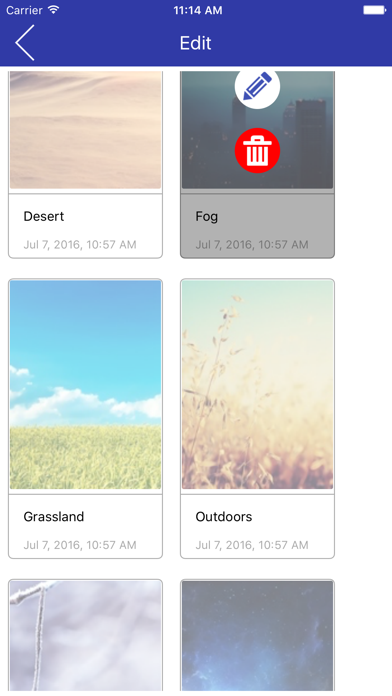
Flip PDF Reader is a free App for users to read the publications created by FlipPDF Series. It enables users to put their FlipPDF flipbooks into iPad or iPhone for offline reading. Steps to transfer a book to iPad/iPhone via iTunes: 1.Connect your drive to computer. 2.Open "iTunes" on your computer and select your drive icon. 3.Select "FlipPDFReader" from Apps list in "File Sharing" section. 4.Click on "Add.." button to add a book or directly drag the file to iTunes.
Business · iPhone, iPad · Free
Rating: 5.0 out of 5, based on 1 user ratings.