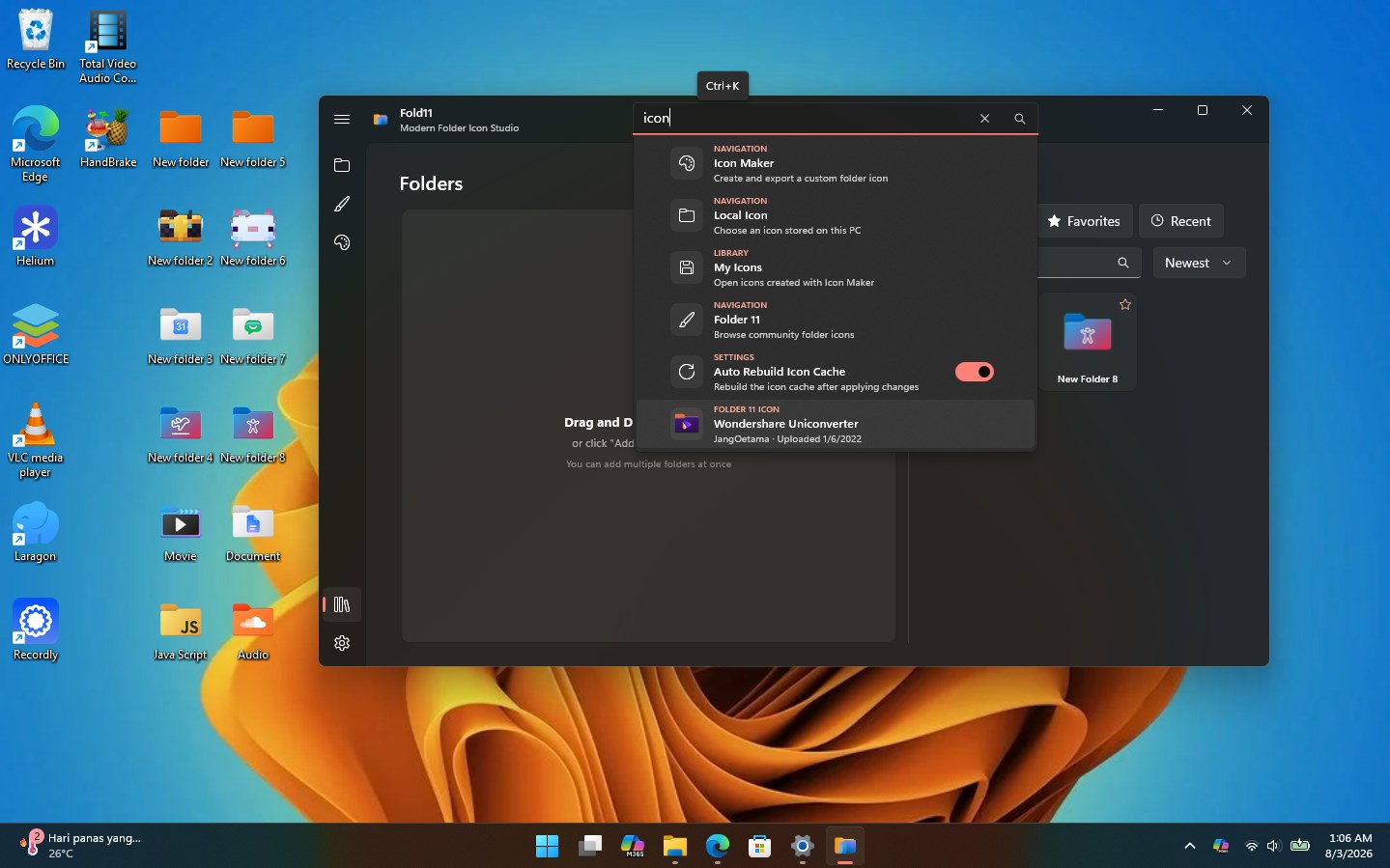
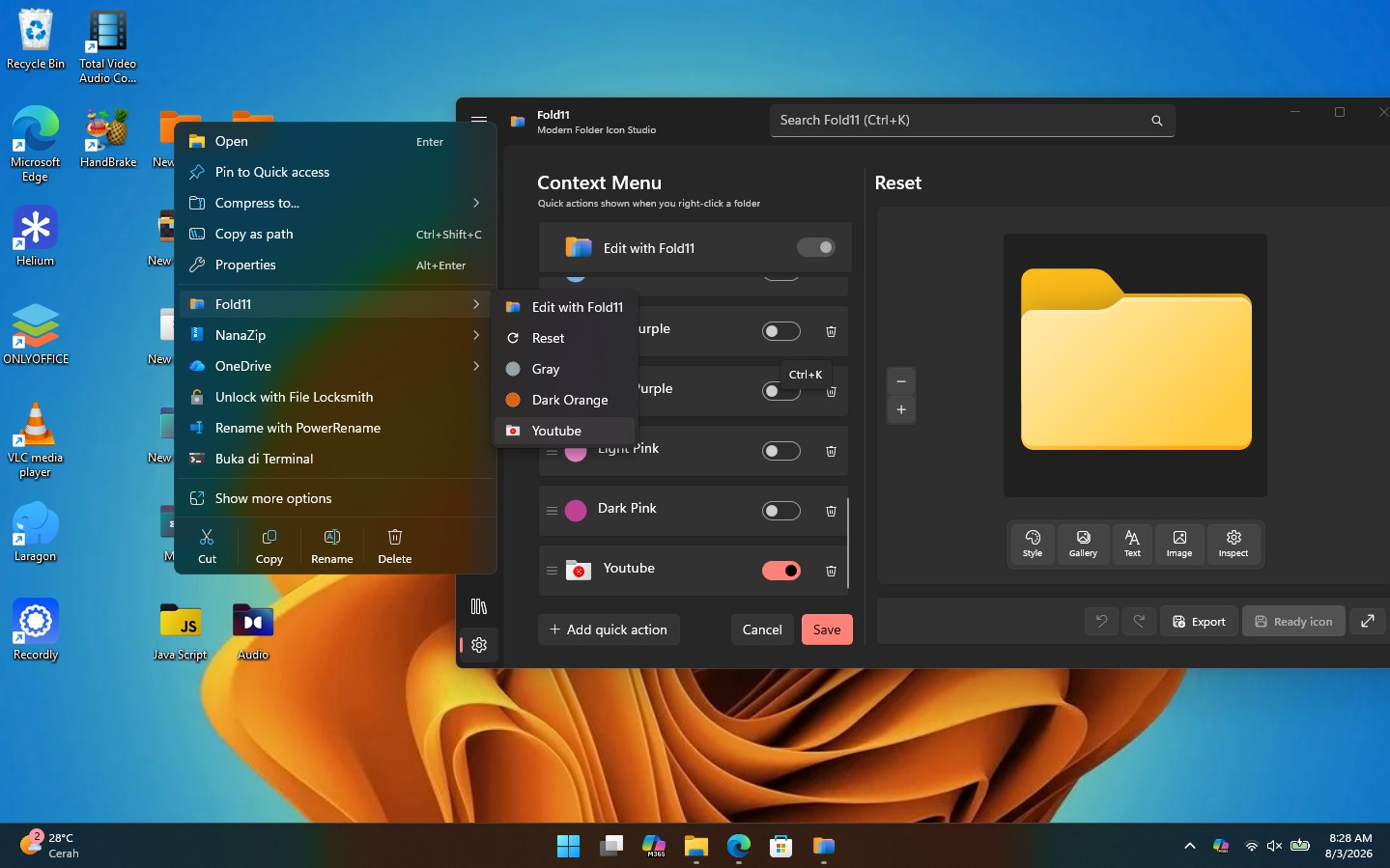
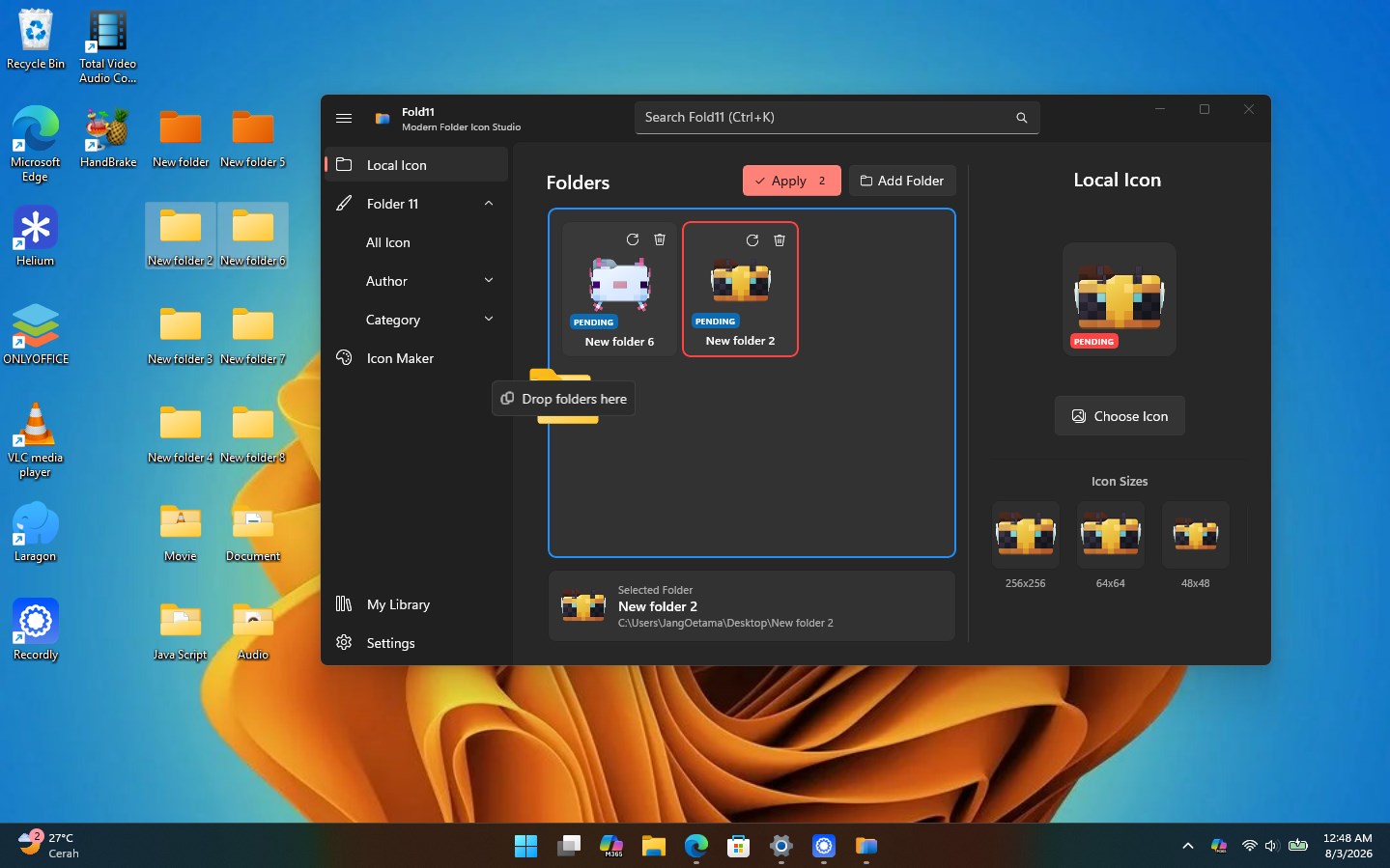
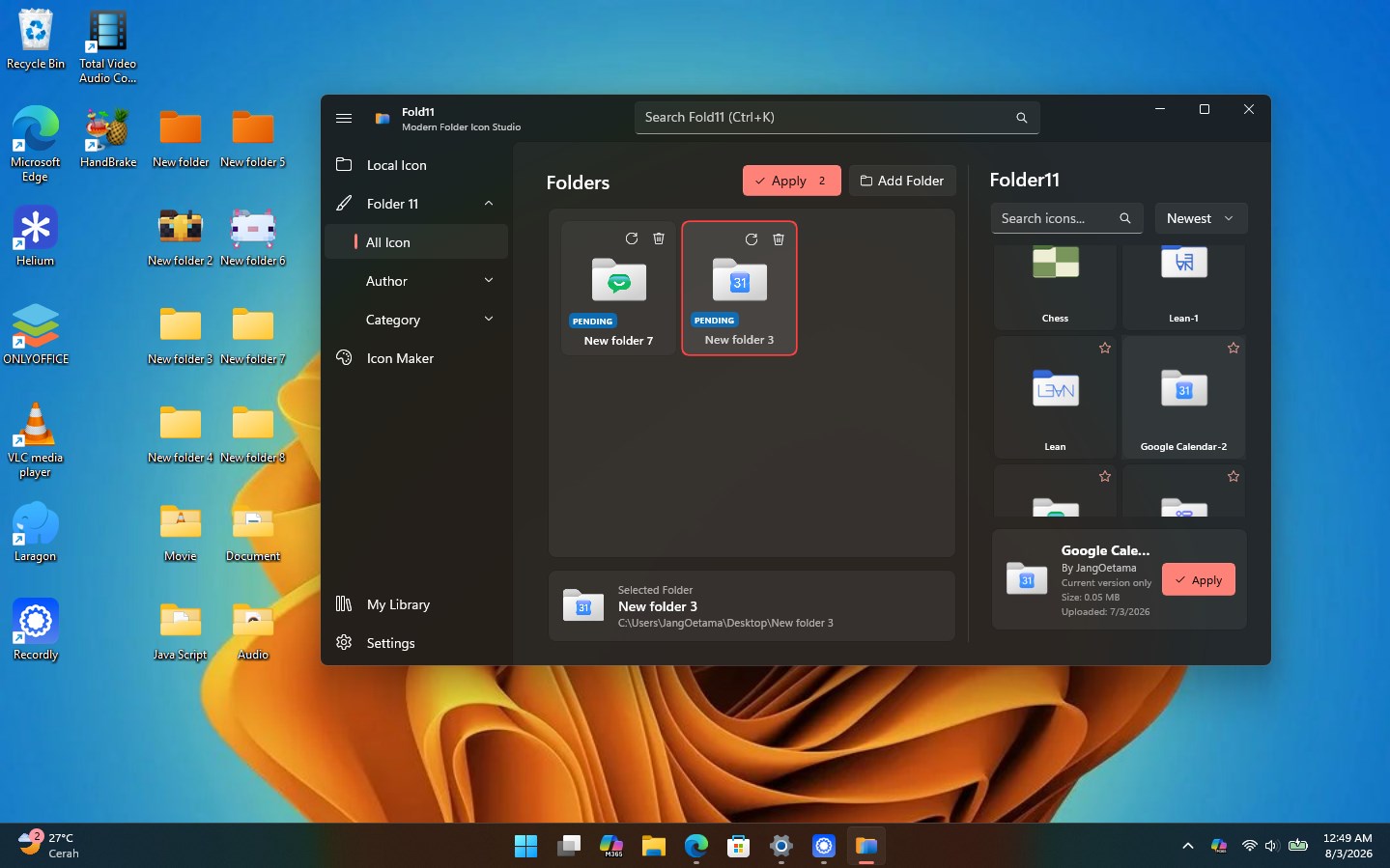
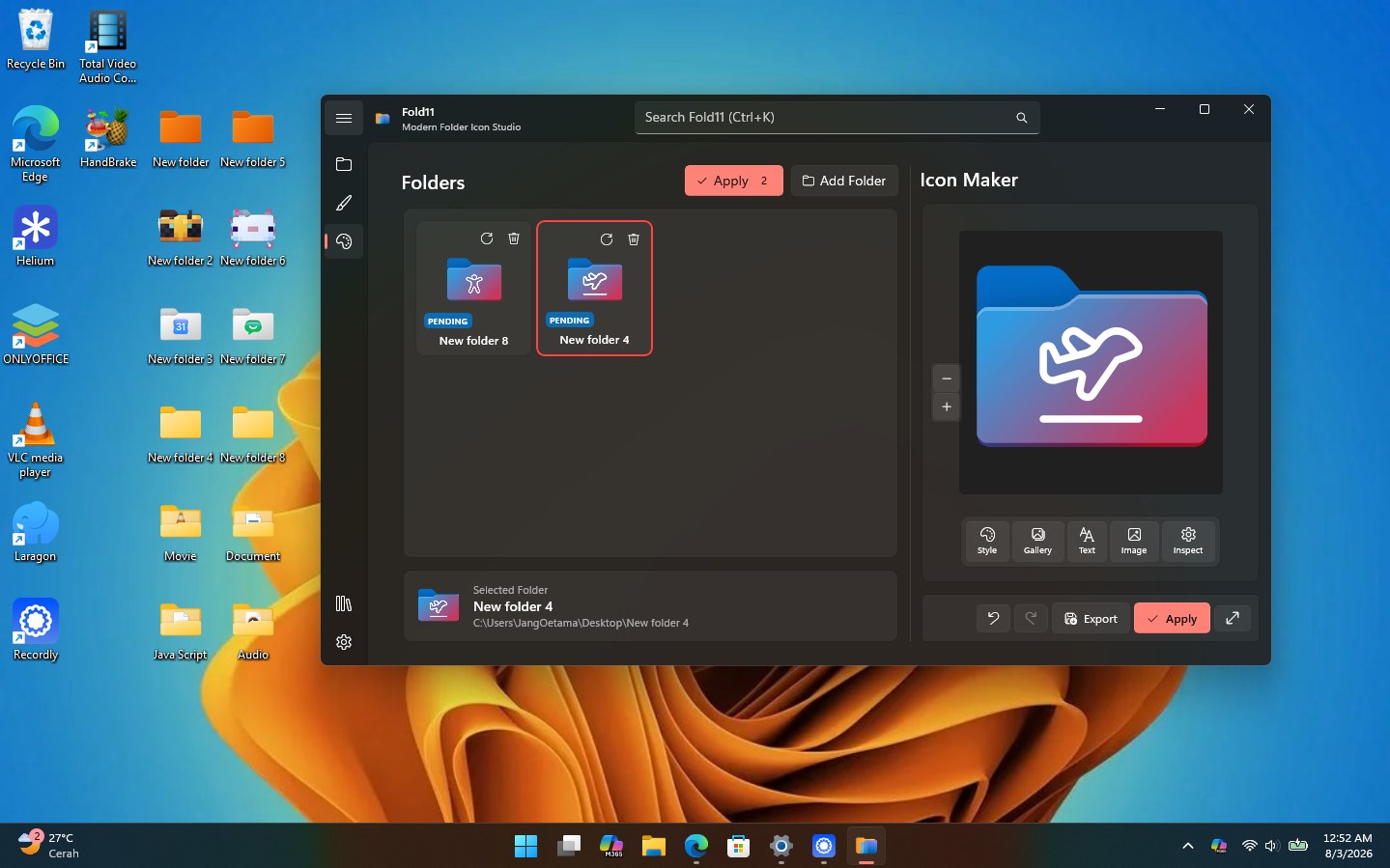
Make every folder easier to recognize. Fold11 is a community-powered folder icon studio for Windows. Explore more than 1,400 ready-to-use icons, create your own designs, and apply them directly to one or multiple folders. Right-click a folder and select “Edit with Fold11,” or drag folders into the app to begin. Search the community library, discover icons by creator, customize a design, and apply it without manually editing Windows system files. DISCOVER COMMUNITY ICONS Browse more than 1,400 folder icons created for apps, games, projects, media, development tools, and everyday organization. Use Universal Search to find an icon, creator, setting, or feature. Search results take you directly to the relevant page and automatically select the icon you need. CREATE YOUR OWN ICONS Use the built-in Icon Maker to: • Change folder colors • Create solid or gradient designs • Add and customize text • Upload PNG, JPG, SVG, and ICO files • Use SVG, SVGL, and Segoe Fluent assets • Preview designs on a flexible 256 × 256 canvas • Export your creations or apply them directly to folders WORK FASTER • Open Fold11 from the Windows context menu • Drag and drop one or multiple folders • Apply icons to multiple folders • Use your own local ICO files • Reset folders to their default icon • Search navigation, settings, creators, and community icons • View creator attribution and icon history DESIGNED FOR WINDOWS Fold11 is designed around the Windows Fluent aesthetic, with a focused interface that keeps icon discovery, creation, and folder customization in one place. Your folders should be recognizable at a glance. Search, create, and apply with Fold11.
Lifestyle · Windows · Free
Rating: 4.6 out of 5, based on 5 user ratings.