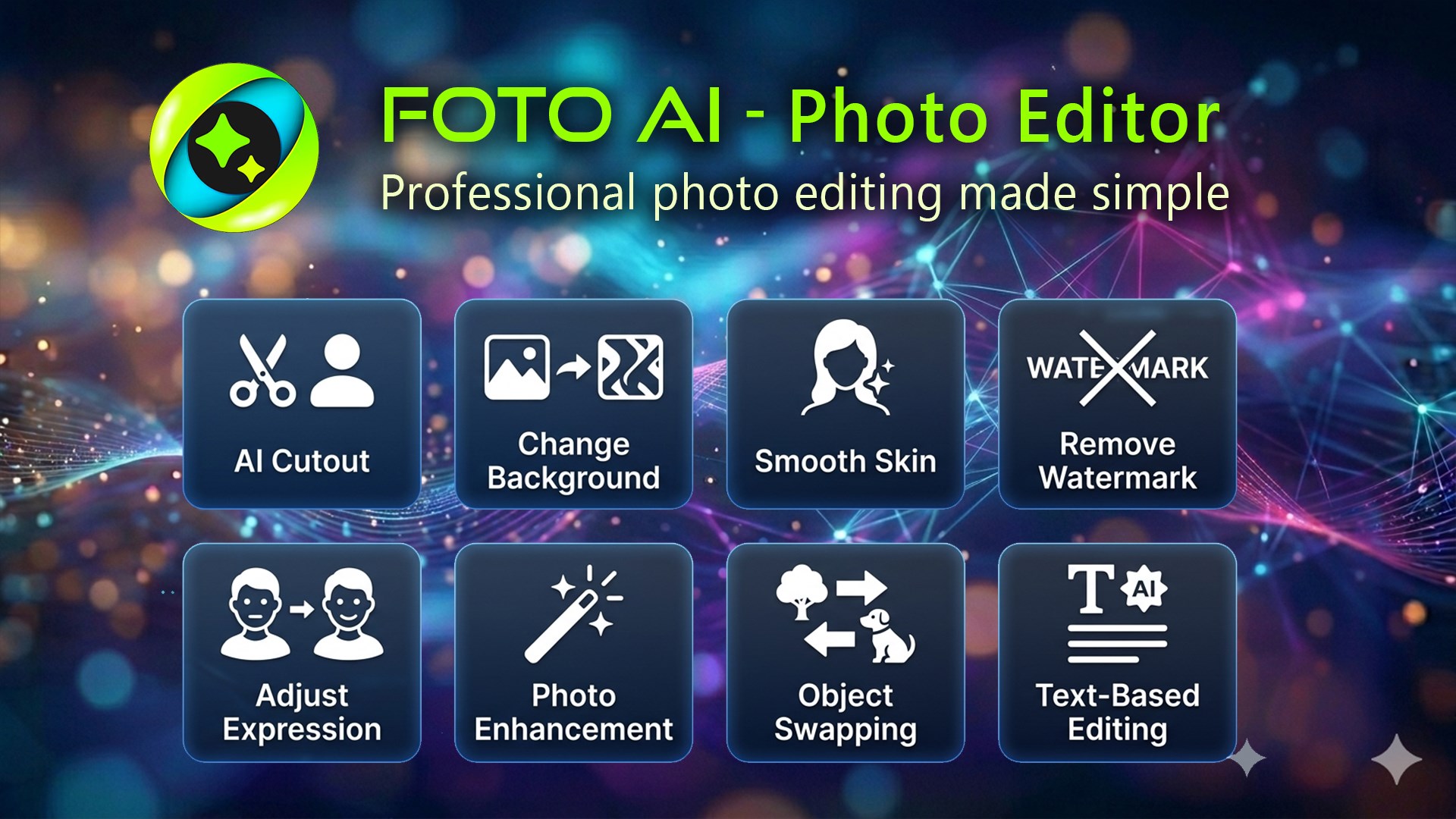
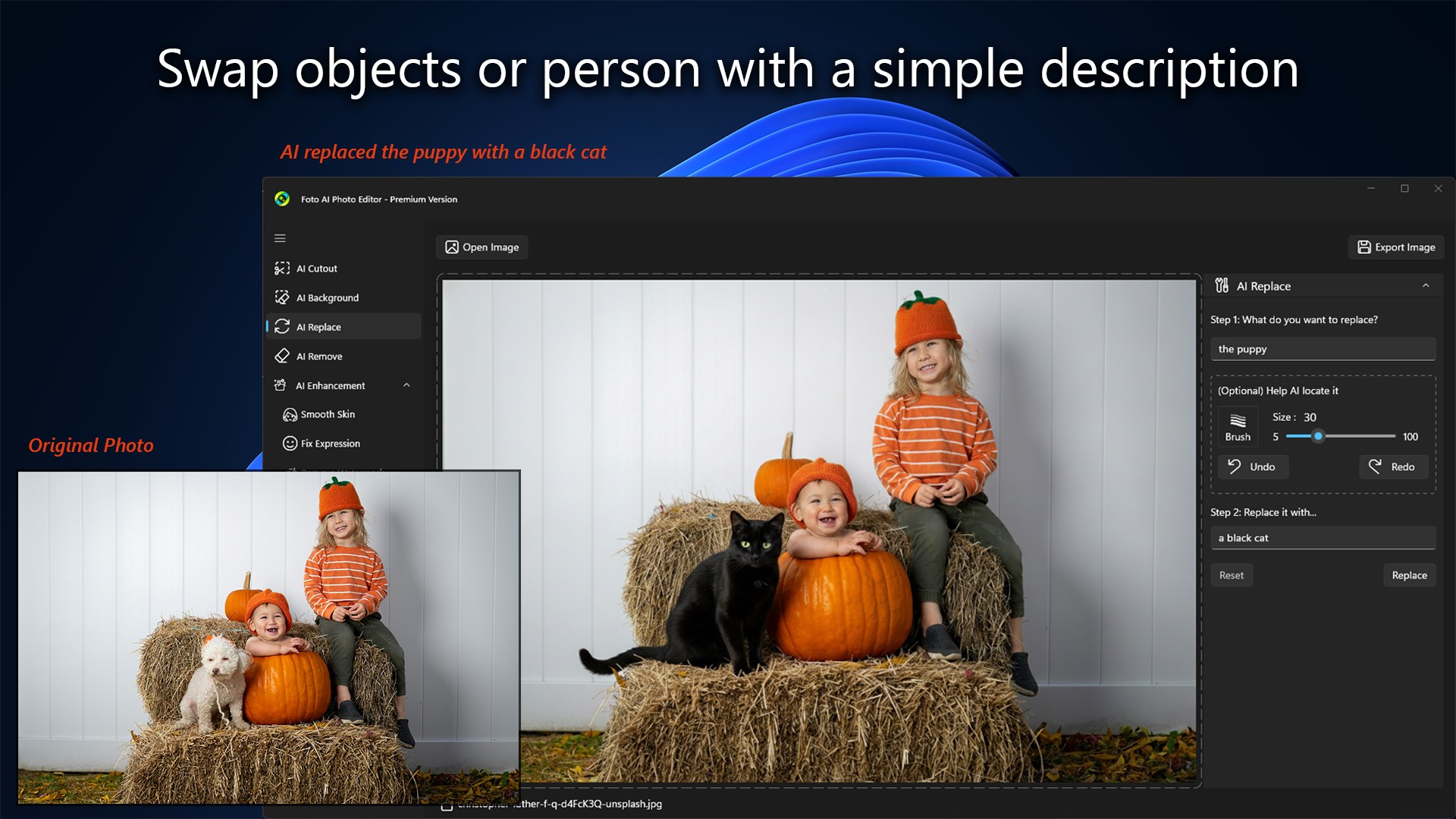
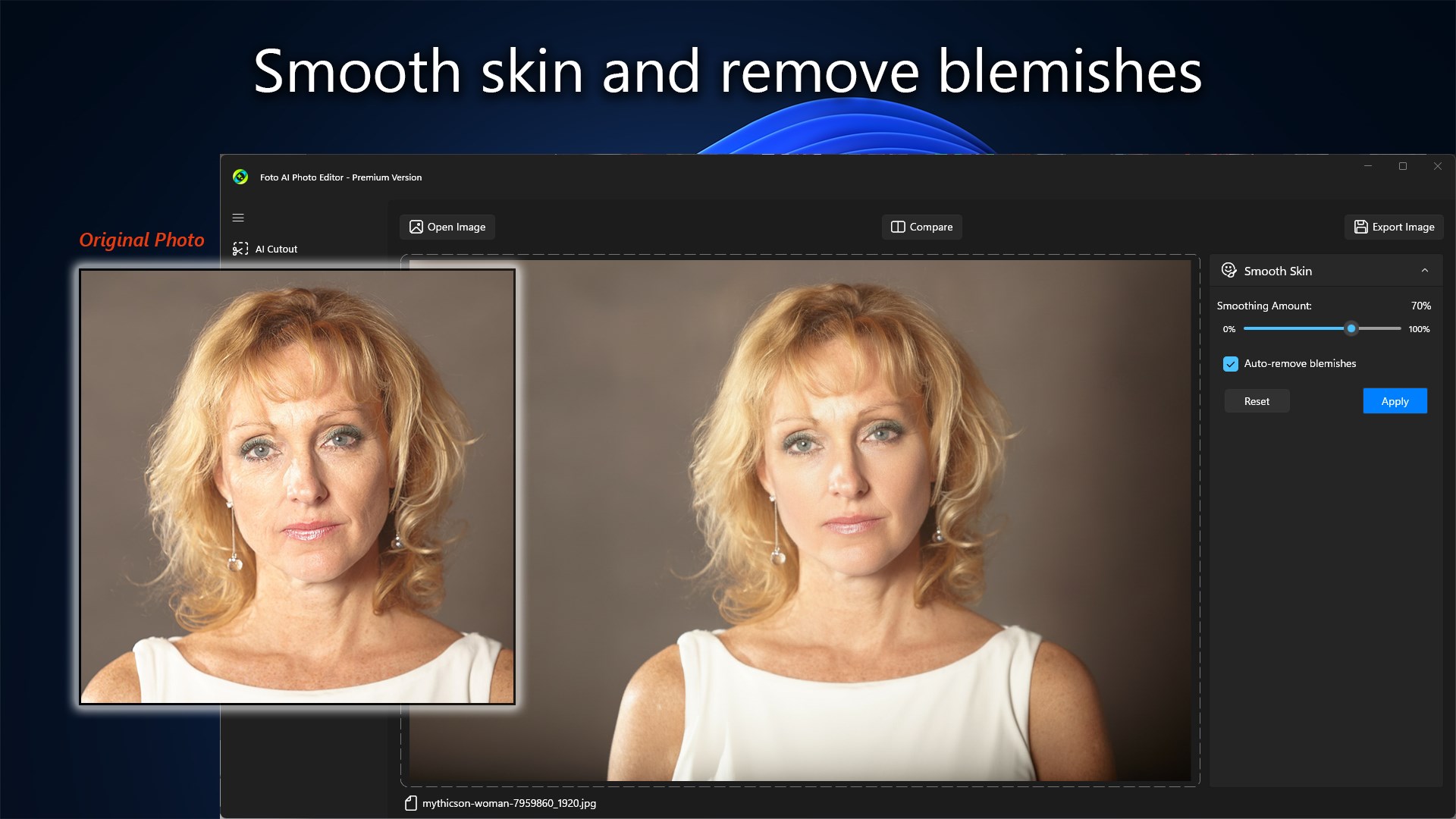
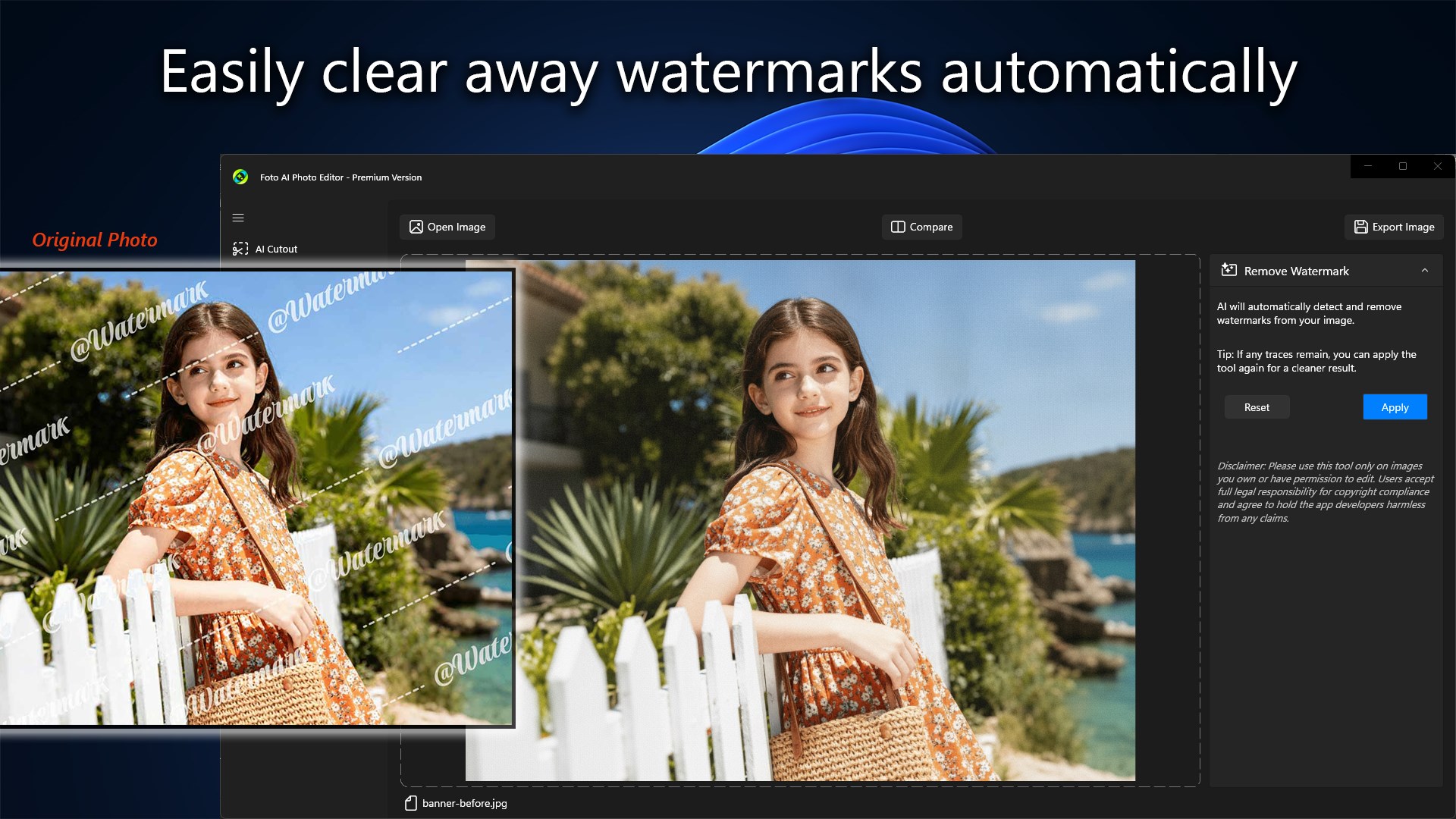
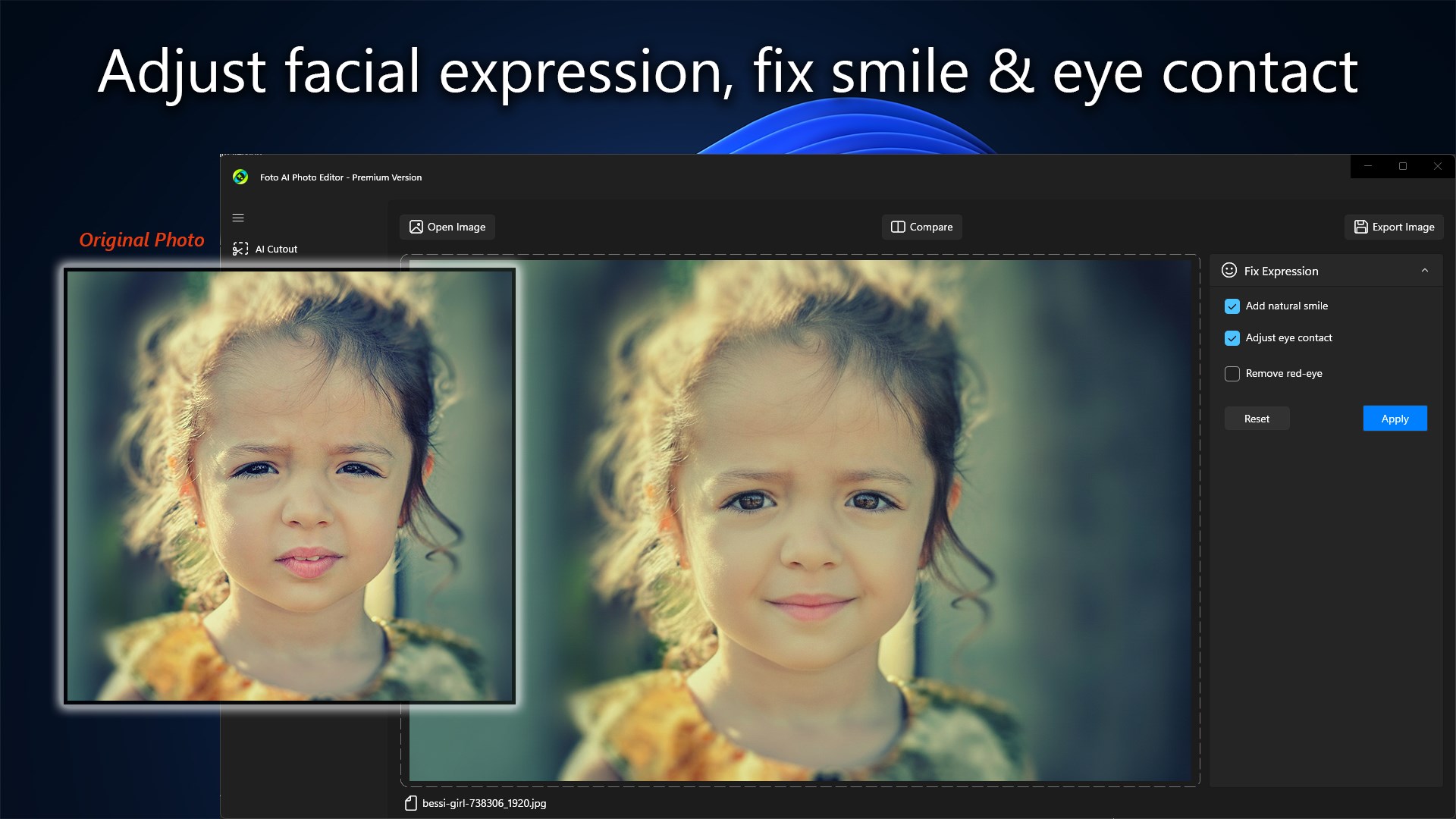
✨ Foto AI Photo Editor is a powerful and comprehensive Windows application designed to bring advanced AI-assisted editing and precise manual adjustments into a unified workspace. It combines an extensive suite of generative intelligence tools with a streamlined interface, making it easy to achieve professional-grade results without complex workflows or steep learning curves. 🔑 App License Foto AI Photo Editor allows users to experience AI-powered features with a limited number of free uses. Basic photo adjustments remain available at no cost. To export AI-processed results or unlock unlimited access to AI tools, an upgrade to the Premium license is required. 📸 Key Features ⦁ AI Cutout (Automatic background removal) ⦁ AI Background (Text prompt generation, custom photo uploading, or preset library selection) ⦁ AI Replace (Swapping targeted areas with text-prompted objects) ⦁ AI Remove (Erasing unwanted objects, people, or distractions) ⦁ Smooth Skin (Adjustable smoothing slider and automatic blemish removal) ⦁ Fix Expression (Adding natural smiles, adjusting eye contact, and removing red-eye) ⦁ Remove Watermark (Automated detection and erasure with multi-pass cleanup) ⦁ Adjust Image (Manual sliders for brightness, contrast, saturation, gamma, and hue) ⦁ Streamlined Workspace (Drag-and-drop file opening and secure image exporting) 💻 Designed for Everyday Use Foto AI Photo Editor bridges the gap between sophisticated artificial intelligence and everyday convenience. It provides an all-in-one desktop environment where Windows users can execute reliable background transformations, intelligent object removal, facial enhancements, and detailed color adjustments through straightforward, non-intimidating tools.
Photo & Video · Windows · Free
Rating: 4.4 out of 5, based on 13 user ratings.