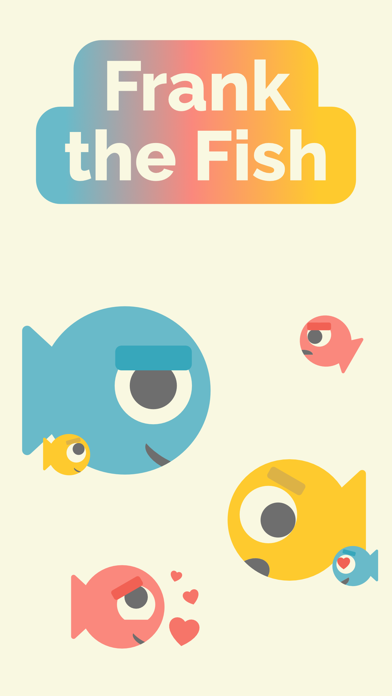
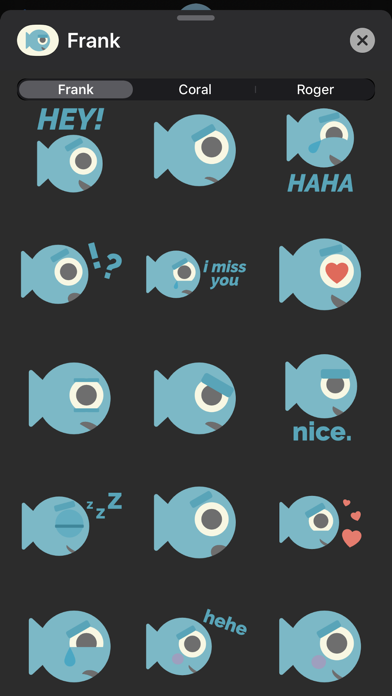
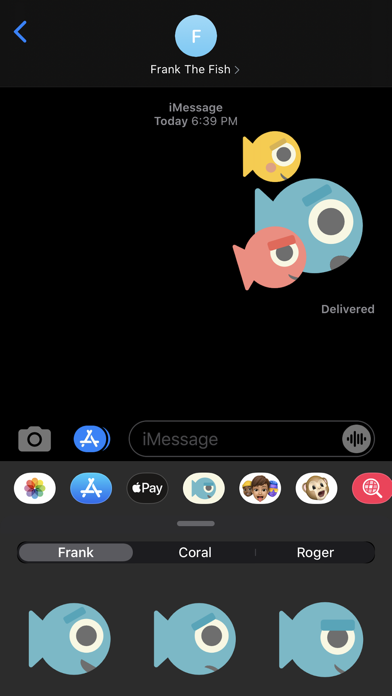
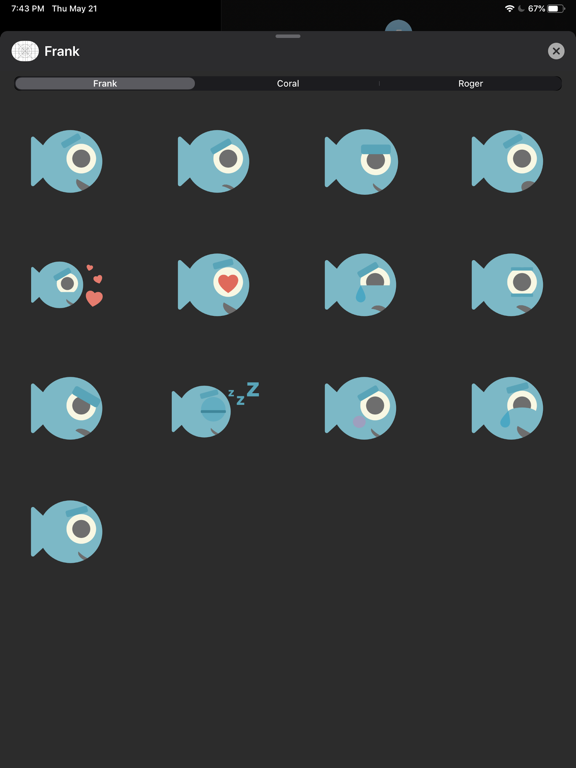
Meet Frank, Coral, and Roger! A fun fish sticker pack ready to react to any iMessage text! • Switch between Frank, Coral, and Roger using the tab bar above the stickers! How to Delete a Sticker Pack: To delete a sticker pack, simply swipe all the way to the right of your iMessage sticker bar bar above your keyboard and tap the "More" icon. Then locate the sticker pack you would like to delete and swipe left on it. If you see "Remove from Favorites" in red, tap it. Then scroll down to "More Apps" and swipe left again. You should see a red "Delete" button appear. Tap this to delete the sticker pack.
Stickers · iPhone, iPad · Free
Rating: 4.8 out of 5, based on 10 user ratings.