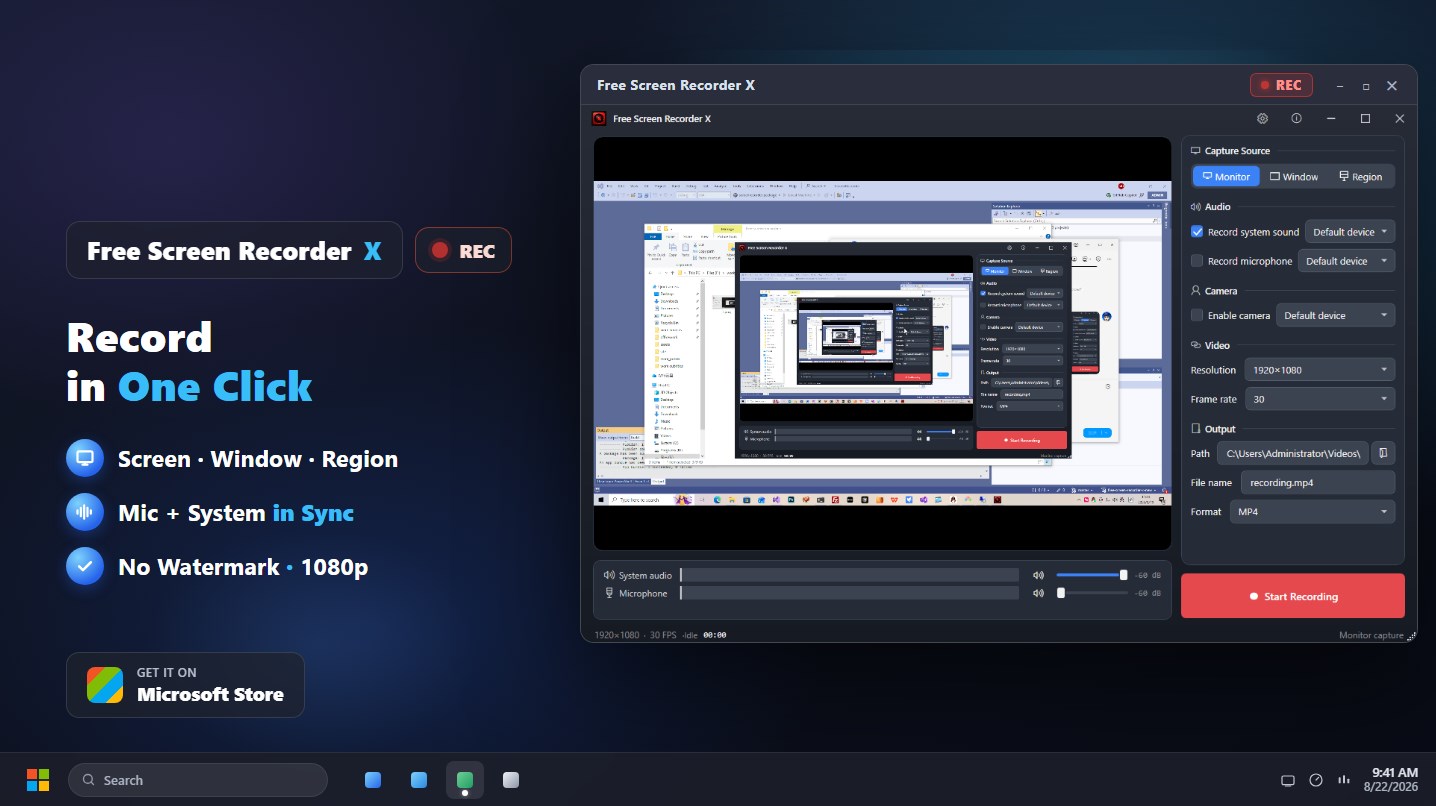
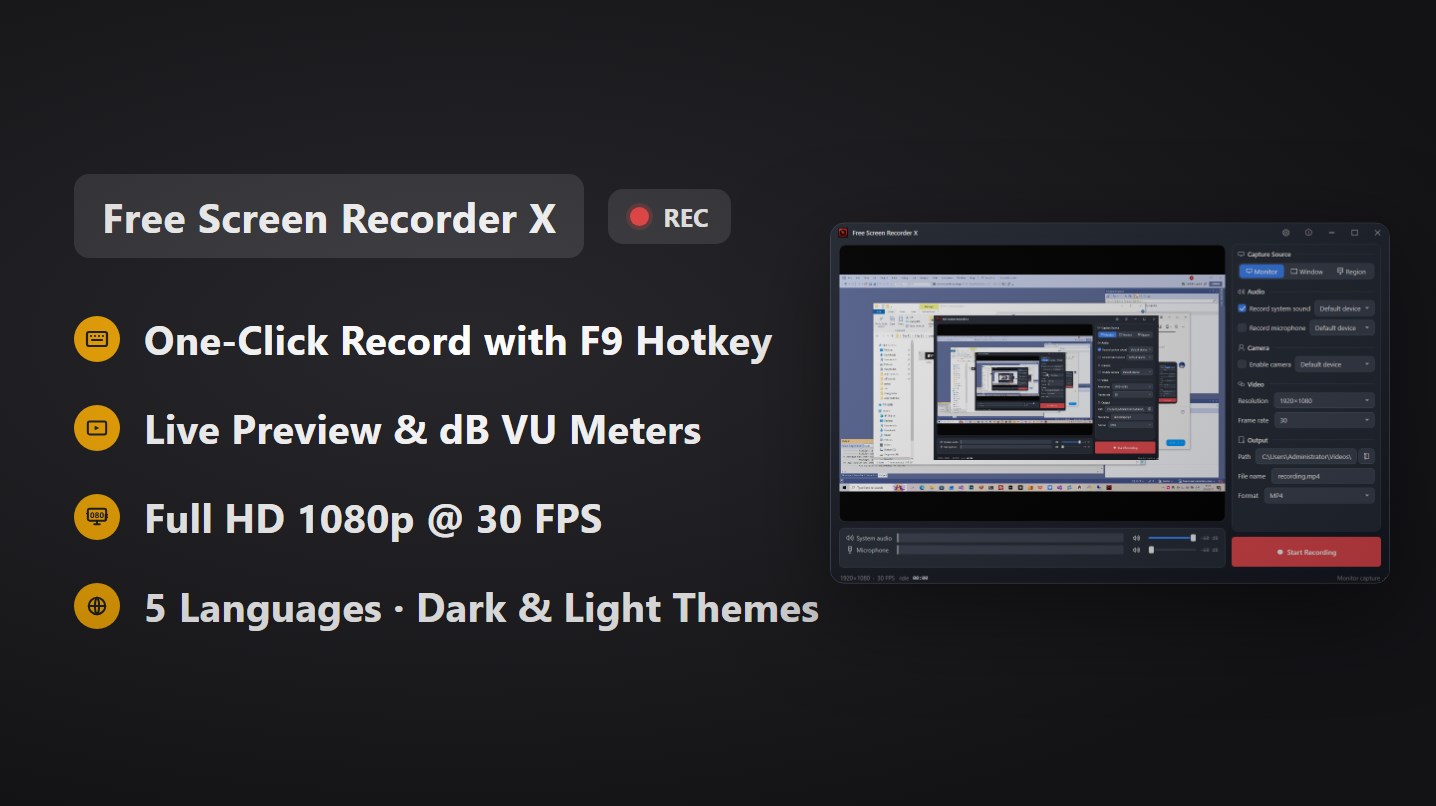
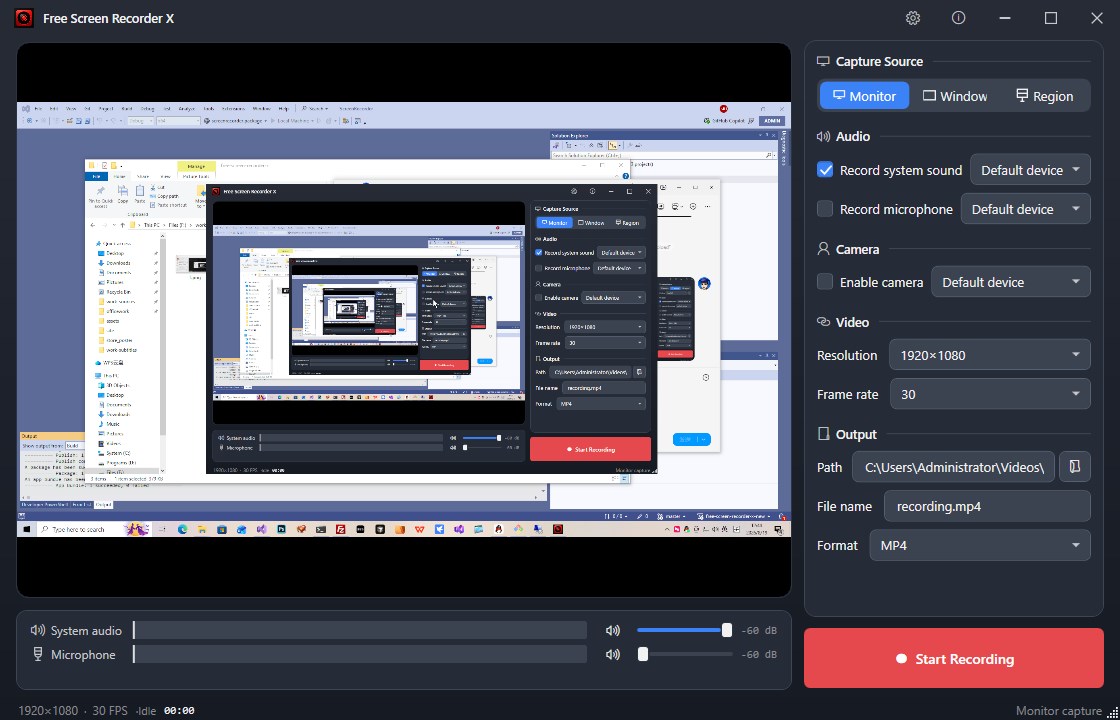
Free Screen Recorder X is a fast, free screen recorder for Windows that captures your screen, a single window, or a custom region in crisp Full HD 1080p quality — no watermark, no time limit, and no sign-in required. Tutorial: https://winappcenter.com/products/screen-recorder-x/ Record your display with synchronized system sound and microphone audio, then save as MP4, MKV, MOV, FLV or WebM. Whether you are creating tutorials, gameplay videos, presentations, online-course content, or saving video calls, this screen capture tool keeps it simple. KEY FEATURES • Screen, window and region recording — capture the full monitor, one app window, or a custom area • System sound & microphone — record both audio sources in sync, with live dB level meters, per-source volume and mute • Camera picture-in-picture — overlay your webcam in the corner of the recording • One-click recording — start/stop instantly with the F9 hotkey, the record button, or the system tray icon • Full HD 1080p 30 FPS output — MP4 / MKV / MOV / FLV / WebM, x264 + AAC encoding • Live preview with VU meters — see exactly what you capture before you record • System tray support — minimize to tray and keep recording in the background • 5 languages & dark/light themes — 中文, English, 日本語, Русский, Deutsch EASY TO USE 1. Choose your capture mode: monitor, window, or region 2. Select audio sources and optional webcam 3. Click the red record button or press F9 — done! Free Screen Recorder X is free to download with no hidden costs, no ads, and no watermark on your videos.
Photo & Video · Windows · Free