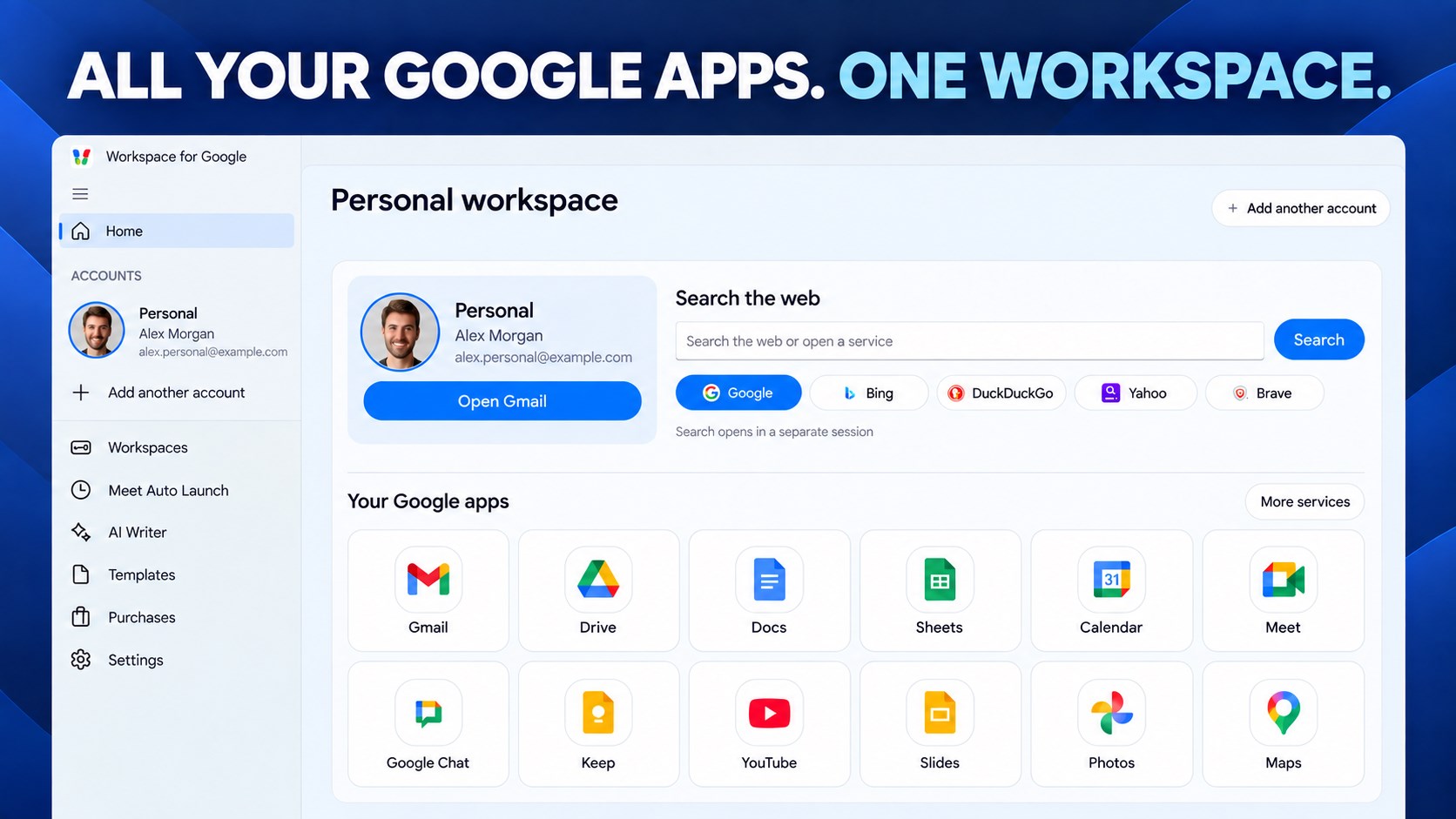
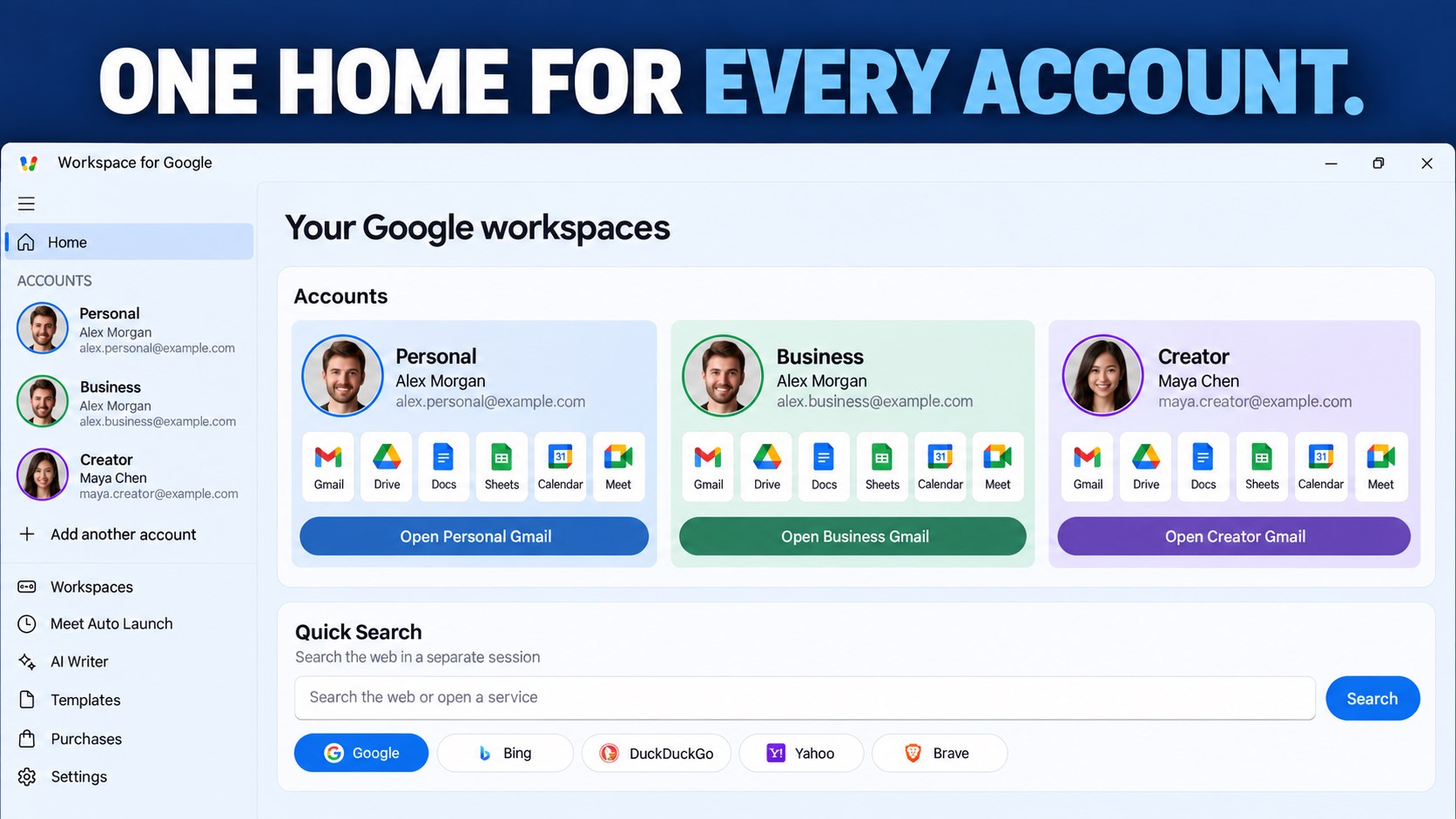
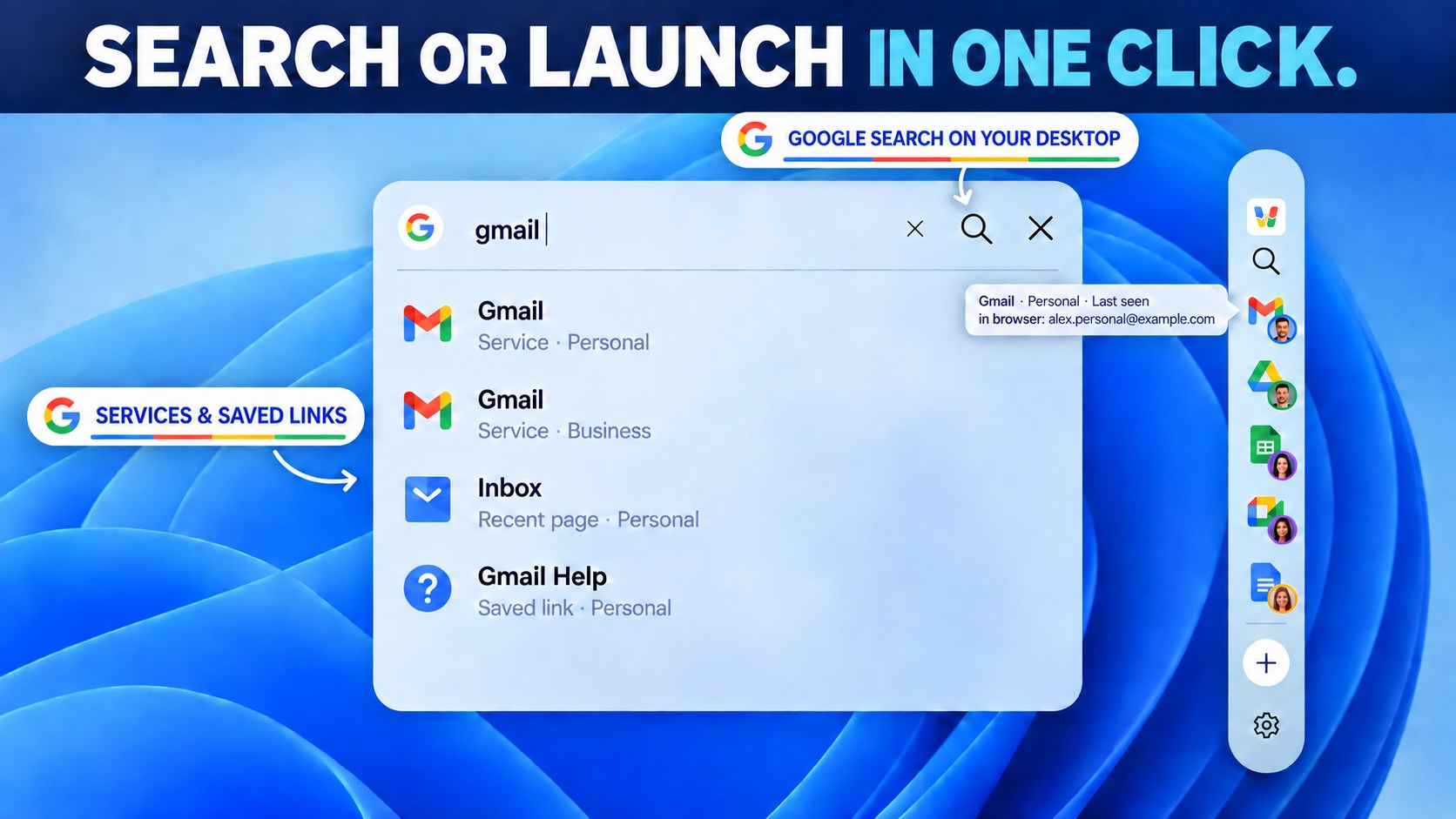
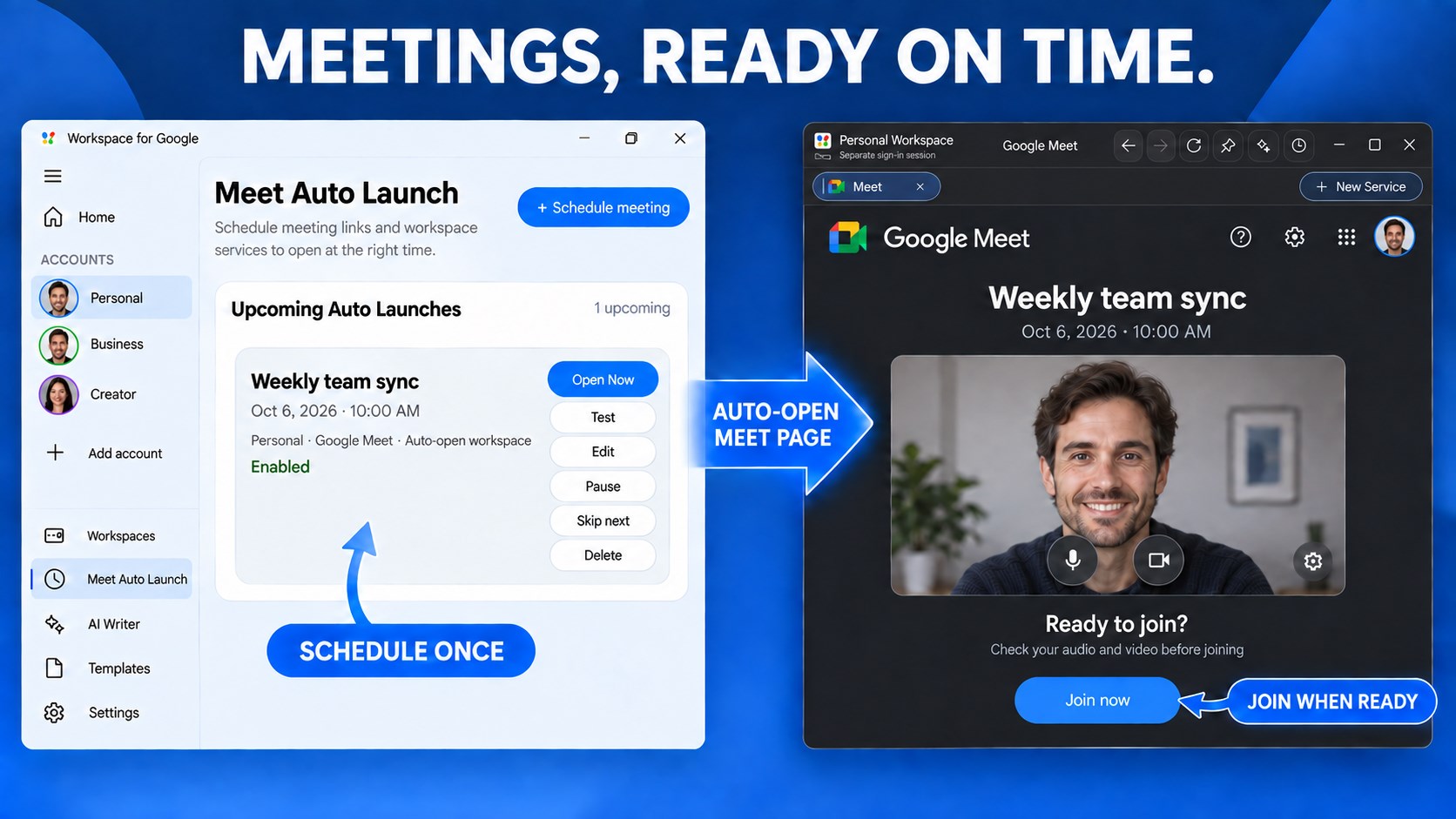
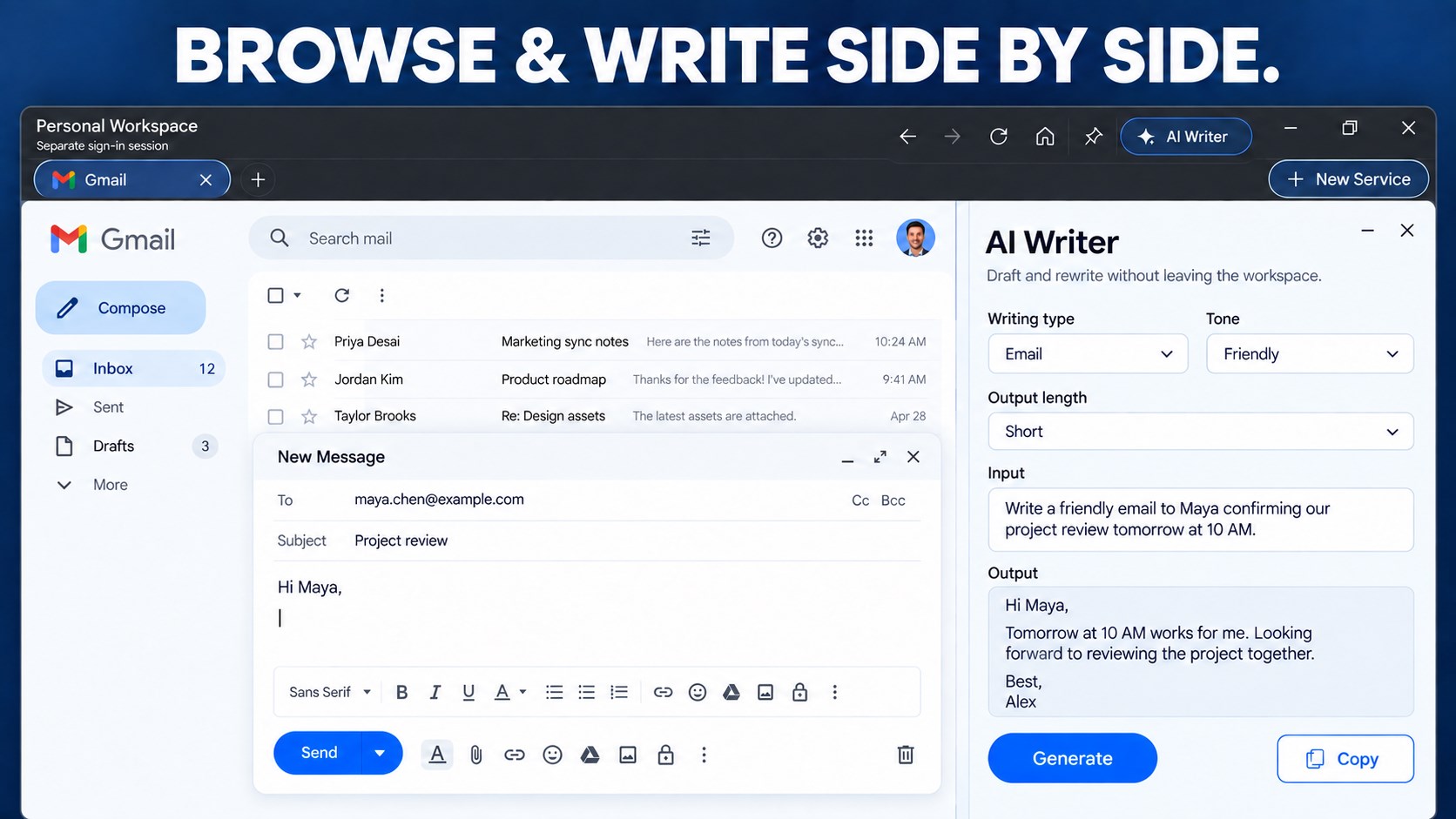
Browse the web. Open your Google apps. Keep your work together. G Workspace brings Gmail, Google Drive, Google Photos, Google Meet, and your everyday websites into one organized Windows app. Browse in tabs, search Google from your desktop, and give personal and work accounts their own spaces. Whether you are checking email, working on documents, finding a photo, or opening your next meeting, your services and saved pages stay close at hand. BROWSE IN YOUR WORKSPACE Open websites in tabs, enter a web address, and search the web. Keep the services you use together, with room to add your own websites and tools. GOOGLE SERVICES ON YOUR DESKTOP Access the web versions of Gmail, Drive, Photos, Calendar, Meet, Docs, Sheets, Slides, YouTube, and more. Sign in to each service with your own account. SEPARATE SPACES FOR YOUR ACCOUNTS Create dedicated workspaces with separate browser sign-in sessions for personal, business, and other activities. Give each workspace its own name and services, then switch between them without losing your place. YOUR FAVORITES, ONE CLICK AWAY Pin frequently used services to the desktop dock and open them in their assigned workspace. Search Google from the desktop widget, or create shortcuts for the services you use most. PICK UP WHERE YOU LEFT OFF Pin important pages, return to recently opened work, and group related web links into projects. Keep the pages for a task together and reopen them from your dashboard. MEETINGS READY ON TIME See scheduled meetings on the dashboard. Set a reminder and have Auto Launch open a meeting link in its assigned workspace at the time you choose. You still join through the meeting service. MORE WAYS TO WORK Use Quick Create to open a new document, spreadsheet, presentation, or form. Draft text with AI Writer and writing templates. Keep a YouTube video in view with the Smart Mini Player while you continue working. MAKE IT YOUR WORKSPACE Add websites, choose services for each workspace, and arrange your dock. Optional Workspace Lock controls access inside the app using Windows verification where available or an app PIN. START FREE. EXPAND WITH LIFETIME PRO. Start with the Personal workspace and its included services. Lifetime Pro unlocks additional workspaces, a broader service catalog, custom websites, desktop shortcuts, Workspace Lock, scheduled Auto Launch, AI Writer, templates, and the YouTube Smart Mini Player. Third-party services may require their own accounts or subscriptions. Workspace Hub is an independent application for accessing web services. It is not affiliated with Google LLC.
Productivity · Windows · Free
Rating: 4.6 out of 5, based on 414 user ratings.