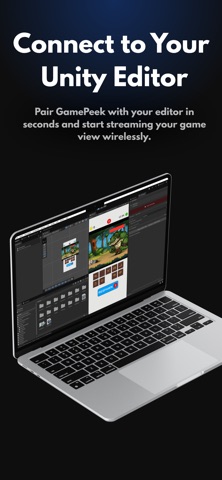
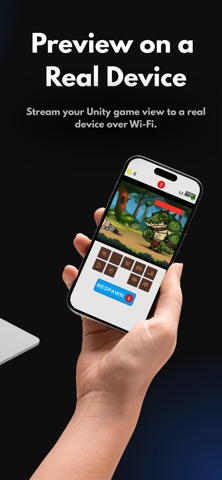
GamePeek shows your Unity Game View on your phone while you work in the editor. Press Start Streaming in Unity, scan the QR code (or tap your machine in the device list), and the stream appears on your screen. Touches on the phone go back into the editor as real input events, so buttons, joysticks, and gestures behave exactly the way they will in the shipped game. Motion controls work too: gyroscope and accelerometer readings stream to Unity while you tilt the actual device in your hand. Video travels over GamePeek's own low-latency UDP protocol and falls back to TCP on networks that block it. Quality adapts to your Wi-Fi on its own, and recovers on its own too. WHAT'S FREE Streaming with no time limit, every day, forever: 720p at 20 fps with single-touch input, the live FPS overlay, and a small watermark. Enough to check your game on a real screen whenever you want. GAMEPEEK PRO Monthly, yearly, or one payment forever. Every plan unlocks everything: - 1080p at up to 120 fps - No watermark - Multi-touch, gyroscope, and accelerometer input - Custom quality settings - Auto-reconnect after drops - Settings saved per Unity project WHAT YOU NEED The free GamePeek plugin for Unity 2021.3 or newer (on the Unity Asset Store), and both devices on the same Wi-Fi network. Away from your desk, remote play works over Tailscale.
Developer Tools · iPhone, iPad, Android · Free
Rating: 4.0 out of 5, based on 1 user ratings.