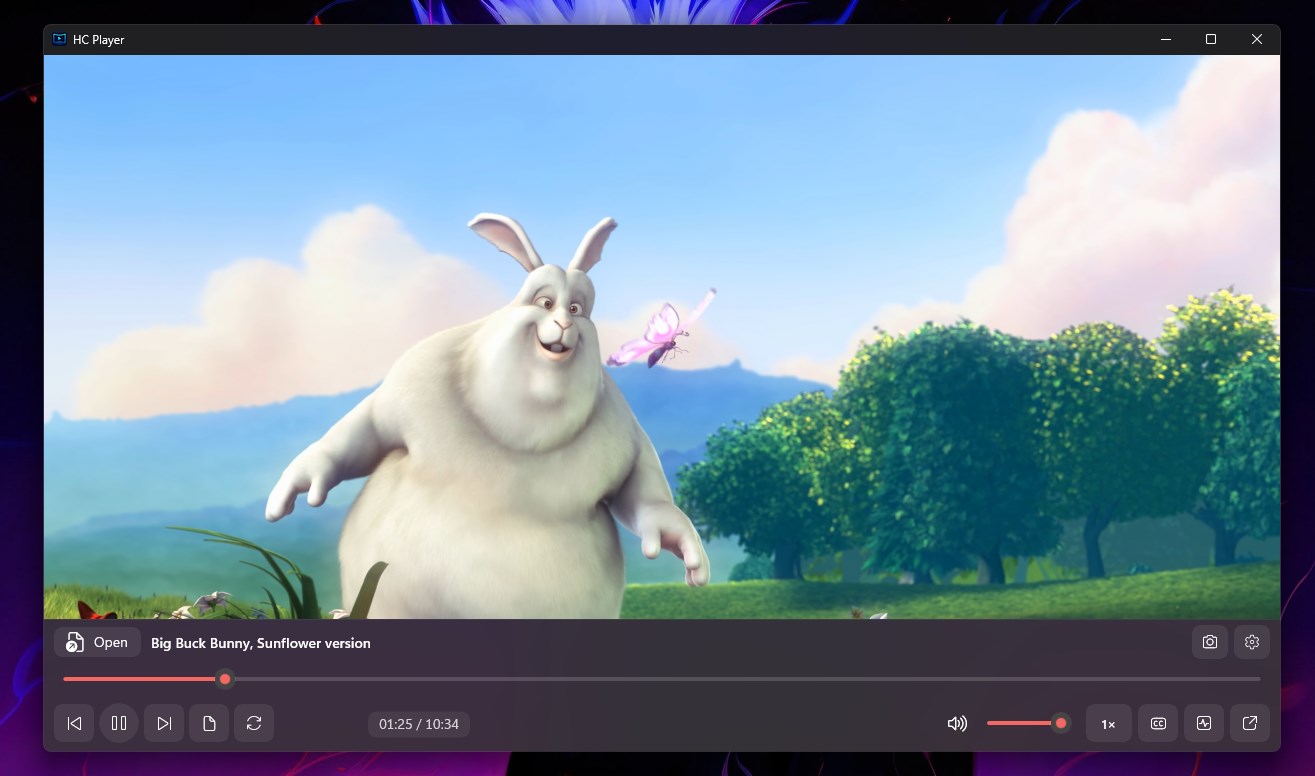
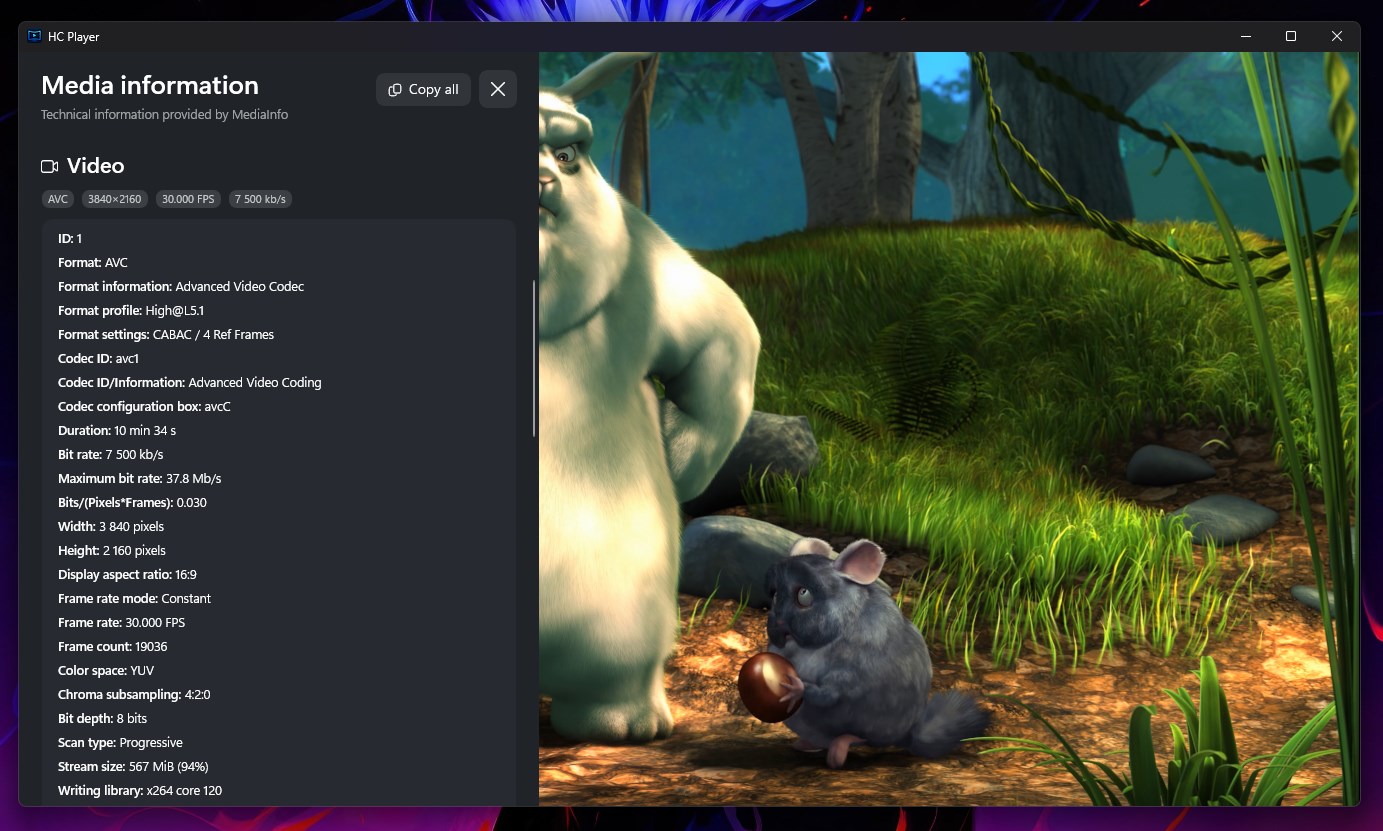
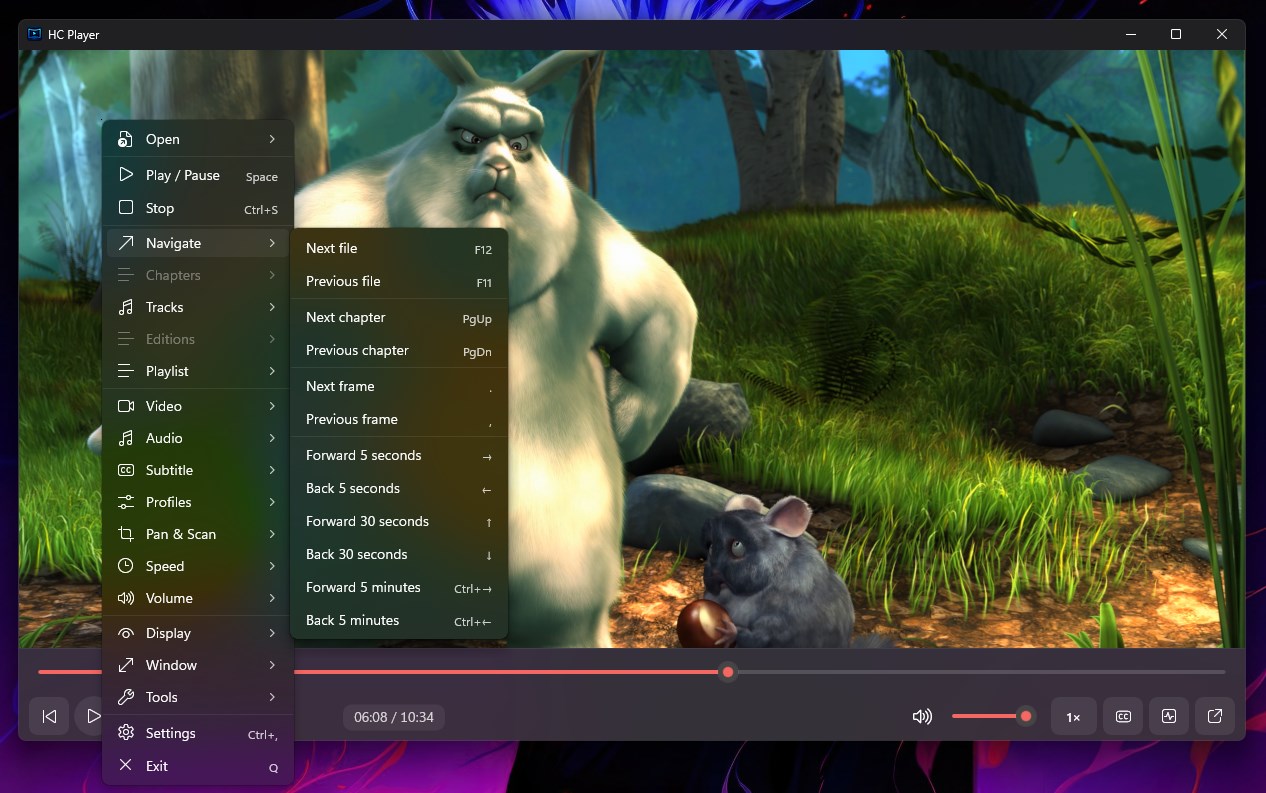
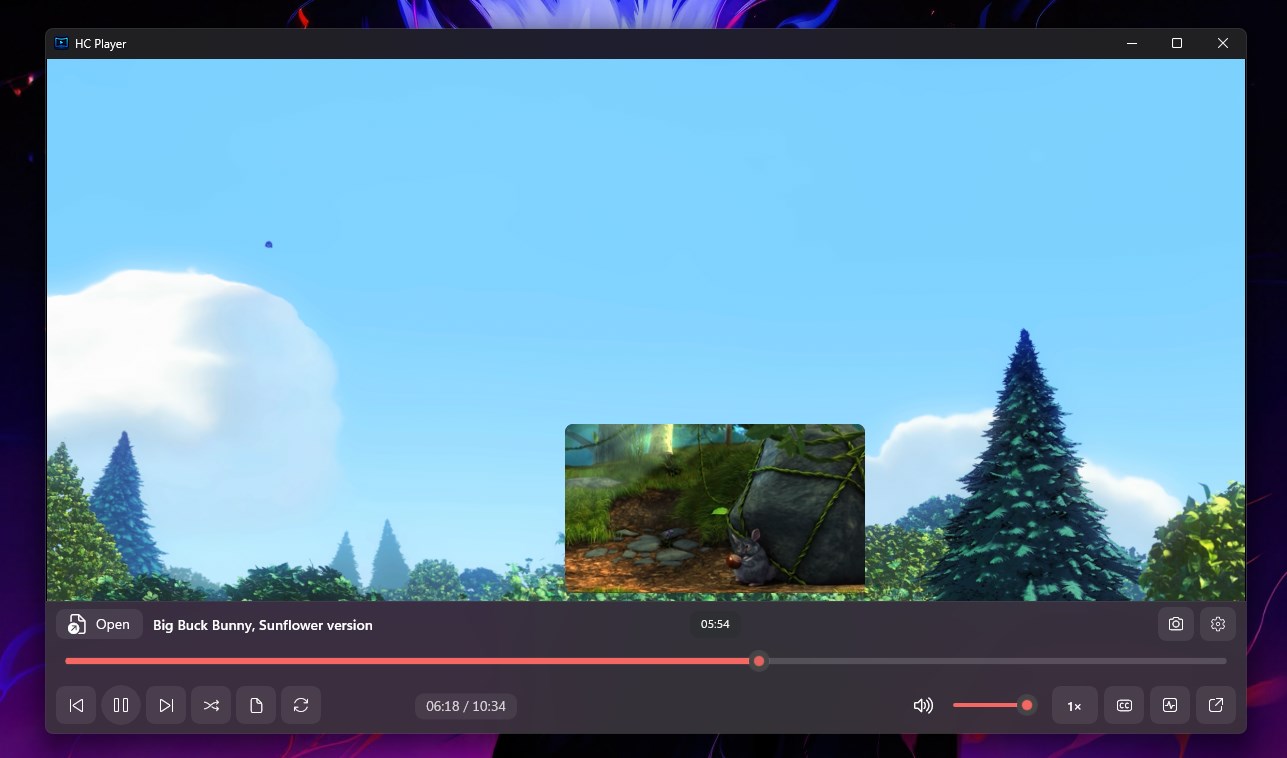
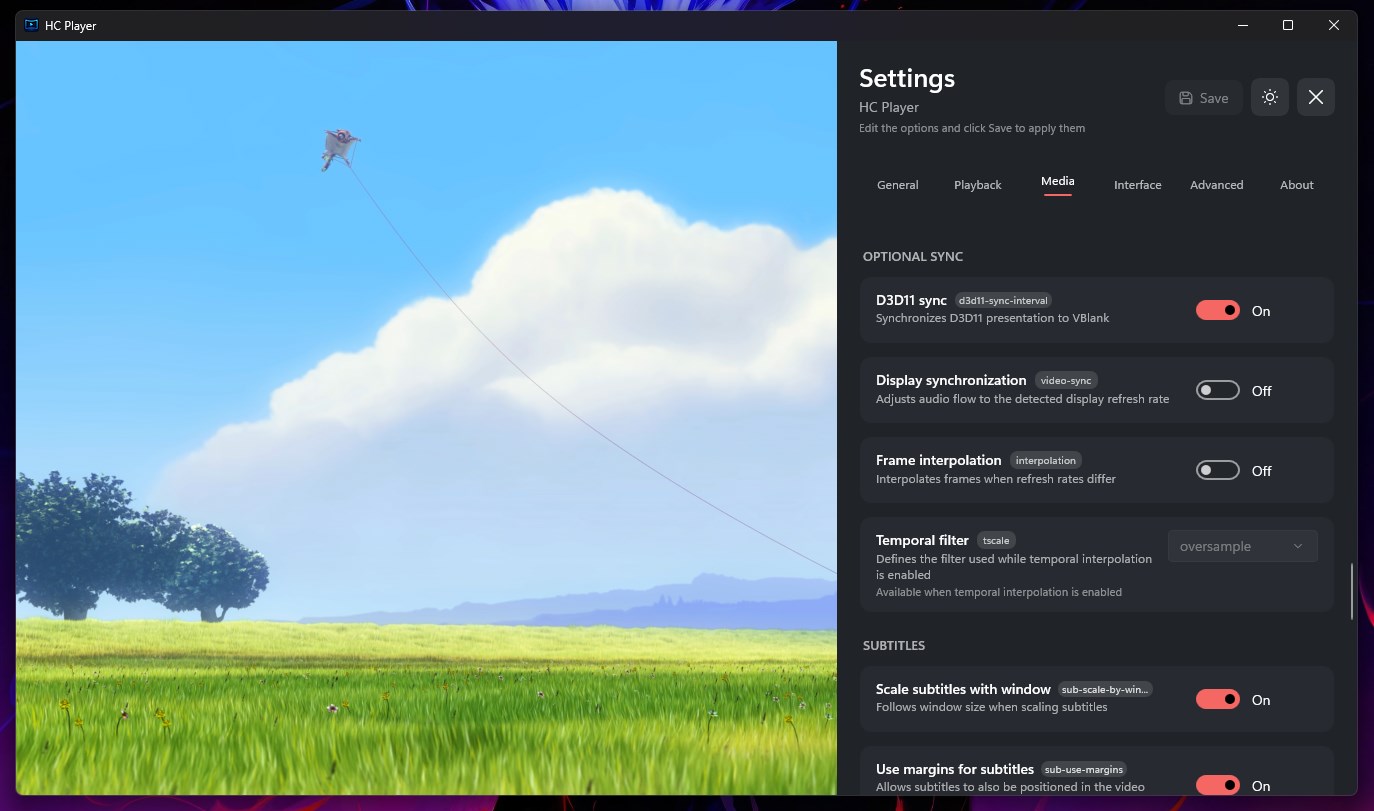
HC Player — the power of mpv with an interface built for Windows Watch your videos and listen to your music in a free player that combines mpv playback quality with a native WinUI interface. From everyday controls to advanced settings, personalize your experience directly through the interface. AN INTERFACE YOUR WAY Choose light or dark themes and different playback control styles: full, compact, minimal or floating. Use Picture-in-Picture to keep watching while working on other tasks. PICTURE QUALITY AND PLAYBACK CONTROL Enjoy hardware acceleration, HDR playback, tone mapping and video processing options. Explore scaling settings, debanding, interpolation and custom shaders, including Anime4K. PLAYLISTS AND NAVIGATION Organize files into tabbed playlists, use shuffle and navigate chapters. Control playback speed, step through frames, repeat sections with A–B looping and resume where you left off. GAMEPAD CONTROL TOO Use an Xbox-compatible controller to control playback and navigate supported parts of the interface. Adjust the volume, seek through your video, change playback speed and navigate playlists. Text entry still uses the keyboard. AUDIO AND SUBTITLES Select audio tracks and output devices, adjust synchronization and load external subtitles. Customize fonts, appearance and positioning, with support for primary and secondary subtitles. INFORMATION AND CUSTOMIZATION View technical media details with integrated MediaInfo. Advanced users can also import mpv configurations, profiles and shaders. ONLINE CONTENT Open URLs and use optional integrations with yt-dlp, YouTube, SponsorBlock and OpenSubtitles. Some features require external tools, an account or a service API key. yt-dlp and Deno are not bundled with the app. Content availability depends on the respective provider. Developed by Heinz Dev, with source code on GitHub: https://github.com/henzfdev/HC-Player Credit for the film shown in the screenshots: Big Buck Bunny © 2008, Blender Foundation — www.bigbuckbunny.org. Creative Commons Attribution 3.0 license: https://creativecommons.org/licenses/by/3.0/
Photo & Video · Windows · Free