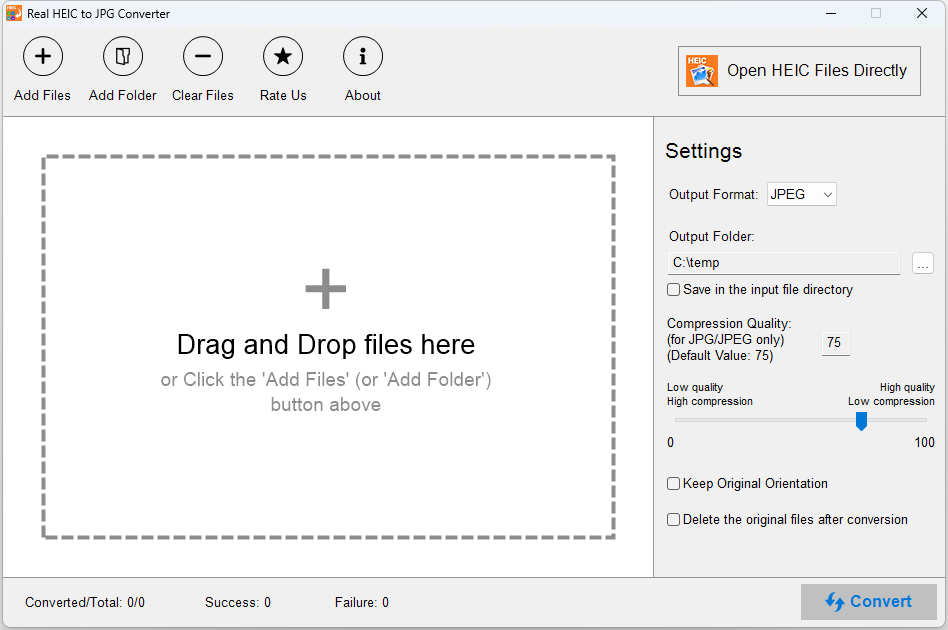
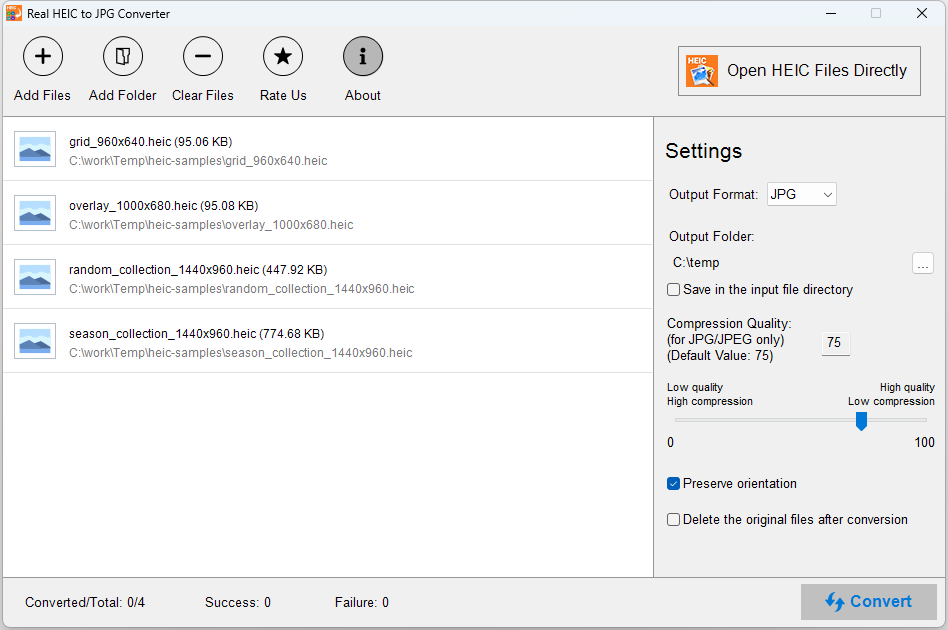
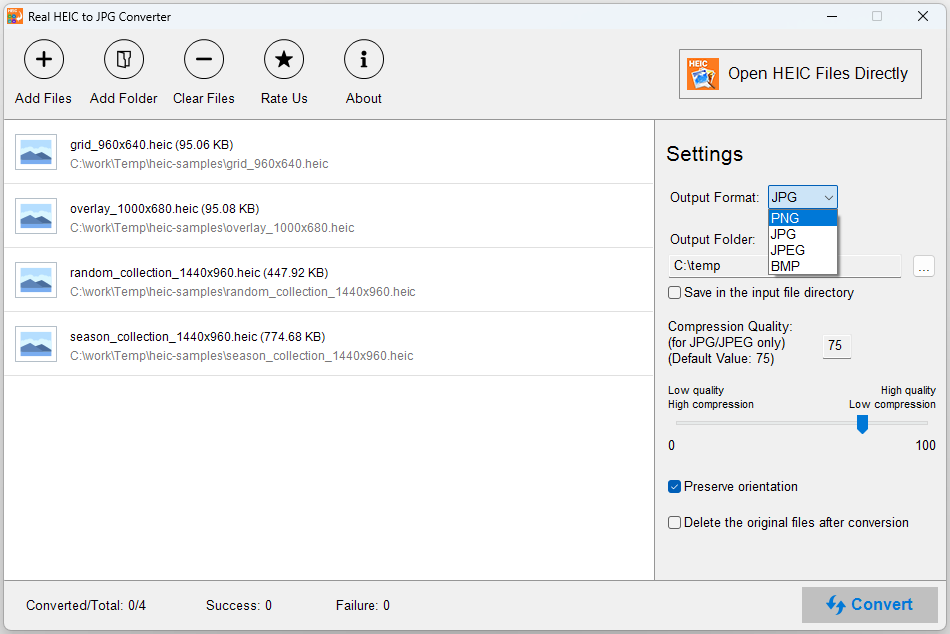
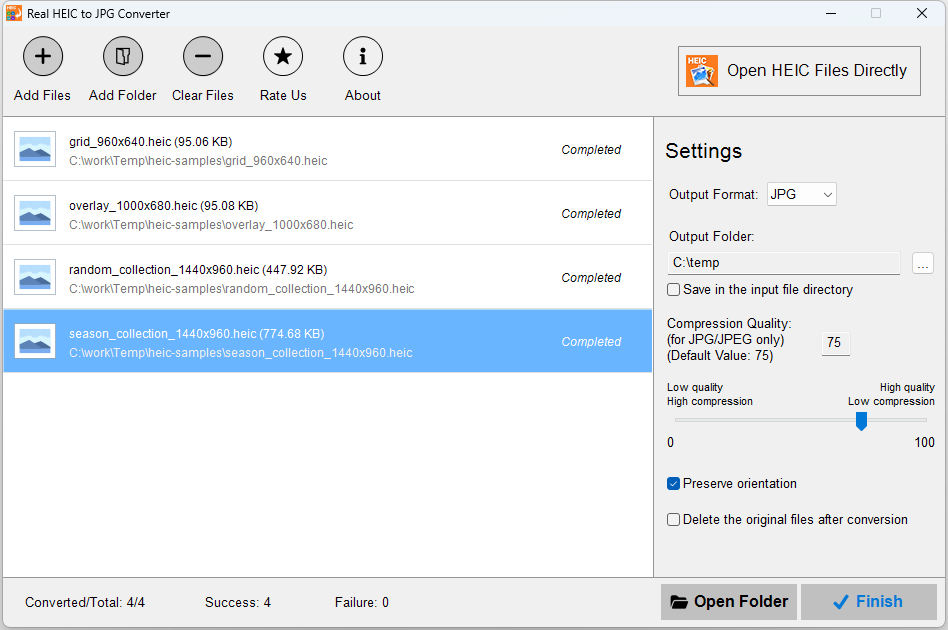
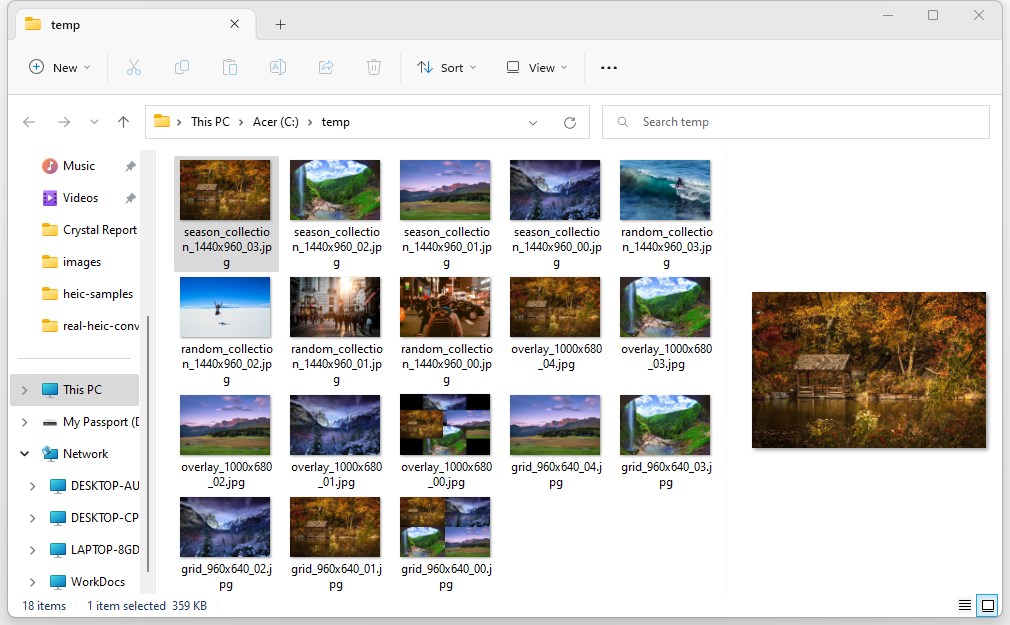
HEIC files are pictures taken in the new HEIF format. Real HEIC to JPG Converter (previously Real HEIC Converter) allows you to convert and view your HEIC files instantly with 3 simple steps. Just drag and drop your files in the tool, click Convert, and they will be converted automatically for you. Note: The core features of Real HEIC to JPG Converter are completely free for everyone. Premium is purely optional for users who wish to support our work. If the Premium prompt appears, simply click the X icon in the top-right corner to continue using the app. Real HEIC to JPG Converter works on both PCs and Tablets. Features: – Converts HEIC to PNG, JPEG, JPG or BMP files. – Converts locally without uploading anything to internet. – Drag and drop files for instant conversion. – Open and view converted files using your favorite viewer. Note: Windows 10 S-Mode is not supported.
Photo & Video · Windows · Free
Rating: 4.6 out of 5, based on 5520 user ratings.