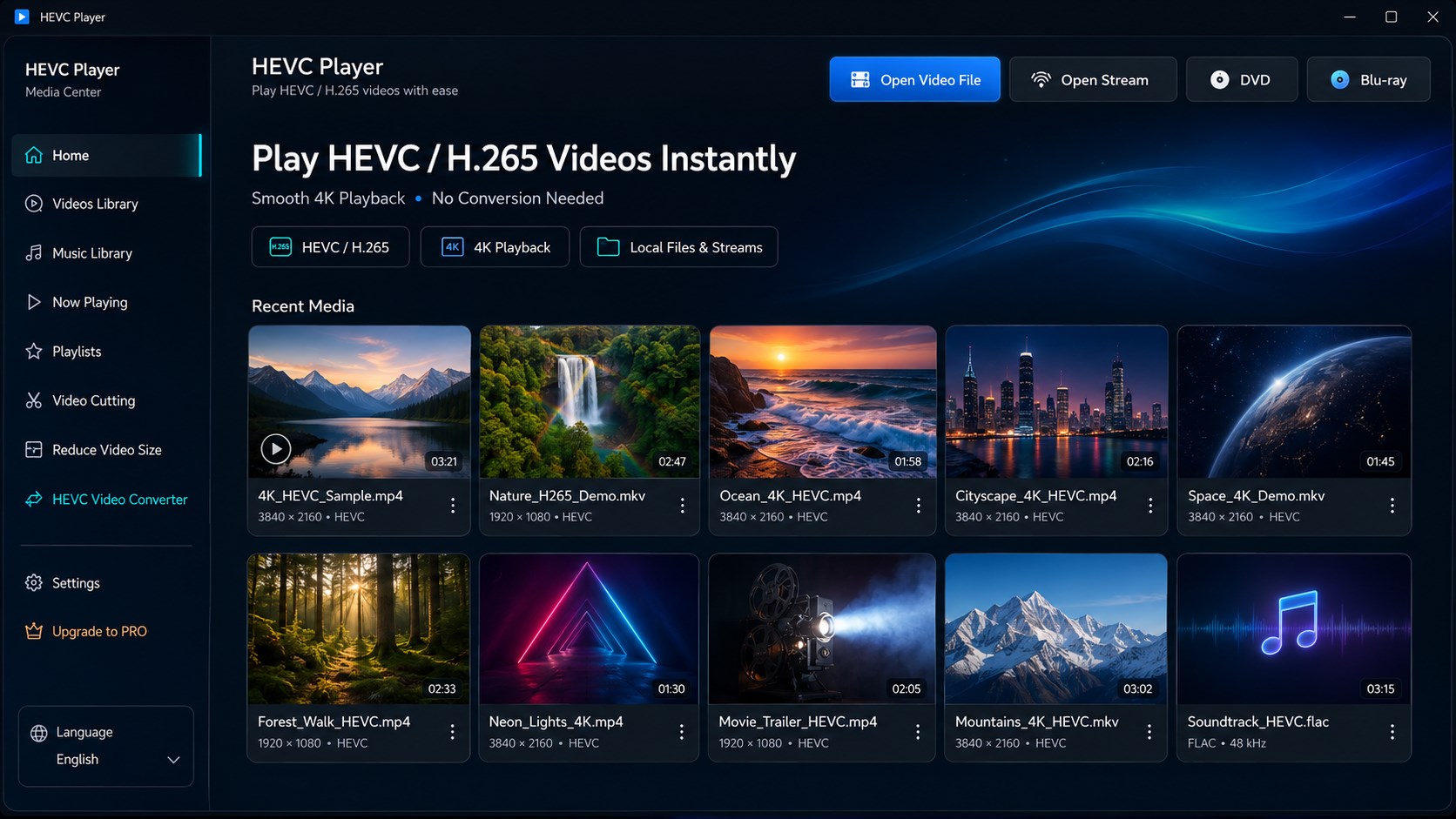
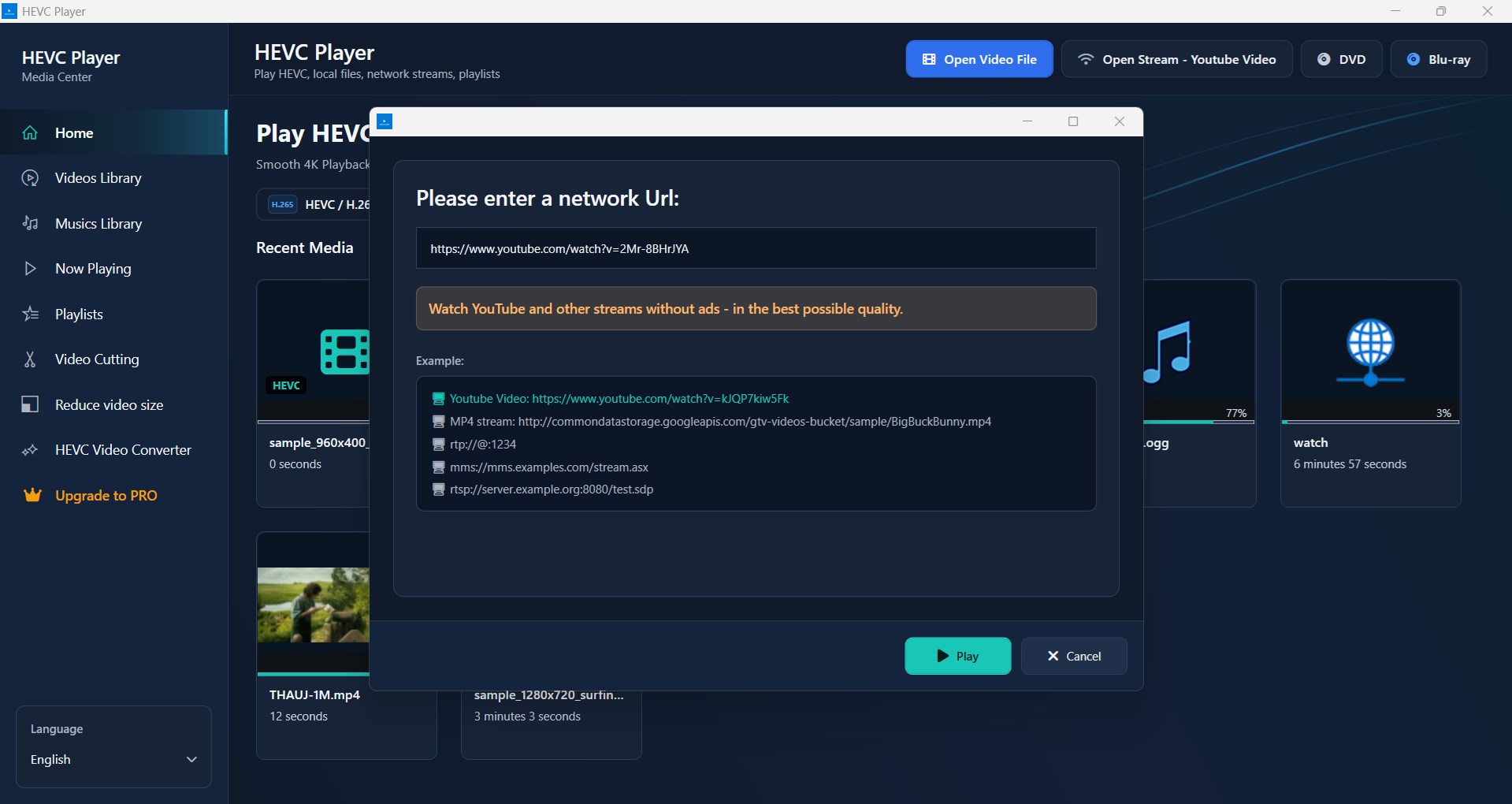
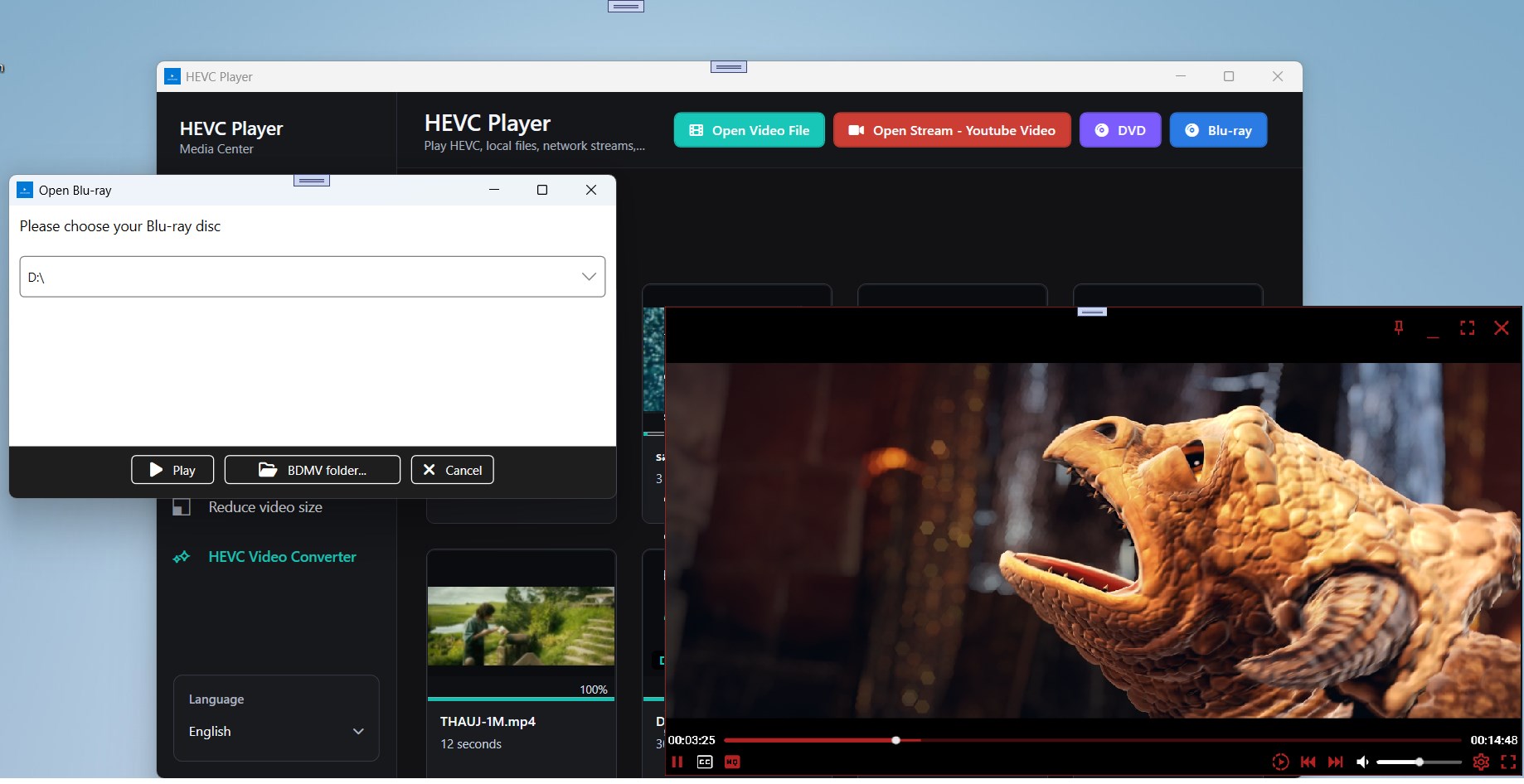
HEVC Player for Windows lets you play HEVC (H.265) videos on Windows 10 and Windows 11 without converting your files. Enjoy smooth playback of high-efficiency video formats while also supporting a wide range of popular video and audio files. Key Features 🎬 Play HEVC (H.265) videos without conversion 💿 Play DVD discs and DVD ISO image files 💿 Play Blu-ray discs and Blu-ray ISO image files 📁 Support for a wide range of video and audio formats ⚡ Smooth playback with hardware acceleration (when supported) 📺 High-quality video rendering with subtitle support 🎵 Multiple audio tracks and subtitle track selection ⏯️ Playback controls including speed adjustment, frame stepping, and looping 📂 Create and manage playlists 🔍 Search and organize your media library 🎨 Clean, modern interface optimized for Windows 10 and Windows 11 Whether you're watching HEVC recordings, 4K movies, personal videos, HEVC Player for Windows provides a fast, reliable, and convenient playback experience without the need to convert your media first. To whom it may concern what HEVC is: "High Efficiency Video Coding (HEVC), also known as H.265 and MPEG-H Part 2, is a video compression standard designed as part of the MPEG-H project as a successor to the widely used Advanced Video Coding (AVC, H.264, or MPEG-4 Part 10). In comparison to AVC, HEVC offers from 25% to 50% better data compression at the same level of video quality, or substantially improved video quality at the same bit rate. It supports resolutions up to 8192×4320, including 8K UHD, and unlike the primarily 8-bit AVC, HEVC's higher fidelity Main 10 profile has been incorporated into nearly all supporting hardware"
Productivity · Windows · Free
Rating: 4.1 out of 5, based on 224 user ratings.