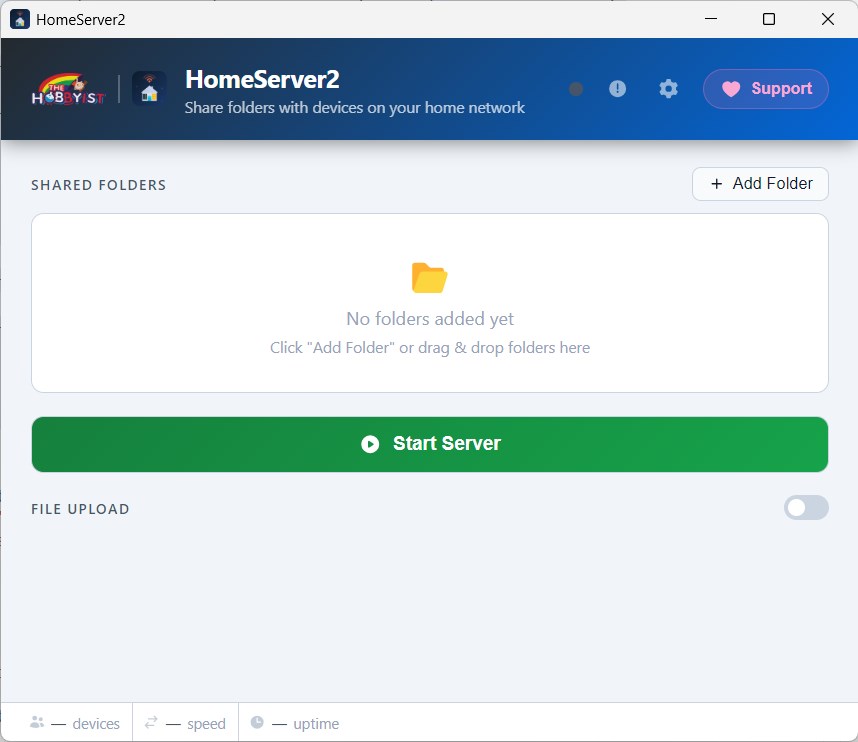
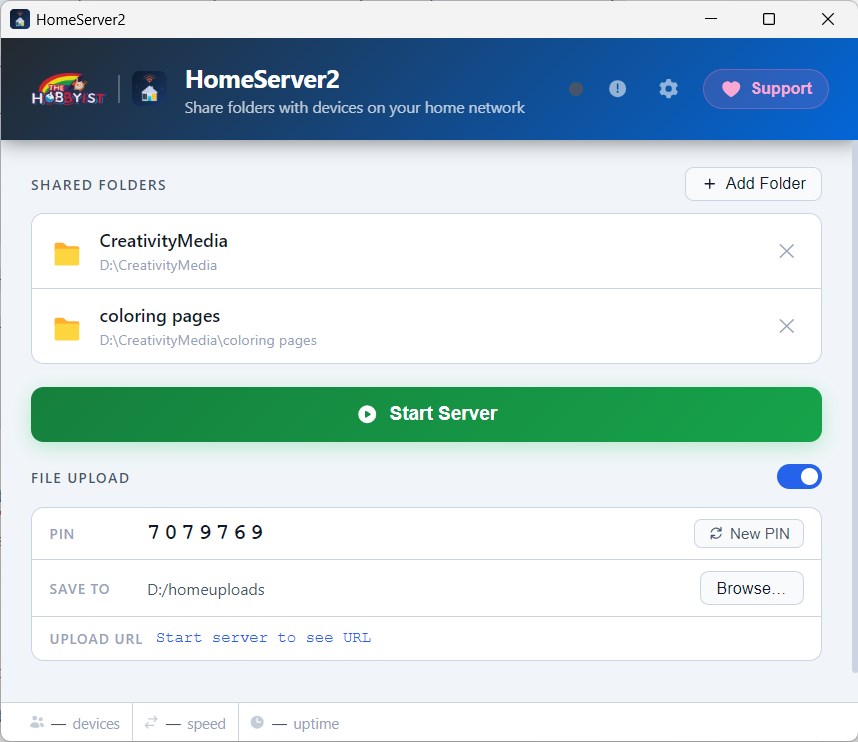
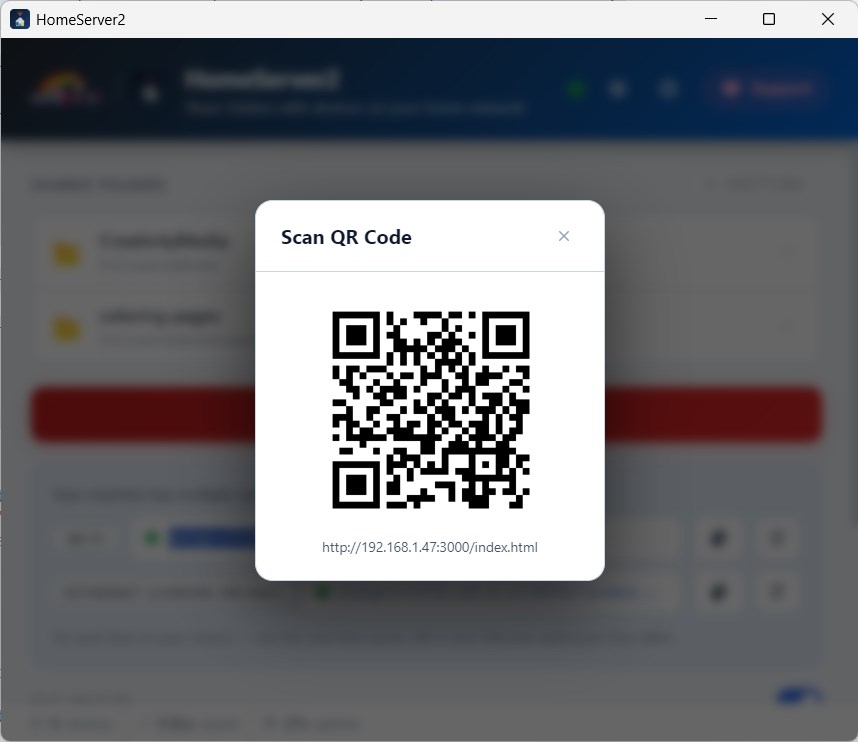
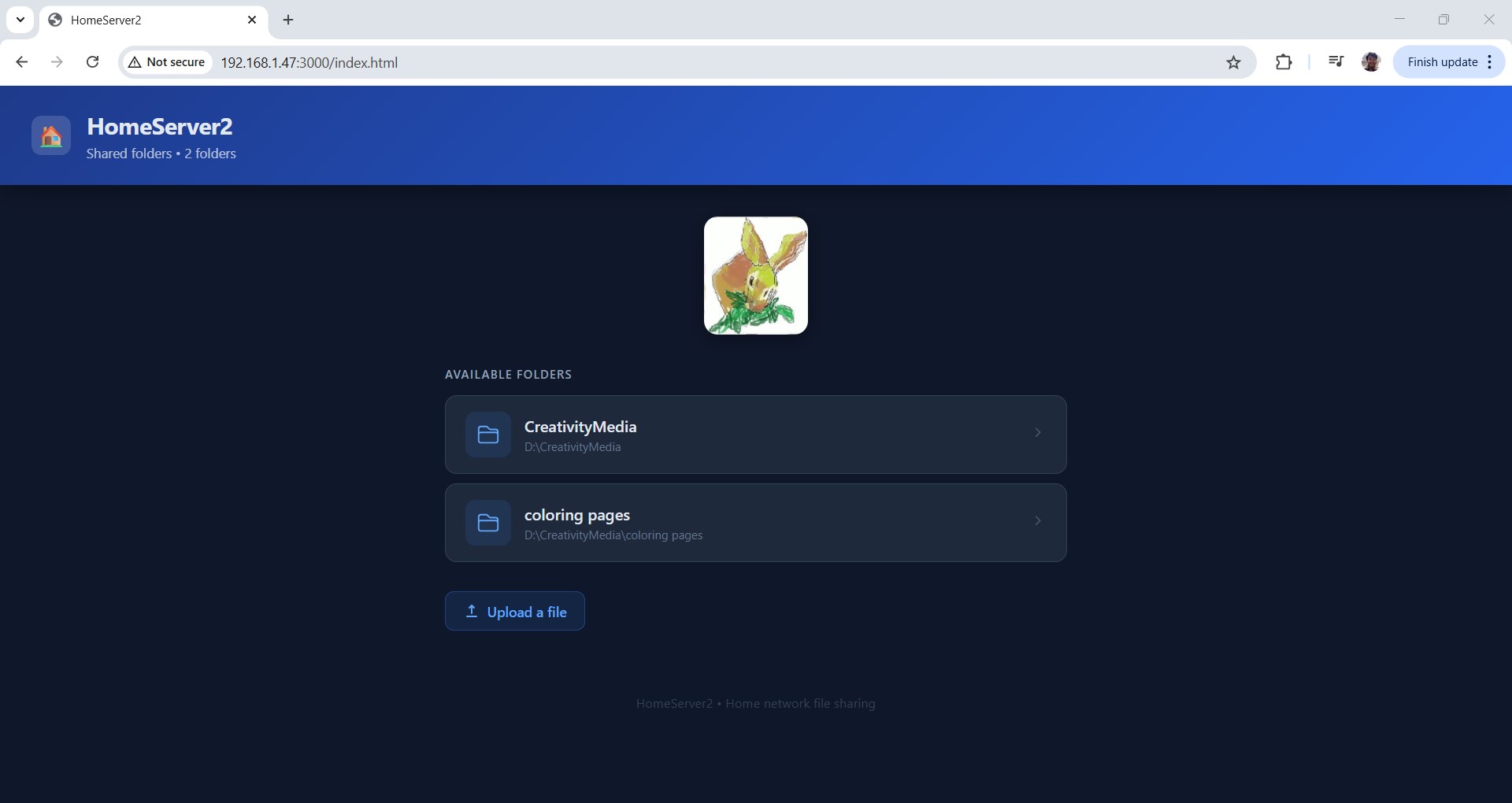
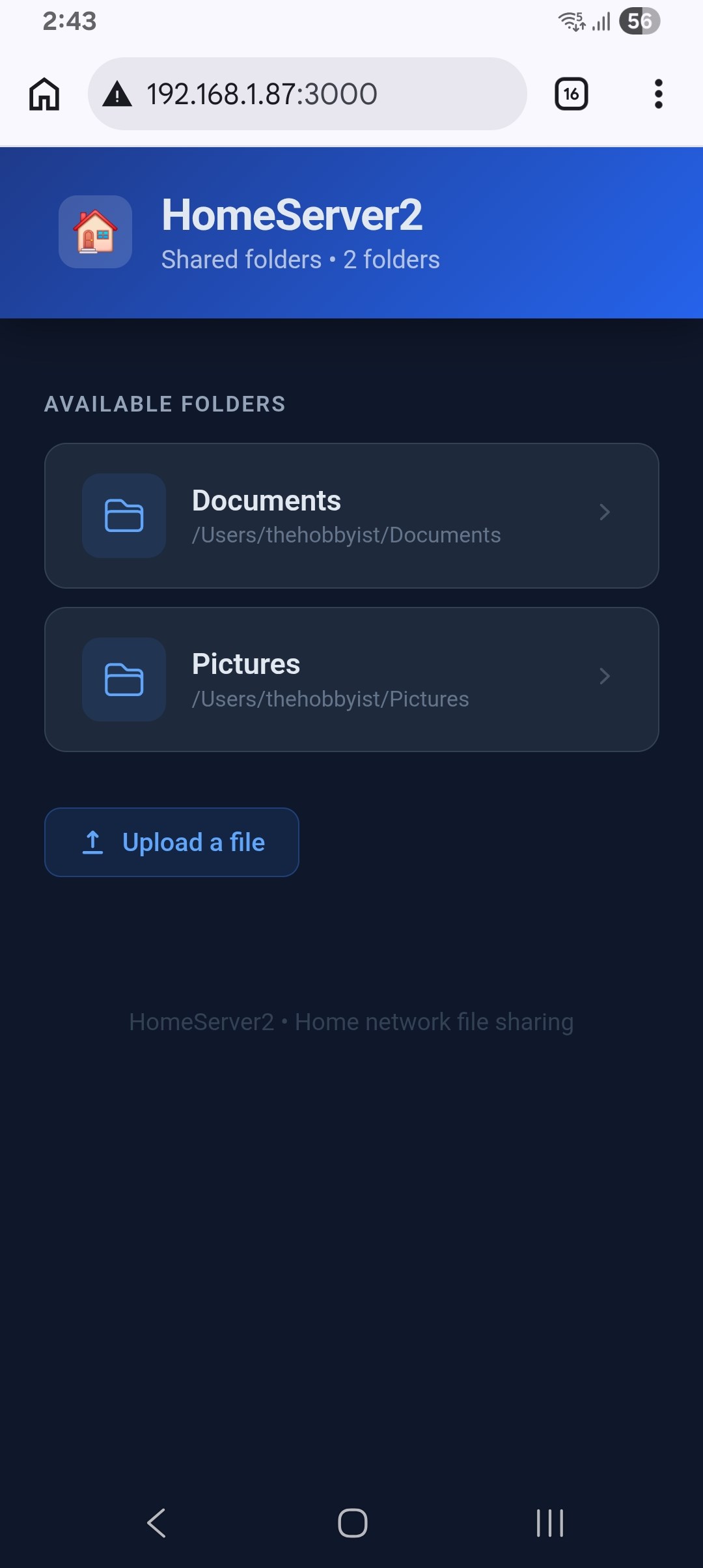
HomeServer turns your PC into an instant file server for your home network. Select any folder, hit Start, and every phone, tablet, or laptop on your Wi-Fi can browse and download your files through a plain web browser — no app to install on the other device, no internet required, no account sign-up. ── What it does ────────────────────────────────────────────── • Share multiple folders simultaneously from your PC to any device on the same Wi-Fi network. • Access your files from Android, iPhone, iPad, another Windows PC, a smart TV — anything with a browser. • Optional PIN-protected uploads so trusted devices can send files back to your PC. • Scan a QR code from your phone to connect instantly — no typing IP addresses. ── Who it's for ────────────────────────────────────────────── Home users who want to move photos, videos, documents, or music between their PC and phone quickly without using cables, cloud storage, or USB drives. Works on your home Wi-Fi with zero configuration. ── Key Features ────────────────────────────────────────────── Zero Configuration Runs immediately after installation. No router settings, no port forwarding, no IT knowledge needed. Works on Every Device The file browser is a standard web page — any device with a browser can connect. No companion app required. Multiple Shared Folders Add as many folders as you want. Each appears as a separate section in the browser. PIN-Protected Uploads Enable the upload feature and set a PIN to let trusted devices send files to a folder you choose on your PC. QR Code Access HomeServer2 displays a QR code for the server URL. Scan it with your phone camera to open the file browser instantly. Live Network Stats See how many devices are connected, current transfer speed, and total data served — all in the app window. Built-in Themes Customize the app window with 8 colour presets plus adjustable accent colours. Runs quietly in the system tray when minimized. Auto Port Selection If the default port is in use, HomeServer2 automatically tries the next available port so it always starts cleanly. Runs in the Background Minimize to the system tray and HomeServer2 keeps running. Access it any time from the tray icon. Completely Offline No internet connection required. Your files never leave your local network. No accounts, no subscriptions, no telemetry.
Productivity · Windows · Free