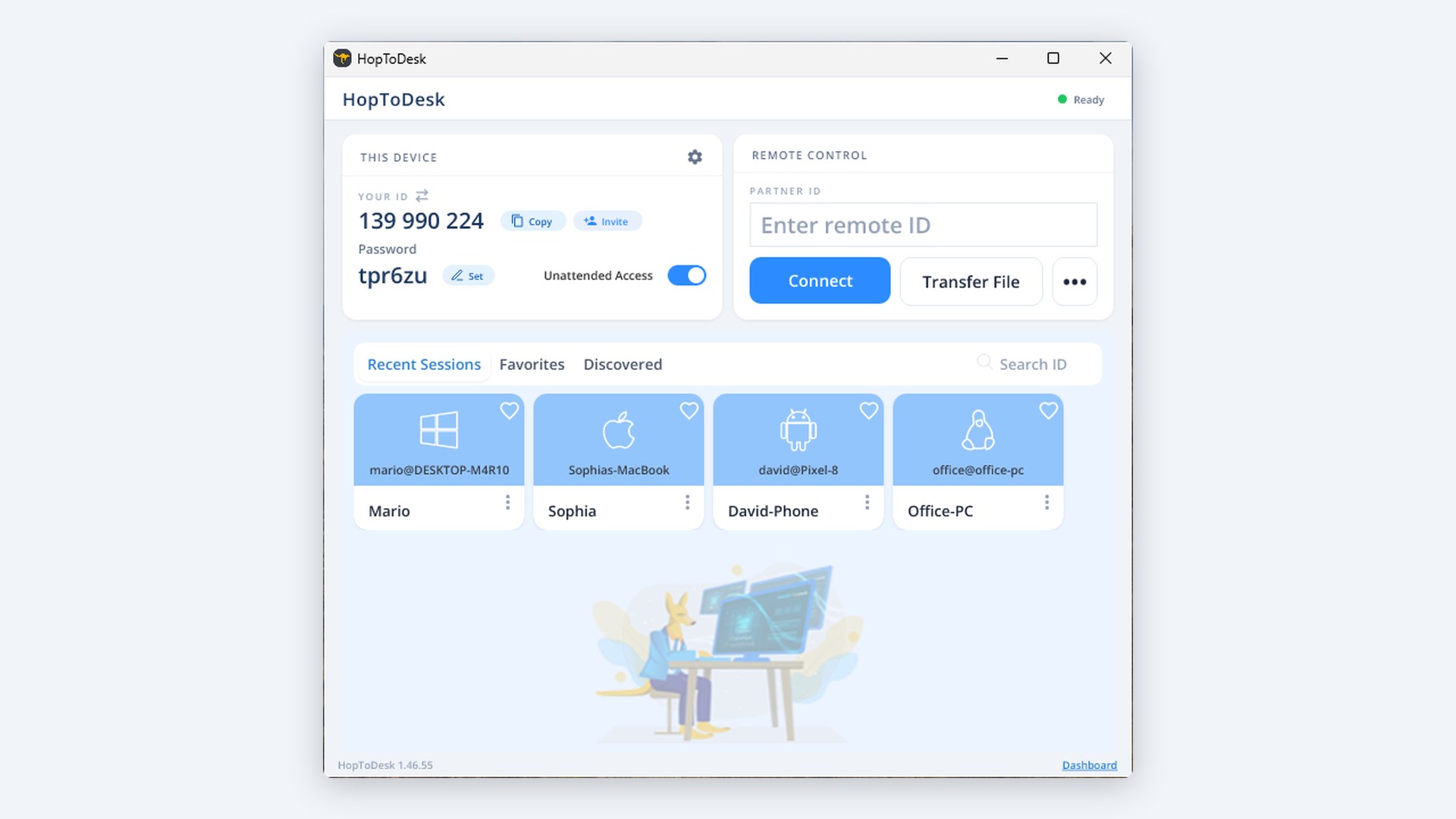
HopToDesk is free remote desktop software for Windows, Mac, Linux, Android, iOS, Raspberry Pi and FreeBSD. Free for personal and business use, with no account needed. Why choose HopToDesk • Free for personal and business use: No time limit, no trial and no account needed. • End-to-end encrypted: Screens, files and chat are encrypted between the two devices, so we cannot see them. • Works through firewalls: Connect without port forwarding or router changes. • File transfer and chat: Send files both ways and chat during a session. • Small download: About 8 MB on Windows, and ready in seconds. • A free Dashboard for many devices: Unattended access, device groups and team access, managed in one place. Connect in 3 steps 1. Download and open HopToDesk on both devices. 2. On the device you want to reach, read the ID and password that HopToDesk shows. 3. On your device, type that ID under Partner ID, click Connect, and enter the password.
Productivity · Windows, iPhone, iPad, Android · Free
Rating: 4.0 out of 5, based on 21 user ratings.