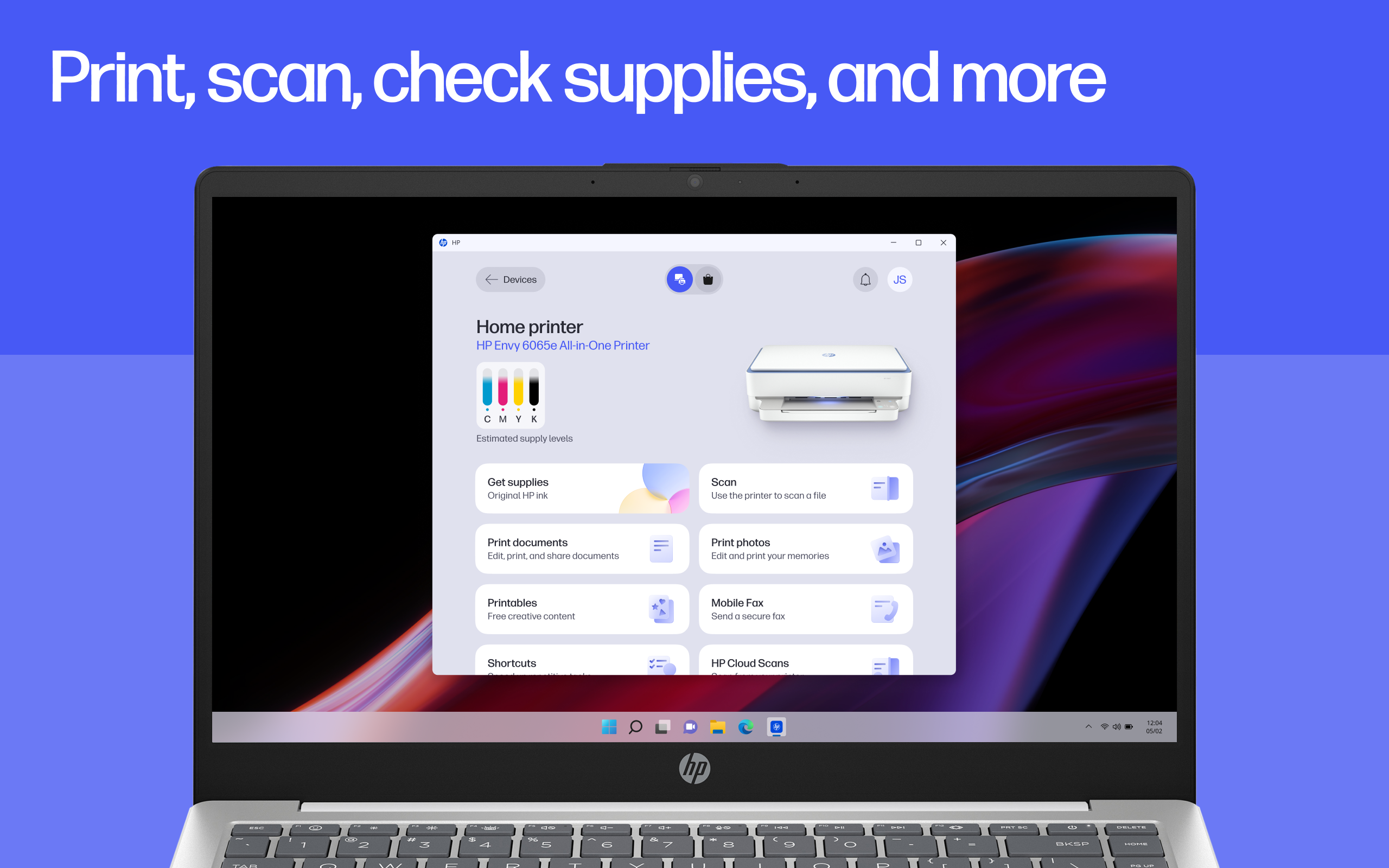
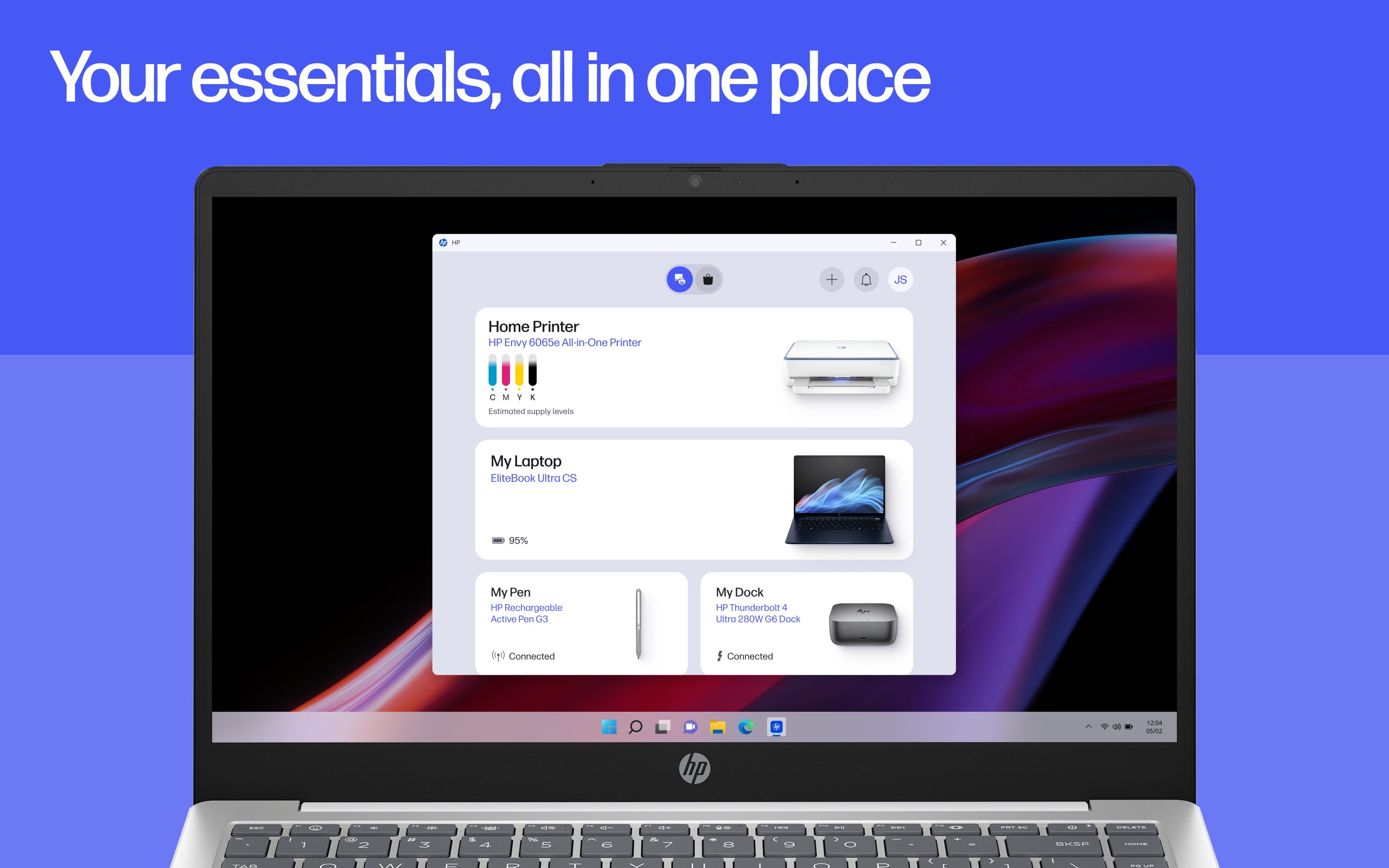
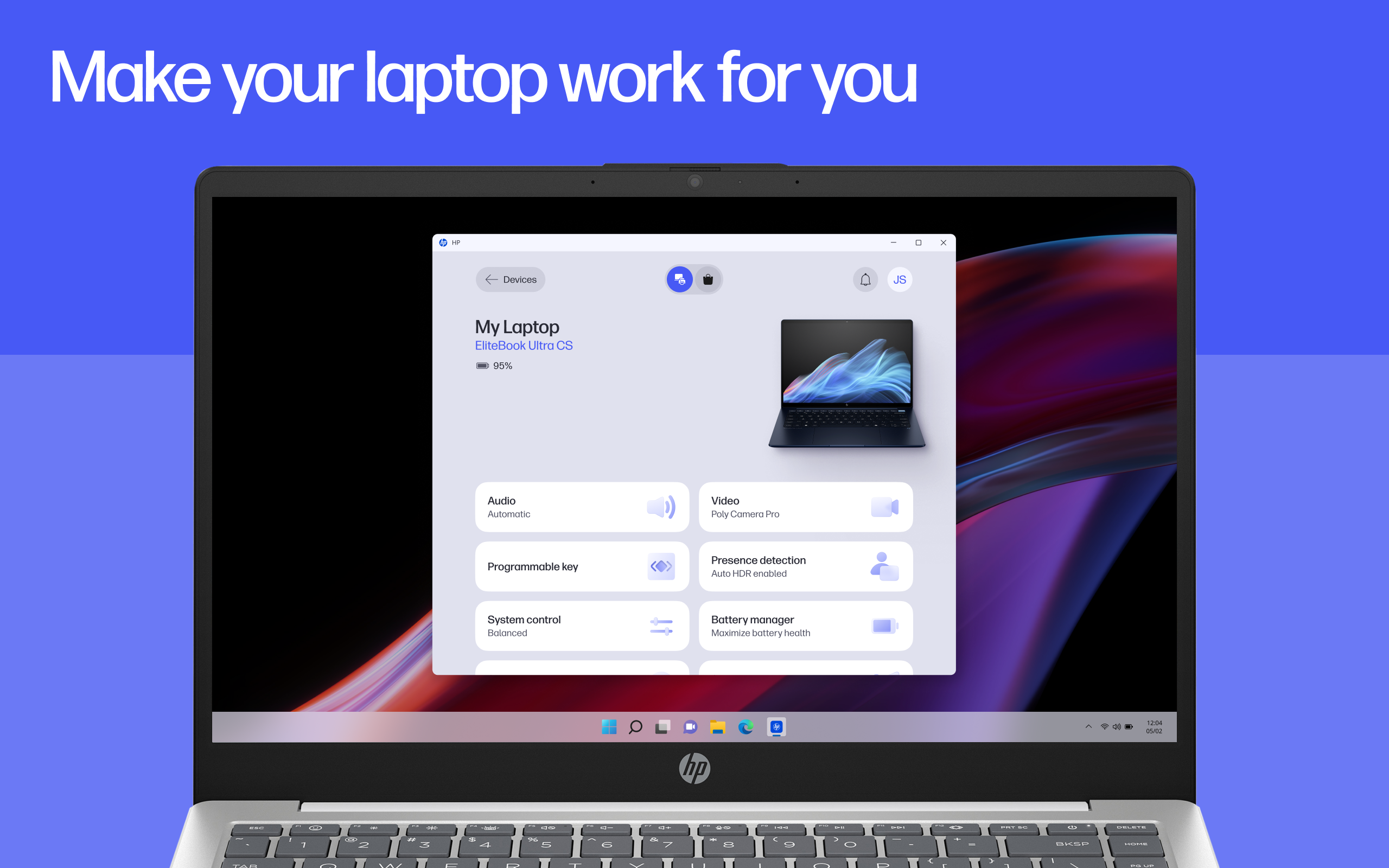
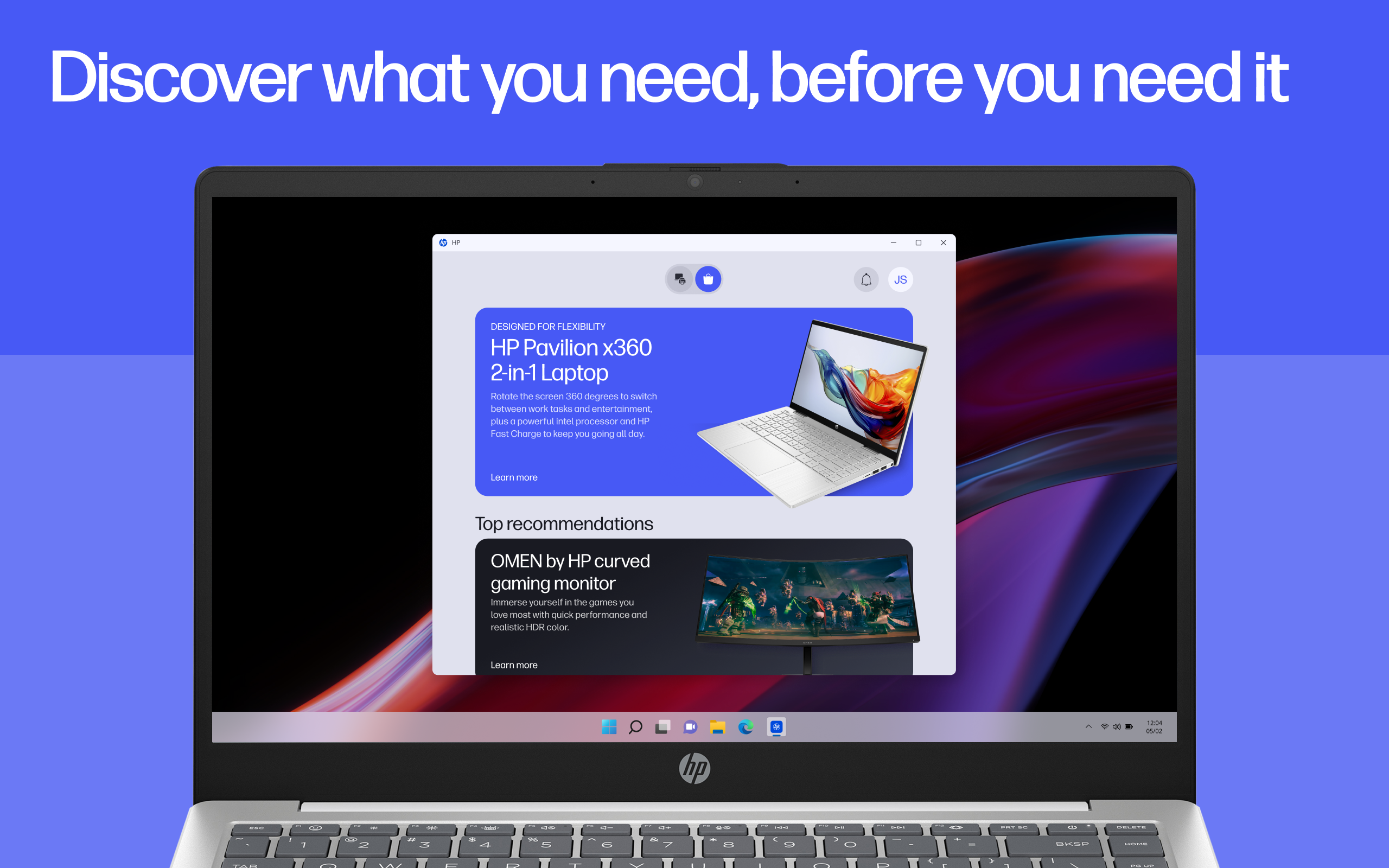
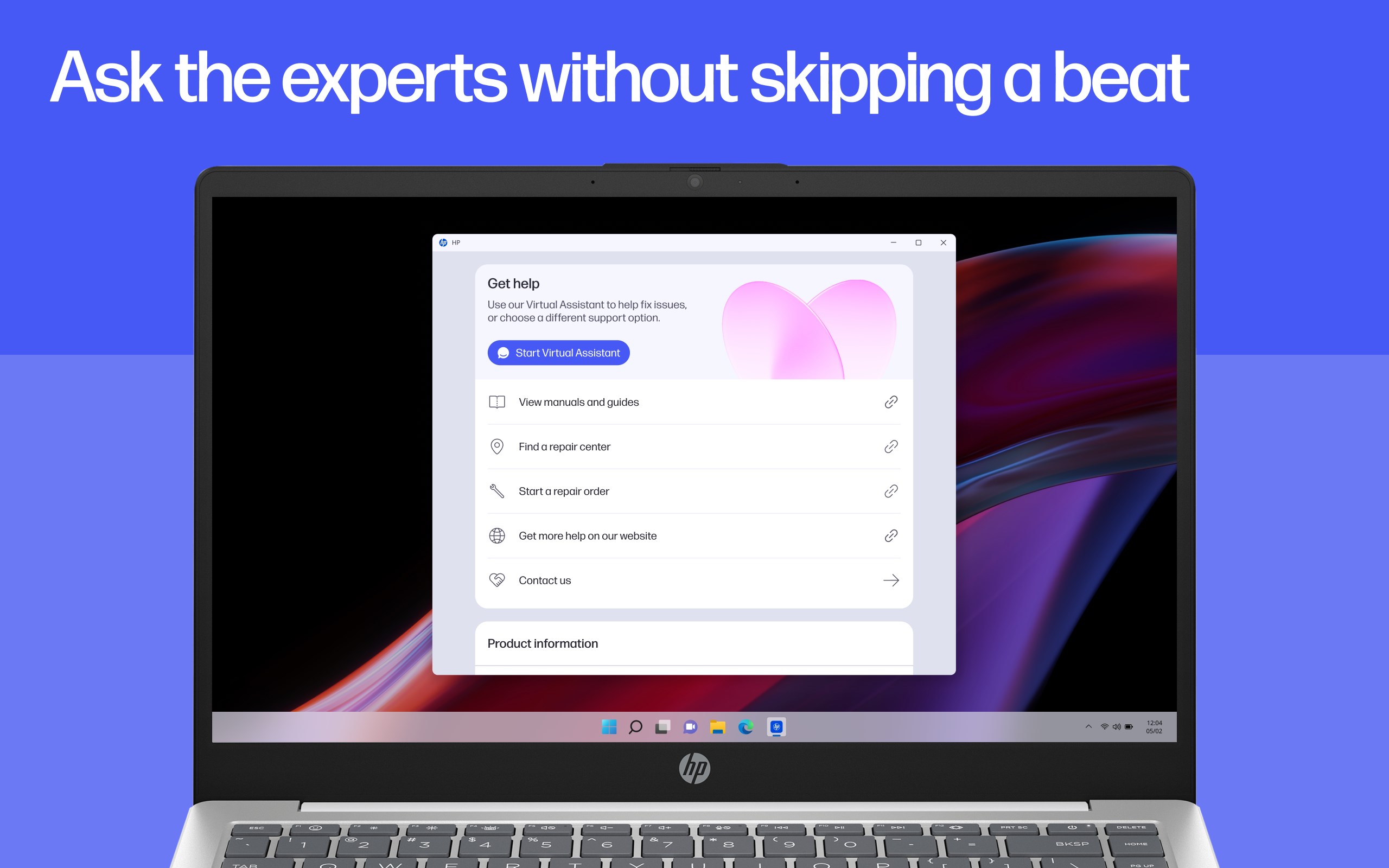
HP Smart features are now available in the HP app! Easily print, scan and share documents, even manage your printer, in one place. Manage Your Devices with Ease Whether you’re tackling a busy day or using your computer for entertainment, stay on top of your devices with simple tools that help you manage the essentials—like optimizing your battery life—so you can focus on what really matters. Make the Most of Your Device Stay informed with top recommendations so you always have the right supplies for your device. Plus, you can adjust your device settings to match your preferences. It is all about making your tech work just the way you like it. Print and Scan, On Your Time Print a document, scan receipts in seconds and send it straight to your inbox. Whether you are at home or at the office, completing your print tasks is a click away. Instant Help Whenever You Need It When something goes wrong, help is right there—make a quick call, message live chat or find answers in the app. You’ll be back to what matters before you know it. But wait, your experience just gets better and better! • Stand out on video calls with background blur, auto-framing, filters, and customizable virtual backgrounds.[2,3] • Prioritize your well-being with screen-distance alerts and time limit reminders. [3] • Enjoy immersive audio while watching a movie, gaming or on a conference call.[3] • Customize audio, display, and pen settings for each of your favorite apps—automatically applied every time through the HP app.[3] • Boost your productivity with keyboard shortcuts that let you quickly launch apps, open files and run commands.[2] • Unlock a world of creativity with HP Printables[4]. Explore tons of cards, coloring pages, educational worksheets, and fun crafts projects. • Adjust and edit your documents before you hit print. • Set up custom shortcuts for print tasks you use often. • Automatically correct images, name files, flatten pages, extract text, and scan multiple pages at the same time with the HP app.[5] • Get a notification when your printer is low on ink or paper and easily order more to keep printing uninterrupted. We're always adding cool new features to the app. Make sure you turn on auto-updates, so you don't miss all the latest improvements! Disclaimers 1. HP Smart and myHP are now the HP app, available for download on Windows 10 or 11 PCs. Windows PCs do not support print features at launch. The HP app requires download available at www.hp.com/hp-app. Not all HP devices, services, apps are available in the HP app. Certain features are available in English language only, and may vary by printer and PC model/country, and between desktop/mobile applications. HP reserves the right to introduce charges for use of select HP app functionality. Internet access required. HP account required for full functionality. Fax sending capability only. Live chat and phone support are available during business hours and varies by country. Chat service is localized in supported regions, and where not supported, will default to English. Supported conferencing features vary by device and device configuration. For complete Terms of Service see: www.hp.com/hp-app-terms-of-use. 2. The Magic Background feature of Poly Camera Pro is only available on select HP AI PCs. Some features require PC with an NPU. 3. This feature is only available on the Windows version of the HP app and requires an HP PC with Windows 10 or 11. 4. Printables are for personal use only and may not be distributed for any commercial purpose. 5. Choose HP+ at setup to activate benefits. HP+ requires an HP account, ongoing connection to the internet, and the use of only Original HP ink for the life of the printer. More at hp.com/plus
Utilities · Windows · Free
Rating: 4.4 out of 5, based on 1986428 user ratings.