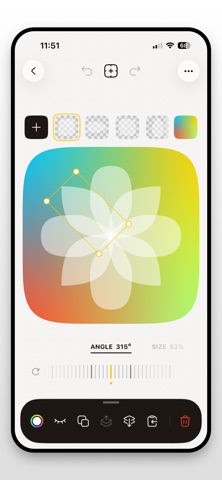
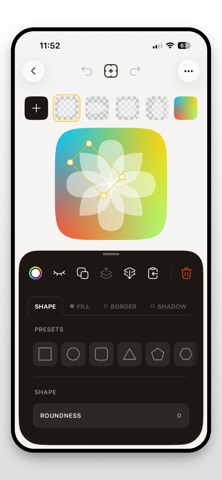
IconAtelier is an editor for designing app icons. Compose icons from vector shapes, text, and imported images. Everything stays editable: nothing is flattened until you export. Vector layers - 9 shape presets: square, circle, squircle, triangle, pentagon, hexagon, octagon, star, scallop - Live polygons and stars: Sides and Inner Depth stay adjustable after creation - Point editing: move Bézier nodes, adjust handles, switch between sharp and smooth, set exact angles and lengths, lasso-select points - Freehand pen: draw a shape by hand, it is fitted into clean curves you can refine - Non-destructive corner rounding on any shape or text - Text with system font weights and designs, fully vector: rounding, repeat, arc and point editing apply to text too - Repeat a layer in a ring or in a row, up to 60 copies, and bend the result along an arc - SVG import: each path becomes an editable vector layer - Combine layers with boolean operations: union, intersect, subtract - Per-layer fills: solid, linear, radial, and mesh gradients - Borders with width, position, and blur - Drop shadows - Position, scale, rotation, and flip per layer Images - Imported PNG images with adjustable tint and opacity Backgrounds - Solid colors and three gradient types - Curated presets AI generation (optional) - Text-to-image overlays in three styles: Illustration, Flat, Flat Mono Export - Apple App Icon Set (Light, Dark, Tinted) - Icon Composer package (.icon) for iOS 26 - Single 1024x1024 PNG - Web favicons (.ico, apple-touch-icon, PWA manifest) Projects are stored on device. Import and export project bundles to move work between devices. Six sample icons are included to get you started.
Developer Tools · iPhone, iPad · Free