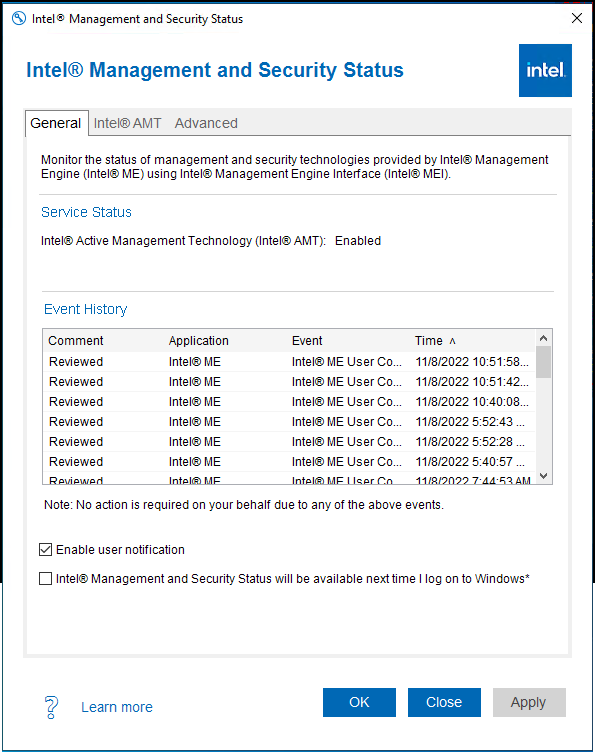
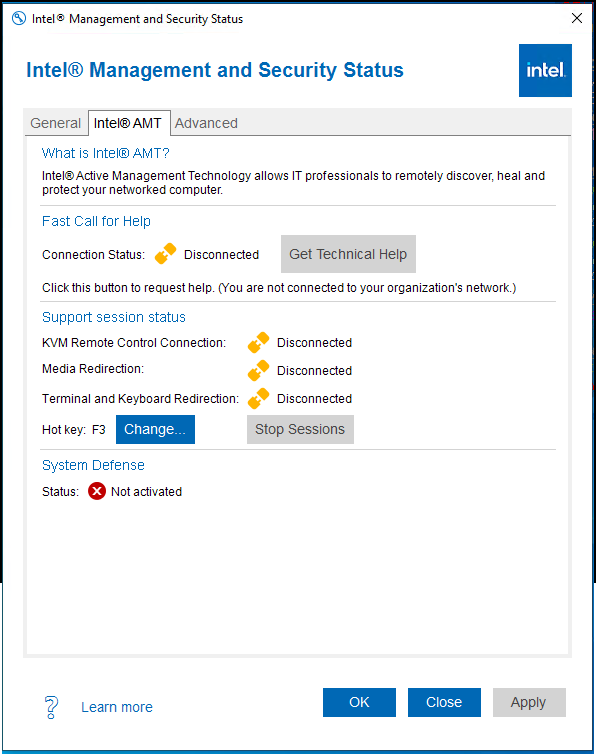
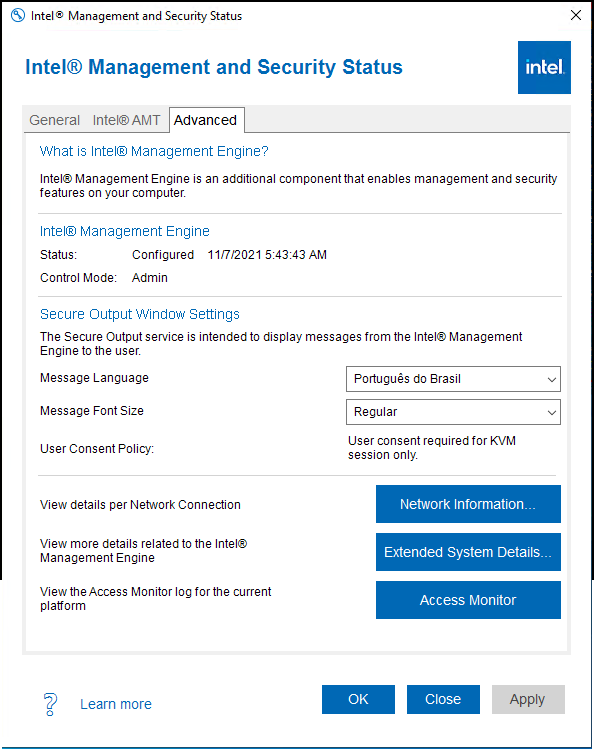
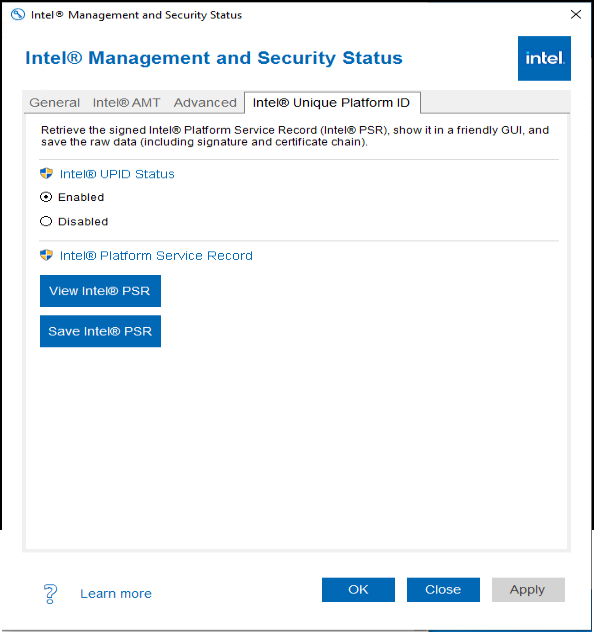
"The Intel® Management and Security Status icon indicates whether Intel® Active Management Technology, Intel® Standard Manageability and Intel® Anti-Theft Technology are running on the platform. The icon is located in the notification area. By default, each time Windows* starts, Intel® Management and Security Status application starts and the notification icon is displayed."
Utilities · Windows · Free
Rating: 4.4 out of 5, based on 31 user ratings.