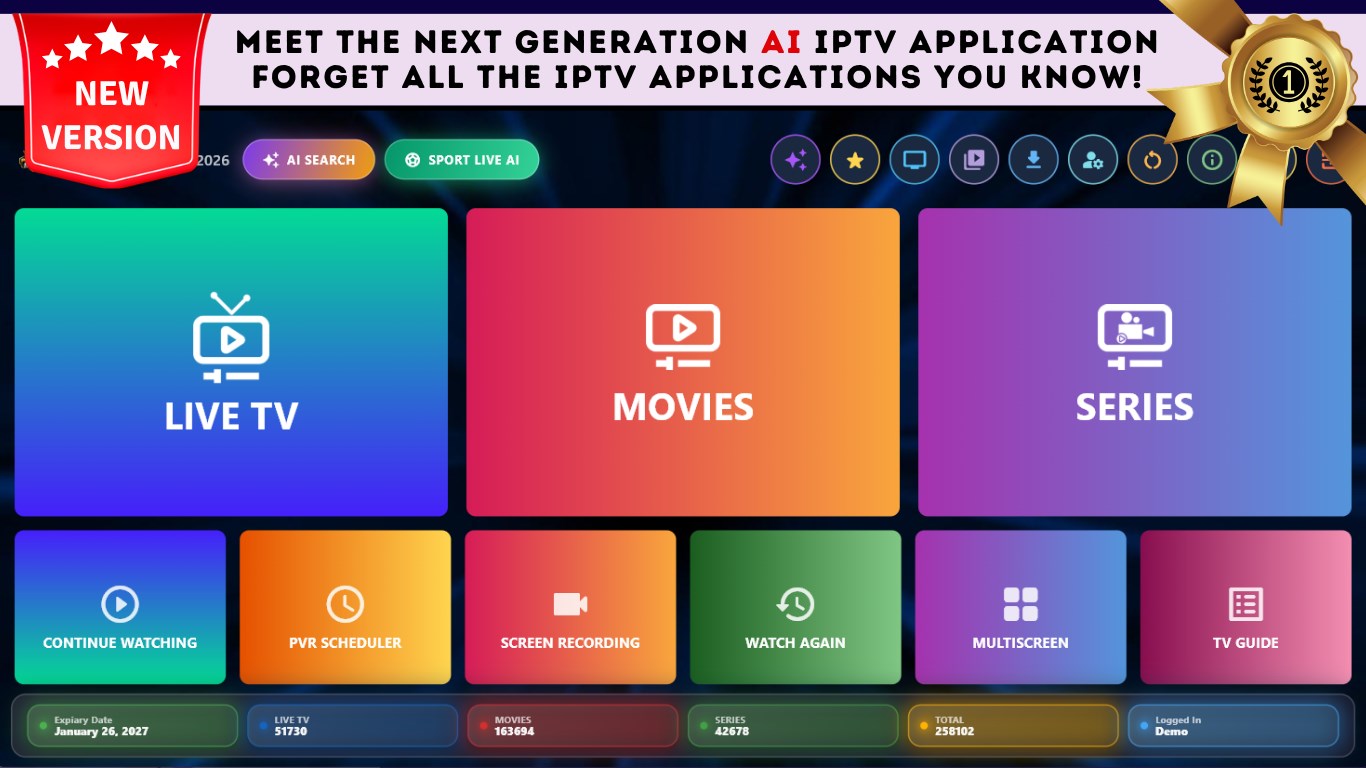
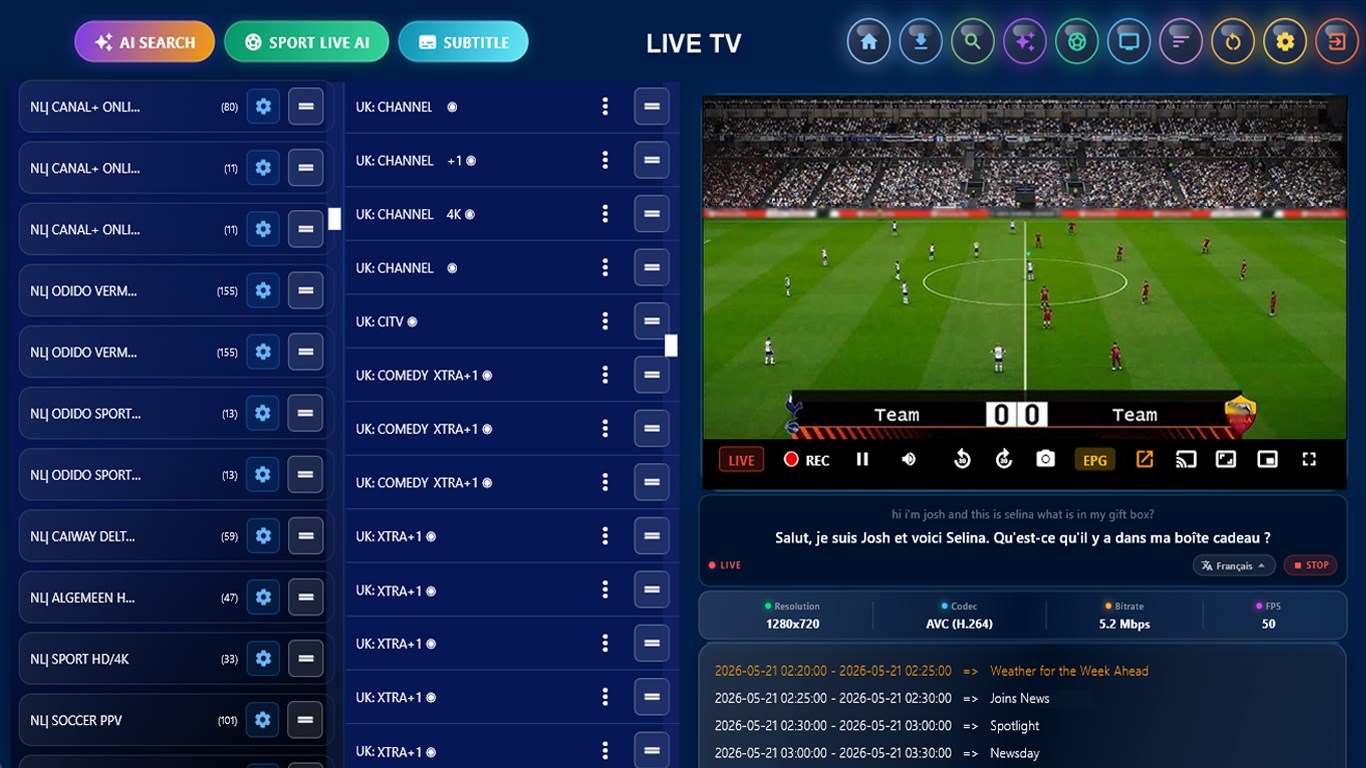
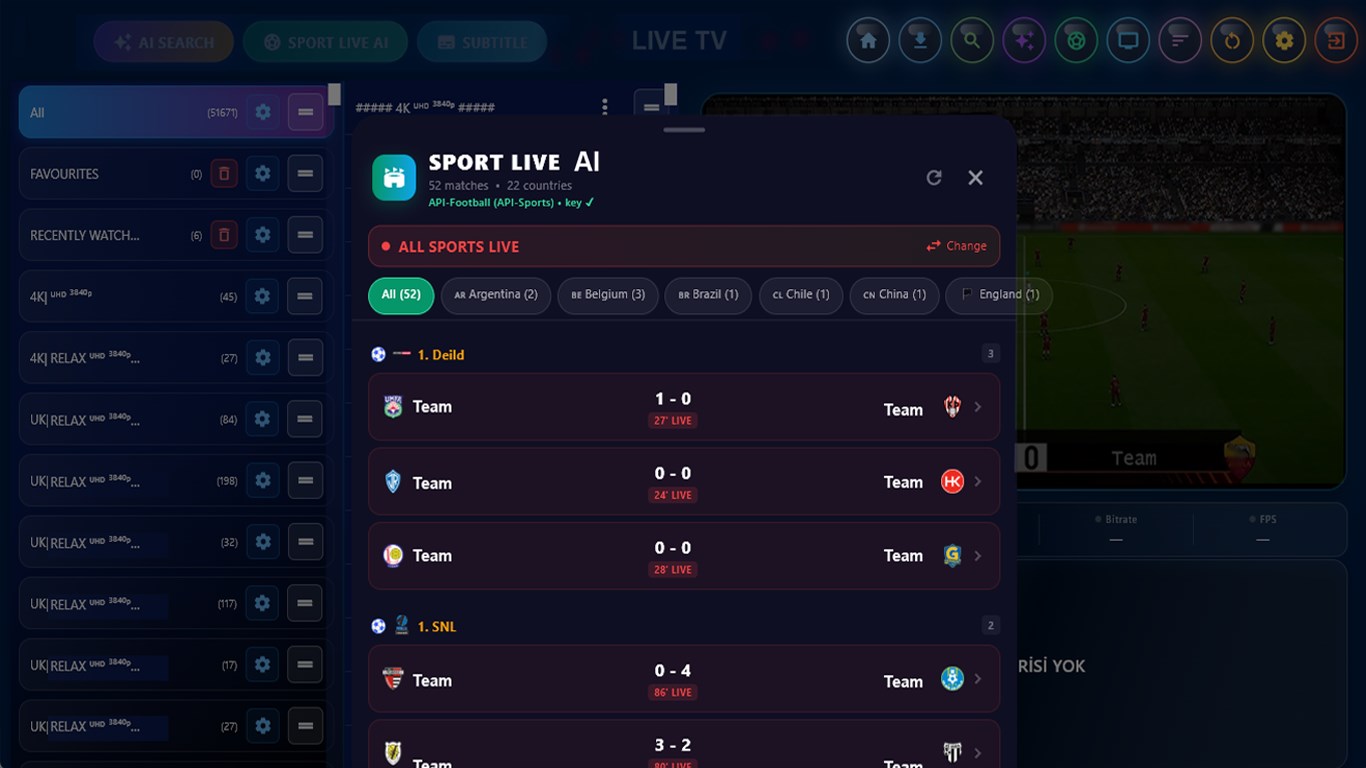
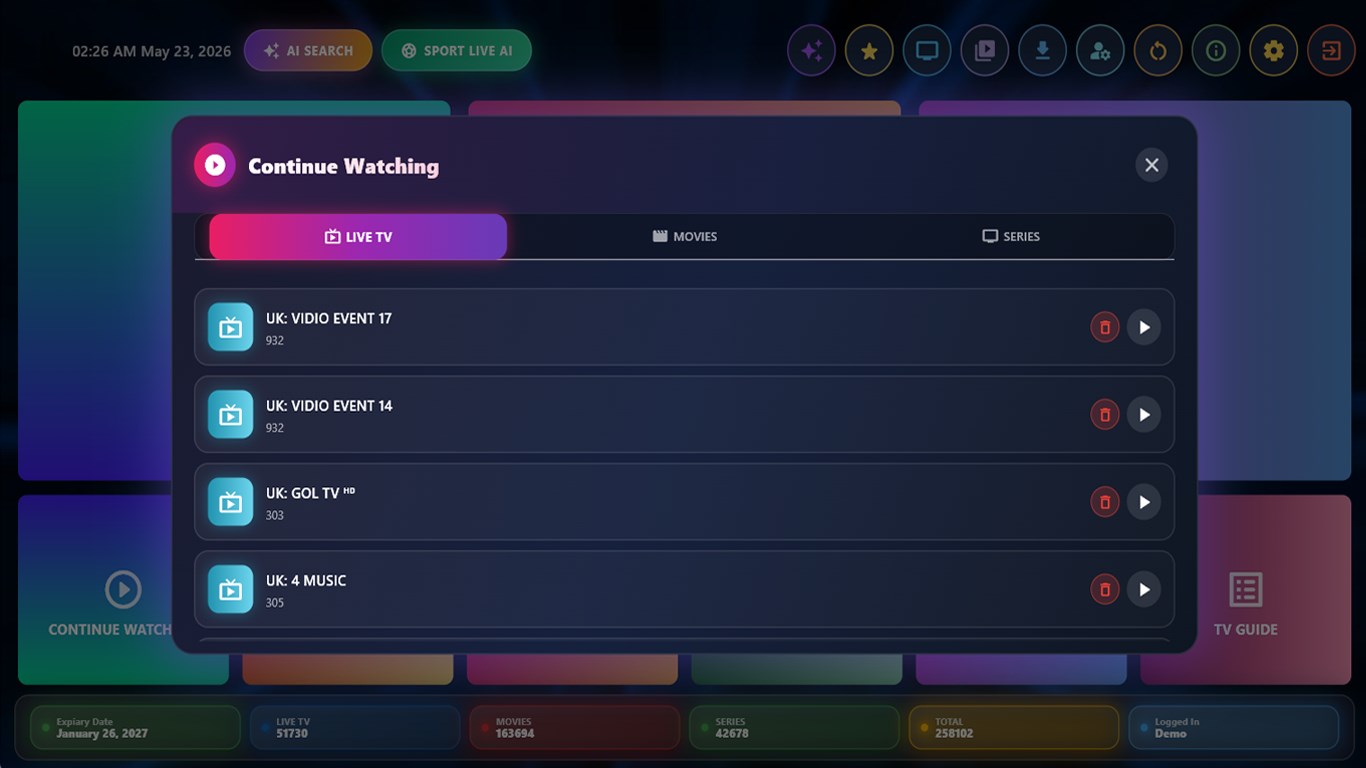
Get the World's Most Downloaded IPTV Player - live TV, movies and series on your PC! With IPTV Smarter for Windows - Live TV you turn your Windows 10 or Windows 11 PC into a complete IPTV player. Load your own M3U playlist or connect through the Xtream Codes API, then watch live streams, sporting events, current movies, new seasons and TV shows in High Definition on your desktop, laptop or big screen. Designed for couch viewing as much as for the desk: navigate seamlessly with a game controller or TV remote using large, easy-to-focus controls, or cast everything to your TV over Wi-Fi. Key Features: - Load any playlist source: M3U files, M3U links, m3u8 URLs, Xtream Codes API and Stalker portal. - Watch live TV channels, movies and TV series in the best quality, up to 4K and UHD. - Record your live streams as video and watch them later, and schedule a recording to start at the date and time you choose. - Download your favorite TV shows and movies and watch them offline later. - Catch-Up and Replay: watch programs you missed within a certain time period, plus time-shifted playback and live rewind. - Full EPG support: apply your own TV program guide link and browse the schedule channel by channel. - Multi-screen: watch multiple channels at the same time in a single window. - Cast to TV over Wi-Fi with Chromecast, Miracast and Wireless Display. - External VLC player support, so you can watch your streams without lag even in slow or challenging internet conditions. - Resume feature: if you interrupt your movies and series, you can pick up exactly where you left off. - Advanced channel search, custom categories, and drag-and-drop sorting to arrange channels in your desired order. - Change category or channel names as you like and add channels, movies and series to your Favorites. - Parental Control with PIN code and favorite channel encryption. - Advanced subtitle support, including live stream conversations displayed and translated as subtitles in real time. - AI-powered search across Live TV, movies and series: type the name of your favorite actor or artist and every matching title in your playlist is shown as available. - Sports API support to instantly follow live sports scores and events from around the world. - Add unlimited users and switch between profiles. - Dynamic language switching with multi-language support. - Scalable live broadcast screen, and move the application to any of your other monitors. - Built-in speed test, connection and system monitoring tools. Performance and optimization support: - GPU hardware acceleration - Startup optimization - Network buffer optimization - Adaptive streaming (HLS/DASH) - Predictive buffering - Tested on x64 Windows - Compatible with all IPTV providers Note: to use the AI and Sports Data AI features you need to register your own AI API key. IMPORTANT! No IPTV application provides media content. However, this is not unique to our application; all other IPTV applications are the same. A playlist must be saved from your own IPTV provider in order to watch. Subscribe to access premium app features; subscription details are the following: - You can access limited app features or you can subscribe for unlimited access to all features - Monthly Plan: auto-renewing subscription, 4.99 USD / 4.99 EUR per month; length of subscription is one month - Yearly Plan: auto-renewing subscription, 29.99 USD / 29.99 EUR per year; length of subscription is one year - Prices vary by country; please check the specific terms that apply to you at the time of purchase, displayed in the app and on the purchase confirmation alert - Free trial: available only on selected subscriptions - Your payment will be charged to your Microsoft Store account upon confirmation of purchase - You can manage your subscriptions and turn off auto-renewal in your Microsoft Store Account settings after purchase - Your subscription will automatically renew unless you cancel it at least 24 hours before the end of the current period - The cost of renewal will be charged to your Microsoft Store Account within 24 hours prior to the end of the current subscription period - If you cancel a subscription, it will remain active until the end of the current billing period. Auto-renewal will be disabled, but no refunds will be provided for the remaining period - Any unused portion of a free trial period, if offered, will be forfeited upon purchasing a subscription Privacy Policy: https://magic-cake-e95.notion.site/Windows-IPTV-Smarter-for-Windows-Live-TV-Privacy-Policy-3a6cf6557a0880a2a9cef1a7daf0227b Terms & Conditions: https://magic-cake-e95.notion.site/Windows-IPTV-Smarter-for-Windows-Live-TV-Terms-Conditions-3a6cf6557a088015afd8fc23501f41a4 Copyright Complaints: https://magic-cake-e95.notion.site/Windows-IPTV-Smarter-for-Windows-Live-TV-Copyright-Complaints-3abcf6557a088006a44fc515fb9b5080 Disclaimer: https://magic-cake-e95.notion.site/Windows-IPTV-Smarter-for-Windows-Live-TV-Disclaimer-3abcf6557a0880ea99f4e107d502be9e If you have any questions, please contact us at Iptvsmart.support@gmail.com
Entertainment · Windows · Free
Rating: 4.3 out of 5, based on 275 user ratings.