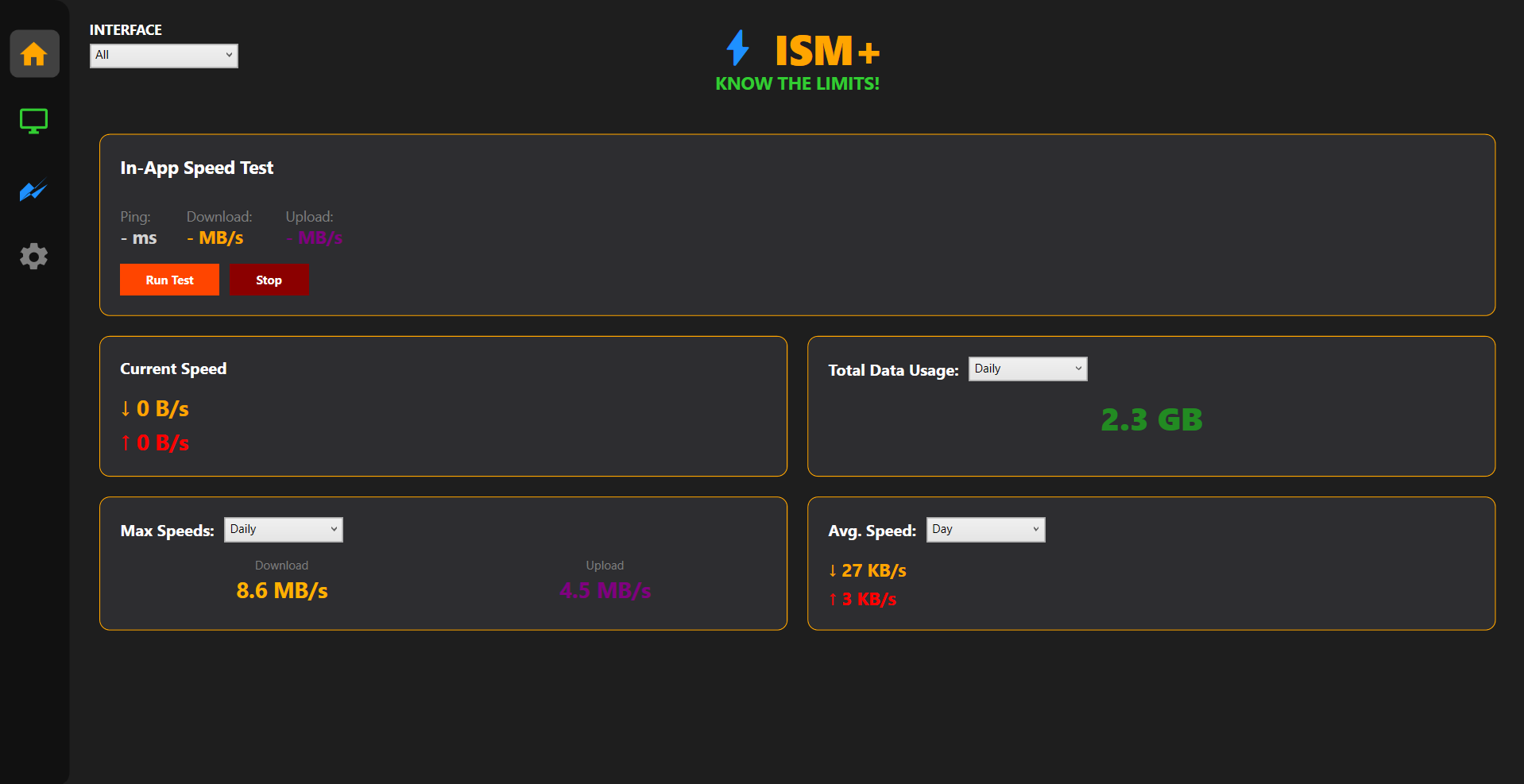
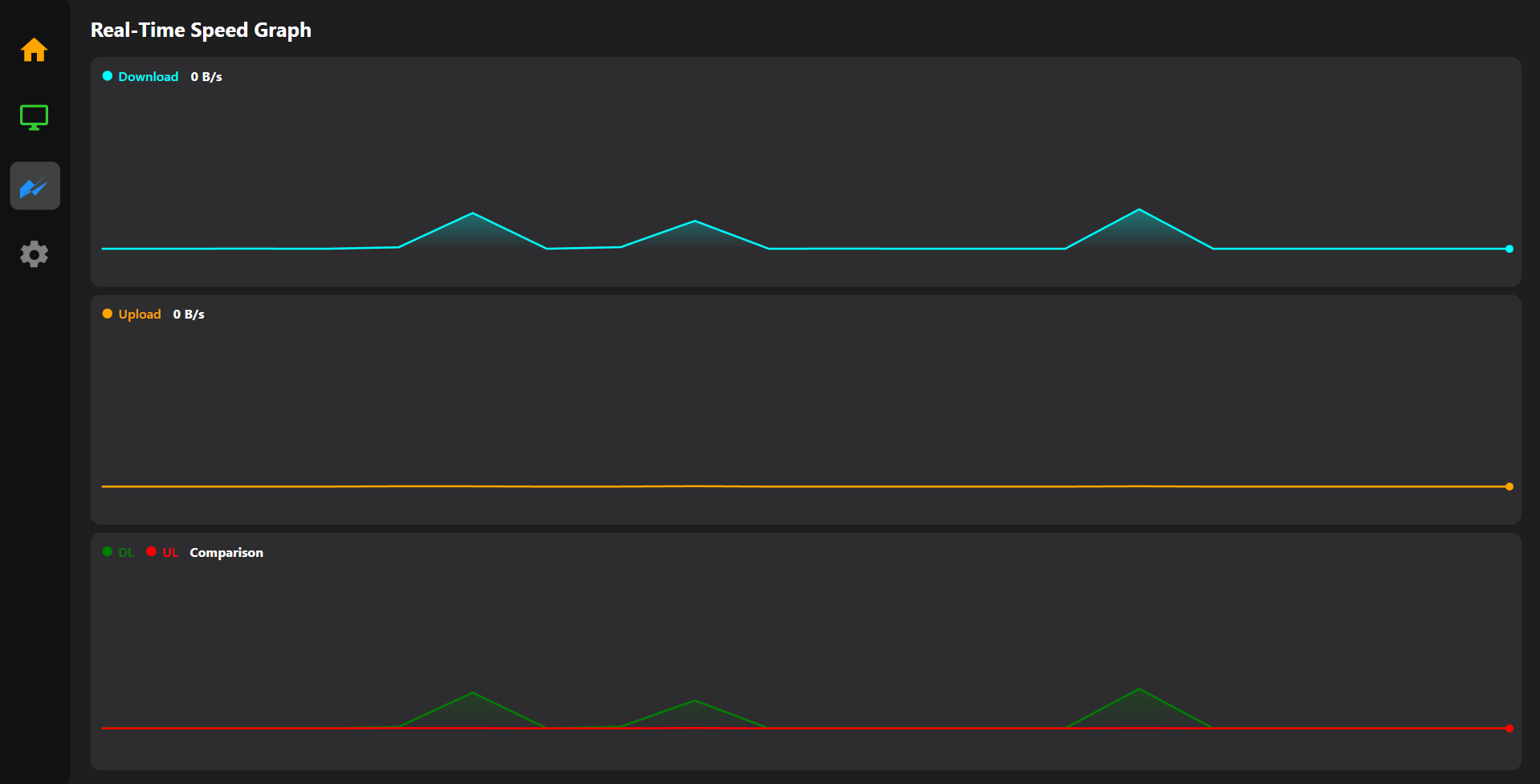
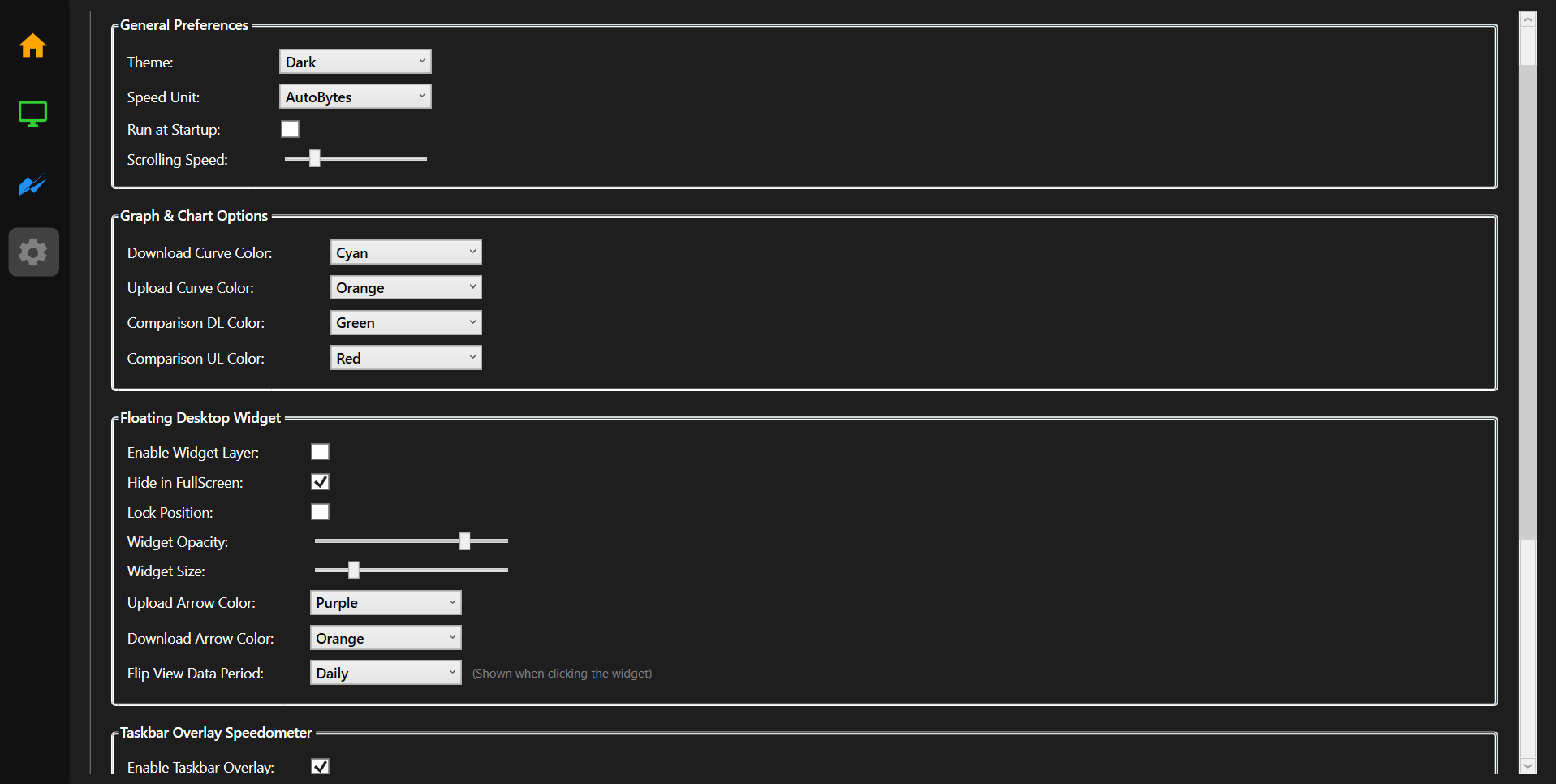
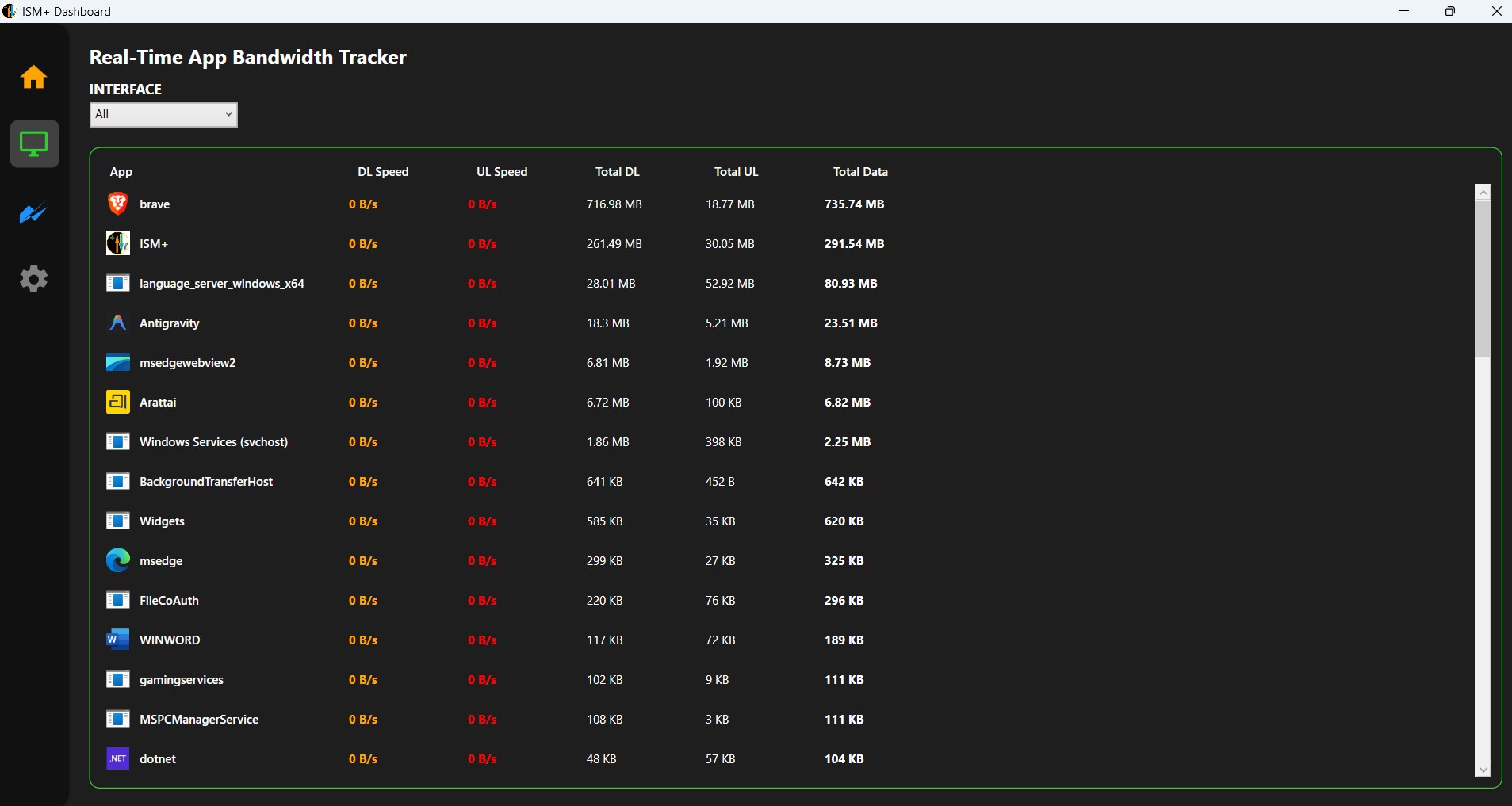
ISM+ PRO: THE DEFINITIVE NETWORK COMMAND CENTER FOR WINDOWS The ultimate real-time network monitor for Windows with taskbar overlay, per-app tracking, and customizable speed widgets. Take complete control of your internet connection with the most sophisticated real-time network monitoring suite . Whether you're a gamer needing to monitor ping spikes, a remote professional managing strict data caps, or a power user demanding total transparency over background processes, ISM+ Pro delivers professional-grade telemetry with a sleek, modern aesthetic. ISM+ Pro sits elegantly in your taskbar or as a floating widget, providing live updates on your download and upload speeds without getting in your way. Unlike standard monitors that only show a single number, ISM+ Pro peels back the curtain on your network traffic, identifying exactly which applications are consuming your bandwidth in real-time. CORE CAPABILITIES ELITE TASKBAR INTEGRATION Monitor your upload and download speeds without ever switching windows. Our highly optimized taskbar overlay sits elegantly alongside your system icons, providing millisecond-accurate telemetry that feels like a native part of Windows. GRANULAR PER-APP TRACKING Stop wondering what is slowing you down. ISM+ Pro provides an exhaustive breakdown of bandwidth consumption on a per-application basis. Identify "data vampires" and background syncs that are hogging your speed instantly. DATA ARCHIVING & ANALYTICS View comprehensive statistics across daily, monthly, and yearly intervals to understand your usage patterns and stay within ISP data limits. DYNAMIC VISUALIZATION Our live performance engine renders a high-fidelity 20-second history graph, allowing you to spot ping spikes, packet loss, or ISP throttling the moment it occurs. THE PRO WIDGET ENGINE Experience the "Always-On" advantage with our customizable floating widget. Featuring adjustable opacity, scale, and color themes. LIGHTWEIGHT ARCHITECTURE Built for performance. ISM+ Pro is engineered to provide deep system telemetry while maintaining a near-zero footprint on your CPU and RAM. It provides maximum data with minimum impact. IMPORTANT NOTE - To provide accurate per-app bandwidth tracking and taskbar integration, ISM+ Pro requires elevated administrative permissions.
Utilities · Windows · Free