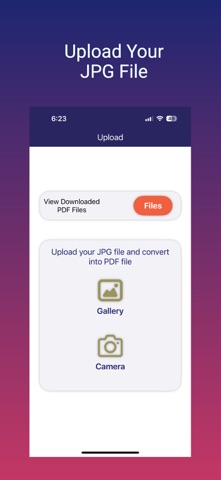
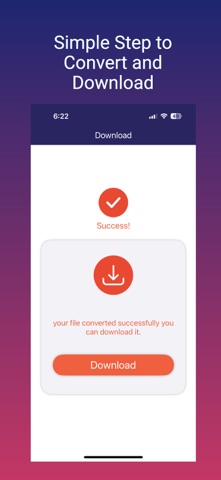
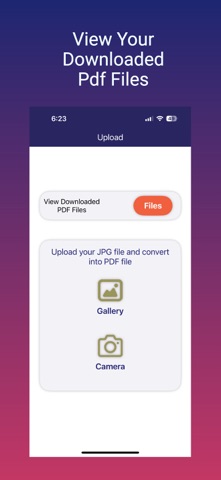
JPG to PDF App is a simple and efficient tool to quickly convert your JPG images into high-quality PDF files. With JPG to PDF App, you can turn photos from your device into professional, shareable PDF documents in just a few taps—perfect for archiving, printing, or sharing. Effortlessly transform your JPG images into the universally compatible PDF format—ideal for students, professionals, and anyone needing a reliable image-to-document solution. Convert your JPG photos to PDF while preserving original image quality. No registration, login, or personal information is required. How to Use JPG to PDF Converter: 1) Tap "Upload File" and choose your JPG image. 2) Tap "Convert" and wait a few moments while your PDF is generated. 3) Tap "Download" to save the converted PDF to your device. All PDF files are saved in the app's download directory. App Features: 1) JPG to PDF Conversion. 2) View Converted PDF File. 3)Easily Share the Converted PDF.
Productivity · iPhone, iPad · Free