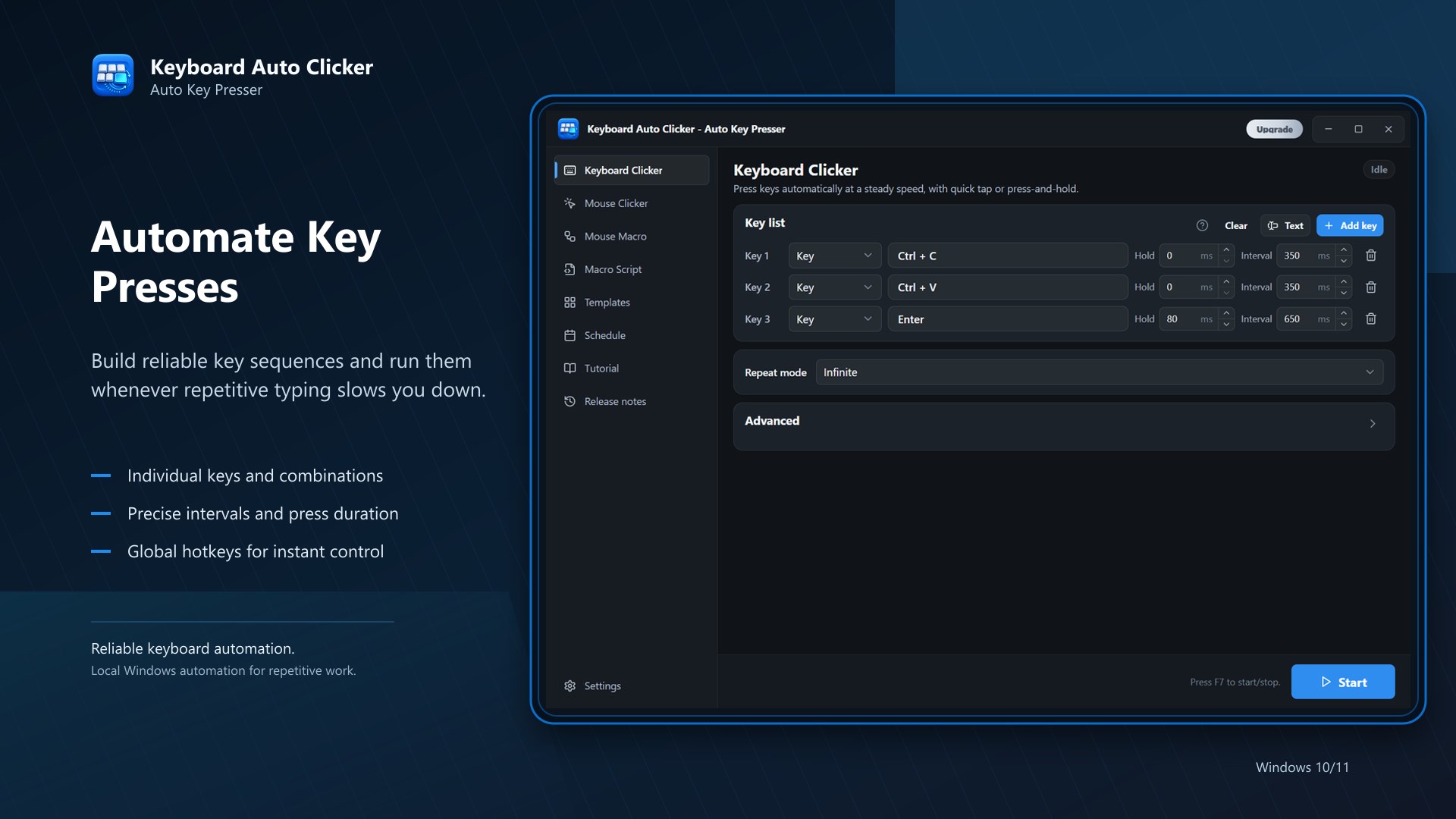
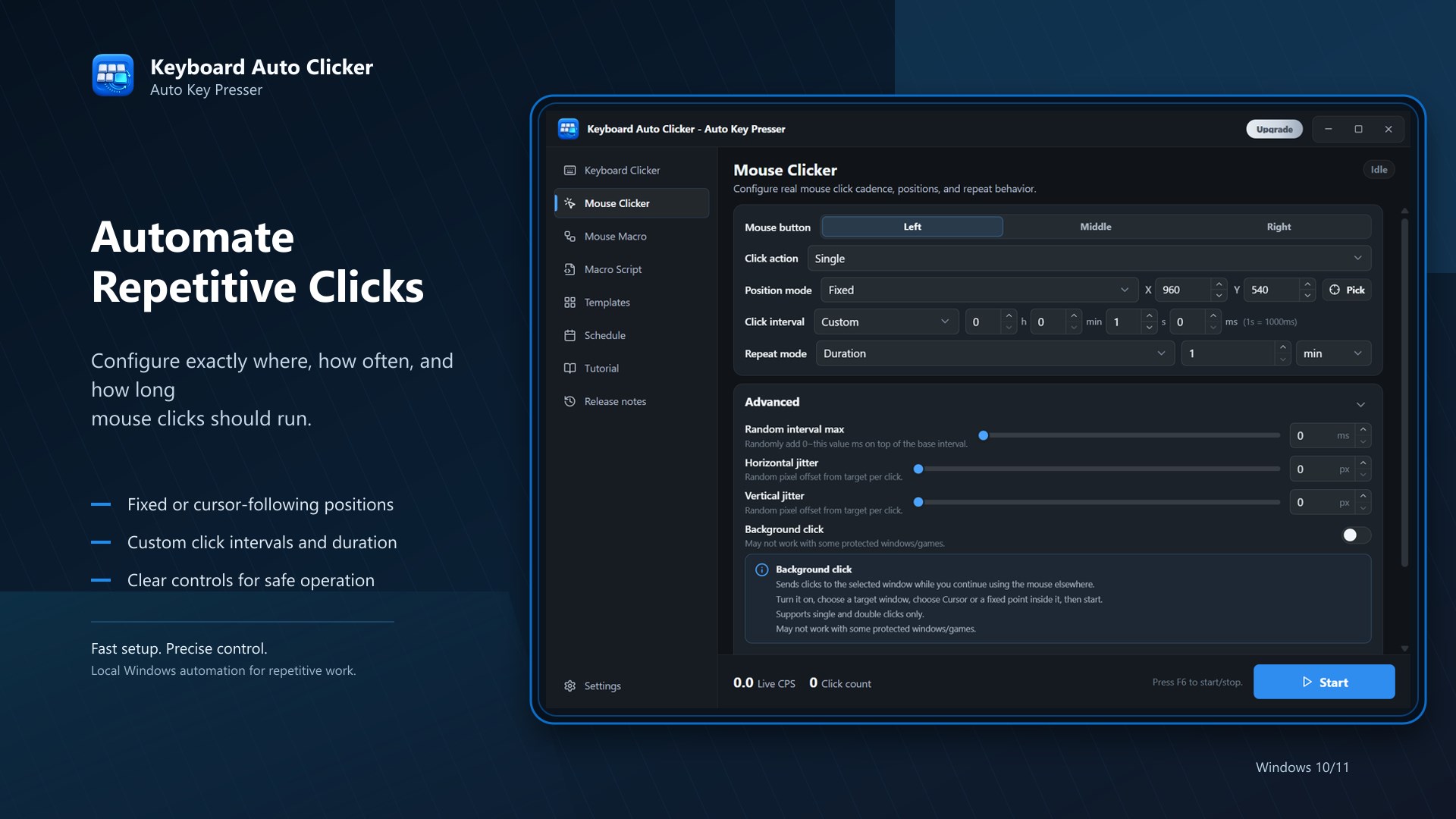
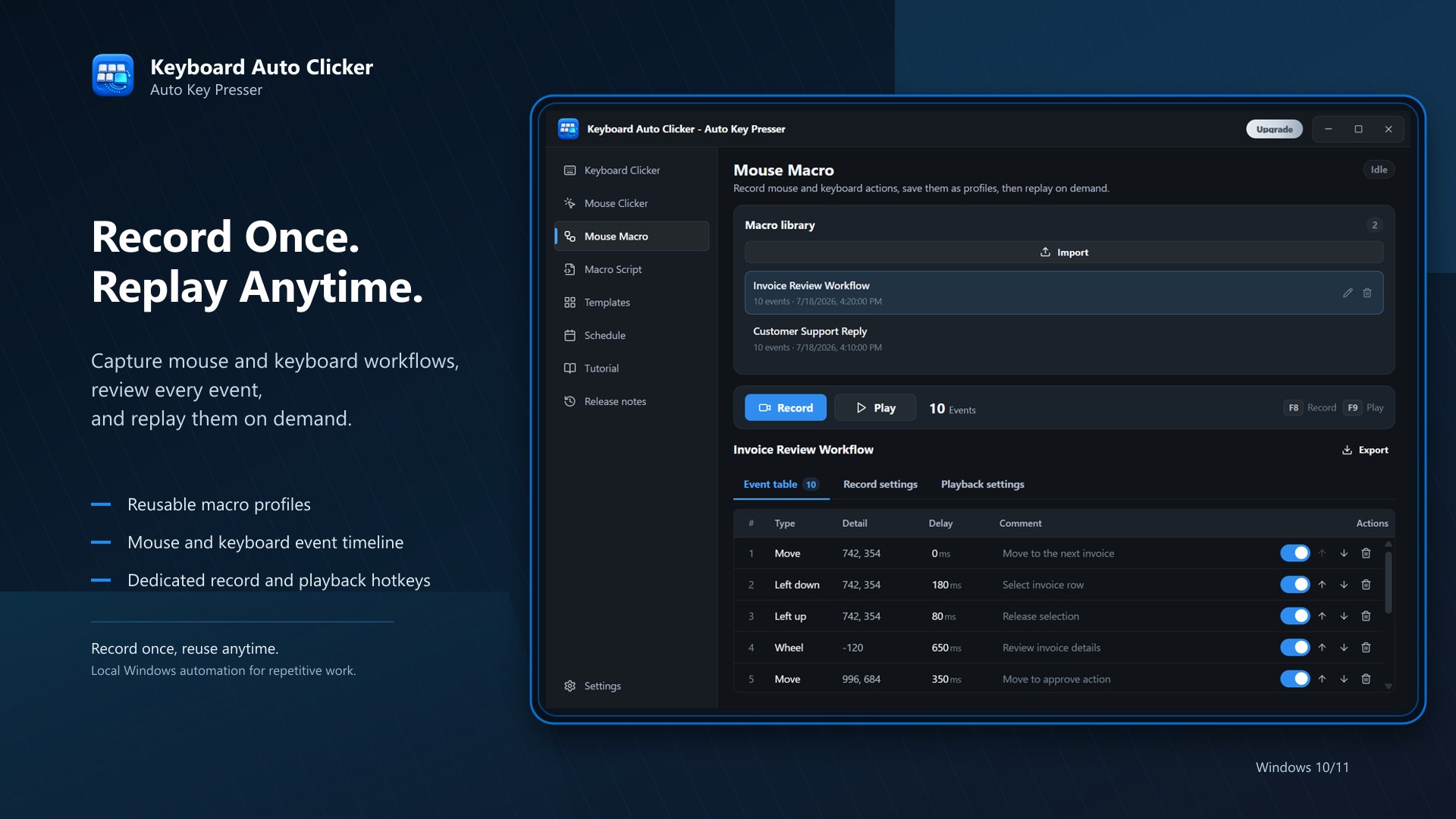
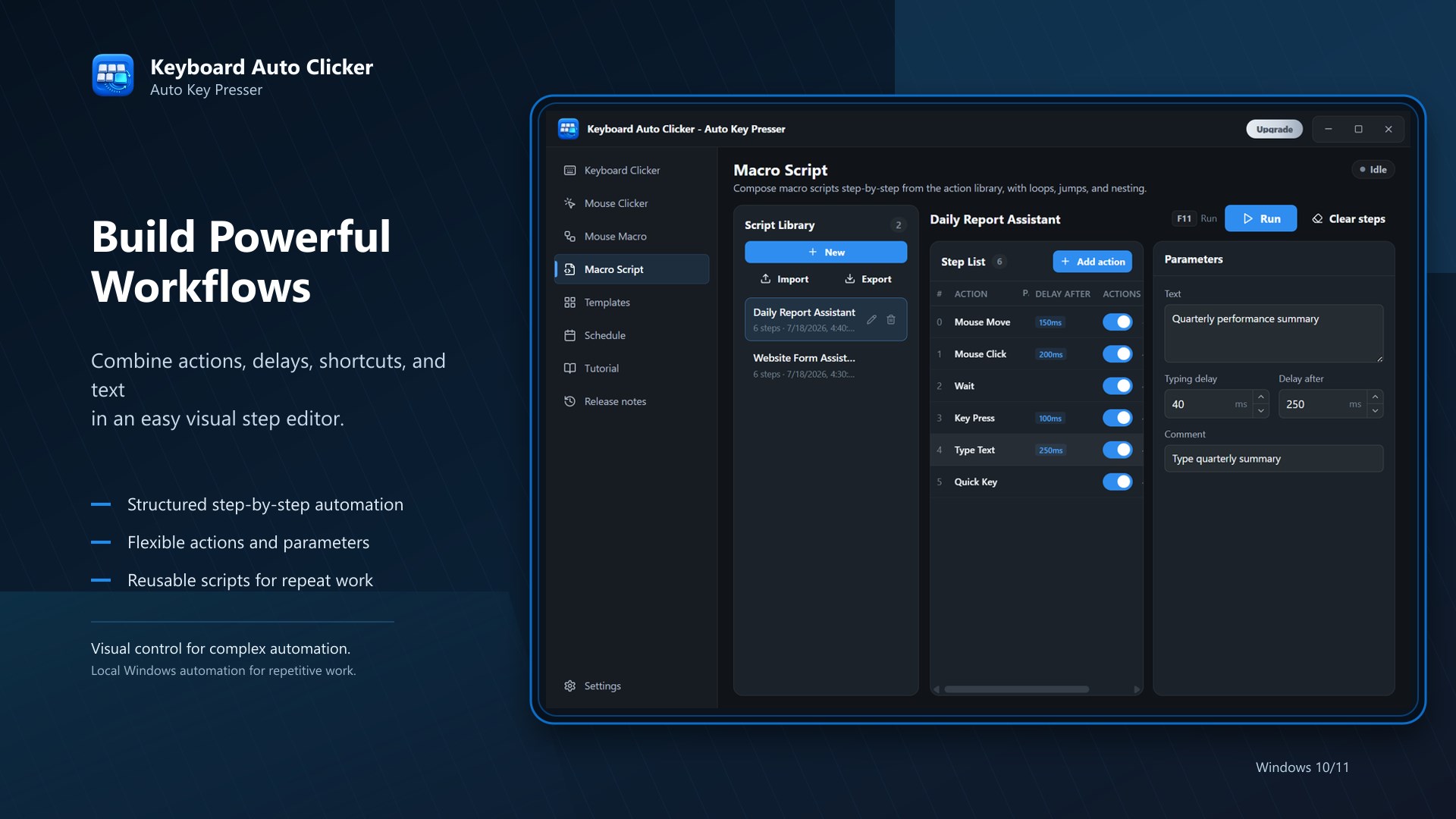
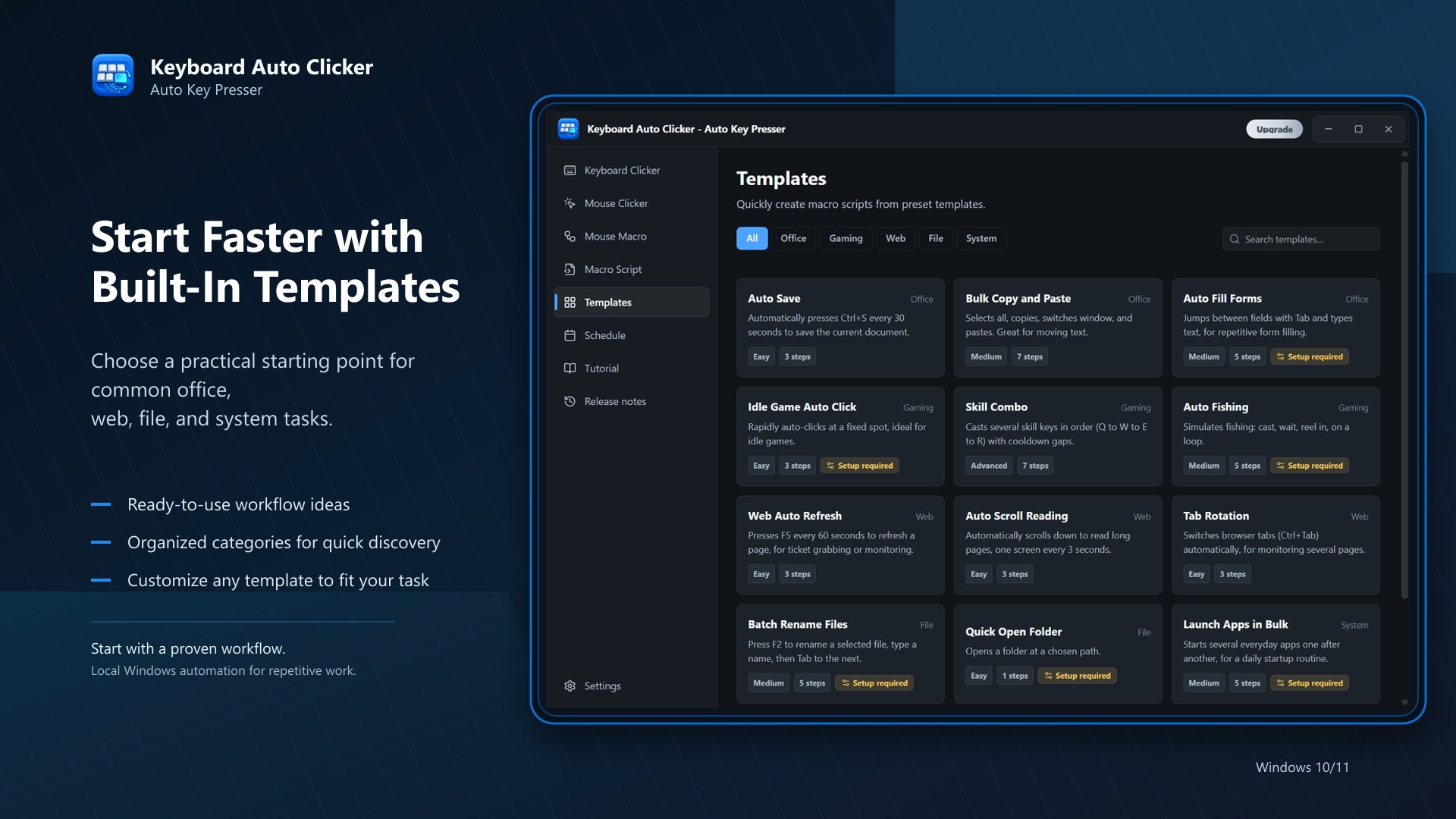
Keyboard Auto Clicker is an auto clicker, mouse clicker, and auto key presser for Windows. Use it to automate repetitive clicks, timed mouse actions, key presses, and recorded scripts with precise intervals, repeat counts, durations, and global hotkeys. It is built for simple local automation: choose the mouse button and click action, set the click interval, pick one or more screen positions, add optional keyboard keys, then start or stop anytime with a shortcut. Core features: - Automatic mouse clicking with hour, minute, second, and millisecond intervals - Repeat forever, a set number of times, or for a set duration - Script recording and playback for mouse movement, clicks, wheel actions, and keystrokes - Keyboard auto pressing alongside clicks for shortcuts, hotkeys, and macros - Multi-location clicking with saved click points - Start delay, random interval/pixel options, live click statistics, tray support, and global hotkeys Use it for permitted game tasks, office workflows, data entry, form filling, UI testing, QA checks, repetitive web/app operations, demos, training, and accessibility support when repeated clicking or key pressing is tiring. Why choose Keyboard Auto Clicker? It is straightforward to set up, quick to start, and designed to save time on repetitive Windows actions without forcing you into a complex automation suite. Free and Pro: The free version lets you try timed auto-clicking with limited runs and one click location. Pro unlocks unlimited click locations, script playback, simultaneous key presses, and the full automation workflow. Privacy and trust: Your settings, click locations, and scripts stay on your device. The app runs locally, does not require personal information, and is reviewed and delivered through Microsoft Store.
Utilities · Windows · Free
Rating: 3.3 out of 5, based on 33 user ratings.