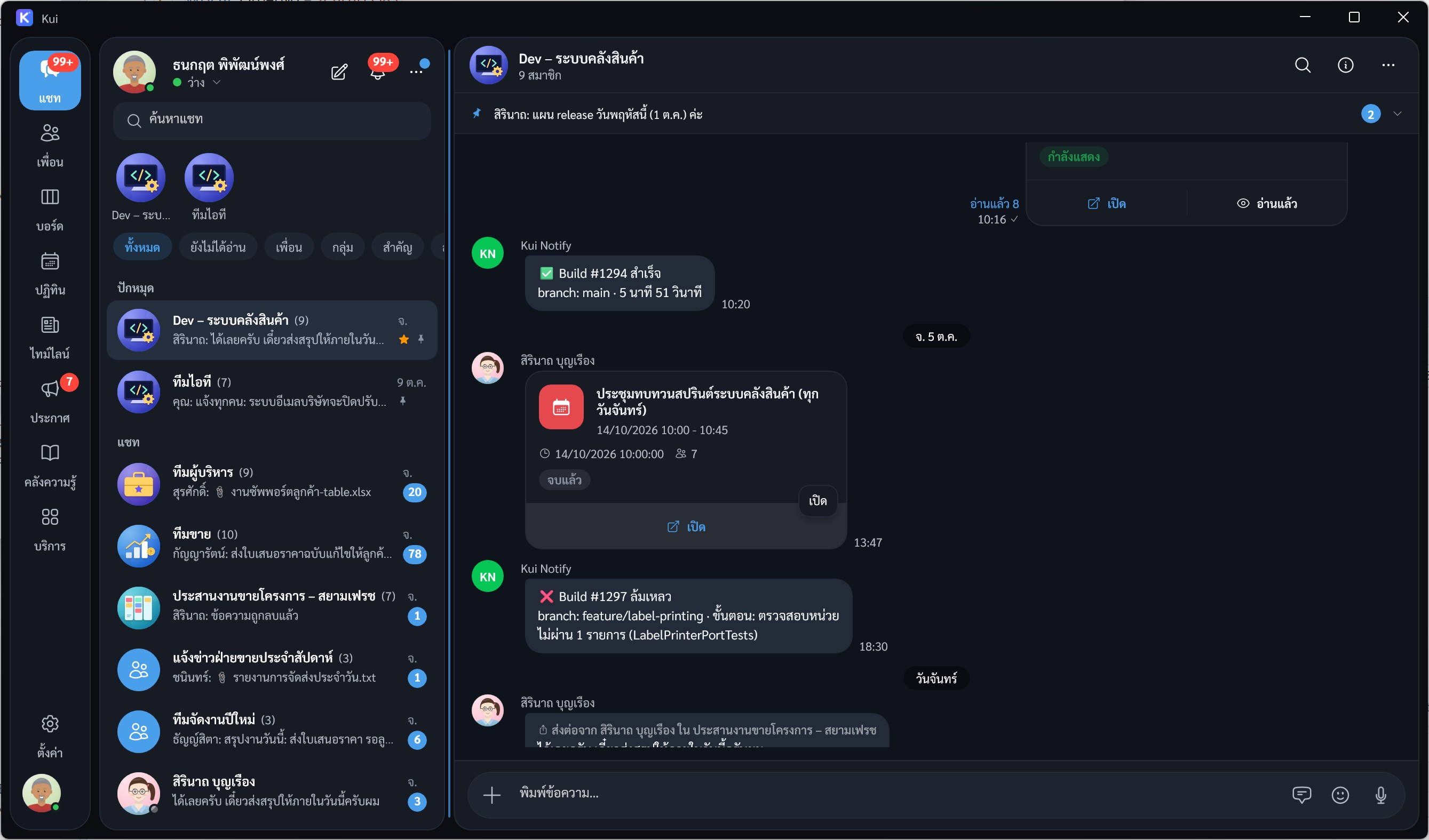
Kui is a communication and collaboration app for organizations: chat, task boards, calendar and meetings, announcements, and a knowledge base, all in one place. Works continuously across iPhone, iPad, Mac, Android, and Windows. Chat your team will actually use - Private and group chats, replies, reactions, forwarding, and pinned messages - Send photo albums, files, voice notes, location, polls, and contact cards, with instant image and PDF previews - Sign PDF documents with a finger or stylus and send them back in the chat - Stickers, custom ringtones, voice/video calls, and meeting rooms - Search messages, files, and links within a chat or across the whole app Tasks and meetings live in the same chat - Kanban-style task boards with assignees, due dates, checklists, and attachments - Calendar and scheduled meetings with agenda, attendees, and meeting notes - Create a task or meeting from any message in a couple of taps, with a link back to the original chat - Organization-wide announcements and timeline, with read tracking - A knowledge base for manuals and articles, with search and version history Organized customer service - Customer service rooms, separated by company and case, routed to the right team - Invite customers by link - no account needed on their side - Quick replies and reminders for cases that need follow-up Secure and yours - App lock with Windows Hello - Light and dark themes, Thai, English, and Chinese - Do not disturb schedules, per-chat mute, and an unread badge on the icon Kui runs under your organization's own account. Administrators manage members and permissions from the Kui Web admin console.
Business · Windows, Android · Free