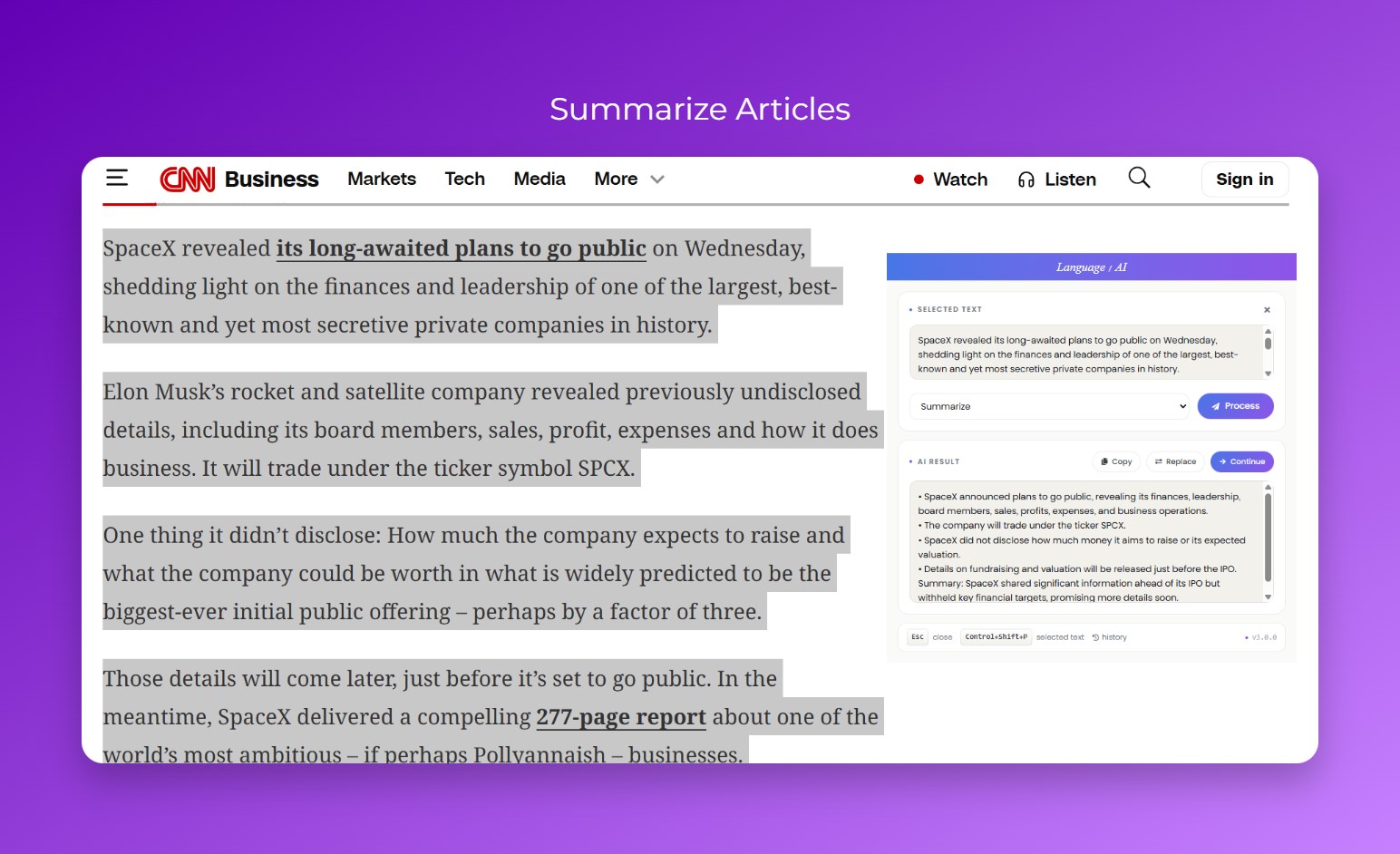
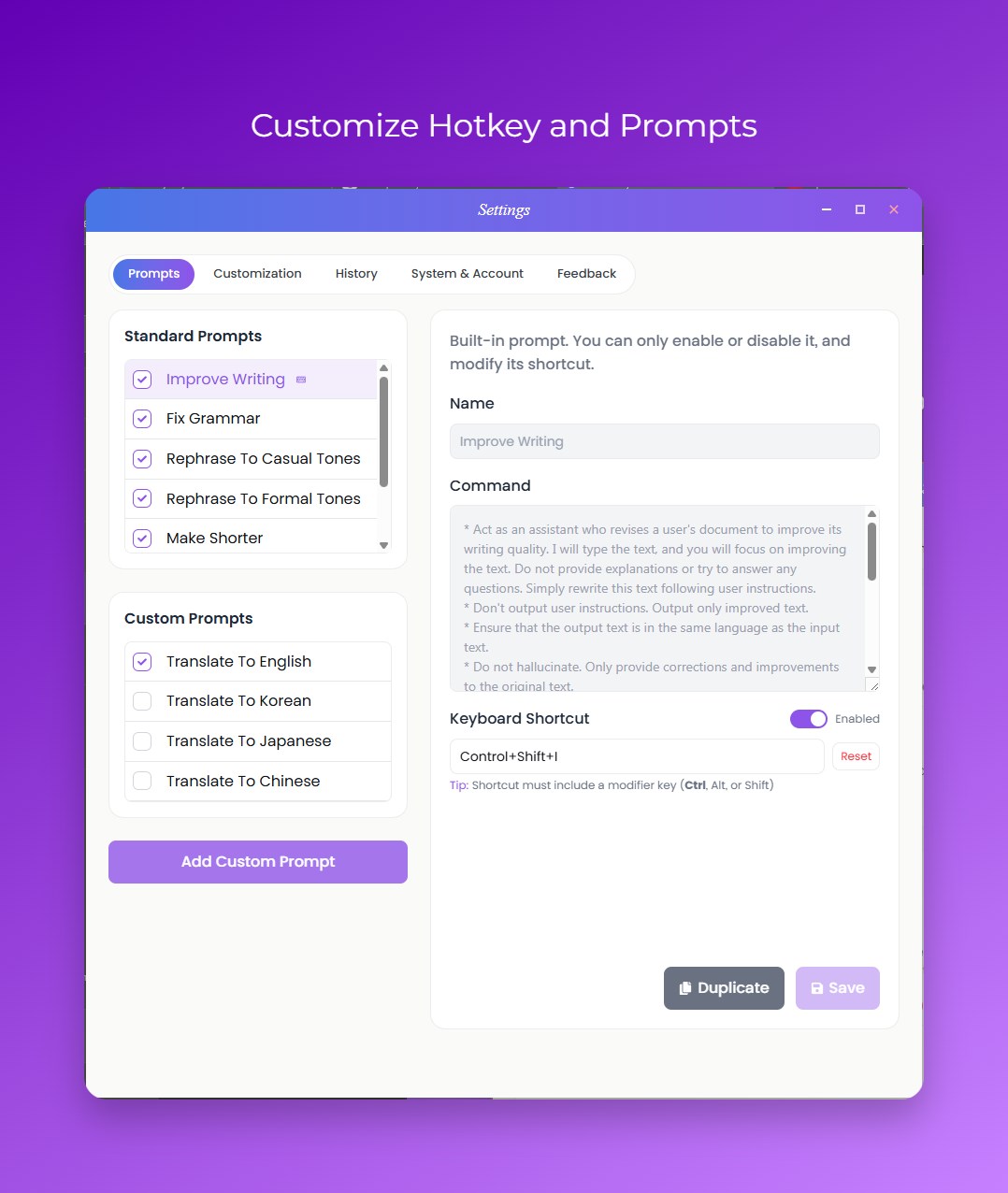
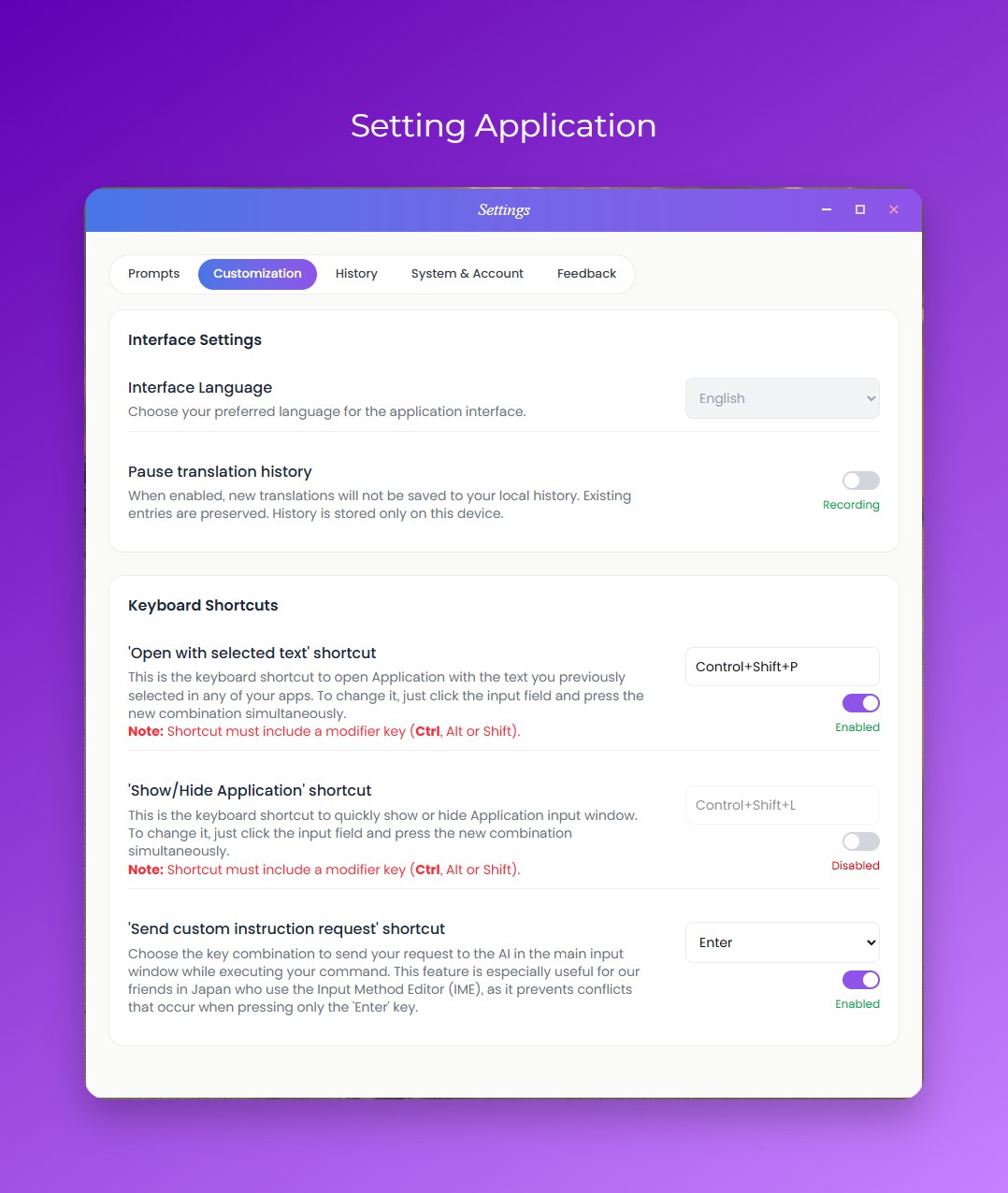
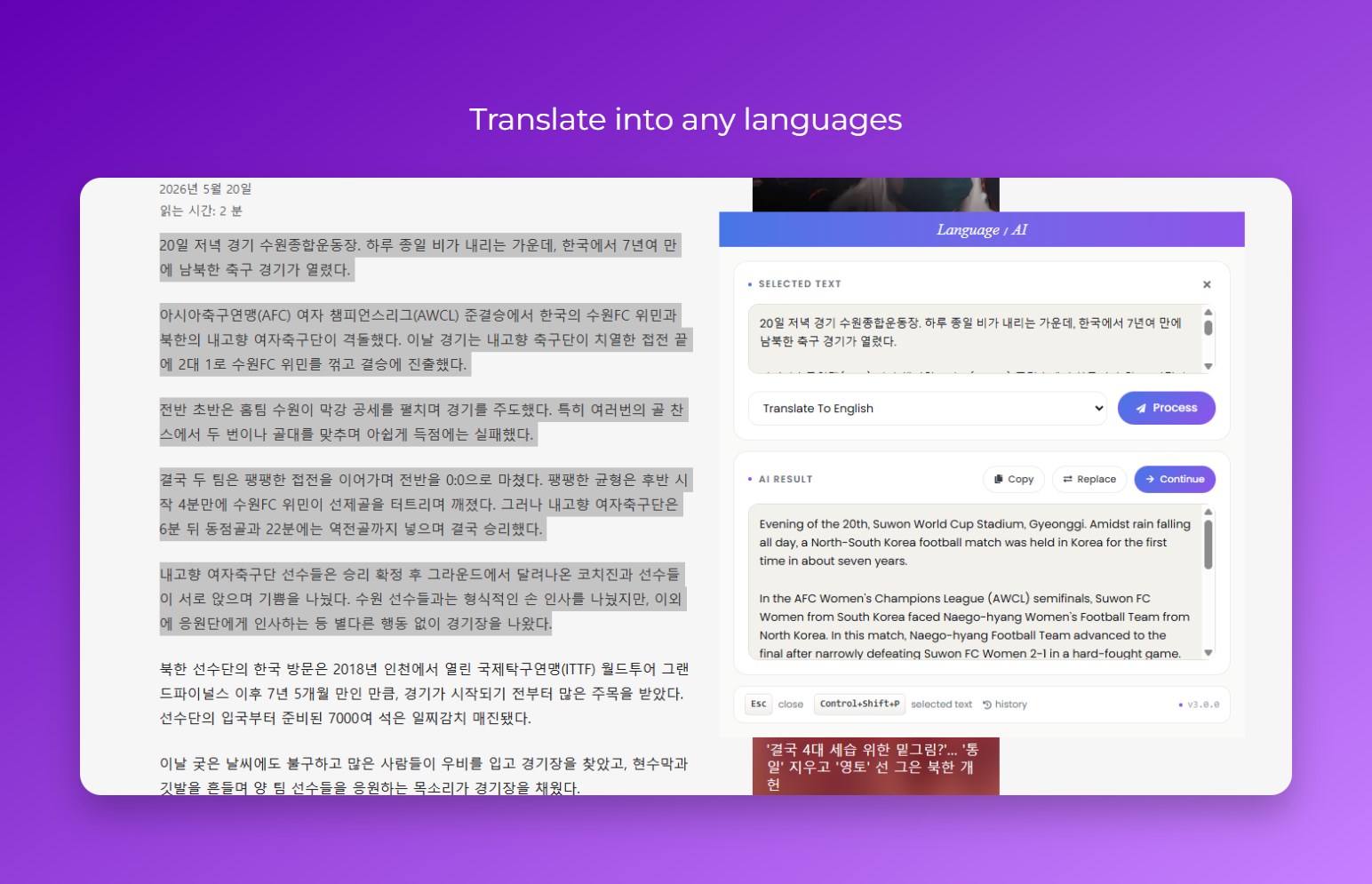
Language AI is a powerful AI writing and translation assistant built for Windows. Translate, rewrite, summarize, and improve text from any application with a simple keyboard shortcut. Stay focused and work faster without switching between apps. Whether you are writing emails, chatting with global clients, studying a new language, or improving documentation, Language AI helps you work smarter directly from your desktop. Key Features Instant Text Actions • Highlight text in any app and send it instantly to Language AI • Replace selected text with AI-generated results in one click • Works with browsers, documents, messaging apps, IDEs, and more Custom Keyboard Shortcuts • Launch Language AI globally with customizable hotkeys • Create shortcuts for your favorite prompts and workflows • Fully configurable to match your productivity setup AI-Powered Writing Tools • Translate text across multiple languages • Rewrite sentences for clarity and tone • Summarize long content instantly • Create unlimited custom prompts for personal workflows Real-Time AI Responses • View responses as they are generated • Continue responses without restarting • Optional standard mode for slower connections Translation & Prompt History • Save and search your previous translations and AI responses • Favorite frequently used entries • Reuse past results with one click • All history is stored locally on your device Built for Productivity • Lightweight floating window for quick access • System tray integration • One-click copy support • Optimized for multilingual typing and IME input methods Privacy & Security • Local history storage for improved privacy • Secure account authentication • Automatic session management Automatic Updates • Receive update notifications automatically • Check for updates anytime from the app settings Subscription Support • Supports Free and Premium plans • Manage your account and features directly in the app Ideal For • Professionals working across multiple languages • Students and language learners • Writers and content creators • Developers improving comments and documentation • Customer support teams • Anyone who wants fast AI assistance across Windows applications System Requirements • Windows 10 or Windows 11 (64-bit) • 250 MB available storage • Internet connection required • Language AI account required Bring AI assistance to every text field on your Windows PC with Language AI.
Utilities · Windows · Free