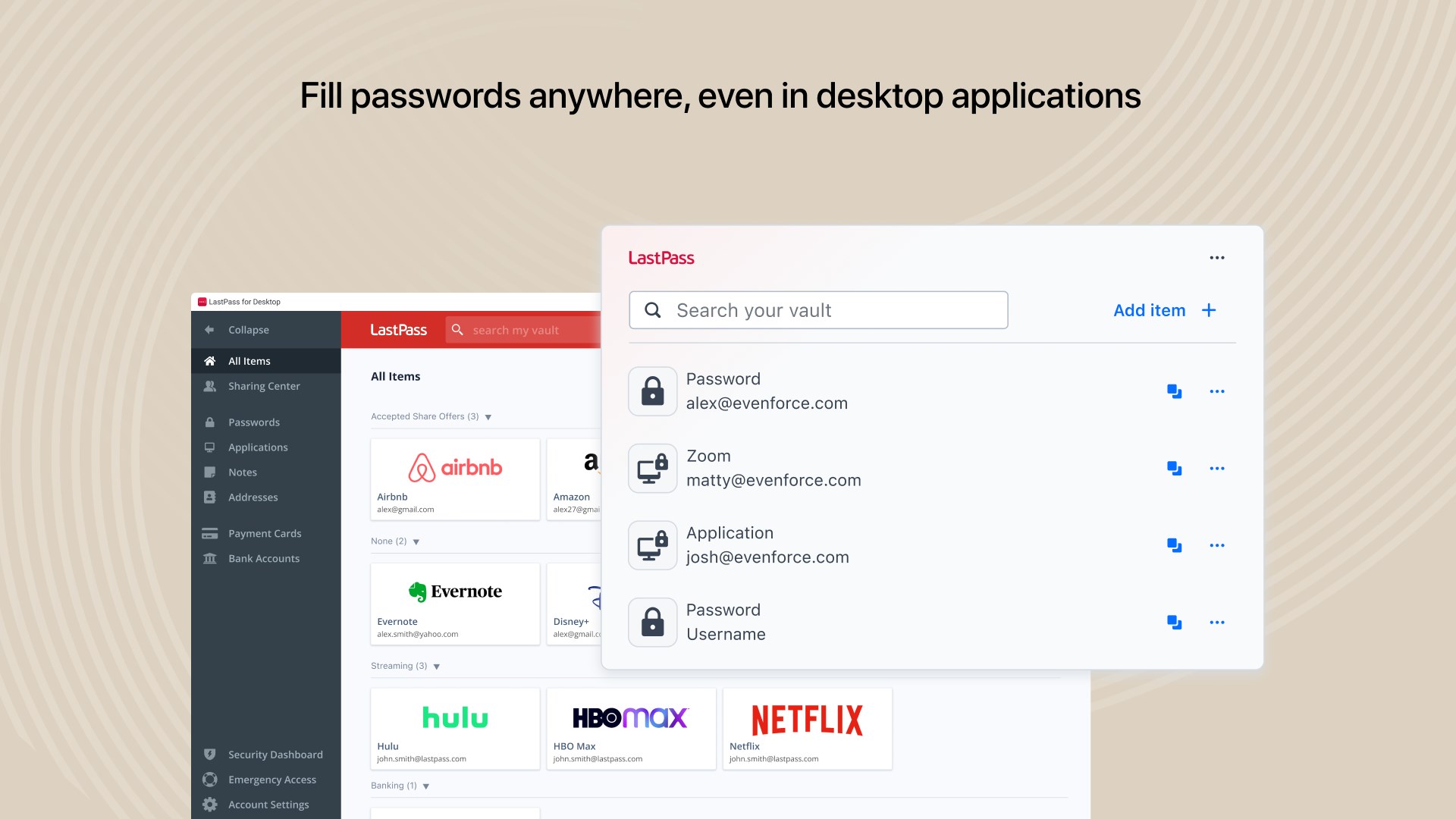
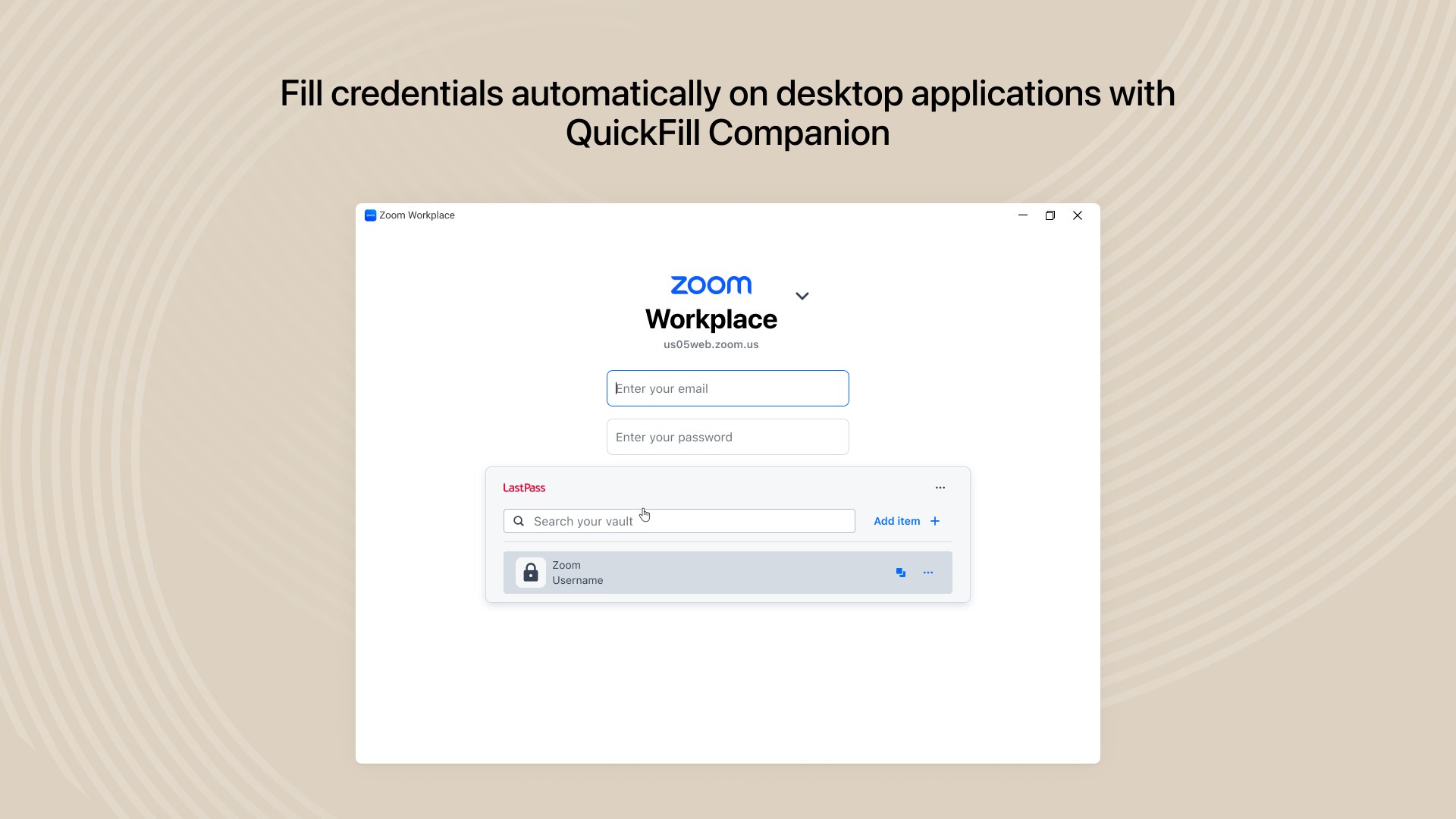
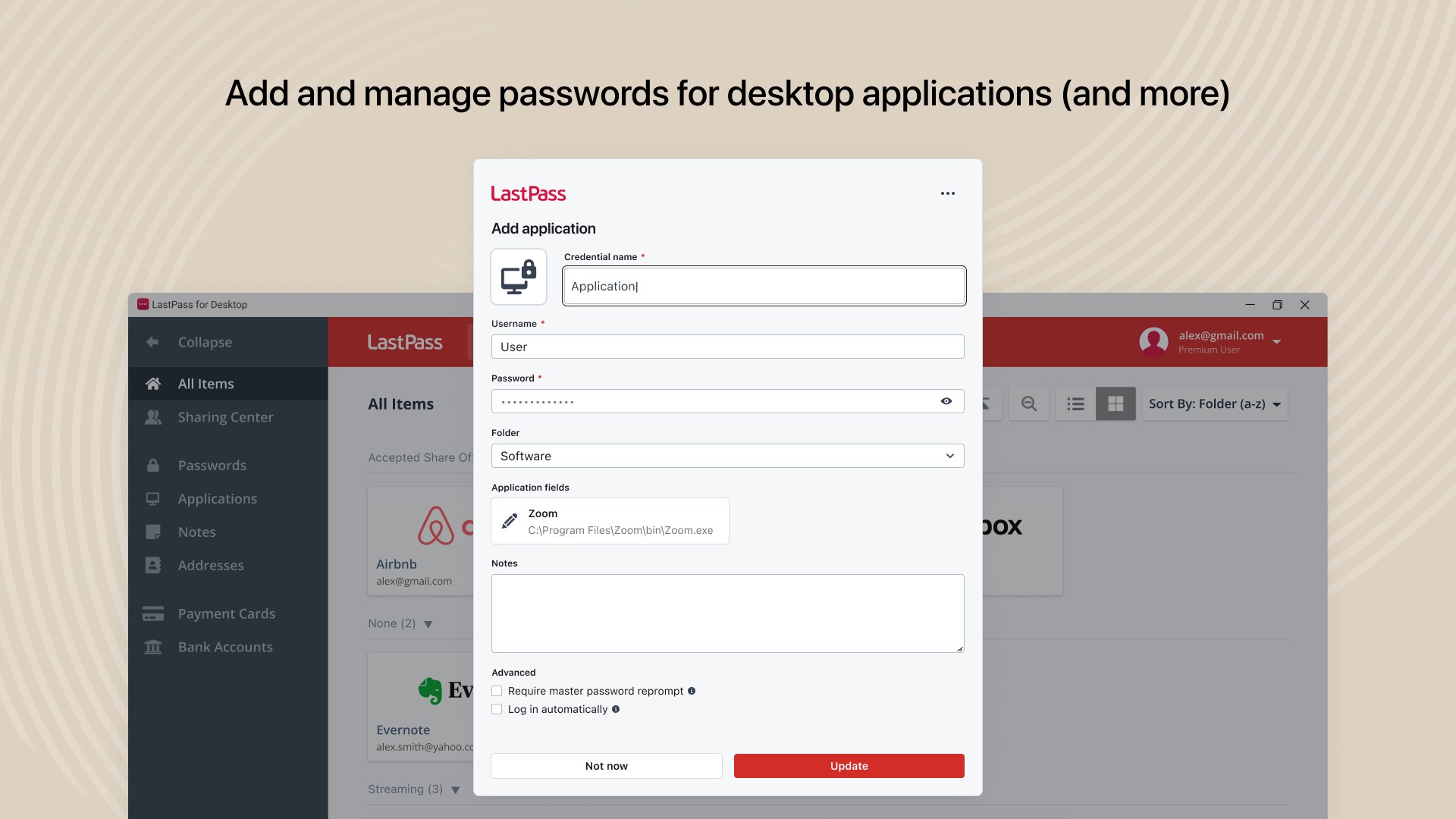
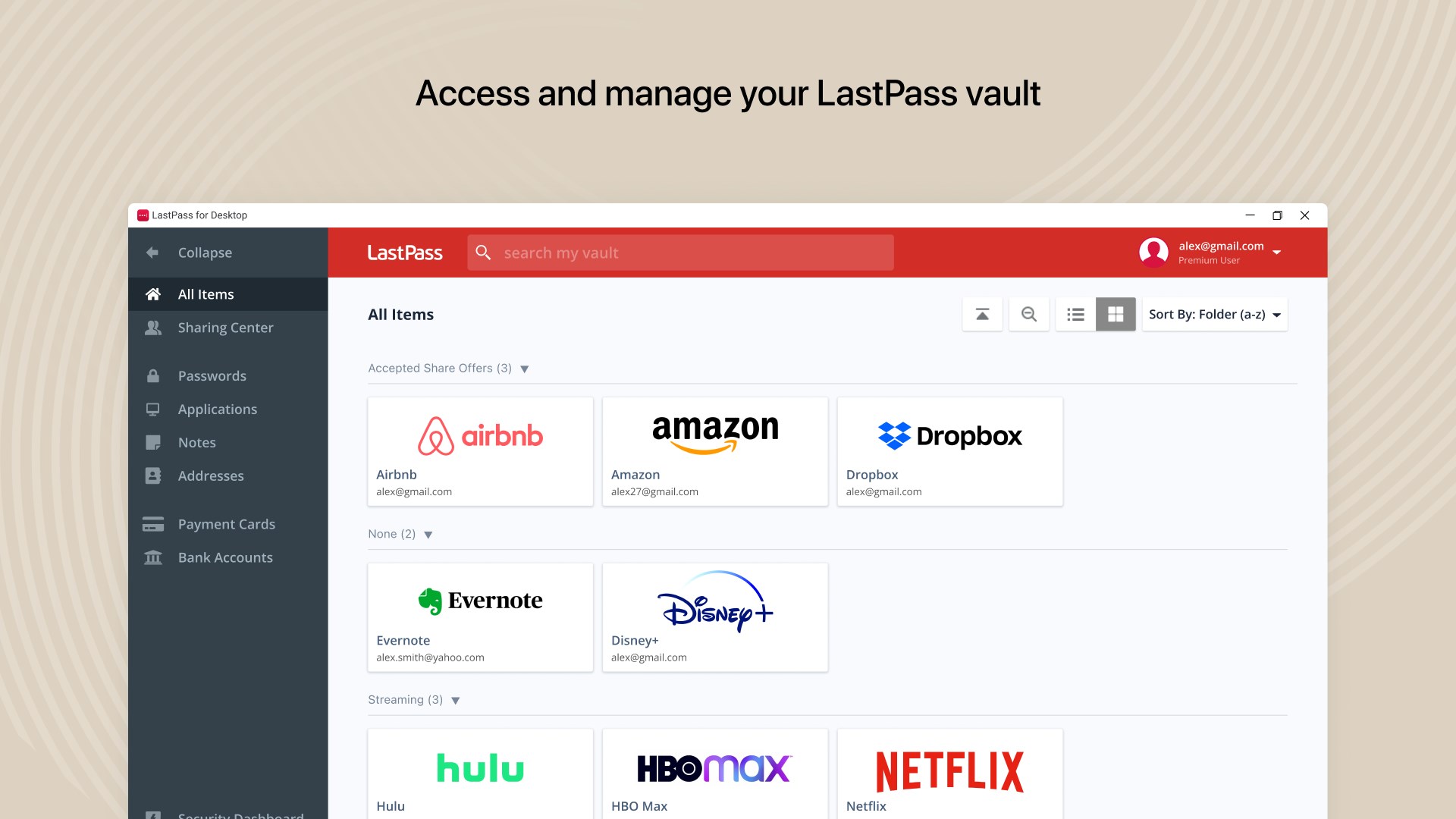
LastPass for Desktop – Now on Windows Your LastPass experience just got better. We’re excited to announce our new app: LastPass for Desktop for Windows. Introducing the QuickFill Companion LastPass for Desktop features the QuickFill Companion, a floating widget that brings the convenience of an extension-like experience to the desktop – no browser required. You can now autofill credentials in desktop apps, making it easier than ever to log in, anywhere. Why choose LastPass? ‣ Secure vault: Store passwords and more in one encrypted place. ‣ Autofill made easy: Log in instantly—websites and apps. ‣ One master password: Remember one, we handle the rest. ‣ Beyond passwords: Save payment cards, insurance info, and private notes. ‣ Share securely: With family, friends, or coworkers. ‣ Password generator: Create strong, unique passwords fast. ‣ MFA built in: Add extra protection to your account. Built for security Your data is encrypted with AES-256. Only you can unlock your vault—even we can’t. Trusted worldwide Millions rely on LastPass. Featured by PCMag, TechRadar, NPR, and TODAY. Rated top for ease of use and support. Notes for organizations using federated login: Follow the instructions applicable to your federated solution. Azure with PKCE enabled ‣ https://link.lastpass.com/config-entra-login-app Azure without PKCE ‣ https://link.lastpass.com/entra-implicit-to-pkce Okta with Authorization server, with PKCE enabled ‣ https://link.lastpass.com/help-federated-login-okta Okta without Authorization server, with PKCE enabled ‣ https://link.lastpass.com/federated-login-okta-with-auth-server Okta without PKCE ‣ https://link.lastpass.com/okta-implicit-to-pkce
Privacy & Security · Windows · Free
Rating: 3.4 out of 5, based on 16 user ratings.