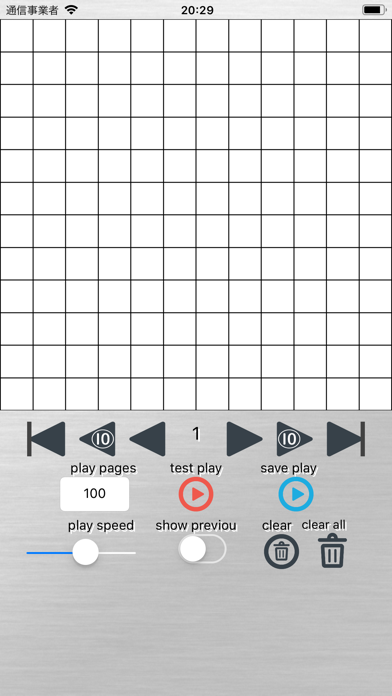
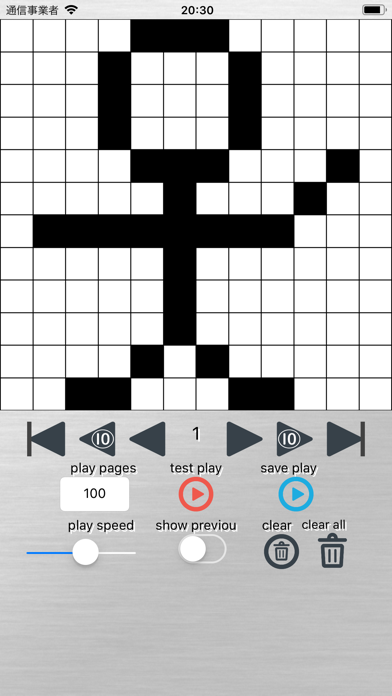
· You can draw a picture by tapping and filling a dot of 12 × 12 square. · Tap the triangular arrow to move the page. · At the moment, you can make flip cartoons of up to 150 pages. ● You can create not only Flipbook comic books, but also images such as countdown with numbers, bright and dazzling effects. [Explanation of each button] "play pages": Set the number of pages during playback. "test play": Use it to check the movement of flip flops. "save play": You can save the created flip flops. "play speed": You can set the playback speed by moving the slider. "show preview": Displays the dots one page earlier lightly. "clear": Deletes all dots on the currently displayed page. "clear all": Deletes the dots on all pages. Please contact the review section or DM here. https://twitter.com/corasck
Entertainment · iPhone, iPad · Free
Rating: 2.8 out of 5, based on 18 user ratings.