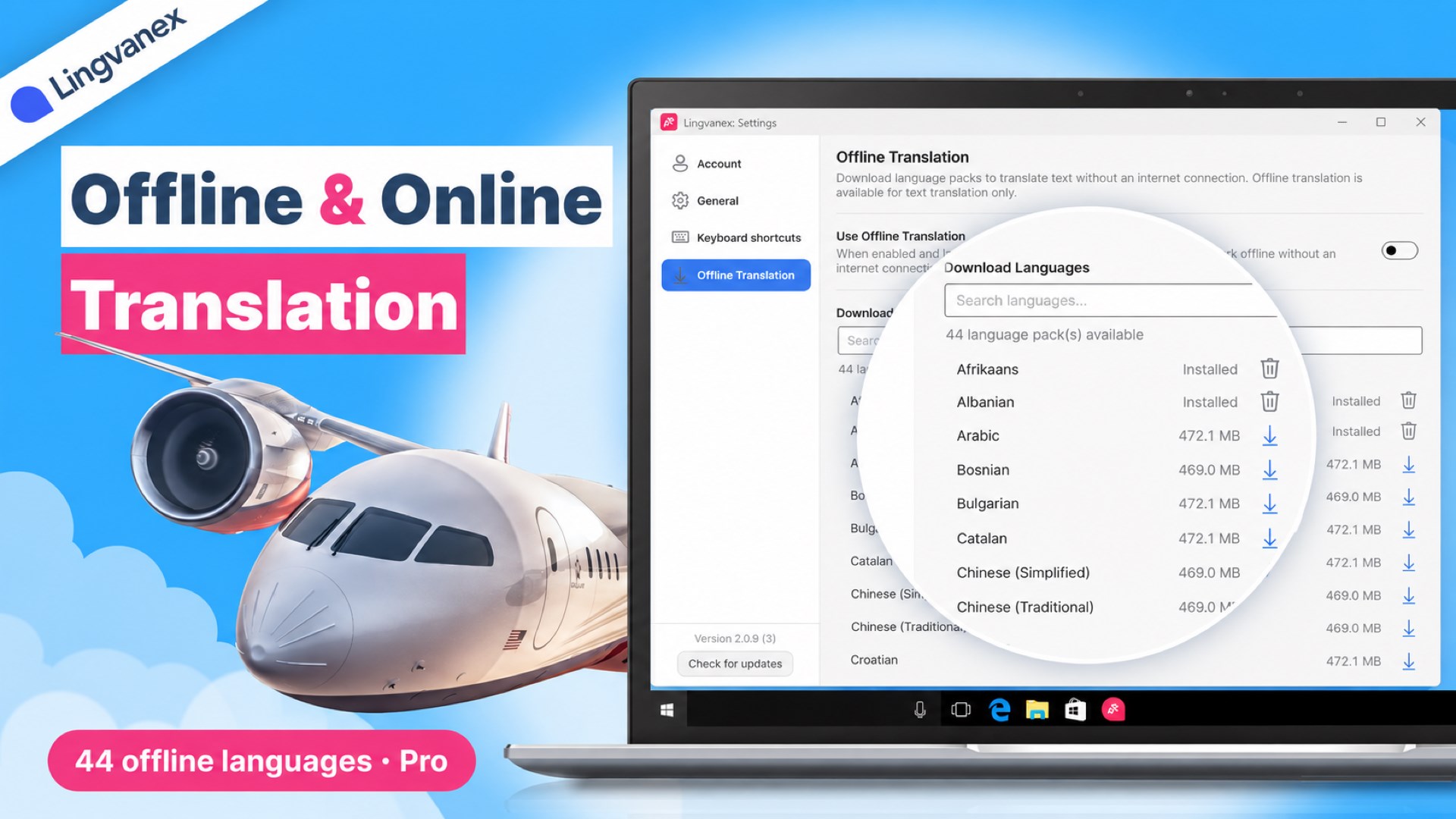
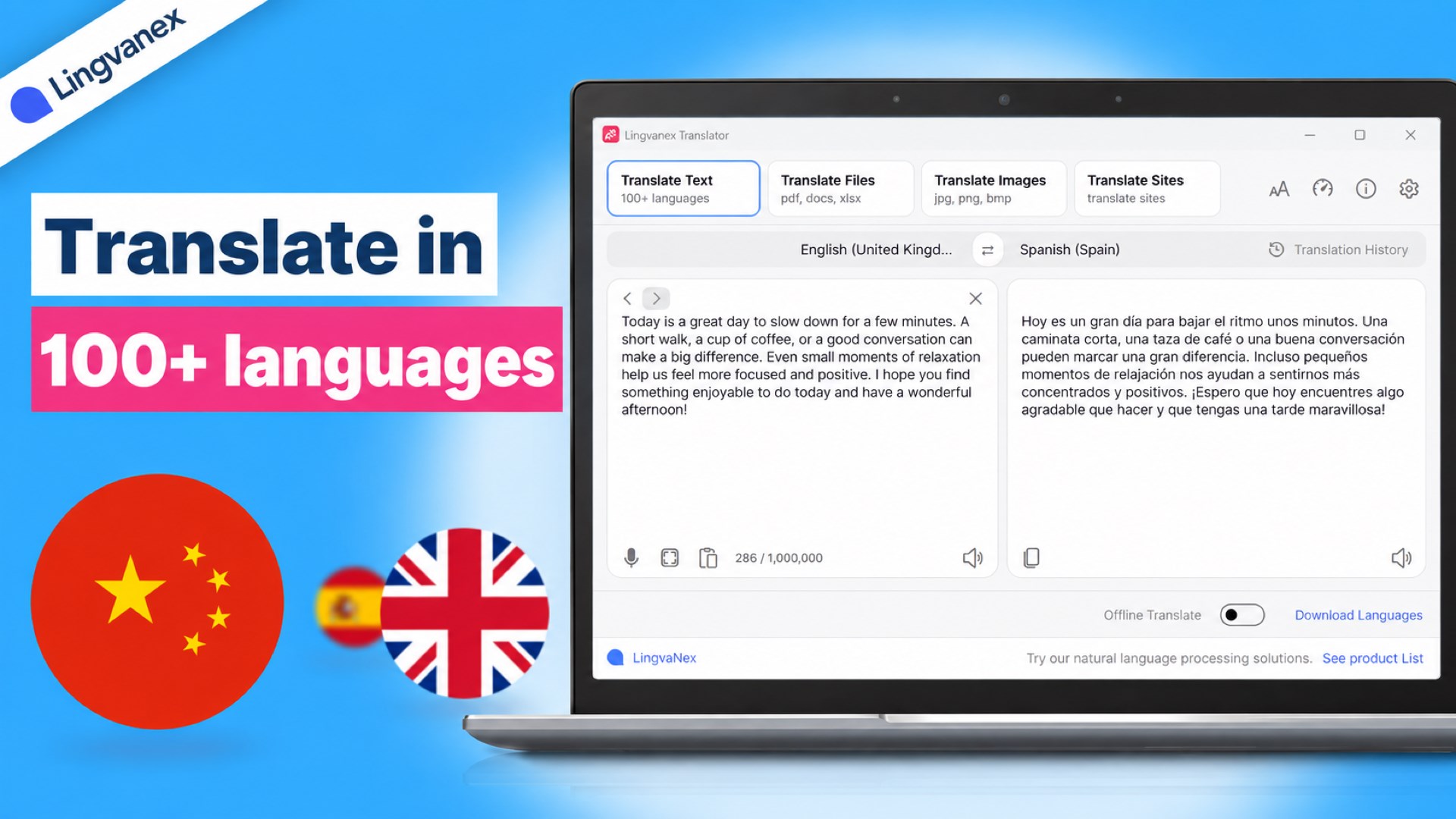
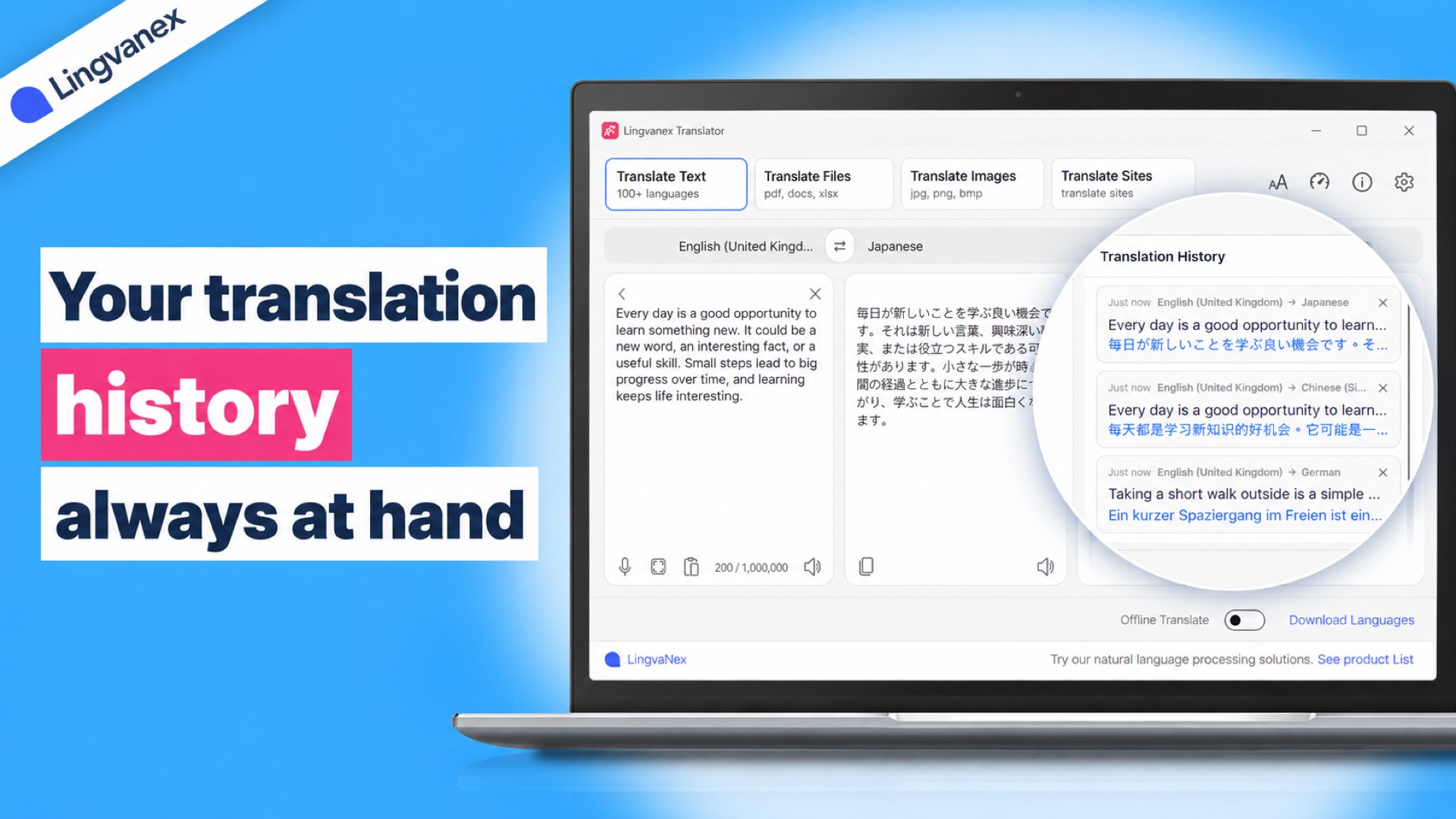
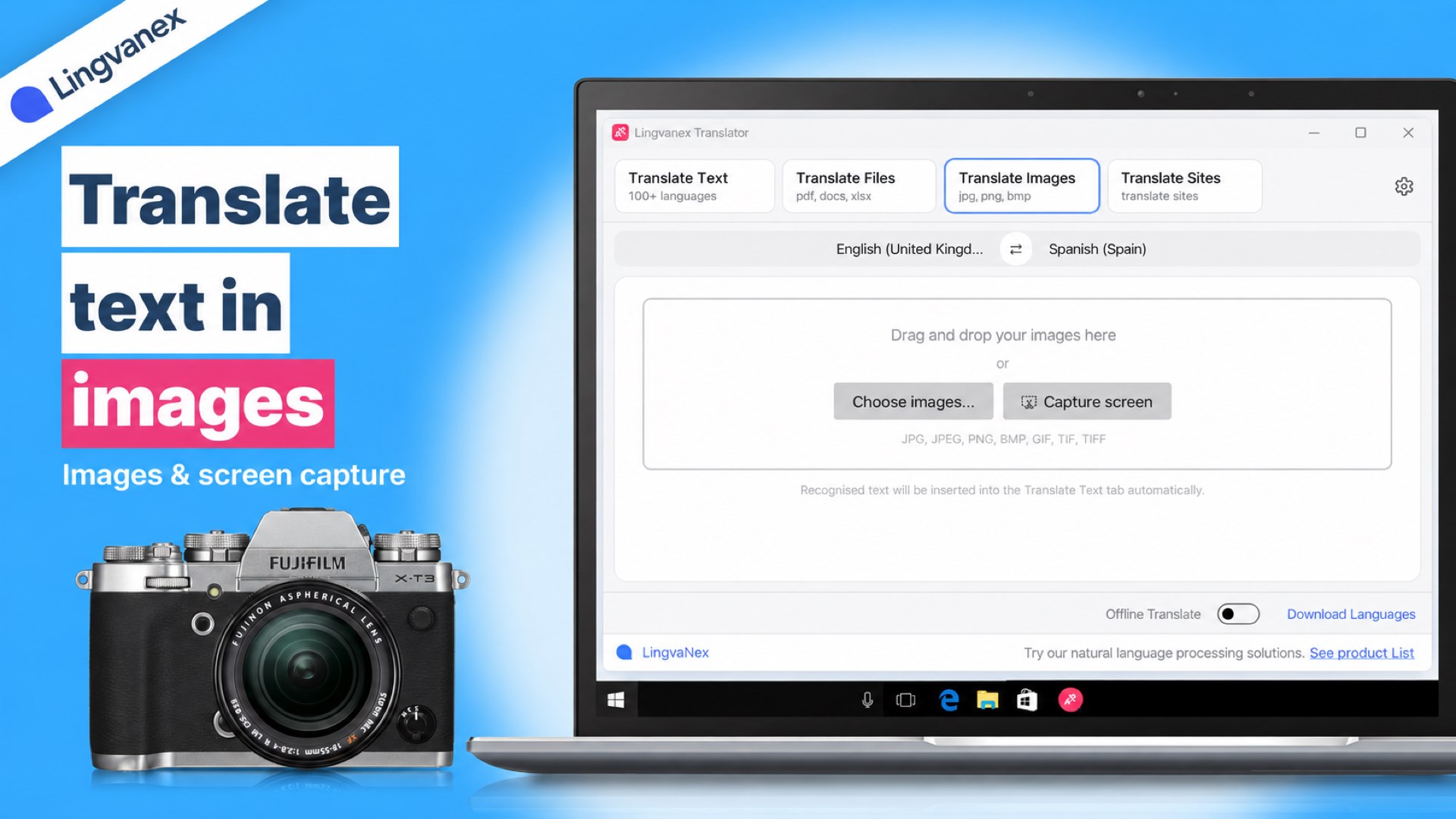
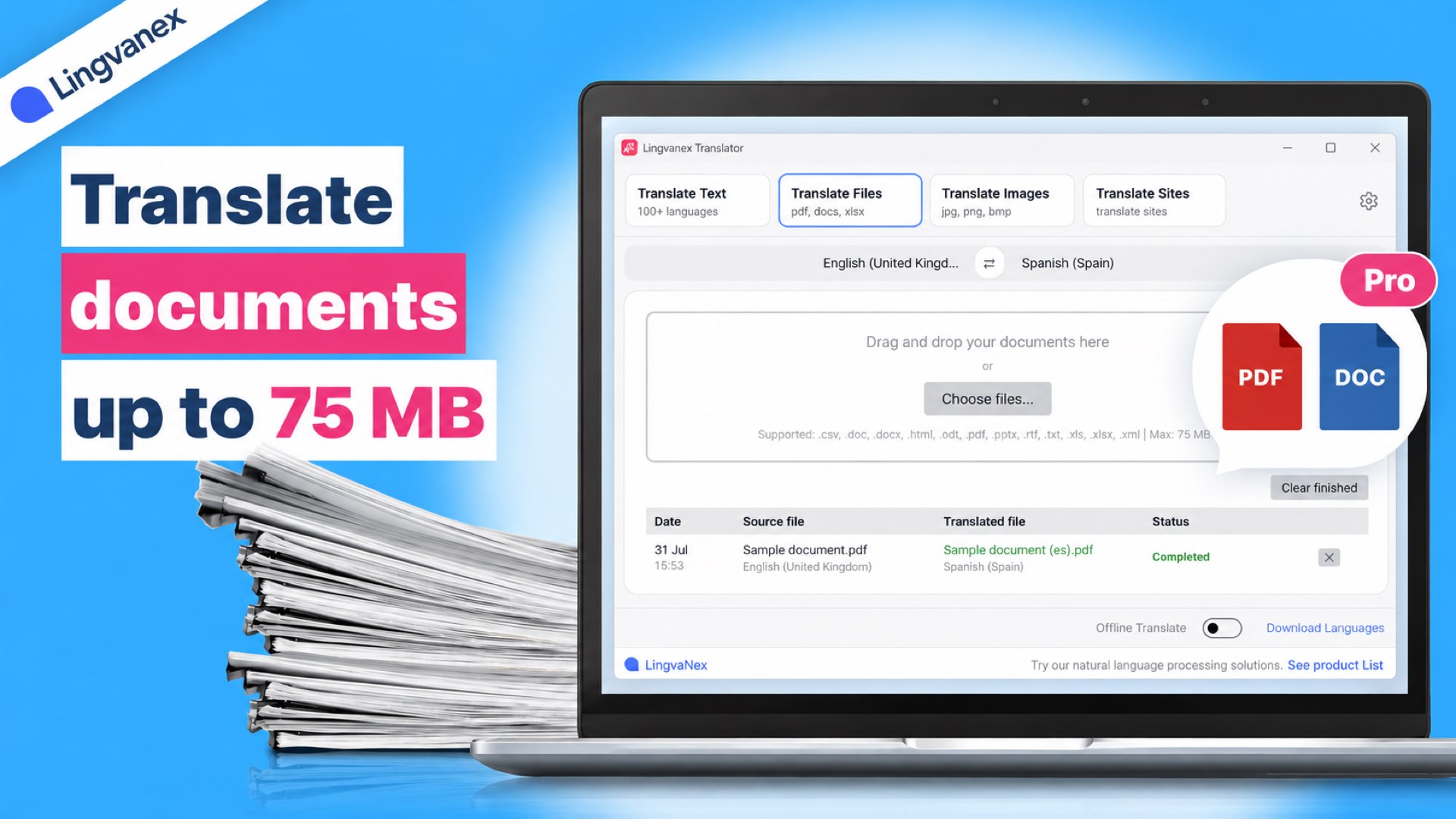
Lingvanex Translator is a fast and easy-to-use translator for Windows, for personal and professional use. Translate text, documents, images and websites between 100+ languages, capture and translate text anywhere on your screen, speak instead of typing, listen to translations and keep translating even without an internet connection. Key Features ✅ Text translation in 100+ languages: the translation appears automatically as you type, with automatic language detection and one-click language swap. ✅ Quick translation in any app: select text in a browser, Word, a PDF viewer or a chat, press Ctrl + C + C and see the translation in a pop-up next to the cursor. Copy it, replace the selected text with it, or open it in the main window. ✅ Document translation: PDF, DOCX, DOC, RTF, TXT, HTML, ODT, PPTX, XLSX, XLS, CSV and XML files up to 75 MB. The original document structure is preserved, and the translation is saved as a new file. ✅ Image translation: recognize and translate text in JPG, PNG, BMP, GIF and TIFF images, such as screenshots and photos of documents. ✅ Screen capture: press Ctrl + Alt + A, select any area of the screen and translate the text in it instantly. ✅ Website translation: enter a web address and see the original page and its translation side by side, with synchronized scrolling. ✅ Offline translation: download language packs for 44 languages and translate text without an internet connection. ✅ Voice input: speak a phrase and get it transcribed and translated. ✅ Text-to-speech: listen to the source text or the translation at 0.5×, 1×, 1.5× or 2× speed. ✅ Translation history: your translations are saved on your device and are always one click away. ✅ Made for comfort: light and dark themes, adjustable text size, customizable keyboard shortcuts, a choice of interface language and launch at Windows startup. Free and Pro 🔹 Free: text translation (up to 5,000 characters per request with a free account), quick translation with Ctrl + C + C, image translation and screen capture, voice input, text-to-speech and translation history. 🔹 Pro: everything in Free, plus up to 1,000,000 characters per request, document translation, website translation and offline translation. Monthly and annual subscriptions are available. ⚡ Upgrade to Lingvanex Pro to translate documents, websites and texts of any length, even offline! Good to Know • Voice input, text-to-speech and text recognition in images use Windows speech and language components. Install them for the languages you need in Windows Settings > Time & Language. • PDF translation works with text-based (searchable) PDF files. PDFs that consist only of scanned images are not supported. • Offline translation works for text and some document formats. Each language pack requires about 450–530 MB of disk space. Follow Our Updates on Social Media 📸 Instagram: https://instagram.com/lingvanex 🐦 X (Twitter): https://x.com/lingvanex 📺 YouTube: https://youtube.com/@lingvanex Questions or feedback? Write to us at support@lingvanex.com. Start translating with Lingvanex today!
Productivity · Windows · Free
Rating: 3.9 out of 5, based on 110 user ratings.