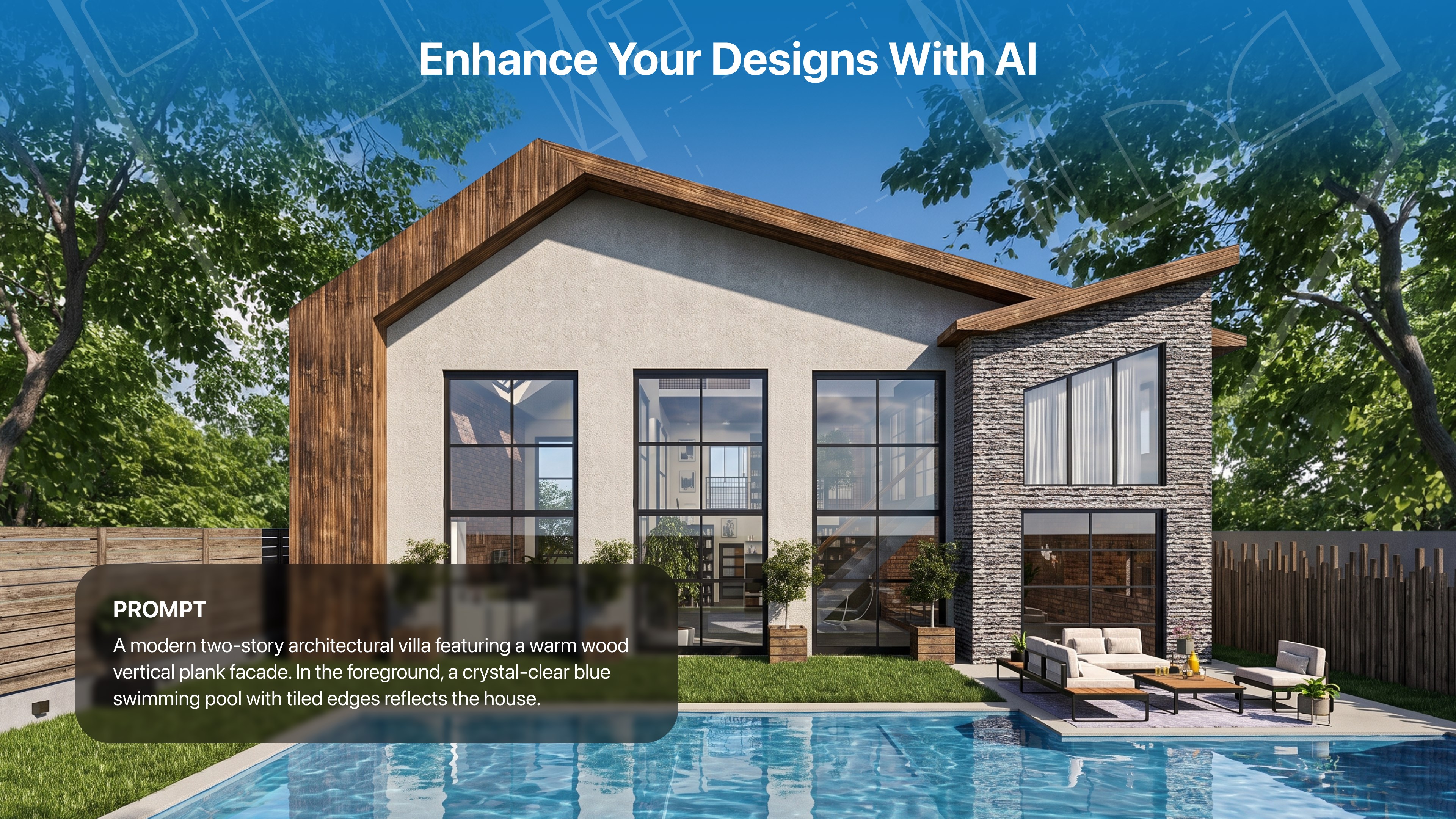
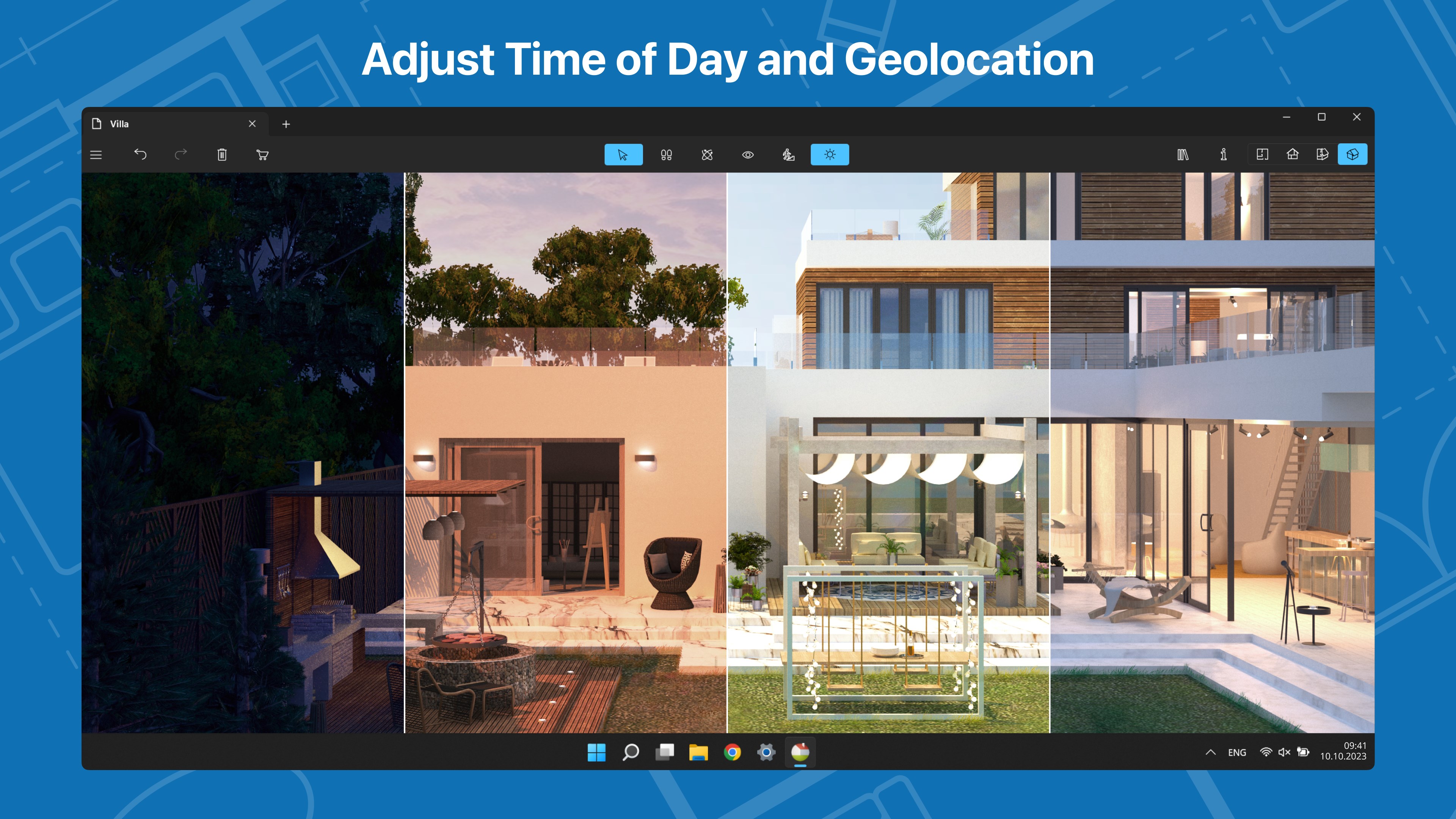
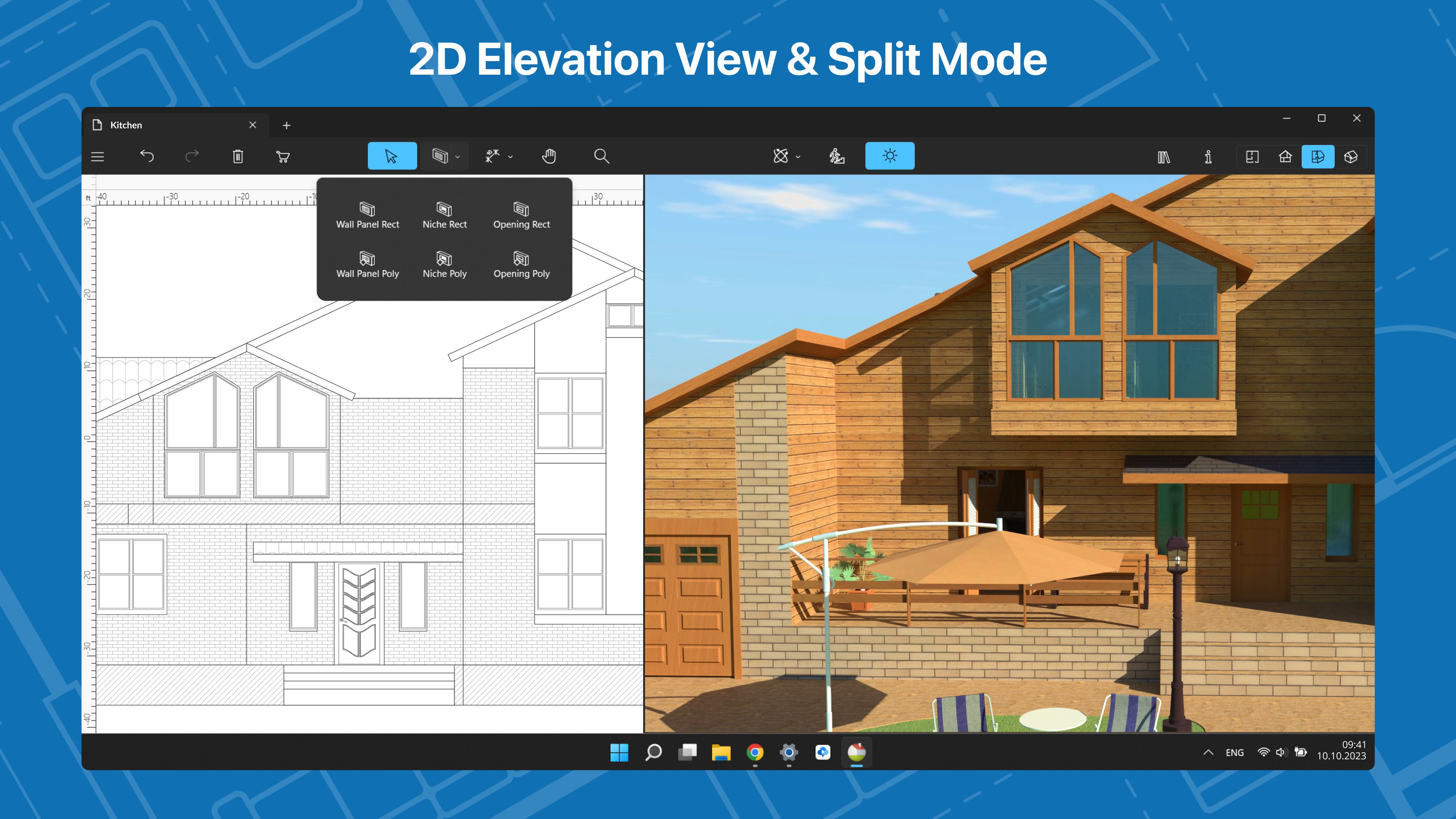
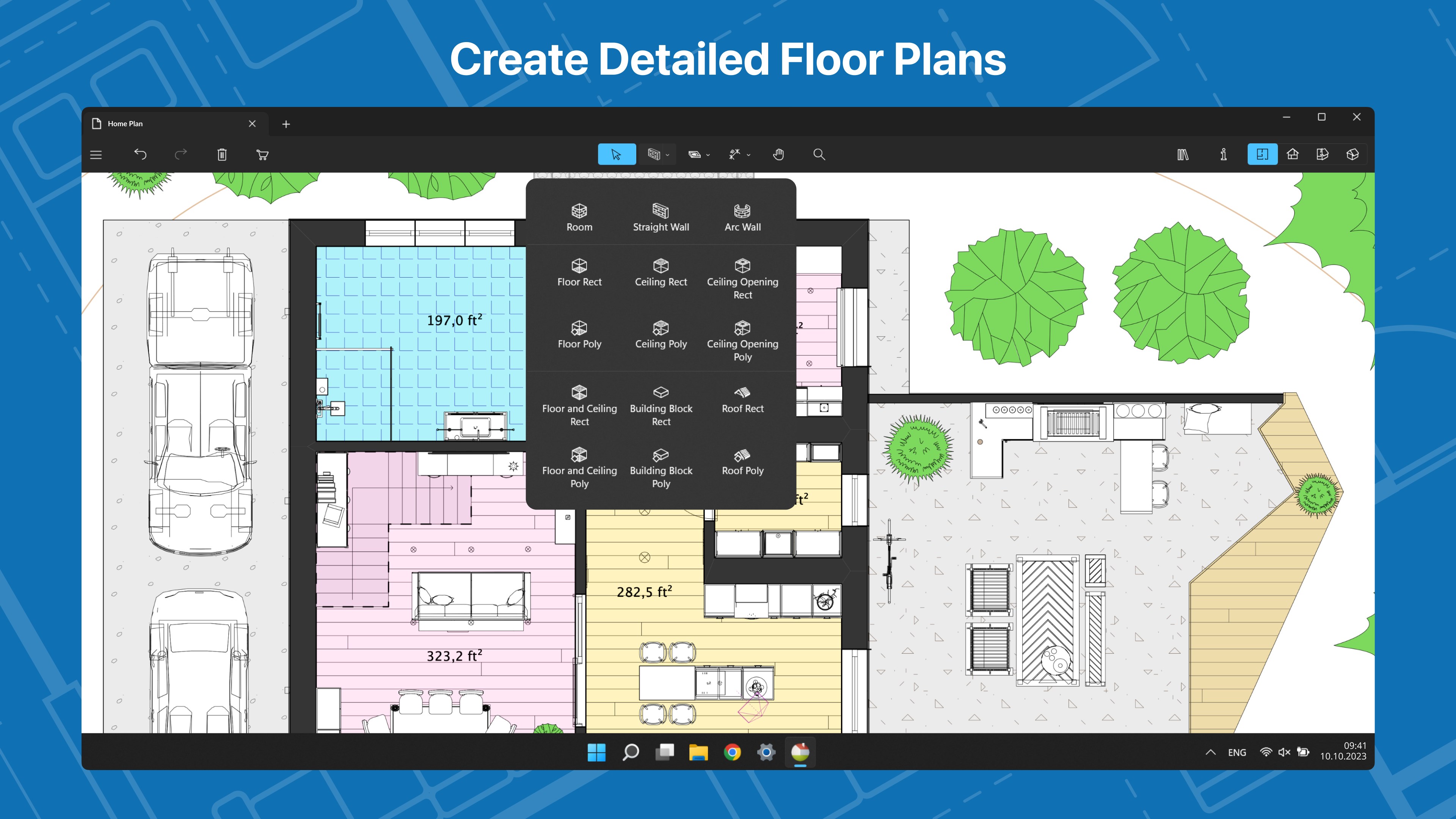
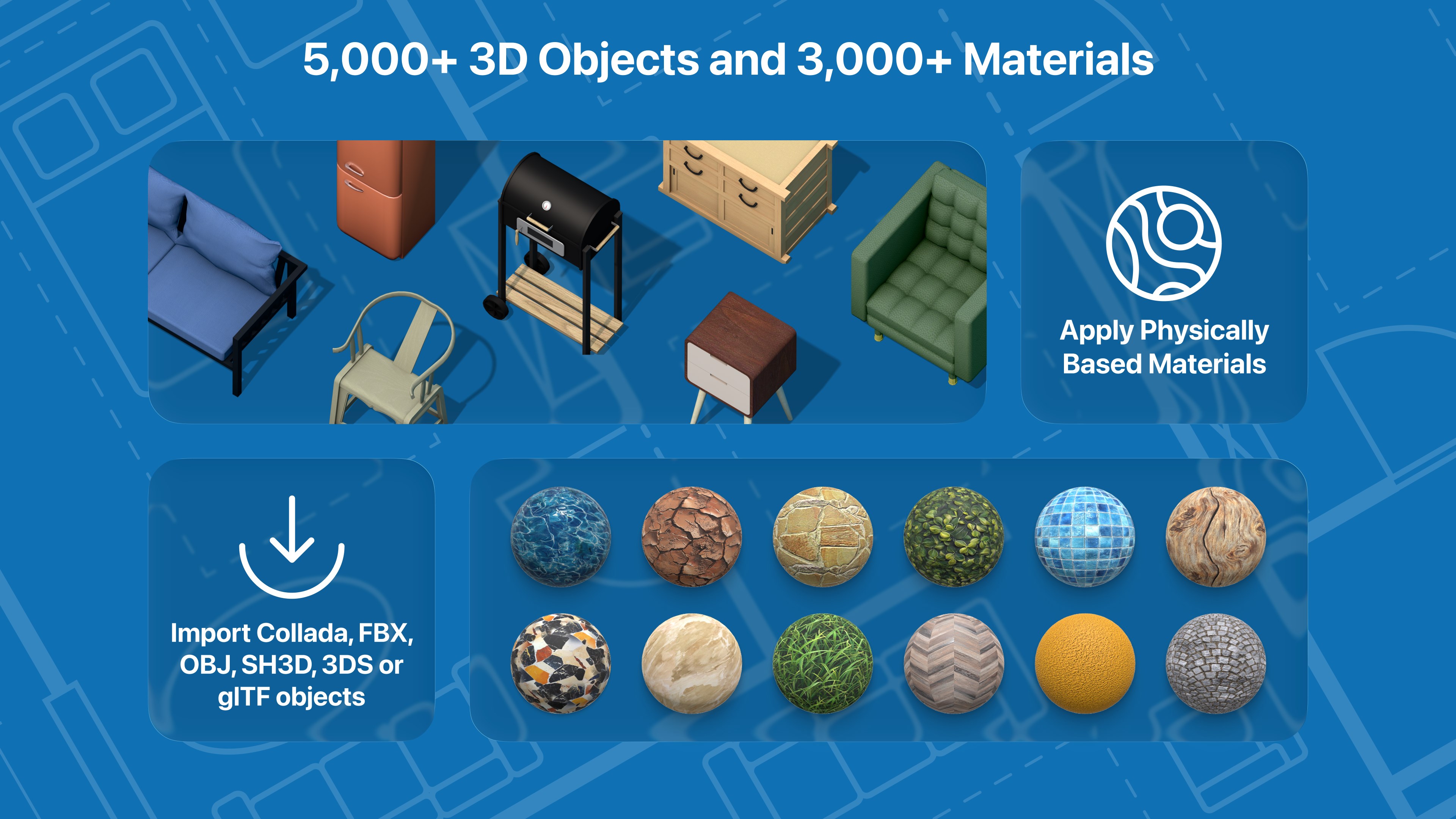
Build a home, renovate an apartment or plan your garden with Live Home 3D—an intuitive home, interior and landscape design app that turns all design tasks into an exciting process, while giving you the powerful tools that no other app in the store can deliver. With Live Home 3D, you will be able to: • Create detailed 2D floor plan layouts; • Walk through your 3D interior designs; • Hone your design skills with the ready-made house and interior design samples (e.g., kitchens, bathrooms, living rooms, etc.); • Add and move furniture and other objects (5,000+ items), and apply physically based materials (3,000+ materials); • Create elaborate terrain with elevation lines and pits, lay driveways and plan out your garden or backyard;* • Import 3D models from other applications in all of the most popular formats; • Browse and import 3D models from Sketchfab (available directly from within the Live Home 3D app); • Achieve natural lighting by setting up true geolocation, time of day and cloudiness; • Work in 2D Elevation view that displays the side view on walls and roof, a perfect tool for working with openings, niches and wall panels;* • Work with the customizable roof, create corner windows and complex openings; • Render realistic home interior and outdoor walkthrough videos with export quality up to Ultra HD;** • Get highly realistic views of your designs with the Cycles offline rendering engine (unlimited number of renders at no extra cost). • Export fast and high quality AI renders of your designs: choose from a multitude of presets and adjust simple settings. • Create Stereo 3D Video, 360° Video, Stereo 3D 360° Video and 360° Panorama JPEG images;** • Export the entire house design or several objects to FBX, glTF and OBJ formats and much more!** * Requires Pro Features purchase. ** Export quality is limited in the Free version, all exports have watermarks in the Free version of the app. Note: Only one project at a time can be used in the Free version. The Standard or Pro Features In-App purchase removes the watermarks and save limitations. Note: Starting with Live Home 3D version 5.0, you can create an app account and link all your in-app purchases to it, sharing them across all available platforms without re-buying. Pay a visit to our website for more information: https://www.livehome3d.com Join our creative community on the following socials: Facebook: https://www.facebook.com/livehome3d X: https://x.com/LiveHome3D Instagram: https://www.instagram.com/livehome3dapp/ TikTok: https://www.tiktok.com/@livehome3dapp Reddit: https://www.reddit.com/r/LiveHome3d/ Find plenty of useful tutorials on our YouTube channel: https://www.youtube.com/@LiveHome3D/ If you have any questions, please contact us at support@belightsoft.com
Productivity · Windows, iPhone, iPad, Android · Free
Rating: 4.6 out of 5, based on 19057 user ratings.