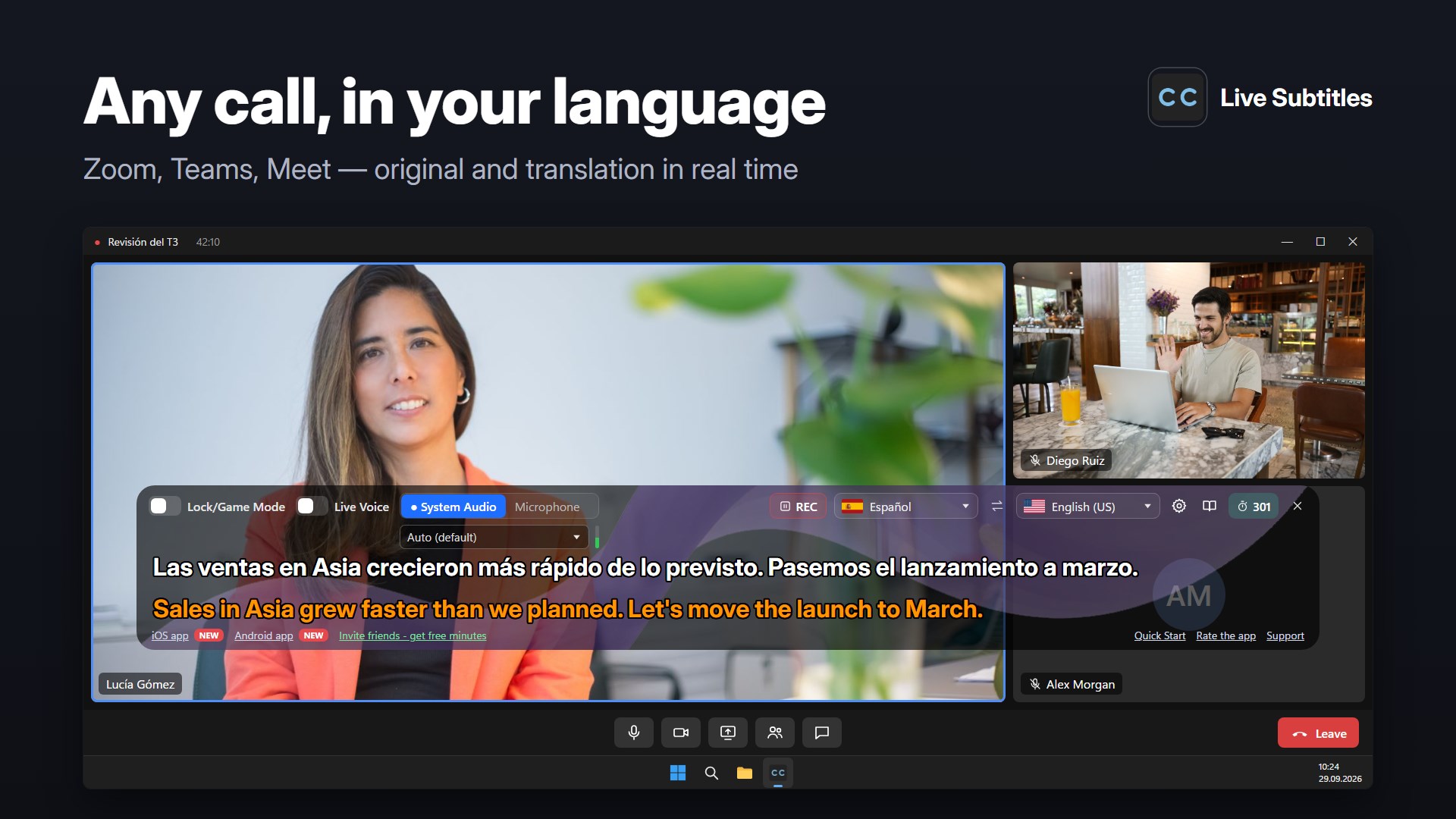
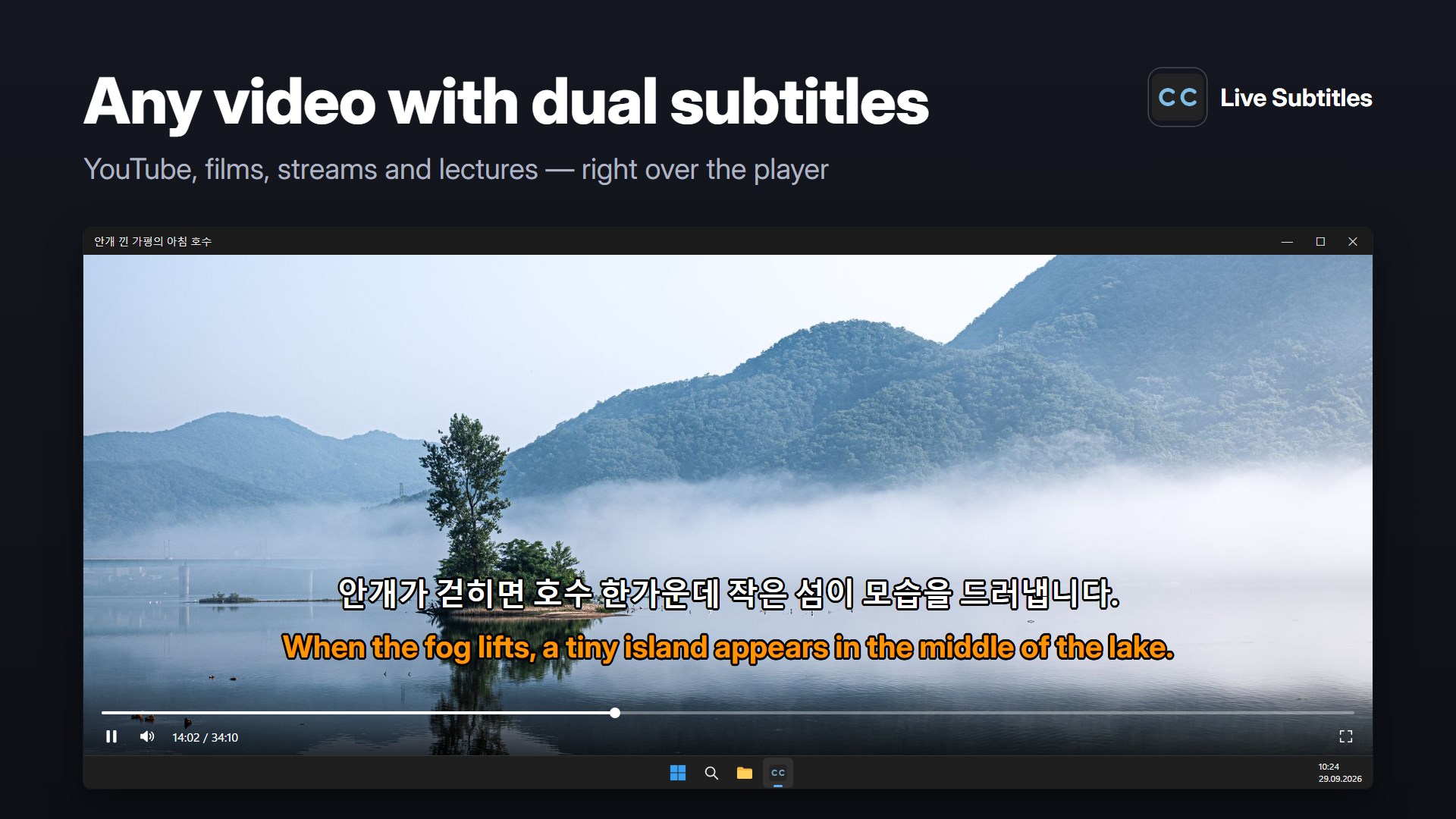
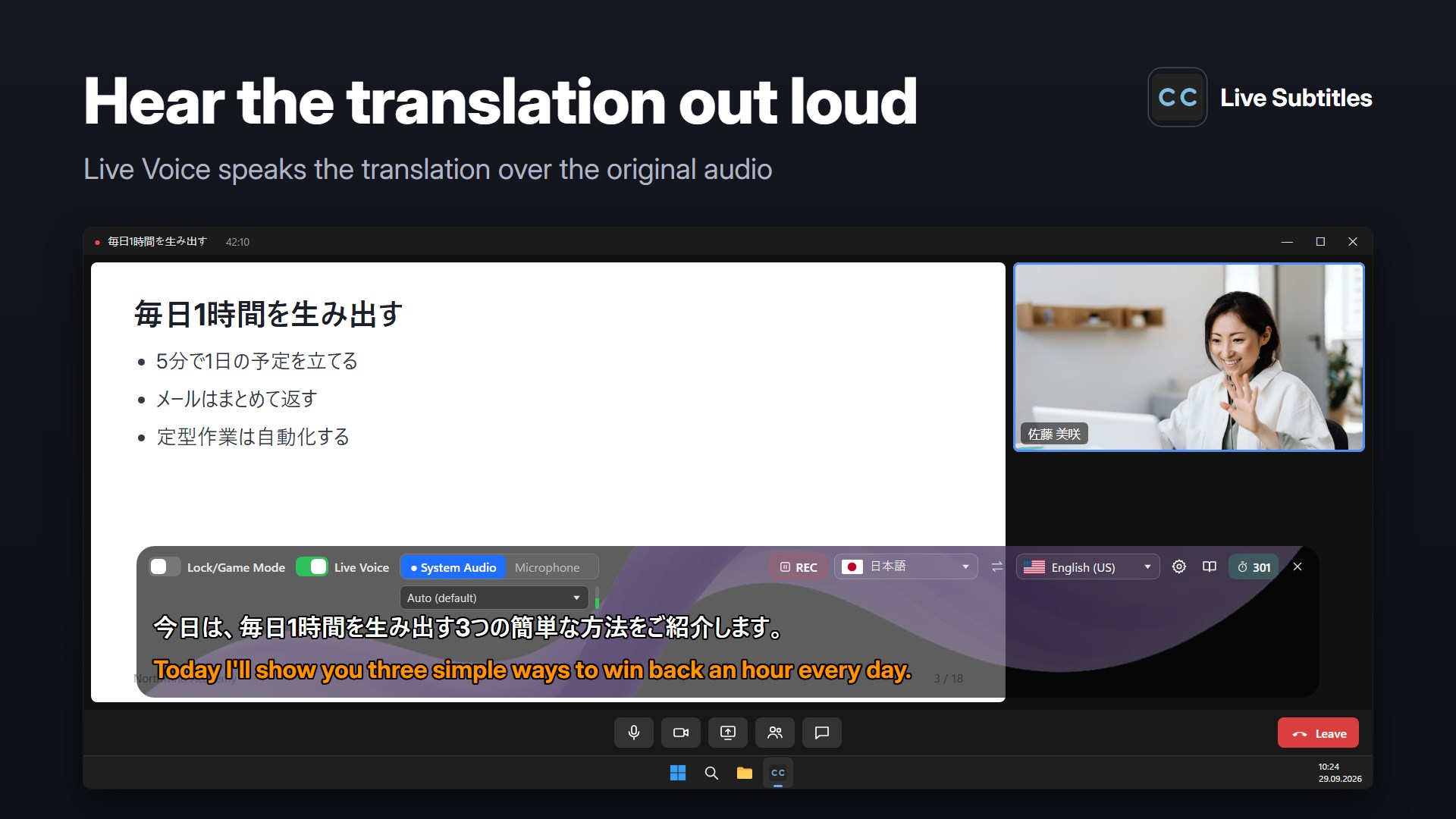
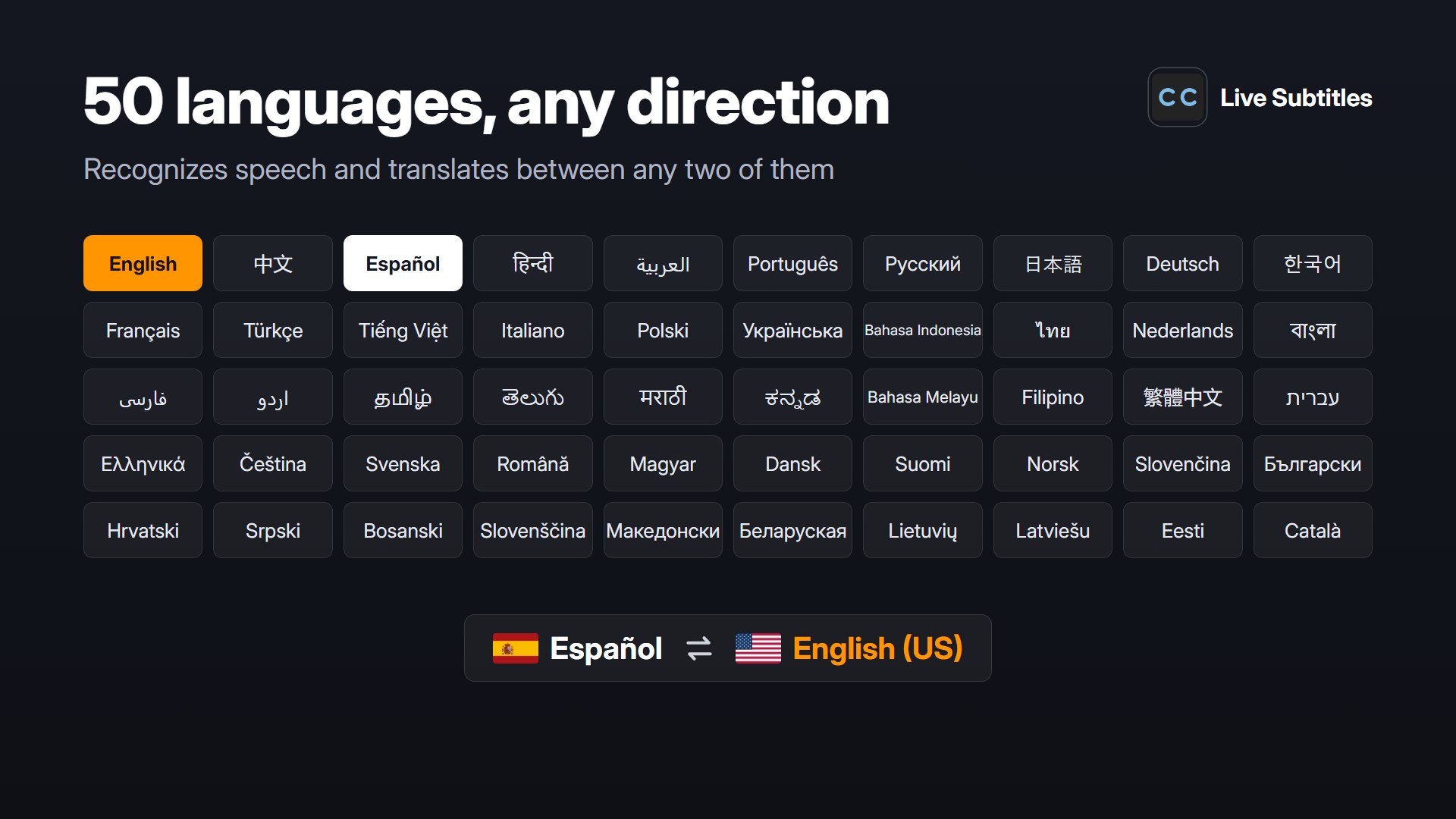
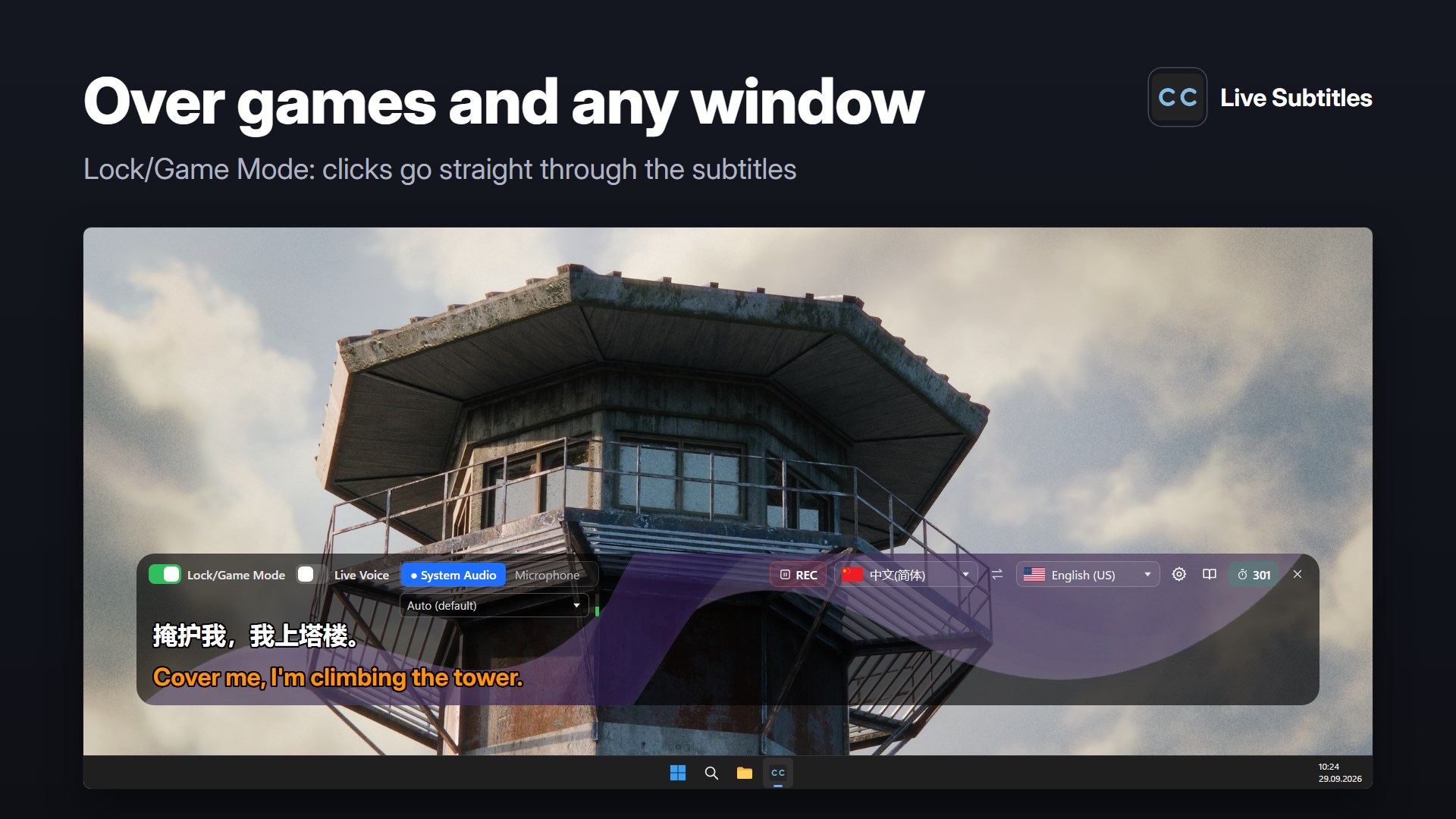
Live captions, AI subtitle generator, real-time speech-to-text and voice translator for Windows. Auto subtitles, dual subtitles, live transcribe and instant translation for Zoom, Microsoft Teams, Google Meet, YouTube, Netflix, Prime Video, Disney+, Twitch, Discord, TikTok, podcasts and live streams. Free minutes to start, subscriptions and pay-as-you-go minute packs. Live Subtitles is a live caption app and speech-to-text translator that converts any system audio or video into real-time subtitles and live translation. The app instantly transcribes audio to text and shows bilingual captions — original speech and translation side by side — for any app, website, meeting, video call, movie, podcast or stream. Live Caption & Closed Captions for Any System Audio Unlike microphone-based transcription tools, Live Subtitles captures system audio directly, so you get: • perfectly synchronized live captions and closed captions • clear and accurate speech recognition and voice to text • no background noise, echo or distortion • reliable performance for work, study, accessibility and multilingual communication If audio plays on your device, Live Subtitles can automatically generate live captions and AI subtitles for it. AI Subtitle Generator & Real Time Voice Translator Live Subtitles works as an AI subtitle generator, automated captioning tool, live transcribe app, voice to text online tool, transcribe from audio service and live voice translator at the same time. Use it as a speech to text app, voice to text app, voice to text for windows utility, speech to text with free starter minutes, online speech to text helper, transcribe audio files helper and translate audio live for meetings or videos. It supports 50 languages and lets you switch between source and target language instantly. Real time translation is at the heart of everything Live Subtitles does. Works with Any Audio Source • streaming services: YouTube, Netflix, Prime Video, Disney+, Hulu, Apple TV, HBO Max • video calls and online meetings: Zoom, Microsoft Teams, Google Meet, Skype, Webex • live streaming and broadcasts: Twitch, YouTube Live, Kick • social media and short-form video: TikTok, Instagram Reels, Facebook, X • podcasts, music, audiobooks and voice calls A floating subtitle overlay stays on top of any app without interfering with what you are watching or doing. Dual Subtitles & Real-Time Speech Translation • Dual subtitles — original speech and live translation shown together • Real-time speech-to-text transcription and live transcribe • Supports 50 languages including English, Spanish, German, French, Italian, Portuguese, Japanese, Korean, Chinese, Russian, Arabic, Polish, Turkish, Dutch and more • Instant language switching This makes Live Subtitles ideal for language learning, international communication, travel and content without built-in captions. Key Capabilities • live captions and auto subtitles for any system audio • real-time translation and bilingual subtitles: original + translation • high-accuracy speech recognition and voice to text • direct system audio capture (no microphone required) • floating subtitle overlay and customizable appearance • works even at low volume • suitable for work, study, travel and accessibility Who Benefits Most • viewers of foreign movies, TV shows and series • language learners practicing listening comprehension • people watching international videos and livestreams • participants of international video calls and meetings • users following news, lectures or broadcasts in other languages • people with hearing impairments who need visual captions and closed captions Privacy and Security Audio is sent to our speech recognition and translation partners only to be processed. We do not store audio or subtitle text on our servers — your history stays on your device. More: https://live-subtitles.com/privacy Get Started Install Live Subtitles and get live captions, speech-to-text, AI subtitle generator and real-time voice translation for everything that plays on your device. Understand more, learn faster and work comfortably with any audio or video content.
Productivity · Windows · Free
Rating: 4.6 out of 5, based on 47 user ratings.