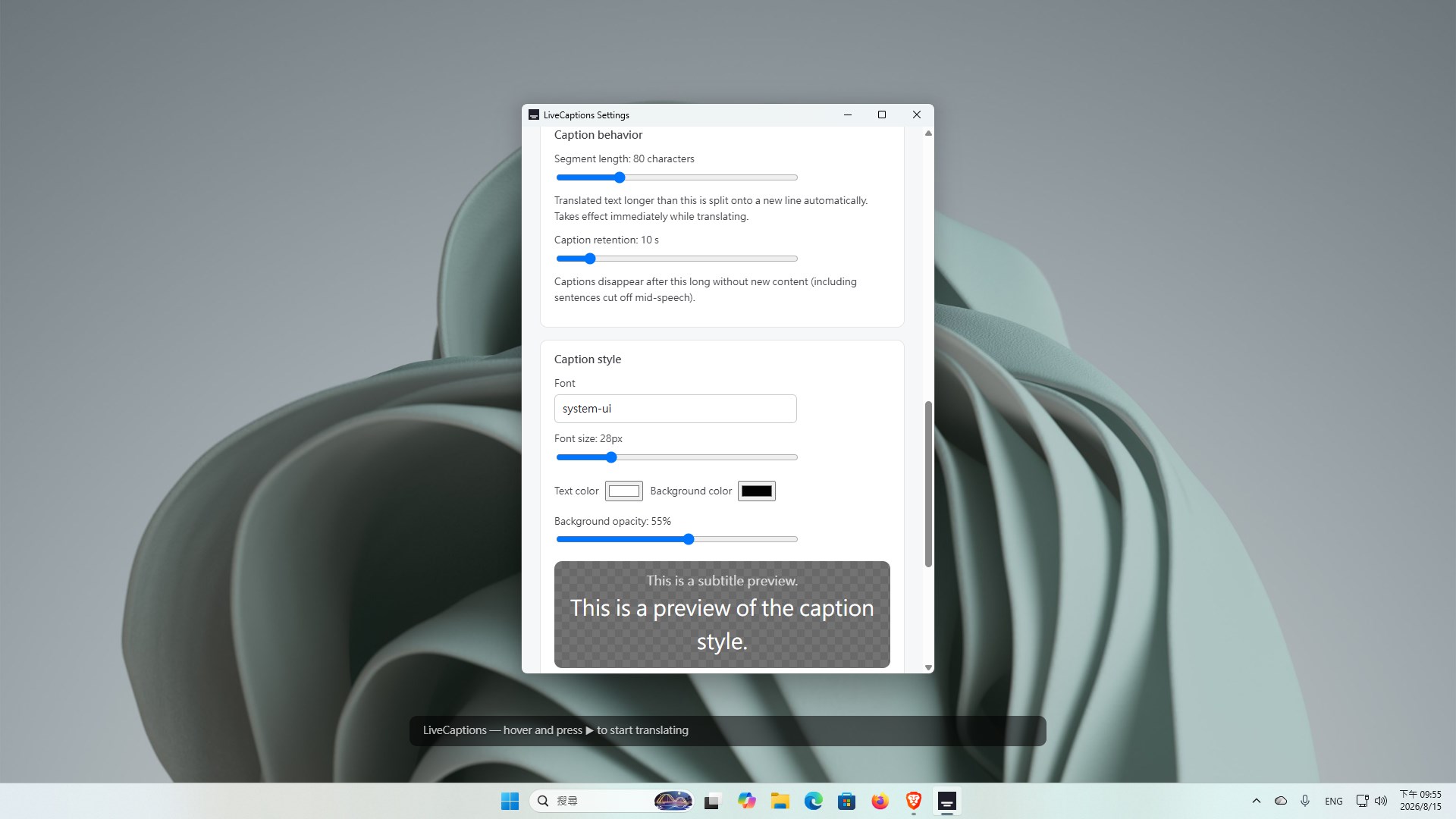
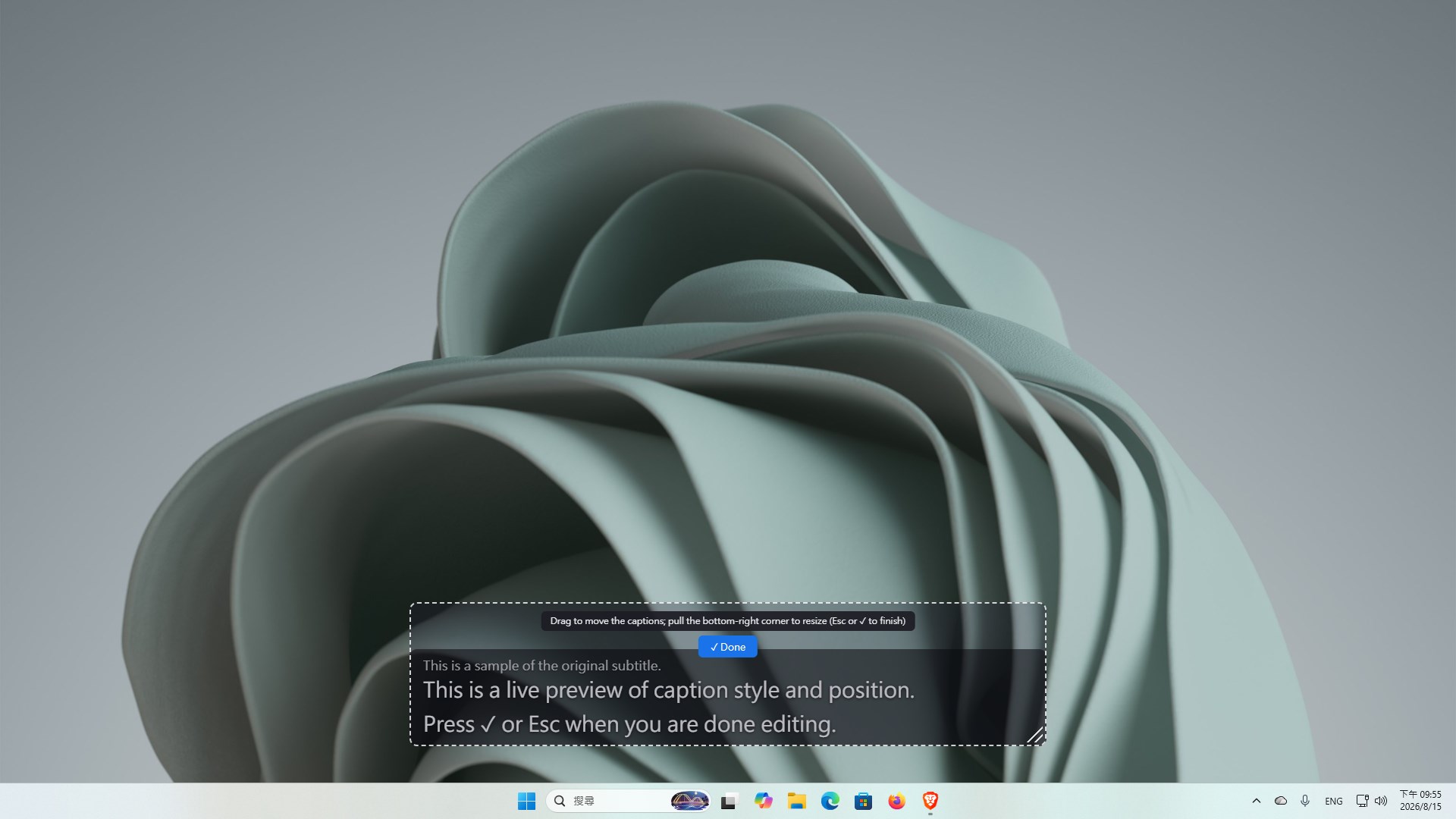
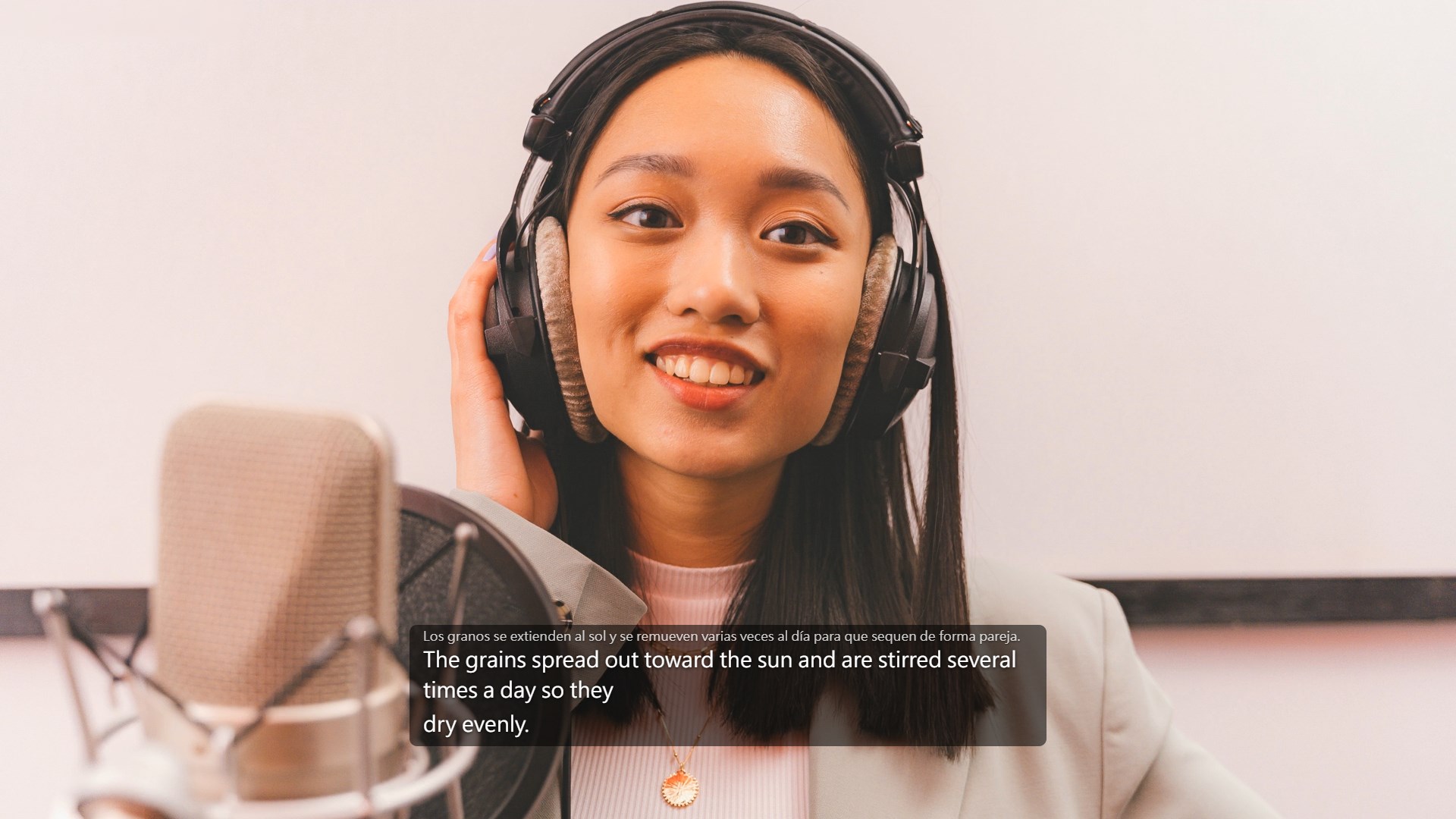
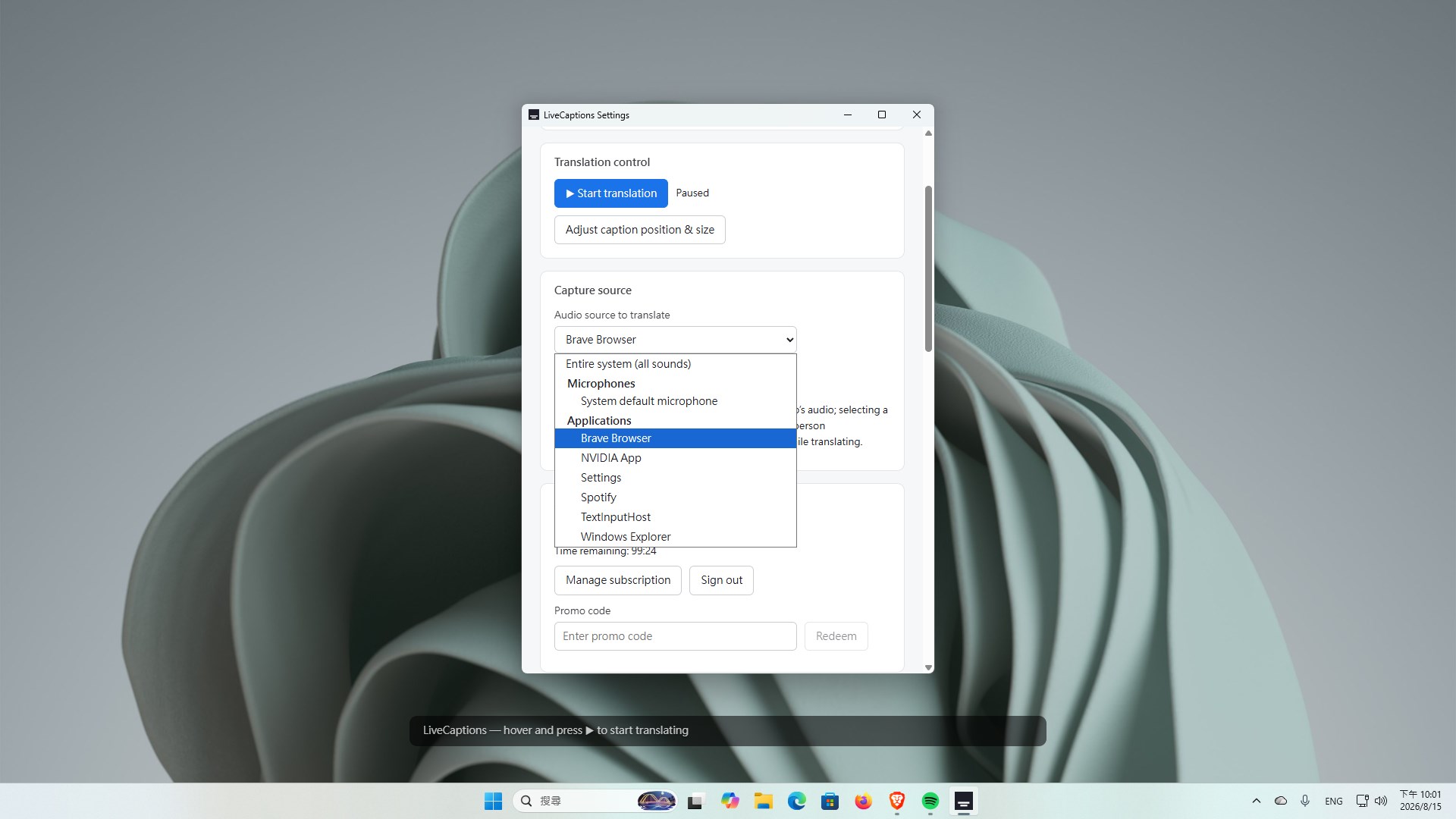
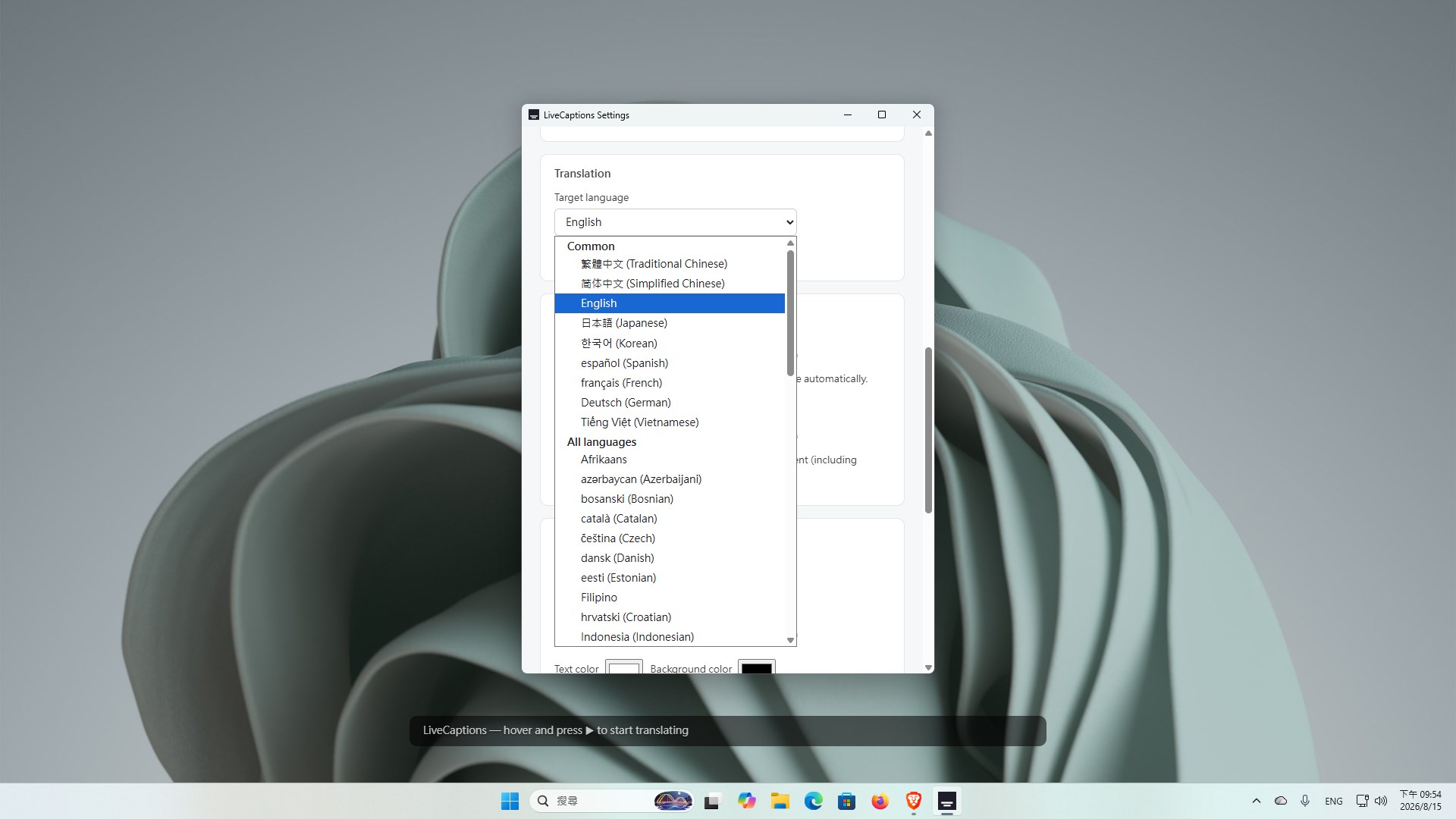
LiveCaptions turns any audio your PC is already playing into live, translated captions that float above every window. It does not matter which app the sound comes from. A meeting in a desktop client, a lecture on a streaming site, a podcast, a livestream, a game's voiced dialogue — if your PC is playing it, LiveCaptions can caption it. Nothing has to be enabled at the other end: the meeting needs no captions turned on, the streamer needs no captions of their own, and there is no browser extension or plugin to install. WHAT IT DOES Captures the audio your computer plays and translates the speech in real time. Shows the result in a transparent, always-on-top overlay you can move, resize and click straight through. Optionally shows the original line above the translation, so you can follow both languages at once. THREE CAPTURE SOURCES Entire system — everything your PC plays. A single app — isolate one program's audio and ignore the rest. Microphone — caption the conversation happening in front of you. 60 TARGET LANGUAGES Real-time speech translation into 60 languages, including English, Japanese, Korean, Chinese (Traditional and Simplified), Spanish, French, German, Portuguese and Vietnamese. The interface itself comes in 10 languages and follows your Windows language setting. MAKE IT YOURS Font, size, text and background color, and background opacity are all adjustable, so the overlay reads the way you want it to. PRICING A free trial gives you 20 minutes of live captioning to use within 14 days, no credit card required. After that, plans start at US$4.99 per month for 10 hours, with 28-hour and 60-hour plans also available. Subscriptions are completed in your browser through our payment provider, which acts as merchant of record — there is no in-app purchase. GOOD TO KNOW Requires Windows 10 build 19041 (version 2004) or later. Windows 11 is fully supported. A free account and an internet connection are required: audio is streamed to our provider, where AI speech recognition and translation models produce the captions in real time; the audio itself is not stored. See the privacy policy for details. To report inappropriate caption output, contact support@livecaptions.app. Captions float over windowed and borderless full-screen apps. Exclusive full-screen mode takes over the display entirely, so run games windowed or borderless for captions to appear on top.
Productivity · Windows · Free