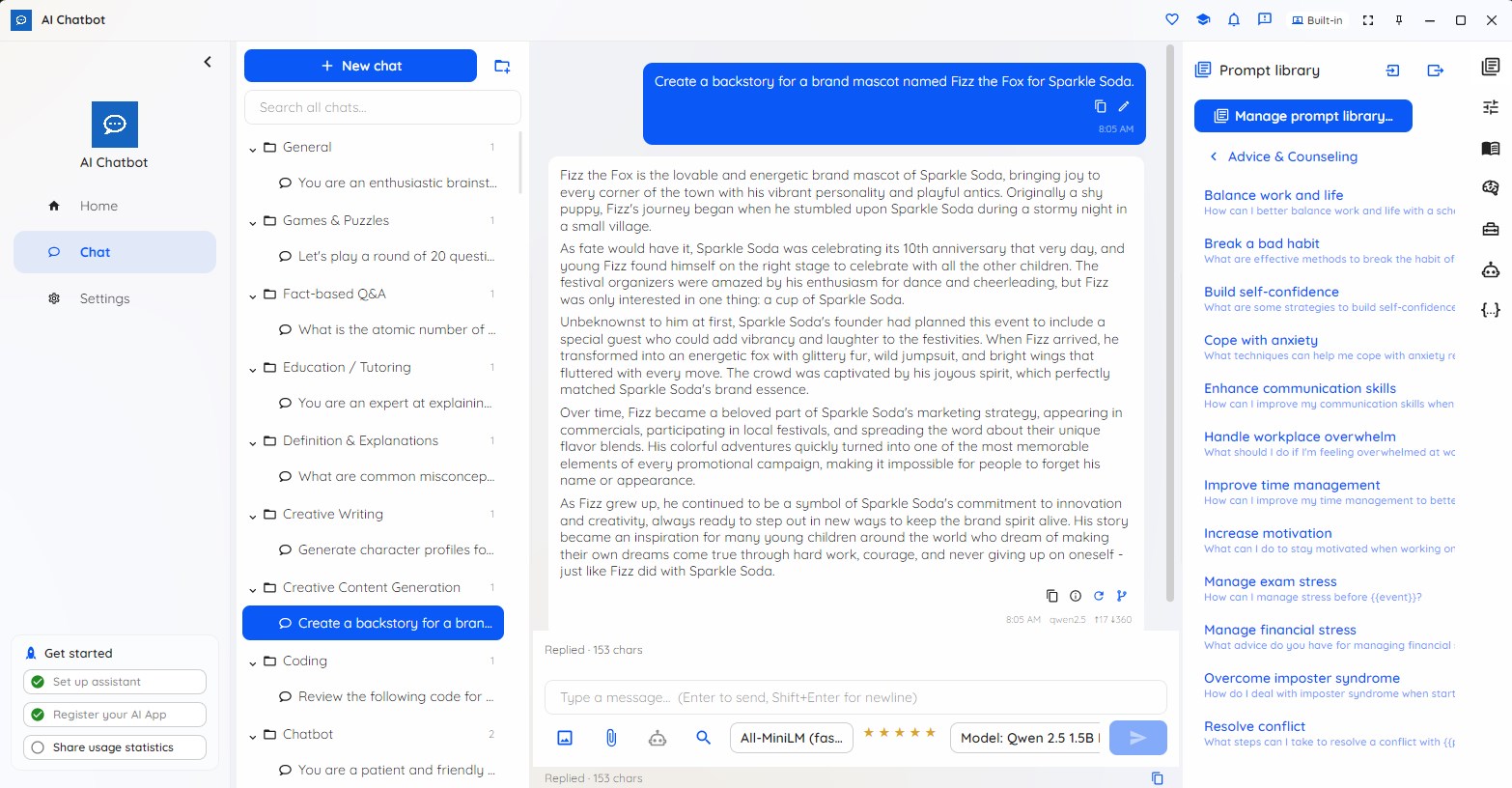
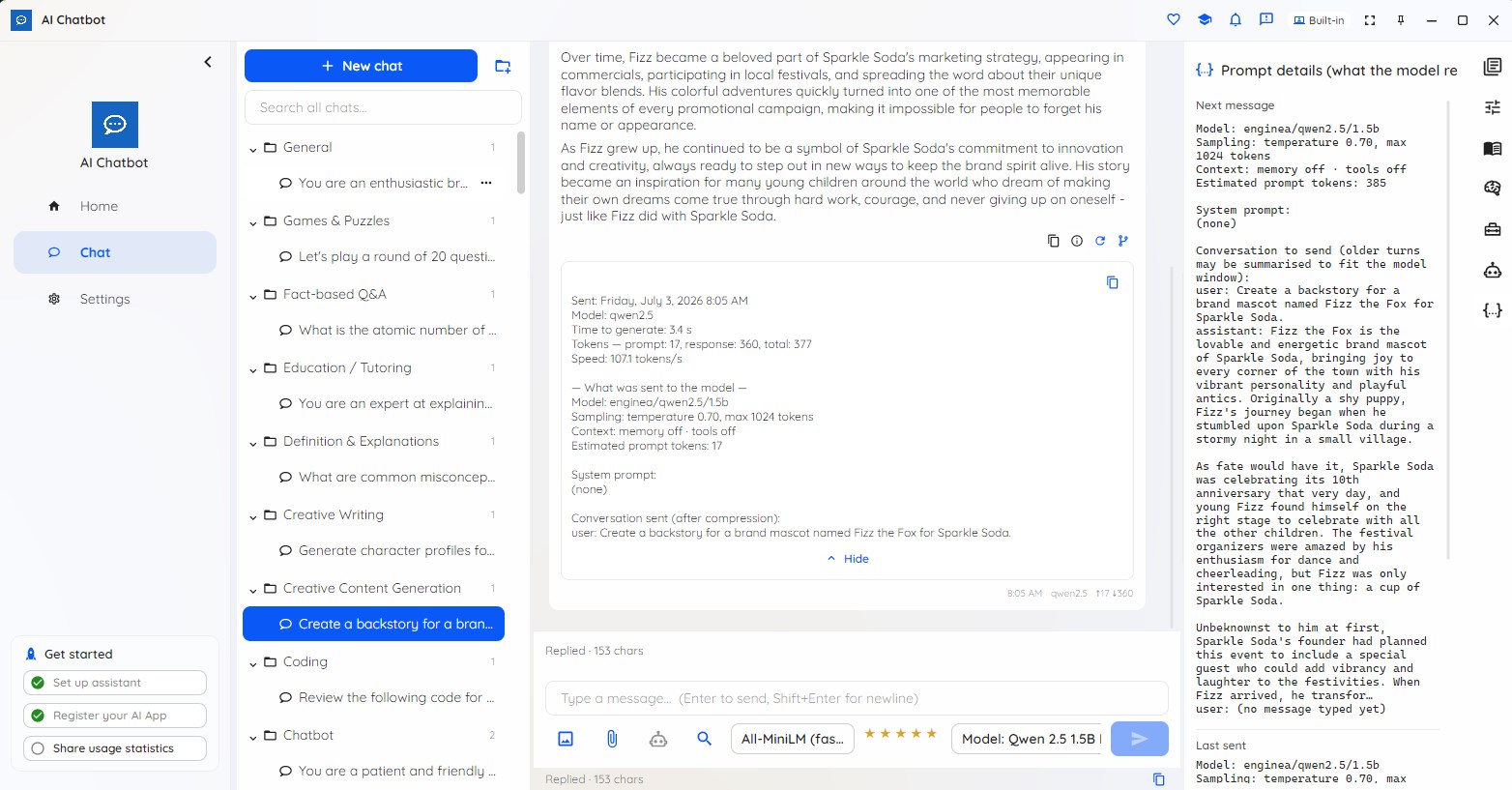
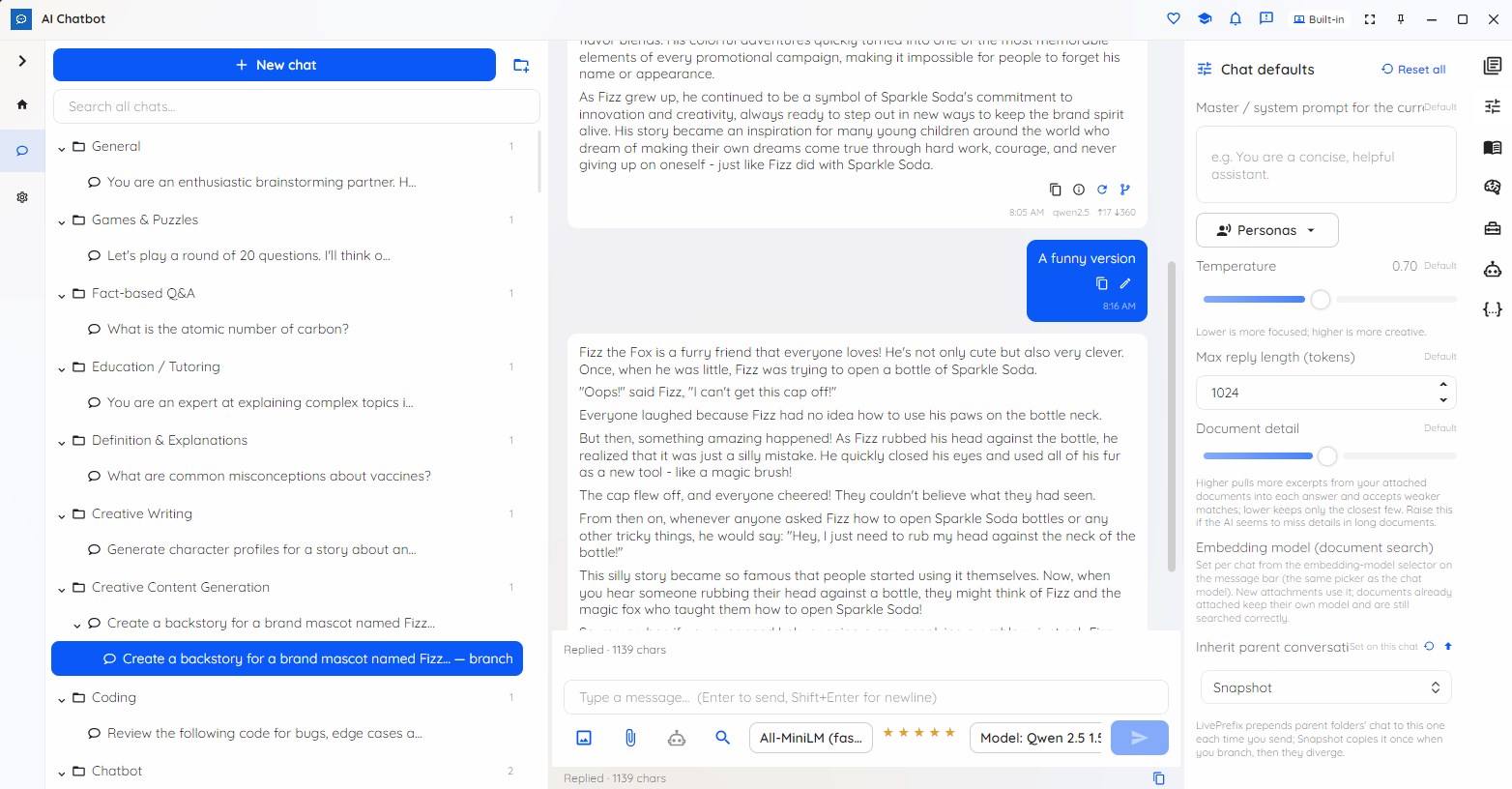
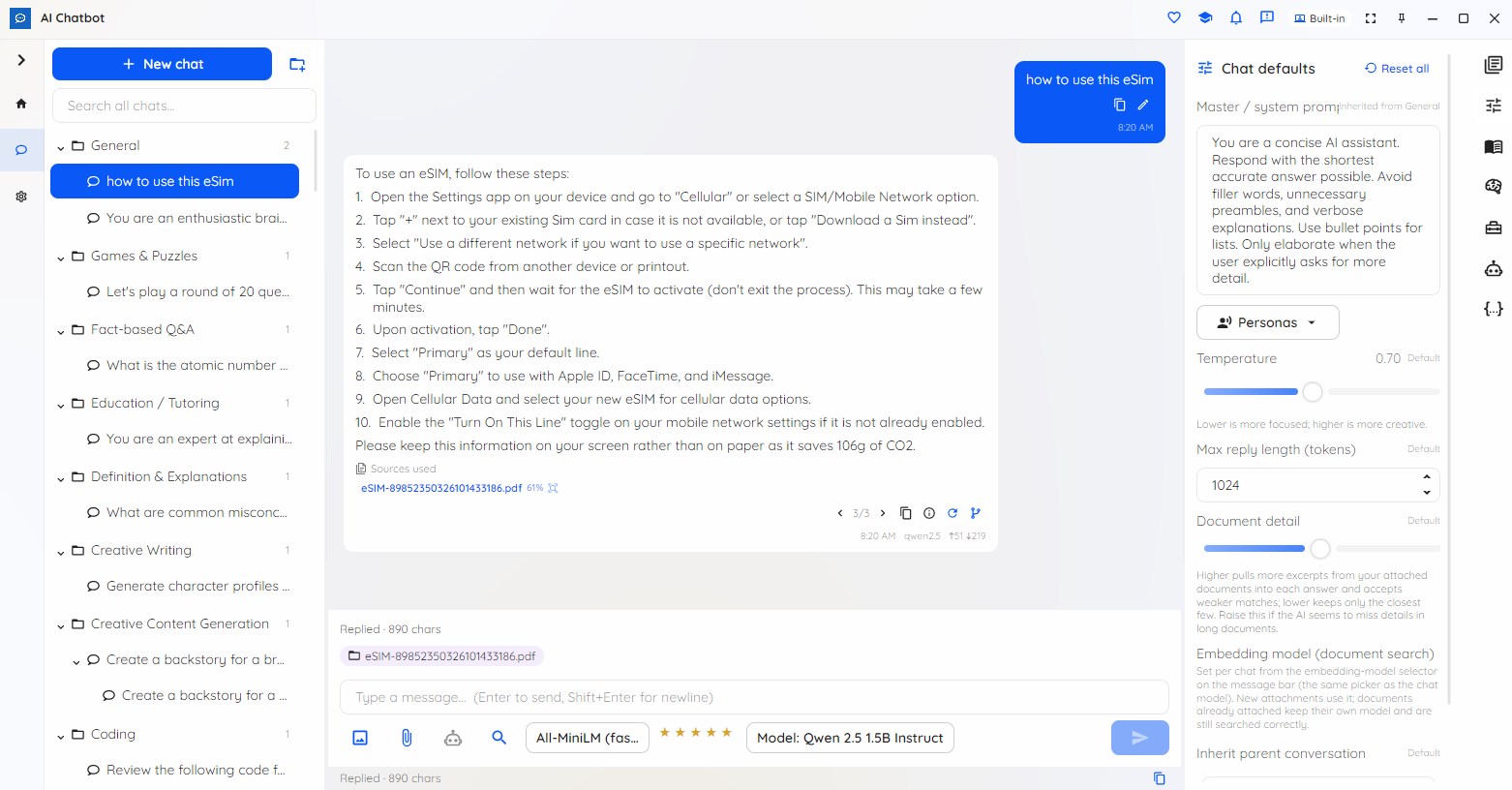
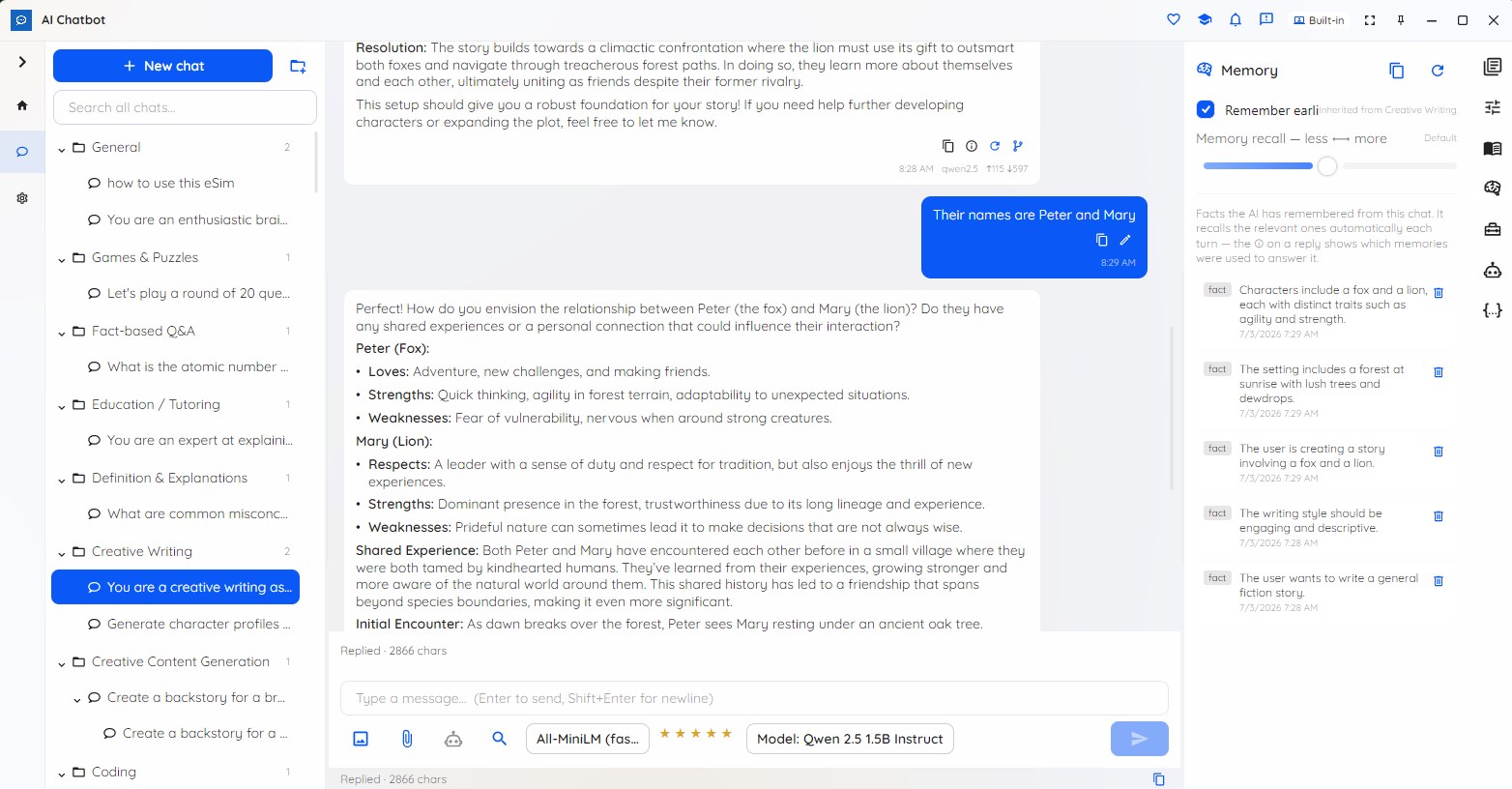
Chat with your documents and explore ideas in private conversations on your PC. Branch a discussion, reuse saved prompts, and choose what personal memory retains. The included local model works offline after download. Where a simple chat app stops at the conversation, AI Chatbot keeps going: • Keep every chat organized in a folder tree, where folders pass a system prompt, model or tool settings down to the chats inside them • Branch any conversation — edit a message or regenerate a reply to fork a new path, and step between versions • Build a reusable prompt library of categorized prompts with fill-in-the-blanks and version history, and switch personas to change the assistant's voice in one click • Attach your own documents and get answers grounded in them, with the sources shown right under the reply; attach images and it reads them too • Turn on conversation memory and the chat recalls earlier turns and distilled facts — and shows which memories it used for each reply • Carry useful preferences, decisions and ongoing work into later chats with encrypted Personal memory — review, correct, explain or forget everything the suite remembers from Settings • Find a phrase within a chat, or search across all your chats Everything is saved encrypted on your device (AES-256-GCM), survives an uninstall, and telemetry is opt-in and content-free. Coming from the previous Local AI Chatbot? Your conversations, prompt library and document memory are imported once on first launch, and your originals are left untouched. The Free tier is permanent, not a time-limited trial, and has no chat or session quota. It covers sessions, folders, branching, the prompt library and personas, document chat, conversation memory, cross-session search and backup/export on the built-in on-device model. It does not include larger local or cloud models. The two Pro-only feature areas below — Tools and Agent mode — also require Pro. • Tools — let capable models take actions: a calculator and clock, live web search and open-web-page, your own MCP tool servers, and a consent-gated search across your own content in other AI Suite apps (it returns pointers, never file contents). Every tool call is shown in full. • Agent mode — run goal-driven, multi-agent workflows: pick a goal, fill in the blanks, and watch a Planner split work across agents, then merge and recommend, with the full workflow graph and a per-step trace. Pro comes in Personal and Commercial plans (monthly or annual); both unlock the same models and features — the difference is the licence terms (personal vs business use). It's a great fit for privacy-conscious power users, regulated industries, offline or air-gapped setups, and anyone who wants a serious AI workspace without a per-message cloud bill.
Productivity · Windows · Free