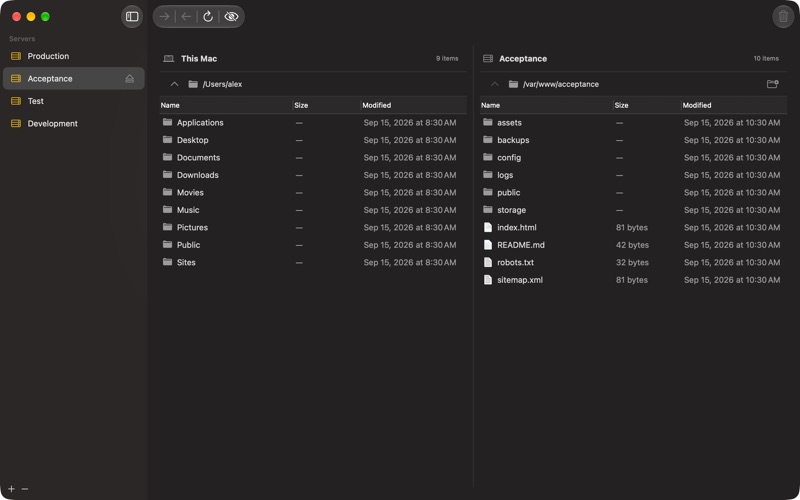
Move files between your Mac and your FTP, FTPS and SFTP servers with LoopFTP, a lightweight, native Mac app. Browse local and remote folders side by side. Drag files to upload or download them, and keep multiple server connections open while you work. • Transfer files and entire folders, with multiple transfers running in parallel. • Connect using FTP, explicit FTPS or SFTP. For SFTP, use a password or an OpenSSH Ed25519 private key. • Save server profiles, reorder them in the sidebar and remember a local folder for each server. • Follow transfers with file counts, progress indicators and an active-transfer badge in the Dock. • Merge folders or replace their contents, with clear choices before you start. • Retry unfinished transfers and dismiss transfers you no longer need. • Show hidden files, create remote folders, and rename or delete remote items. • Optionally save passwords in the macOS Keychain for future connections. LoopFTP works on Intel and Apple Silicon Macs running macOS 14 or later. It follows your Mac’s light or dark appearance and preferred language. Available in English, Dutch, German, Spanish, Italian, French, and Portuguese. No subscriptions, ads, or LoopFTP account required.
Developer Tools · iPhone, iPad · Free