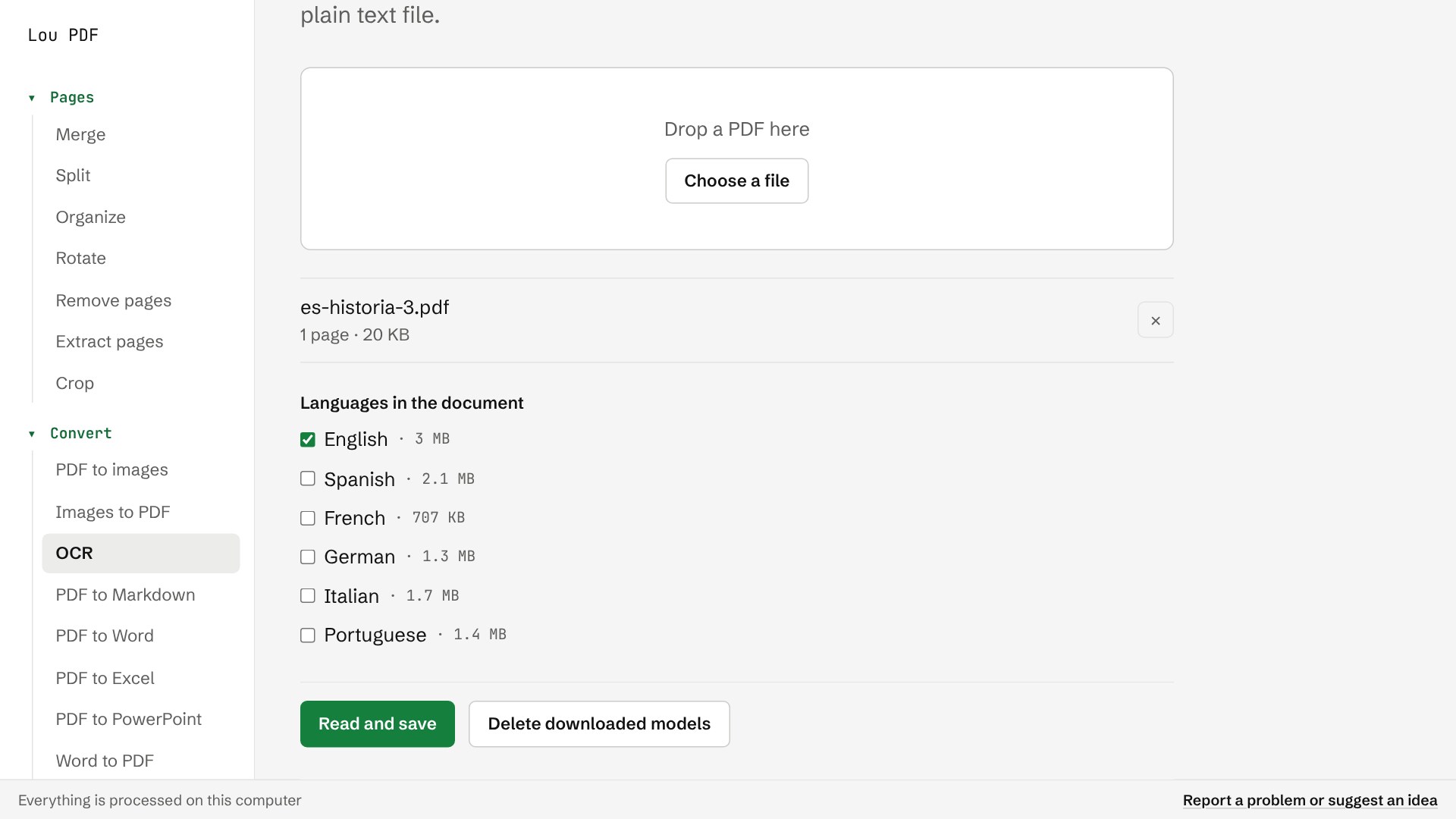
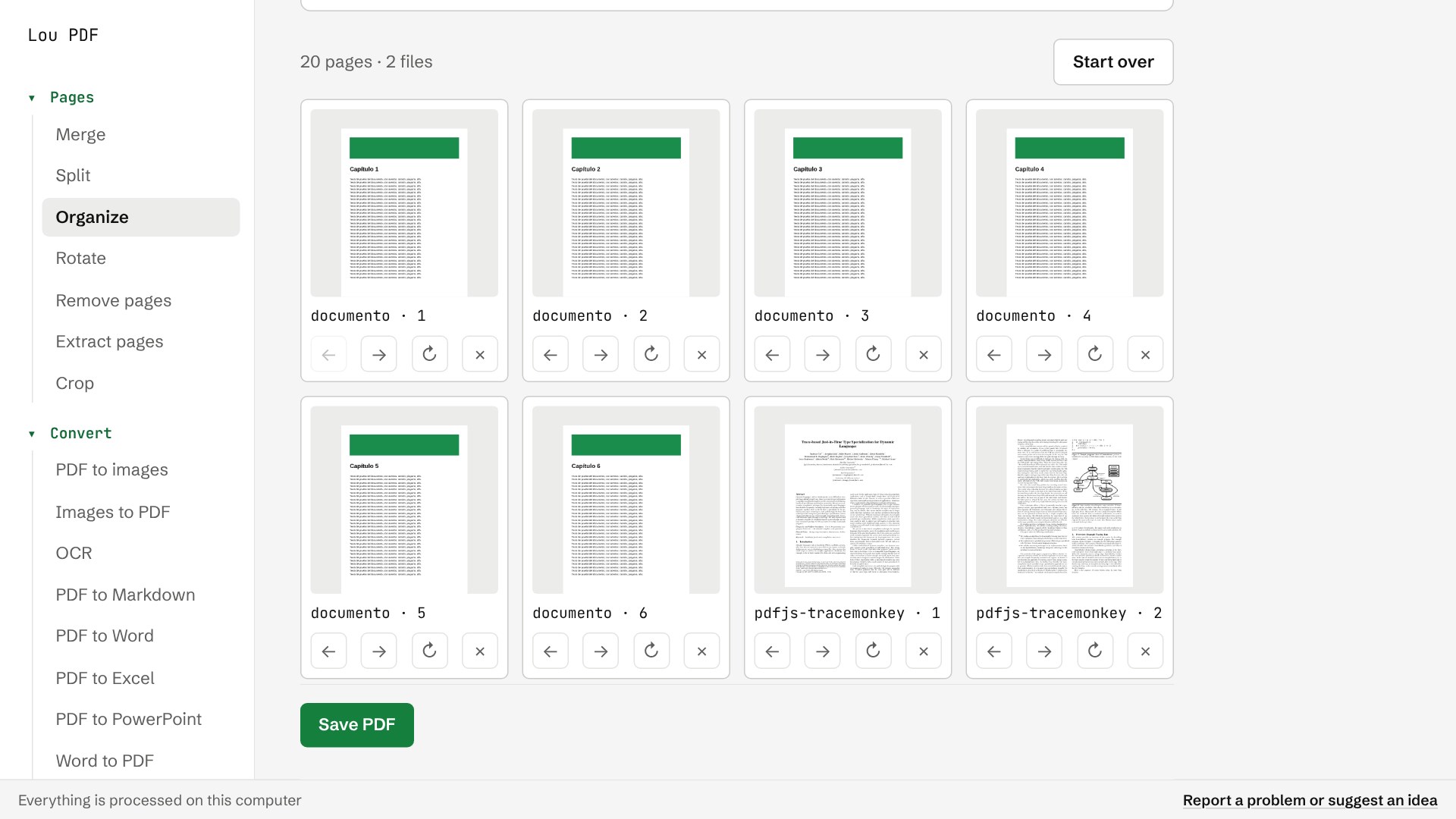
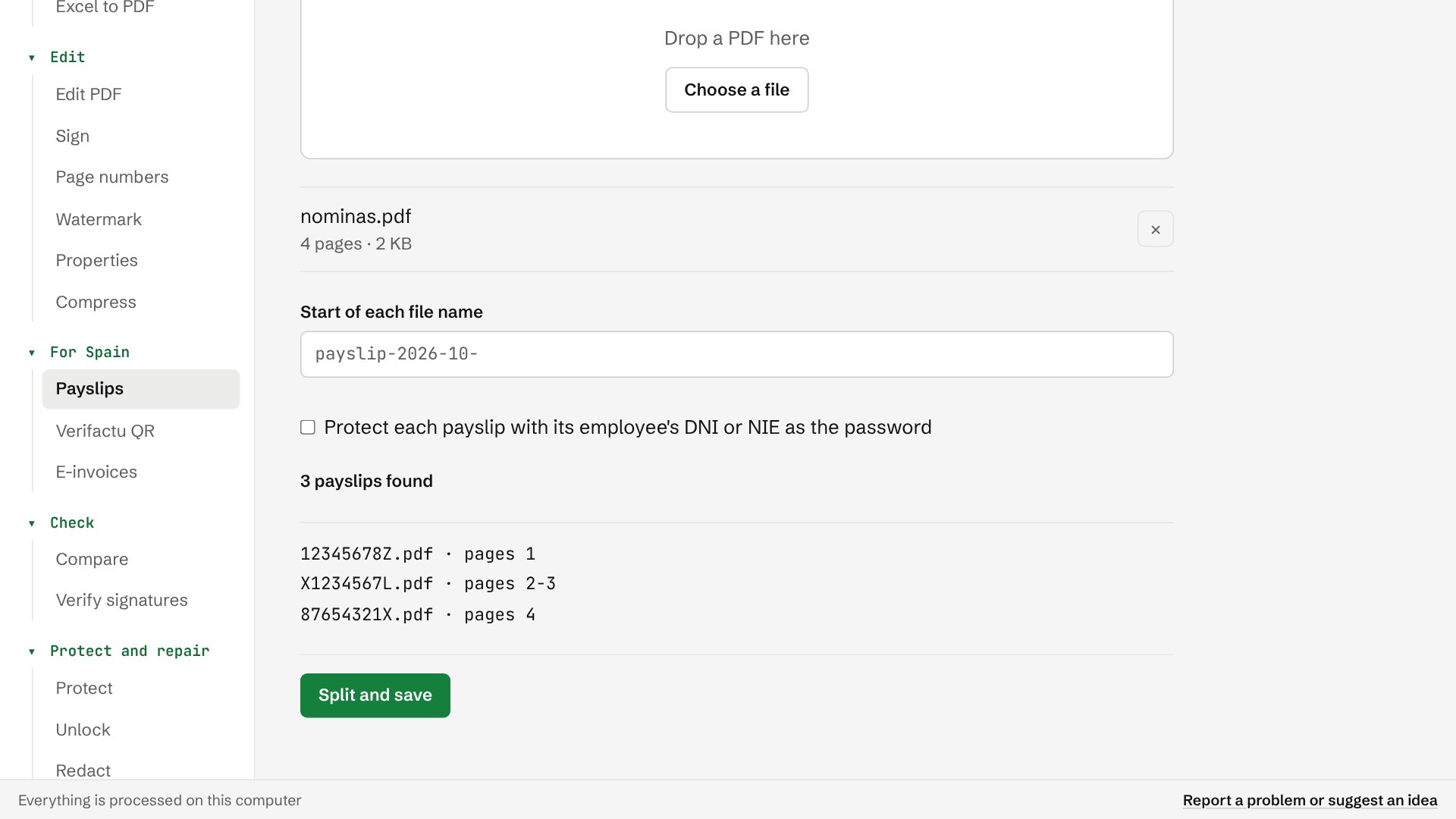
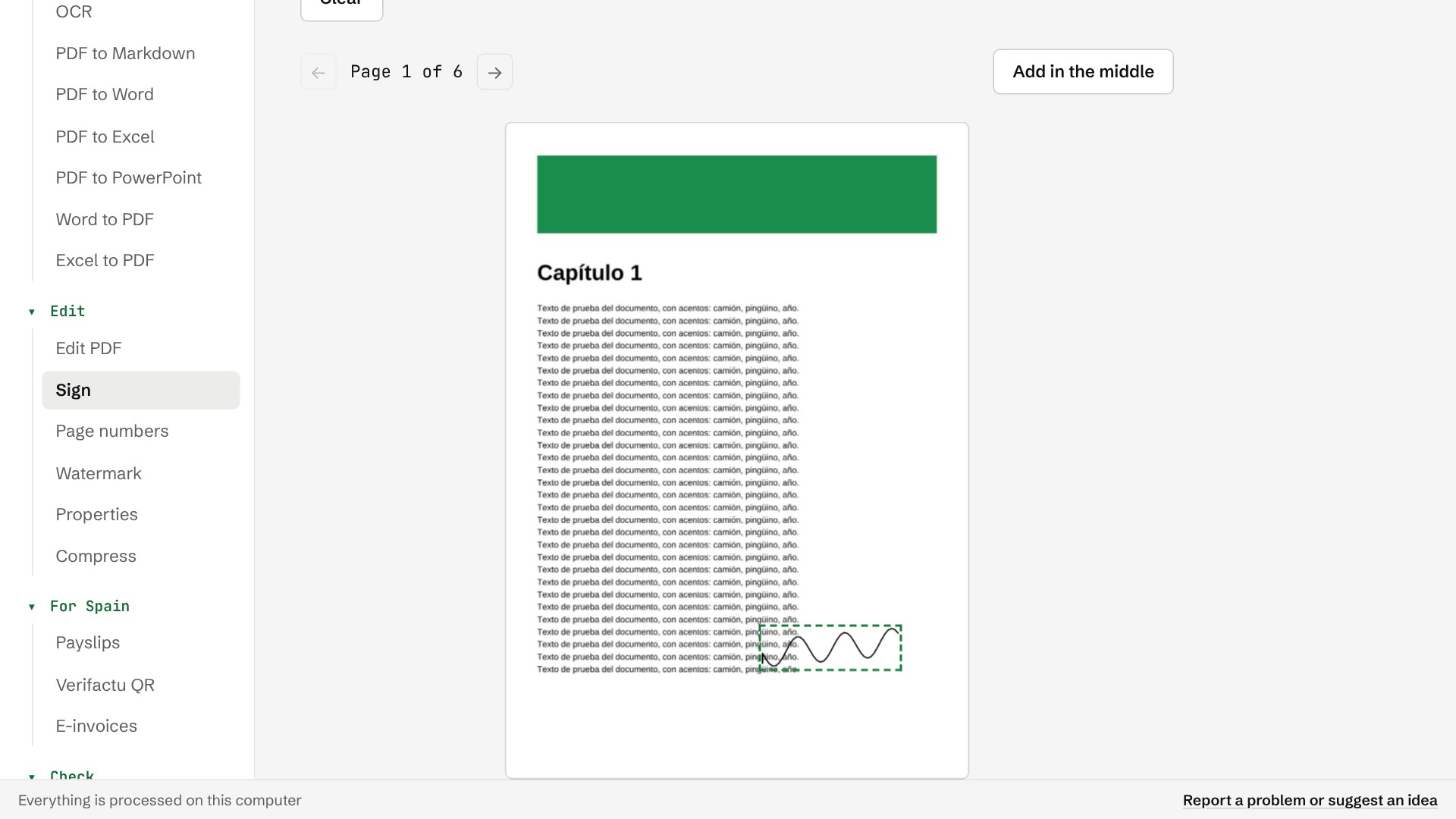
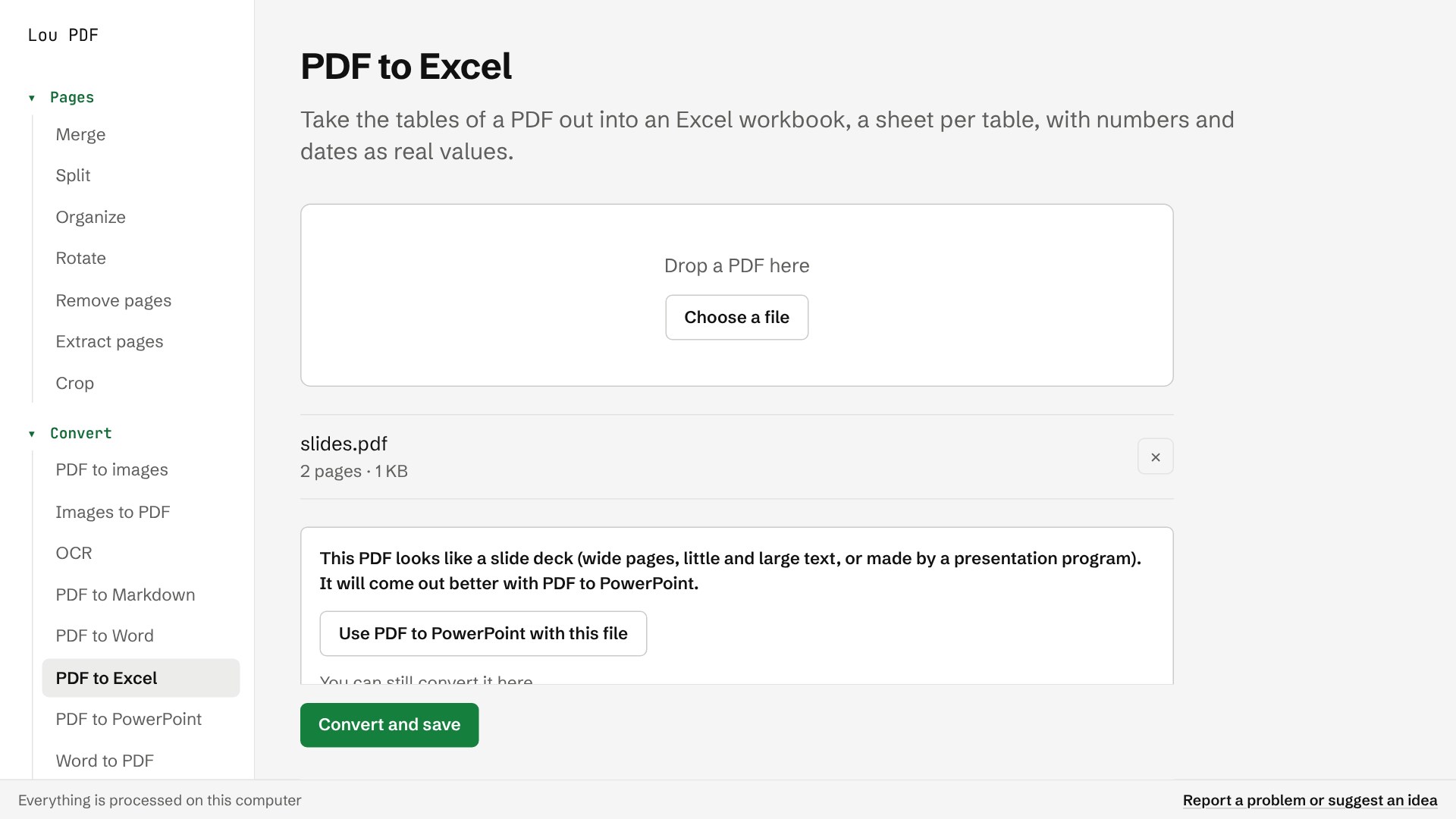
Lou PDF puts the everyday PDF jobs in one small, quiet app, and does all of them on your computer. Your files are never uploaded: what you open stays here. Organize pages with thumbnails, merge and split files, rotate, remove and extract pages, and crop them. Turn PDFs into Word, Excel, PowerPoint, Markdown, JPG or PNG, and turn Word, Excel and photos into PDF. Before a conversion, Lou PDF checks that it suits the file: send slides to Excel and it suggests PowerPoint instead. Sign by drawing or typing your name, add text or pictures, and redact for real: pages with a black box are saved as pictures, so the text underneath is gone. Add page numbers and watermarks, edit or remove the document's properties, compress photos, protect a PDF with a password or unlock one. OCR reads scanned PDFs in English, Spanish, French, German, Italian and Portuguese. The first time you use a language, the app downloads its model once and tells you so; nothing of yours goes with it. For Spain: split a payroll PDF into one payslip per employee by DNI or NIE (scans too), read the Verifactu QR of an invoice and check it against its text, and open Facturae, UBL and Factur-X e-invoices. Compare two versions of a document word by word and verify digital signatures. Free, with no ads, no account and no tracking. The app follows your system's theme and language.
Productivity · Windows · Free