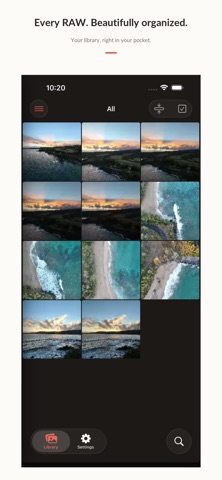
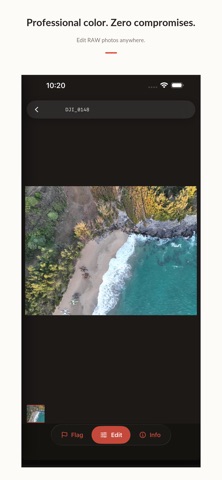
Maple is a professional, non-destructive RAW photo editor and library manager for photographers who want precise color and direct control of their files. Browse and cull a whole library, develop each frame in a scene-referred color pipeline, and export finished images without ever altering the original. Every adjustment is stored in an XMP sidecar, keeping edits reversible and portable. • Open popular RAW formats including CR2, CR3, NEF, ARW, DNG, RAF, ORF, RW2, PEF, SRW, and more • Organize with ratings, pick/reject flags, color labels, and keywords • Refine exposure, white balance, tone, HSL, color grading, curves, detail, lens corrections, crop, masks, and film looks • Work with local folders, Apple Photos, and network shares • Export JPEG, TIFF, or PNG in sRGB or Display P3 • Keep originals untouched with non-destructive XMP sidecars Maple is built around a shared image-processing core so your adjustments remain consistent across supported platforms.
Photo & Video · iPhone, iPad · Free
Rating: 5.0 out of 5, based on 3 user ratings.