Marker Sticker Pack - Mark Up Images and Text

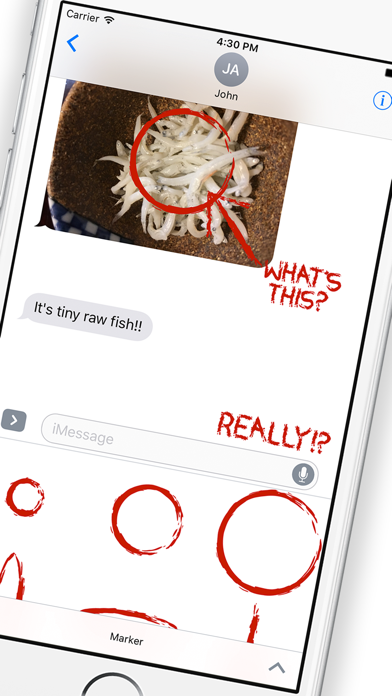
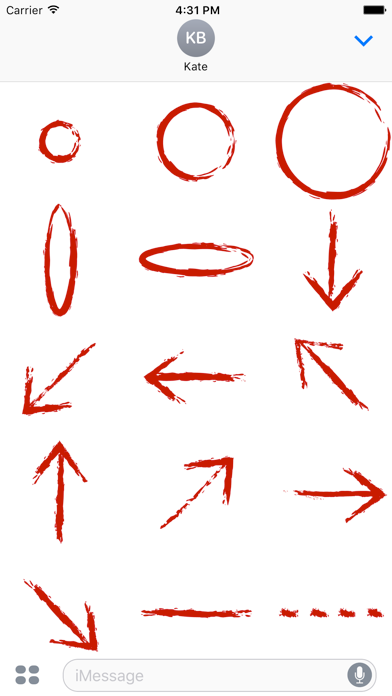
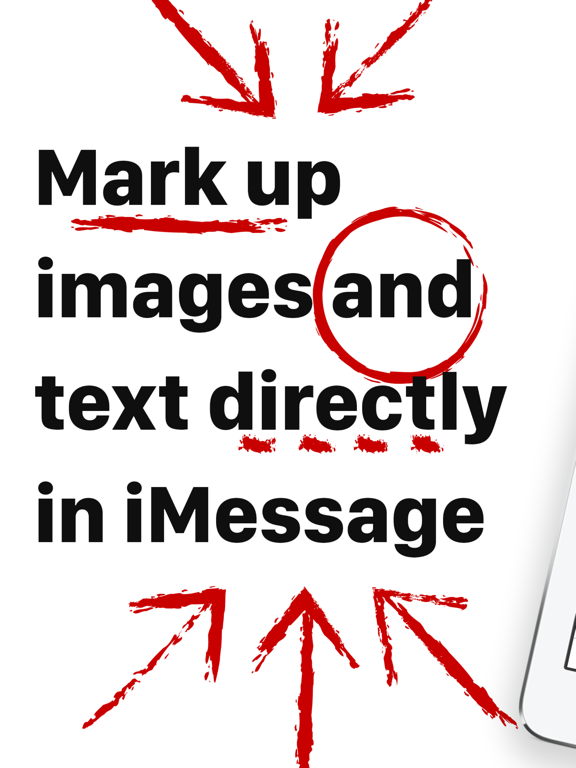
Add circles, arrows, and lines to anything in the iMessage window. Call out items in pictures you've been sent or emphasize text to stress your message. Just hold down a sticker to peel and drag it to the iMessage window to place it.

Stickers · iPhone, iPad · Free

Rating: 1.4 out of 5, based on 10 user ratings.

Screenshots

Marker Sticker Pack - Mark Up Images and Text screenshotMarker Sticker Pack - Mark Up Images and Text screenshotMarker Sticker Pack - Mark Up Images and Text screenshotMarker Sticker Pack - Mark Up Images and Text screenshotMarker Sticker Pack - Mark Up Images and Text screenshot

Download