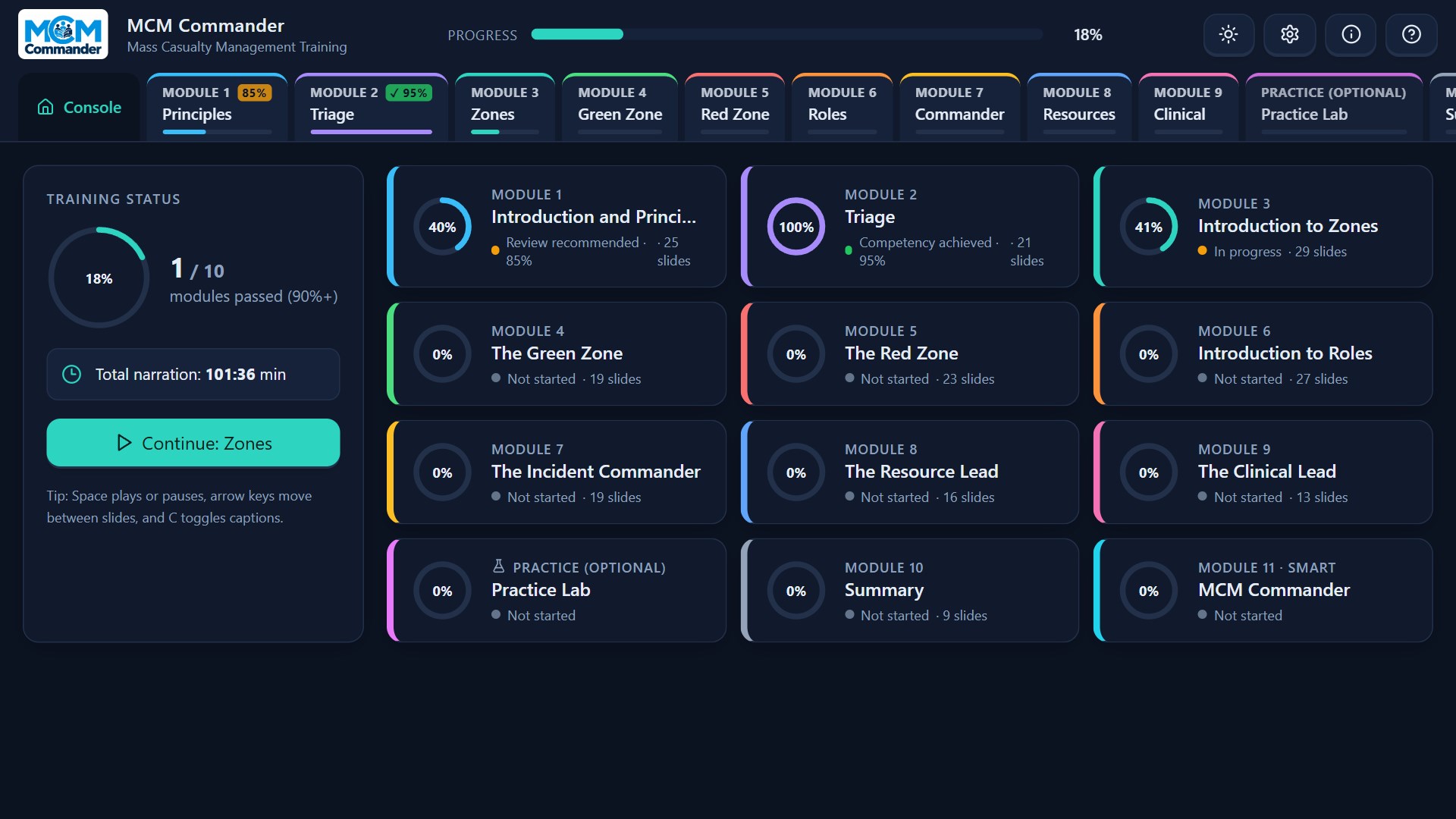
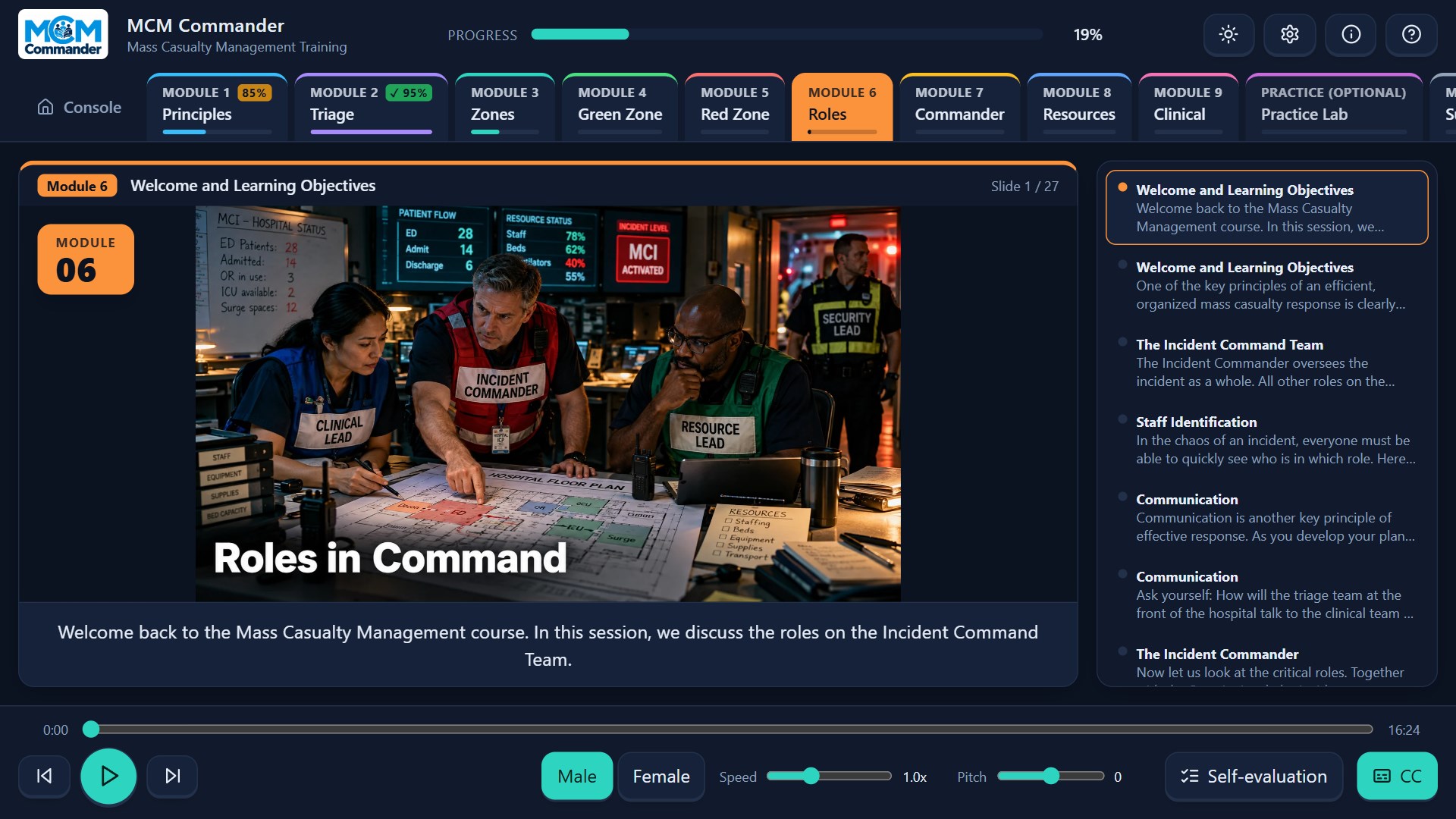
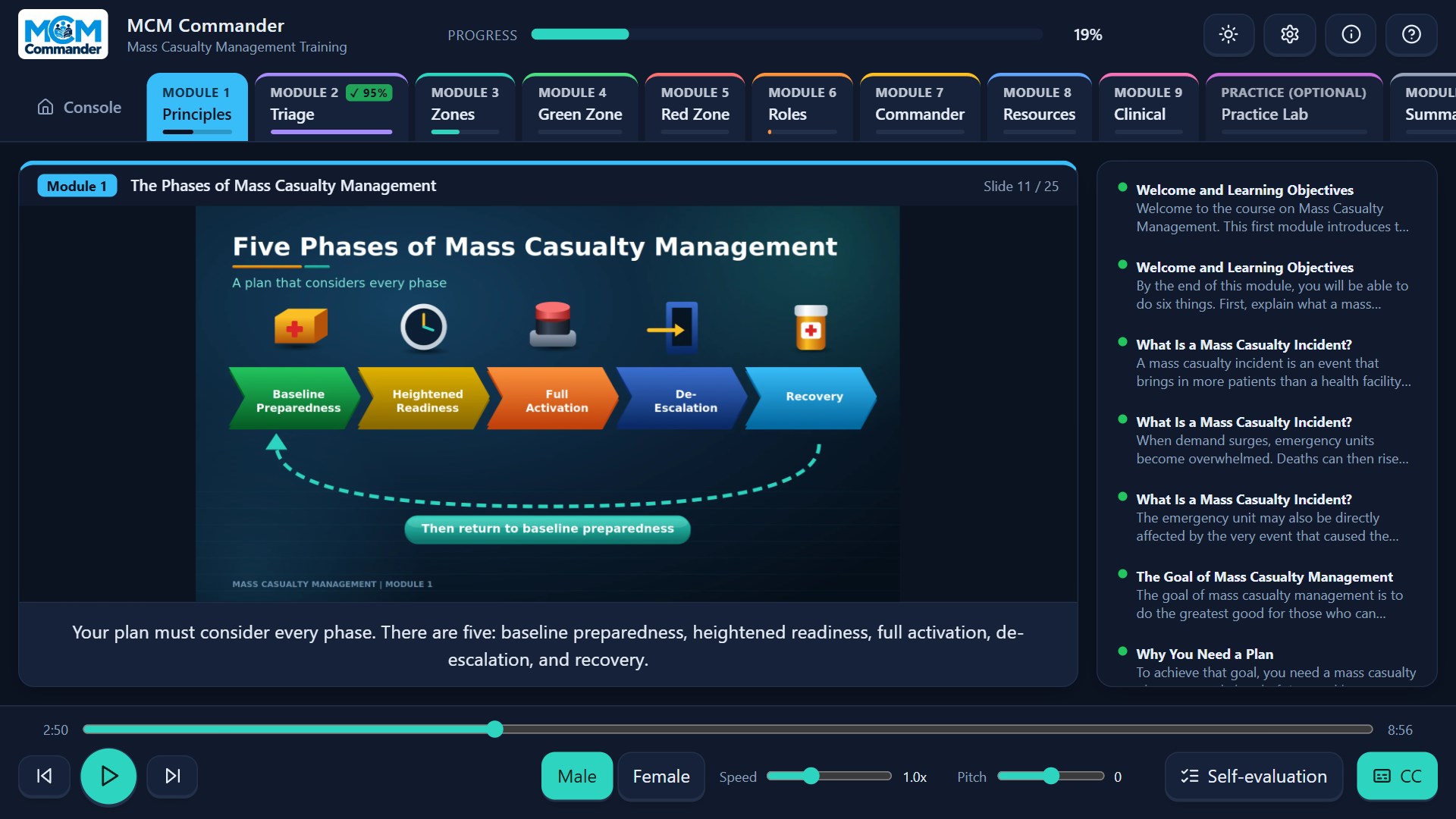
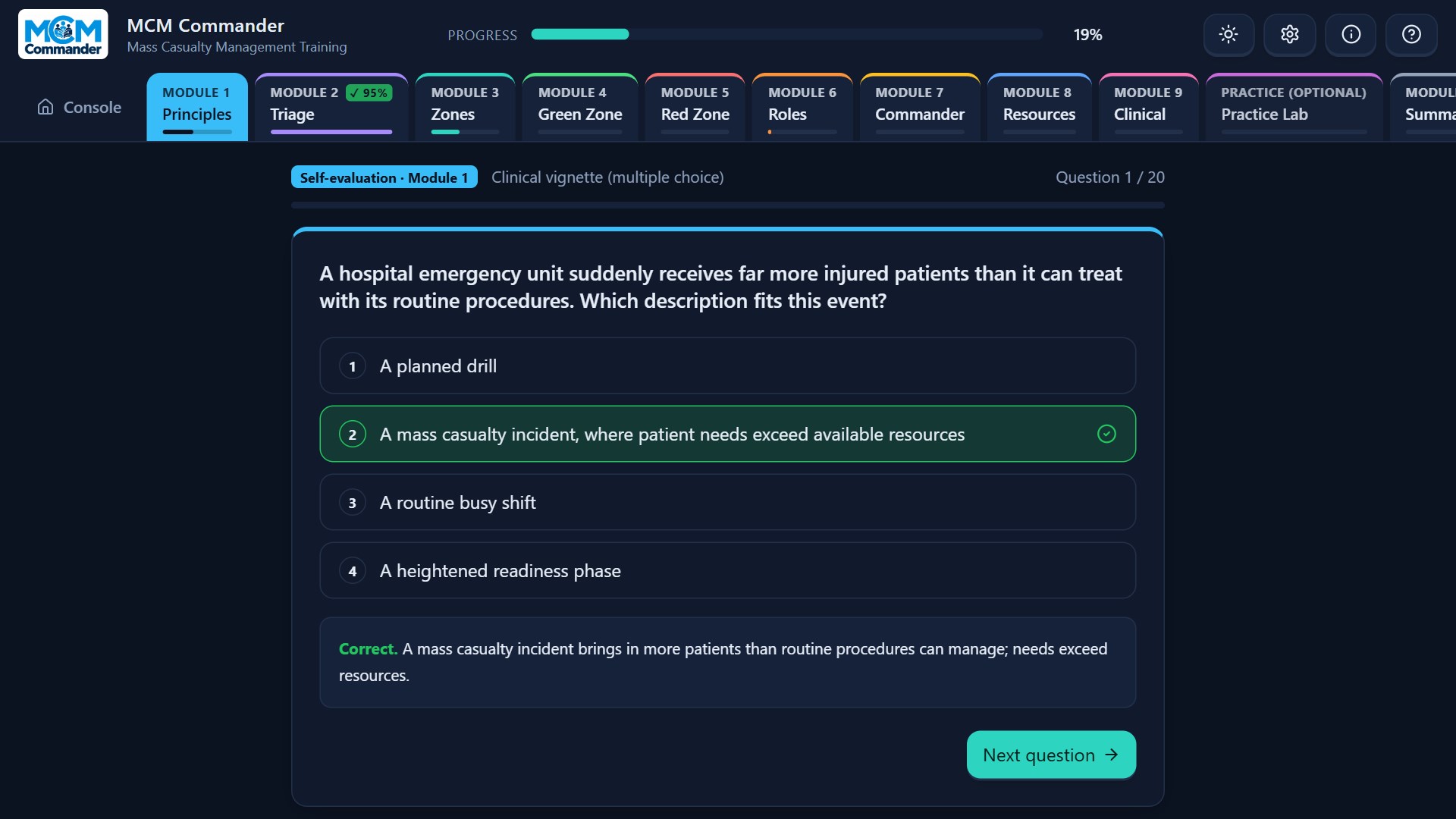
Free, offline training in mass casualty management for healthcare professionals, with an advisor that works on your own hospital's numbers. What you can do • Learn from ten narrated modules with a male or female voice: principles, triage, zones, the green and red zones, the command team, the resource and clinical leads, and a summary. Captions, speed and pitch controls, and slides with illustrative images. • Check what reached you with an optional self-evaluation after each module: 20 fixed questions with instant explanations. It is not an exam; it is another way to deliver the key facts. • Practise disposition decisions in the Practice Lab: 16 bed scenarios, each with a "what to check before deciding" list. • Describe an incident to MCM Commander, the advisor. It asks step-by-step questions and builds a printable action plan from your hospital profile: first steps (security, evacuation, triage), command roles, zones, staff and resource gaps, communication, and open questions. Five example hospitals are included; save, edit and export your own. • Ask the course a question and get the course's own sentences back, found by meaning, with the module and slide. • Four colour themes, adjustable font size, a built-in user manual. The interface is in English. Privacy first: no account, no ads, no telemetry. Your progress and hospital profiles stay on your computer. The application does not collect or transmit user data. The local AI components run entirely on your device and need no internet. Narration uses synthetic voices and images are illustrative. AI wording can be imperfect, so always check the course passages shown with it. MCM Commander is a training tool built on algorithms and rules for managing major casualty incidents. It is not a substitute for the official protocol, your national health regulations or your emergency plans, and it does not provide medical advice.
Education · Windows · Free