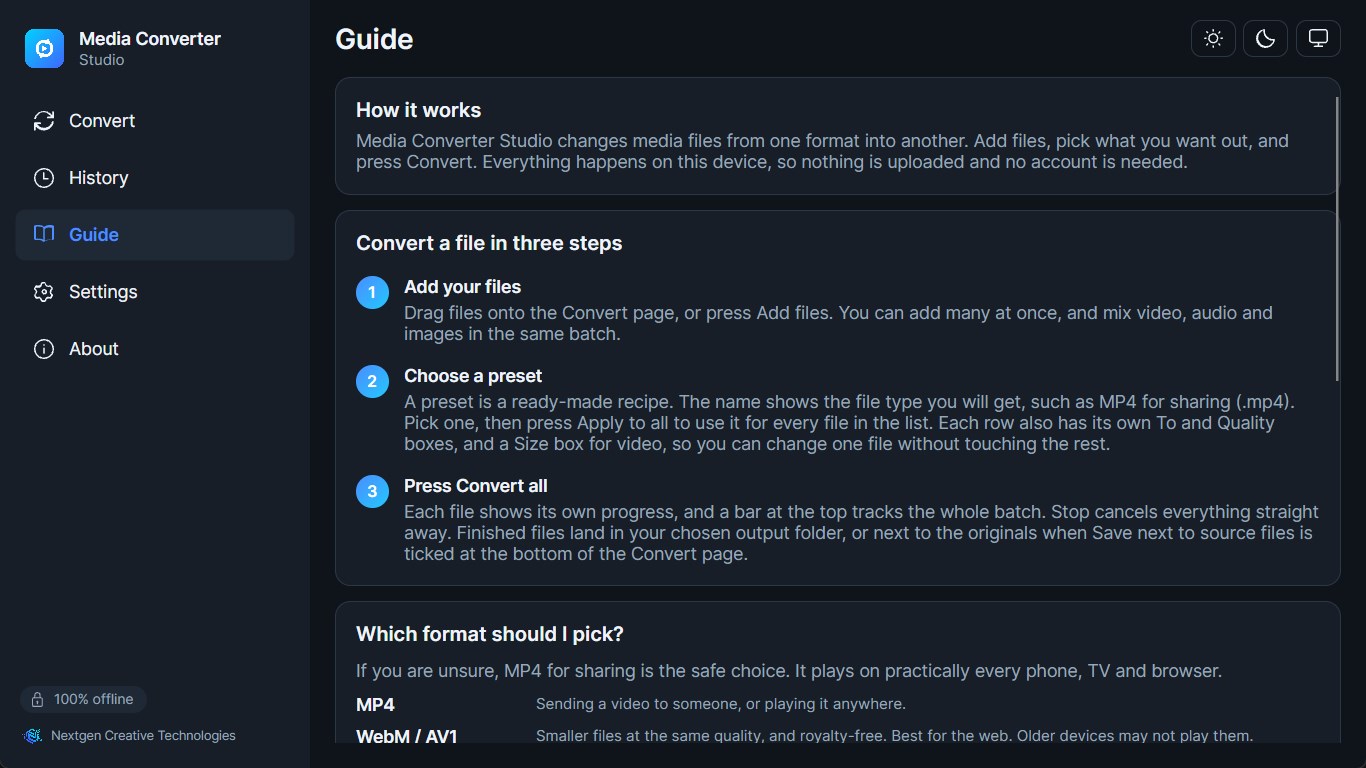
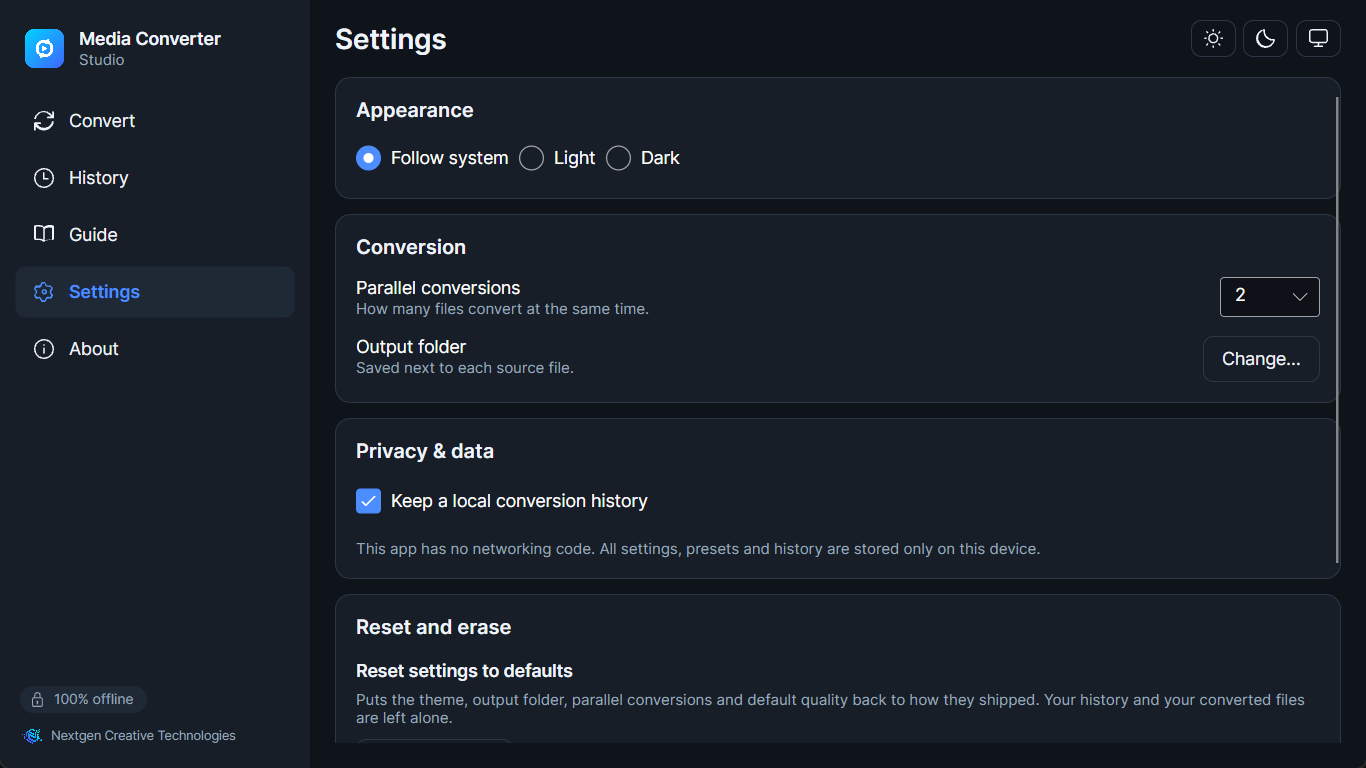
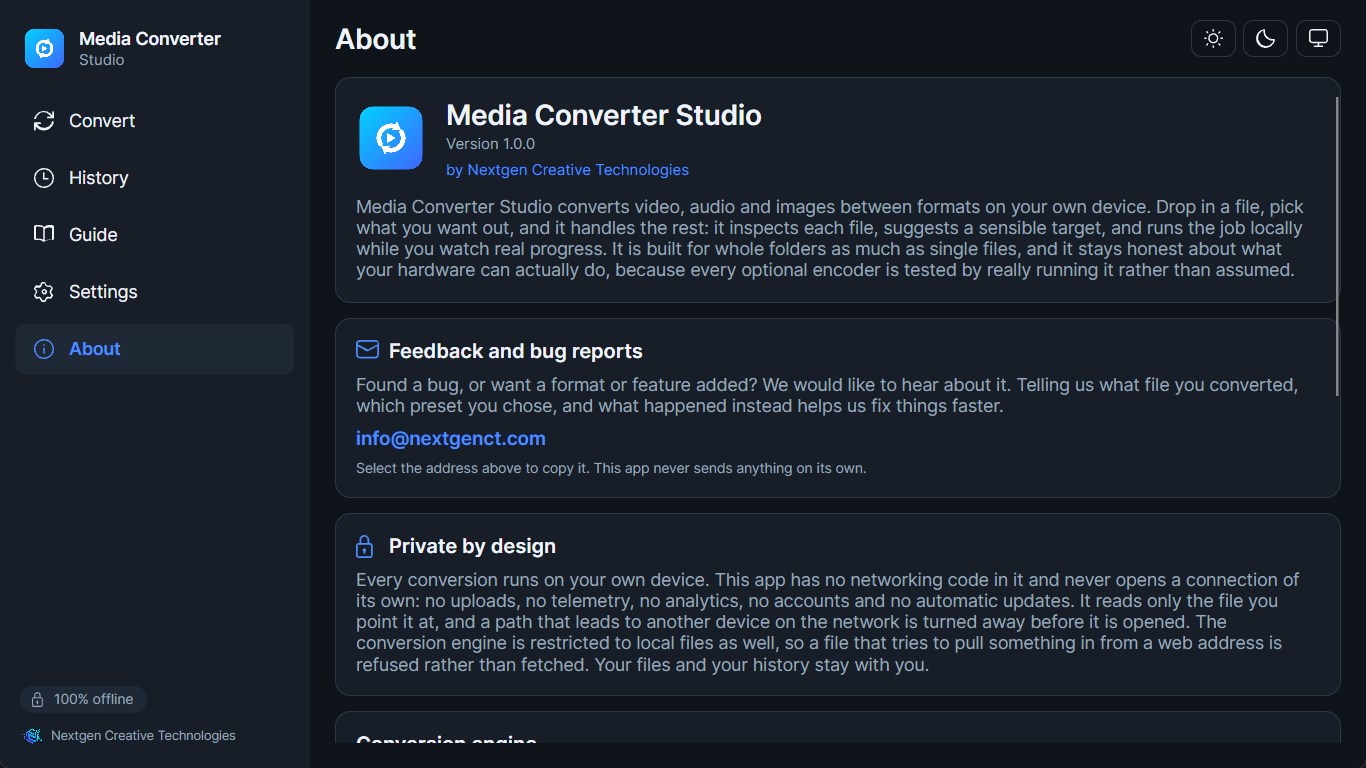
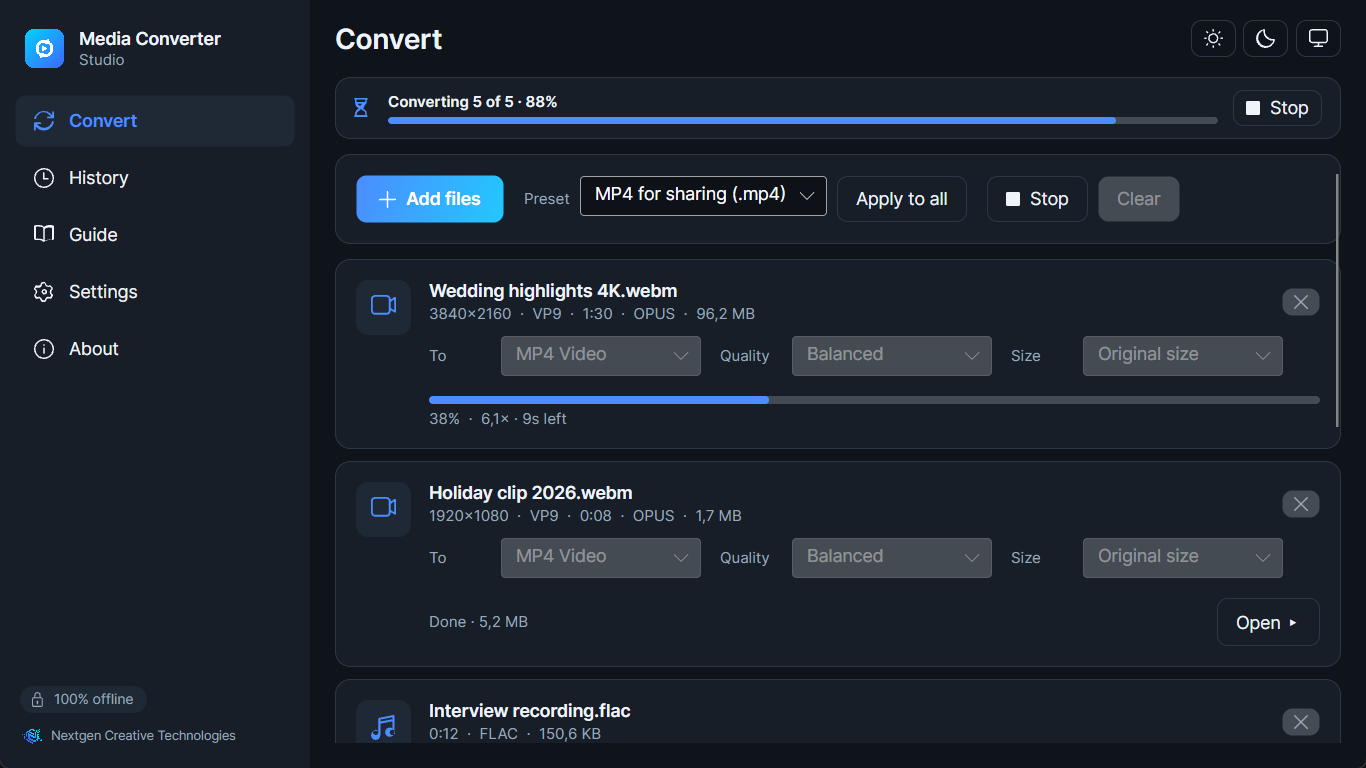
Media Converter Studio is a fast, private, completely offline media converter for Windows. Convert video, audio, and images between dozens of formats without ever uploading a file. Every conversion runs on your own device. Nothing is sent to a server, there is no account, no sign-in, and no tracking of any kind. Drop in a file, pick a target format, and go. Media Converter Studio handles the whole workflow for you: it inspects each input, suggests sensible output formats, applies the quality preset you choose, and runs the job locally while you watch real-time progress. WHY MEDIA CONVERTER STUDIO - 100% offline. There is no networking code in the app: no uploads, no telemetry, no ads, no accounts, no automatic updates. The conversion engine is restricted to files on your device, so media that points at something on the internet is refused rather than fetched. Your media stays on your device from start to finish, and you can verify that with any network monitor. - No telemetry, no accounts, no cloud. We collect nothing. There is nothing to opt out of, because there is nothing being sent. - Built for real work, not just single files. Queue up as many files as you like, set them running, and get on with something else. - Modern, responsive interface with automatic dark and light themes that follow your Windows setting. The layout adapts from a wide desktop window down to a narrow one. WHAT YOU CAN DO - Convert video to a different format or codec: for example an old AVI or MOV into a modern, compact MP4, MKV, or fully royalty-free WebM. - Extract the audio from any video and save it as MP3, M4A, Opus, OGG, FLAC, or WAV. - Convert audio between formats: compress a WAV to MP3 or Opus, or archive to lossless FLAC. - Convert and re-encode images, including animated GIF, animated WebP, and animated PNG (APNG). - Turn a video clip into a high-quality animated GIF with palette optimization for clean colors and small files. FEATURES - Batch conversion queue. Add many files at once and convert the whole list in one go, each file with its own progress bar plus an overall bar for the batch. Set how many run at the same time, and remove any file from the list before you start. - Drag and drop. Drop files straight onto the window, or use "Open with" from File Explorer. - Quality presets. Clear, explained presets (from small-and-fast to near-lossless) map to the right encoder settings for you, with no command lines and no cryptic flags. - Per-file control. Choose the output format, a quality level, and an optional size limit separately for each file in the list. Codec choices come from the presets, which apply to the whole list. - Live progress with stop. See real-time progress for each running file, and stop the run cleanly at any point. - Conversion history. Every completed job is recorded locally so you can find or re-open it later. History lives only on your device and can be cleared at any time. - Readable error reporting. When a file can't be converted, you get a plain-English reason instead of a wall of log output. - Local settings that persist. Your preferred output folder, default formats, and theme are remembered between sessions, stored on your device and never synced anywhere. FORMATS YOU CAN CONVERT TO Video containers: MP4, MKV, WebM, MOV, AVI, OGV, and animated GIF. Video codecs: AV1, VP9, VP8, MPEG-4, and Theora are encoded on-device. H.264 / AVC is produced using the encoder built into Windows (Media Foundation) or your graphics hardware. HEVC / H.265 is available when supported by your graphics hardware. Audio formats: MP3, M4A (AAC or ALAC), Opus, OGG (Vorbis), FLAC (lossless), WAV (PCM), and AC-3. AAC is produced by the encoder built into Windows, so on the rare system where Windows does not provide it, AAC output is hidden rather than offered. Everything else in this list is always available. Image formats: PNG, JPEG, WebP (static or animated), GIF (static or animated), BMP, TIFF, and animated PNG (APNG). Media Converter Studio reads a very wide range of inputs, including MP4, MKV, WebM, MOV, AVI, WMV, FLV, MPEG, TS, 3GP, and more for video; MP3, M4A, AAC, WAV, FLAC, OGG, Opus, WMA, AIFF, and more for audio; and PNG, JPG, WebP, BMP, TIFF, GIF, ICO, JPEG 2000, JPEG XL, and more for images. ROYALTY-FREE BY DESIGN Media Converter Studio leads with open, royalty-free codecs: AV1, VP9, Opus, Vorbis, FLAC, MP3, PNG, WebP, and GIF. The default path to a great result never depends on patent-encumbered formats. H.264 and AAC are produced through the encoders already licensed as part of your copy of Windows, and HEVC is offered only when your graphics hardware provides it. We ship no software encoder for any of the three. That is a deliberate trade, and here is the honest cost of it: each is offered only when your device actually provides it, which the app checks by really opening the encoder rather than assuming. When one is missing, that format is hidden instead of quietly falling back to something we would have had to bundle. The royalty-free codecs above are always available on every device. PRIVACY There is no privacy trade-off to weigh. Because the app makes no network connections, your files, filenames, and conversion history never leave your device. You can delete all locally stored data (settings and history) from within the app at any time. See the privacy policy for full details. CREDITS Media Converter Studio uses the excellent, open-source FFmpeg project (used under the GNU LGPL v3) as its media conversion engine, invoked as a separate local process. The corresponding FFmpeg source and build configuration are published and linked from the app's About screen and from this listing. Full attribution and license texts for FFmpeg and every other open-source component are available in the app under About > Licenses.
Photo & Video · Windows · Free