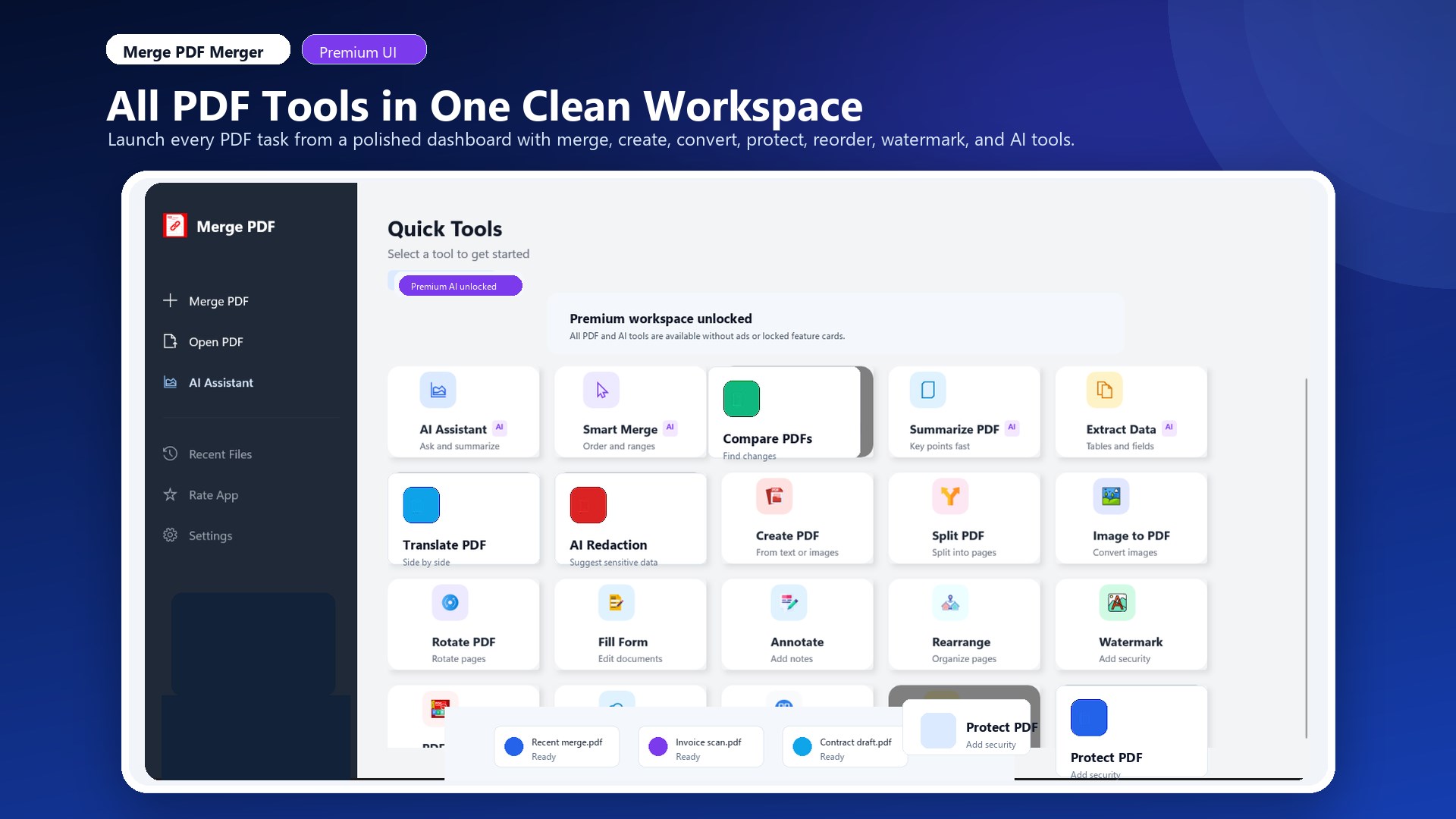
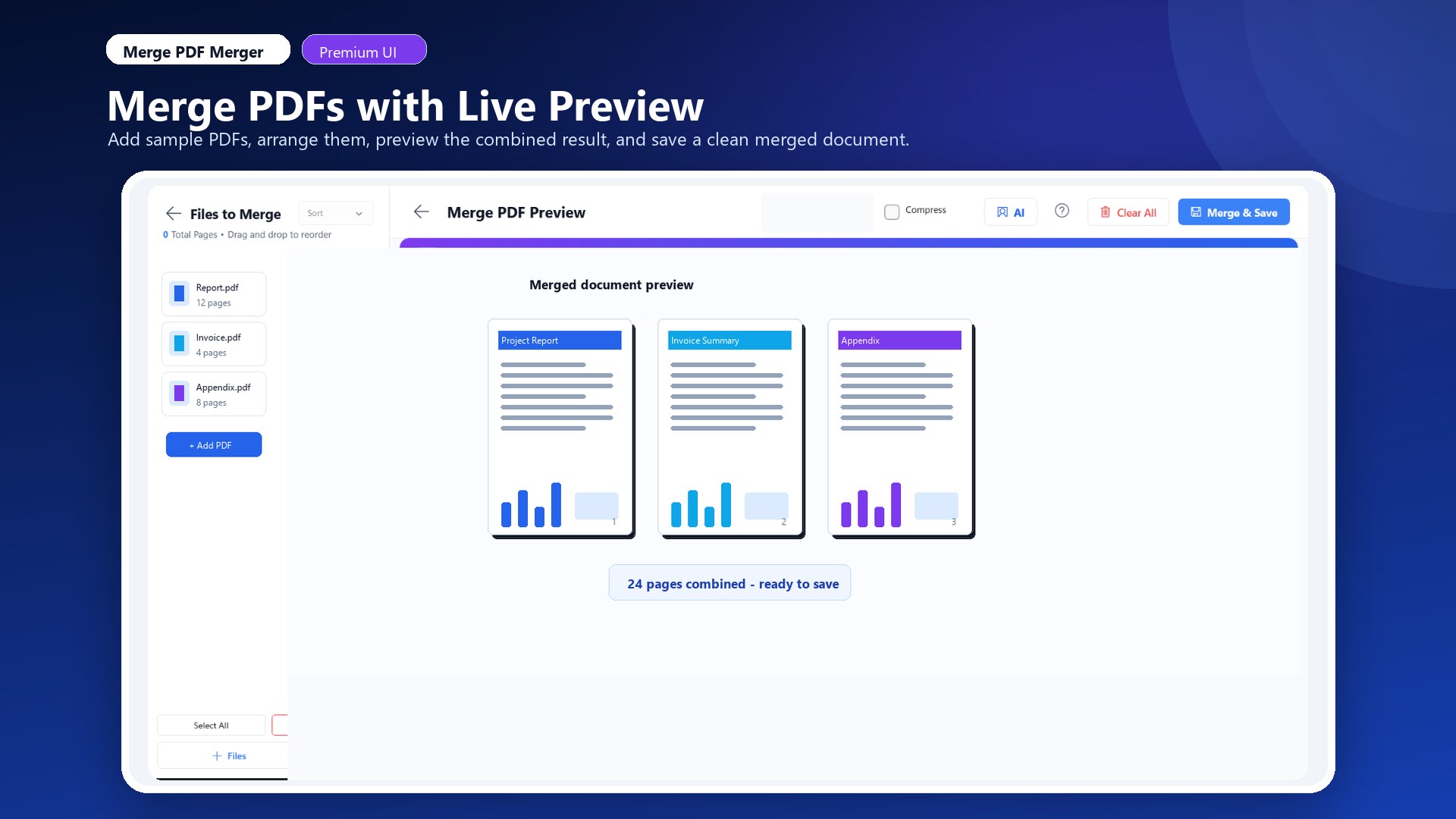
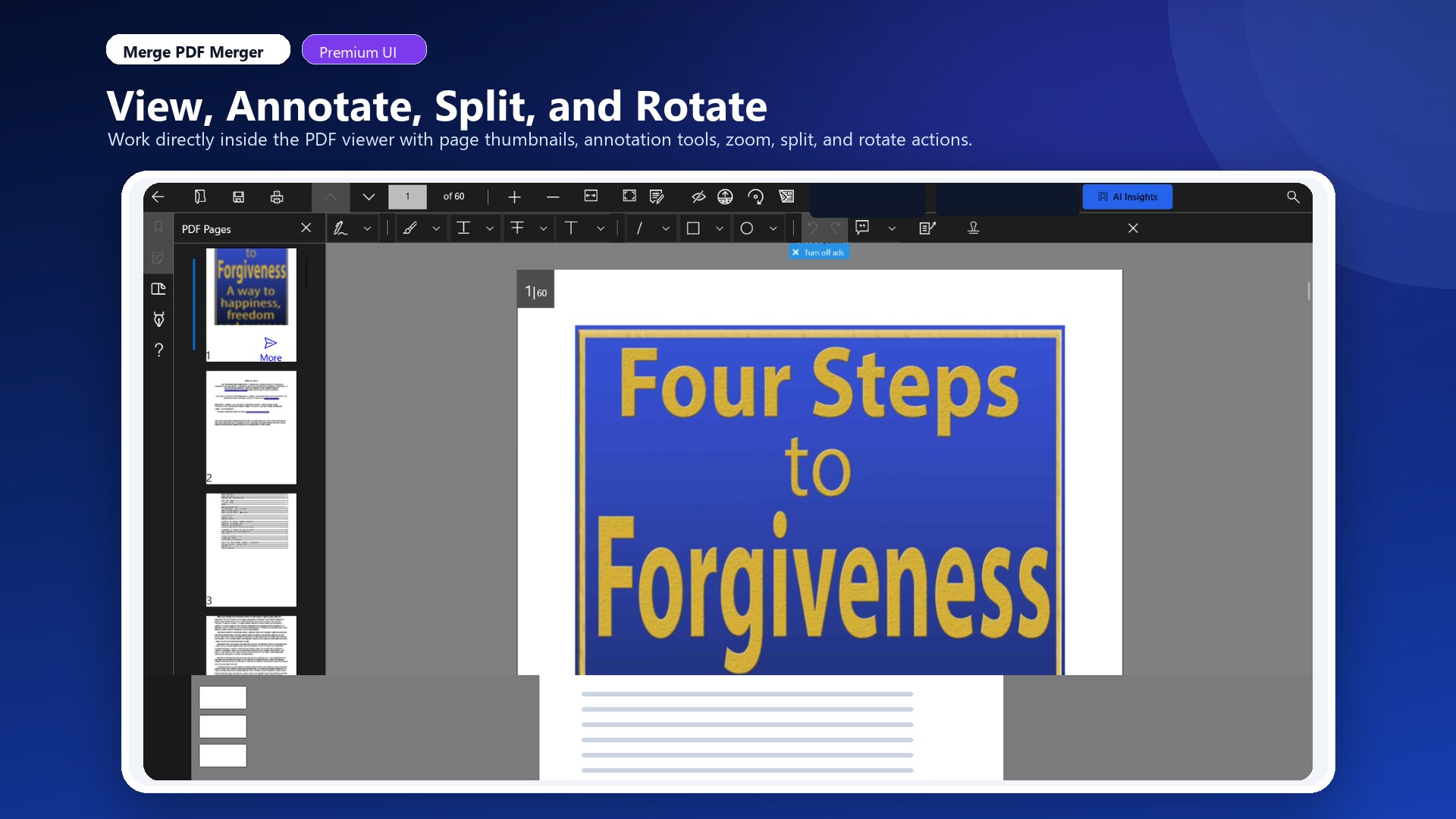
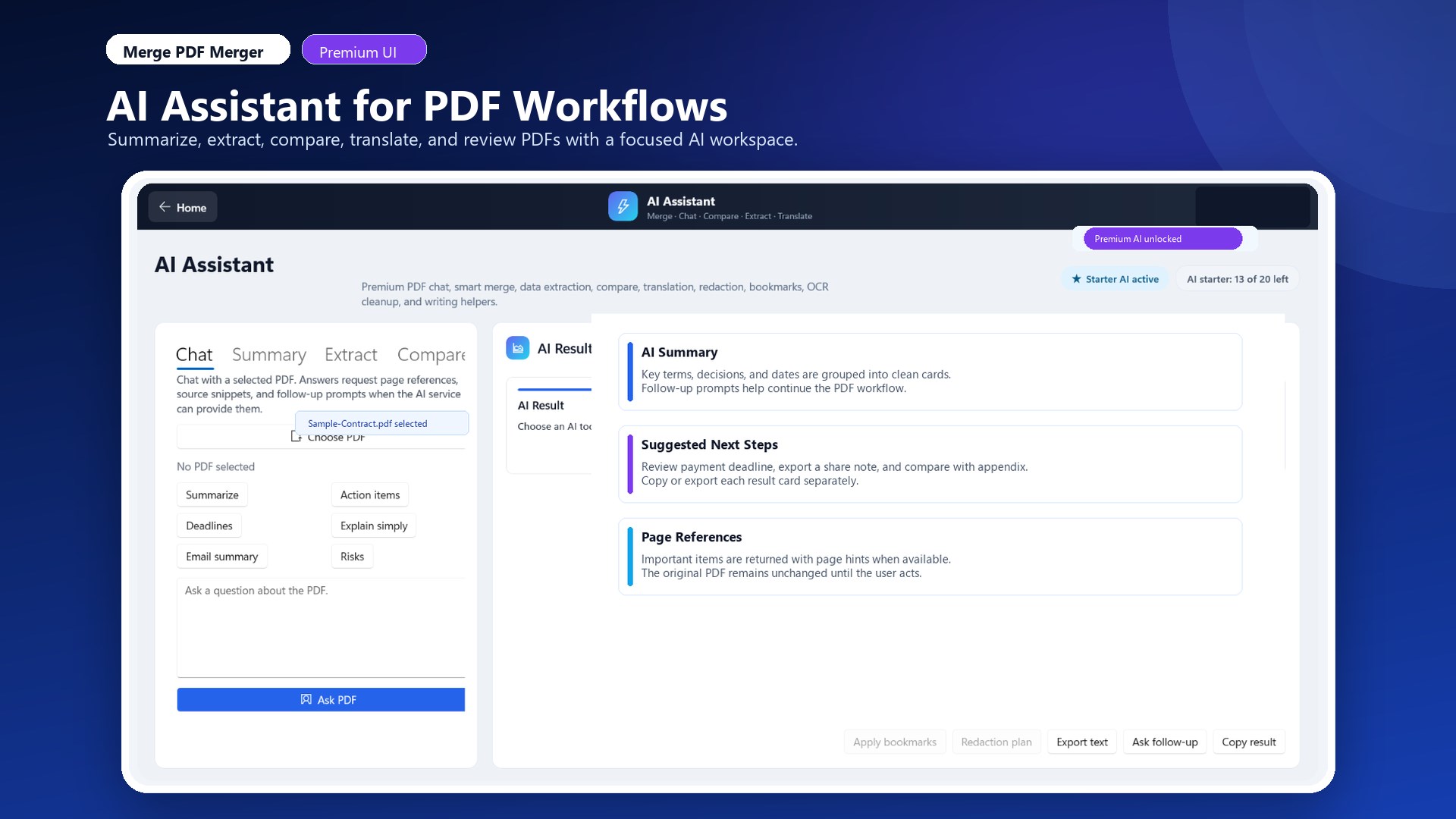
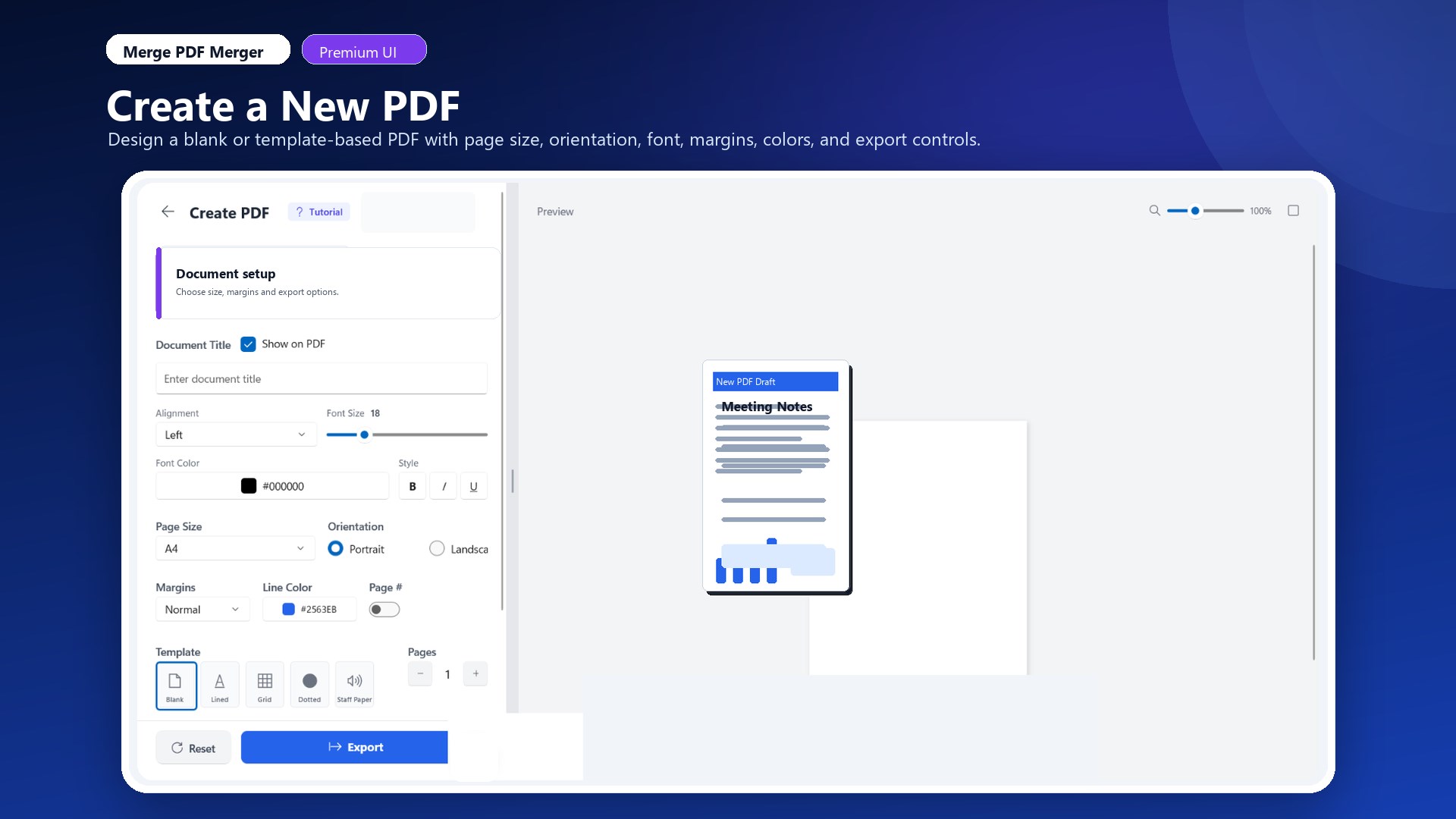
Merge PDF Merger is an all-in-one PDF productivity app for Windows 10/11. It is built for fast, practical document work: combining files, editing pages, creating new PDFs, filling forms, protecting documents, and more—without a complicated workflow. This app is free to install and includes core PDF tools. Optional in-product purchase is available: Core Features 1) Merge PDF Files Combine multiple PDF files into one document Arrange file order before merging Select page ranges from each file (merge only the pages you need) Save merged output with your preferred filename 2) Split and Extract Pages Split large PDFs into smaller files Extract specific page ranges into new documents Create smaller, shareable PDFs from long reports 3) Reorder and Organize Pages Drag and reorder pages visually Remove unwanted pages Prepare cleaner final documents before sharing 4) Rotate Pages Rotate selected pages to the correct orientation Fix scanned pages and mixed-orientation documents 5) Fill PDF Forms Open interactive form PDFs Enter and save form data Use a streamlined workflow for document submission 6) Create PDFs Create new PDFs from blank pages Create PDFs from images Build simple custom documents quickly 7) Watermark PDFs Add watermark text to documents Use for branding, draft labels, ownership marks, or internal sharing 8) Compress PDFs Reduce PDF file size for email and upload limits Balance output size and quality for practical sharing 9) Protect PDFs Add password protection to sensitive files Improve document privacy when sharing externally 10) View, Annotate, and Review Open and read PDFs inside the app Annotate documents with comments/markups Support review workflows and note-taking 11) Recent Documents Quickly reopen recently used files Save time when working repeatedly on the same set of documents AI Assistant Features Merge PDF Merger includes an AI Assistant for productivity-focused tasks such as: Merge planning suggestions PDF insights and summaries Structured extraction and question/answer support Writing helper for document/comment drafting Advanced premium AI workflows (compare/translation/review tools) AI is designed to help you work faster while keeping you in control of final edits and actions. Notes: MergePDF Premium — one-time (lifetime) purchase Removes ads and unlocks premium AI/cloud features Price range: [lowest price] to [highest price] (varies by market/currency) No subscription is required for core free features. Whether you are a student, professional, teacher, business owner, or office user, Merge PDF Merger helps you complete everyday PDF tasks quickly with an easy interface. Free vs Paid Features (Important Disclosure) Free features (included): Merge, split, reorder, rotate Fill forms Create PDFs (blank/from images) Watermark, compress, protect View/annotate and recent documents AI Assistant starter access (limited free usage) Premium features (in-app purchase): Ad-free experience Unlimited AI usage Advanced AI tools (including compare, translation, and review workflows) Cloud backup and restore for app data Merge PDF Merger is free to install and use for core PDF tools. Premium is optional for users who need advanced AI and cloud features. Privacy and Reliability Notes AI requests are sent only when you choose AI actions Selected document content may be sent to the configured AI service to generate results App data backup/restore is available as a premium feature If you need one app for everyday PDF workflows on Windows—fast merging, page editing, form filling, protection, and smart AI help—Merge PDF Merger is built for you.
Productivity · Windows · Free