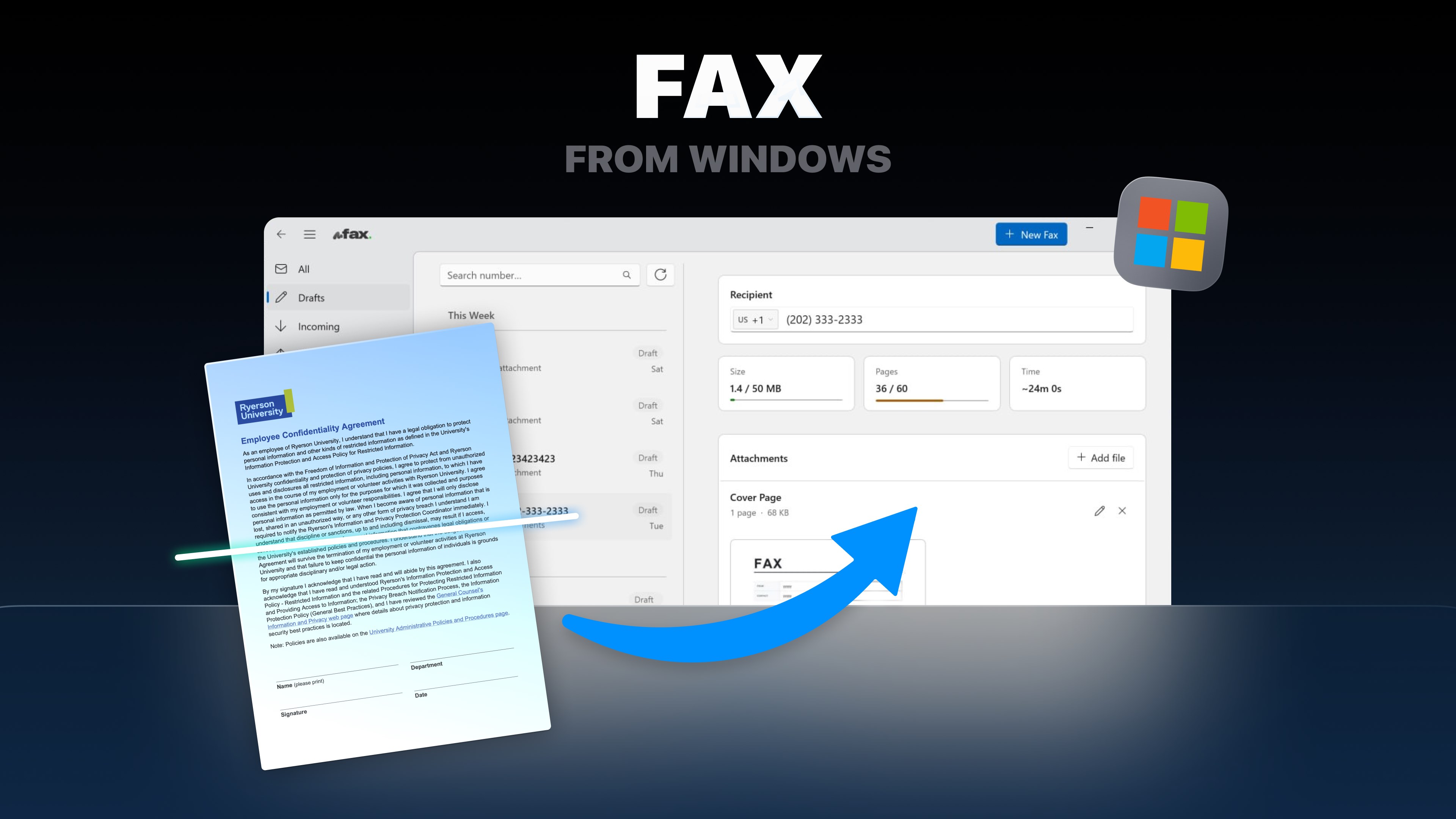
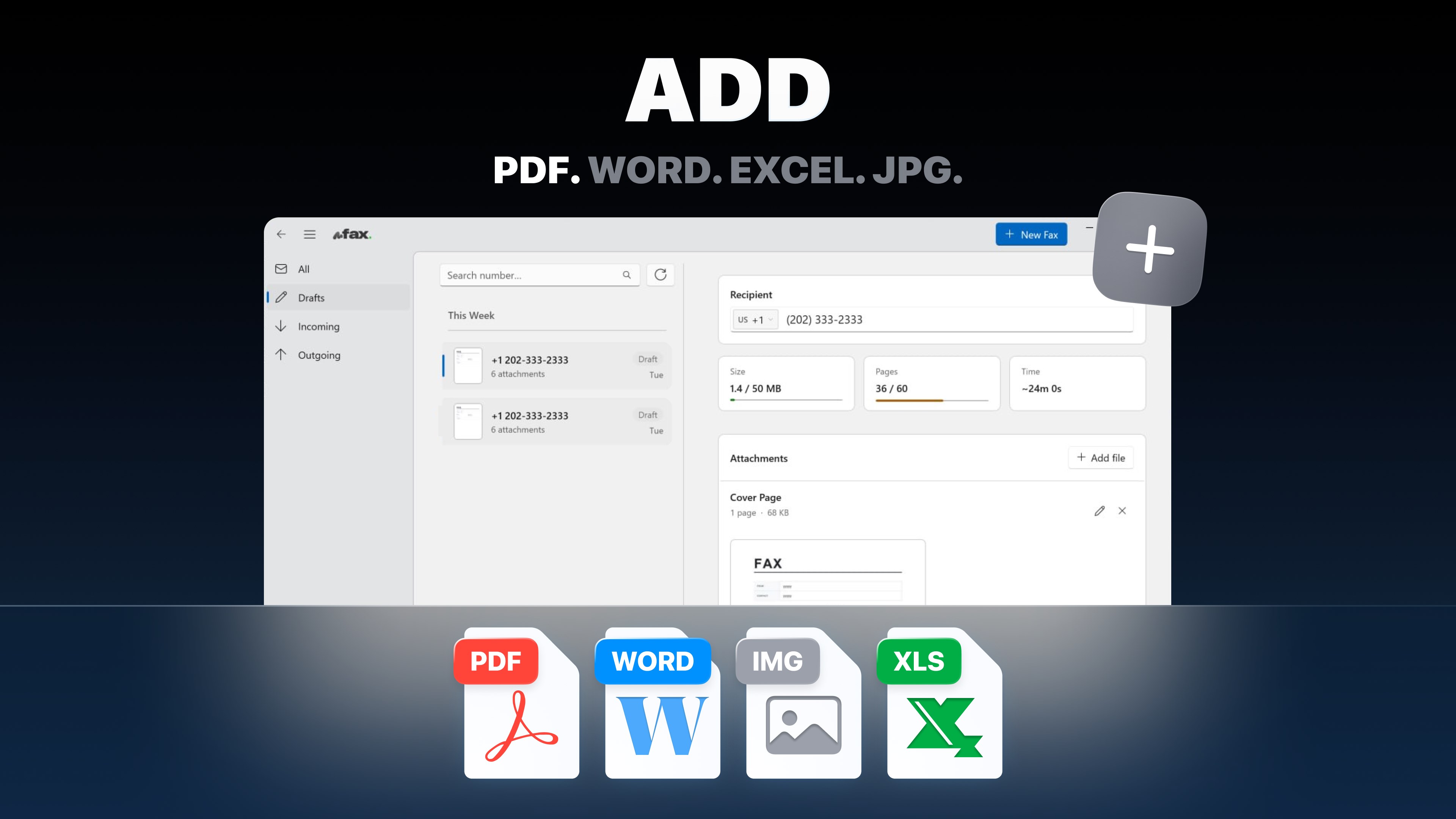
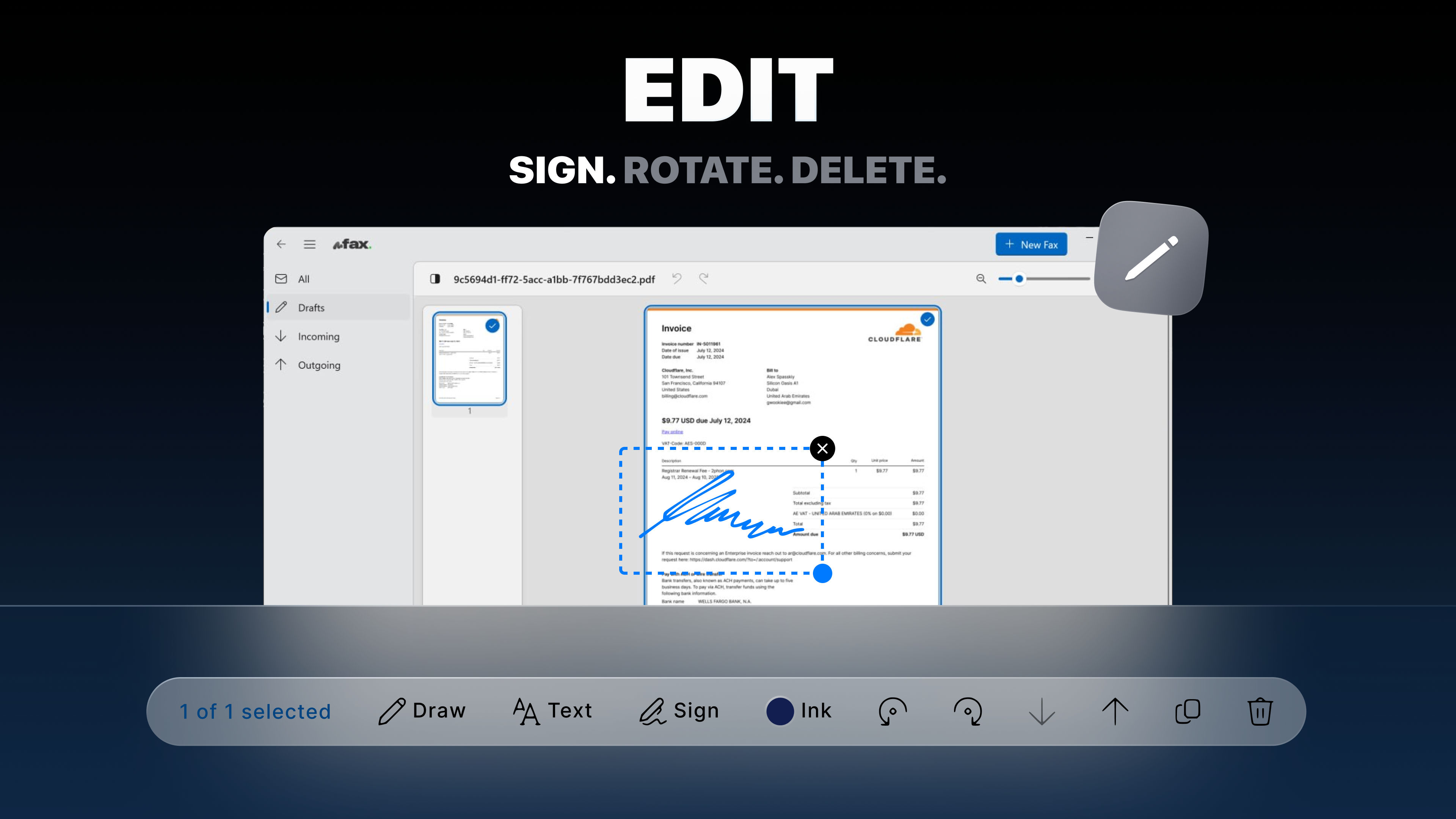
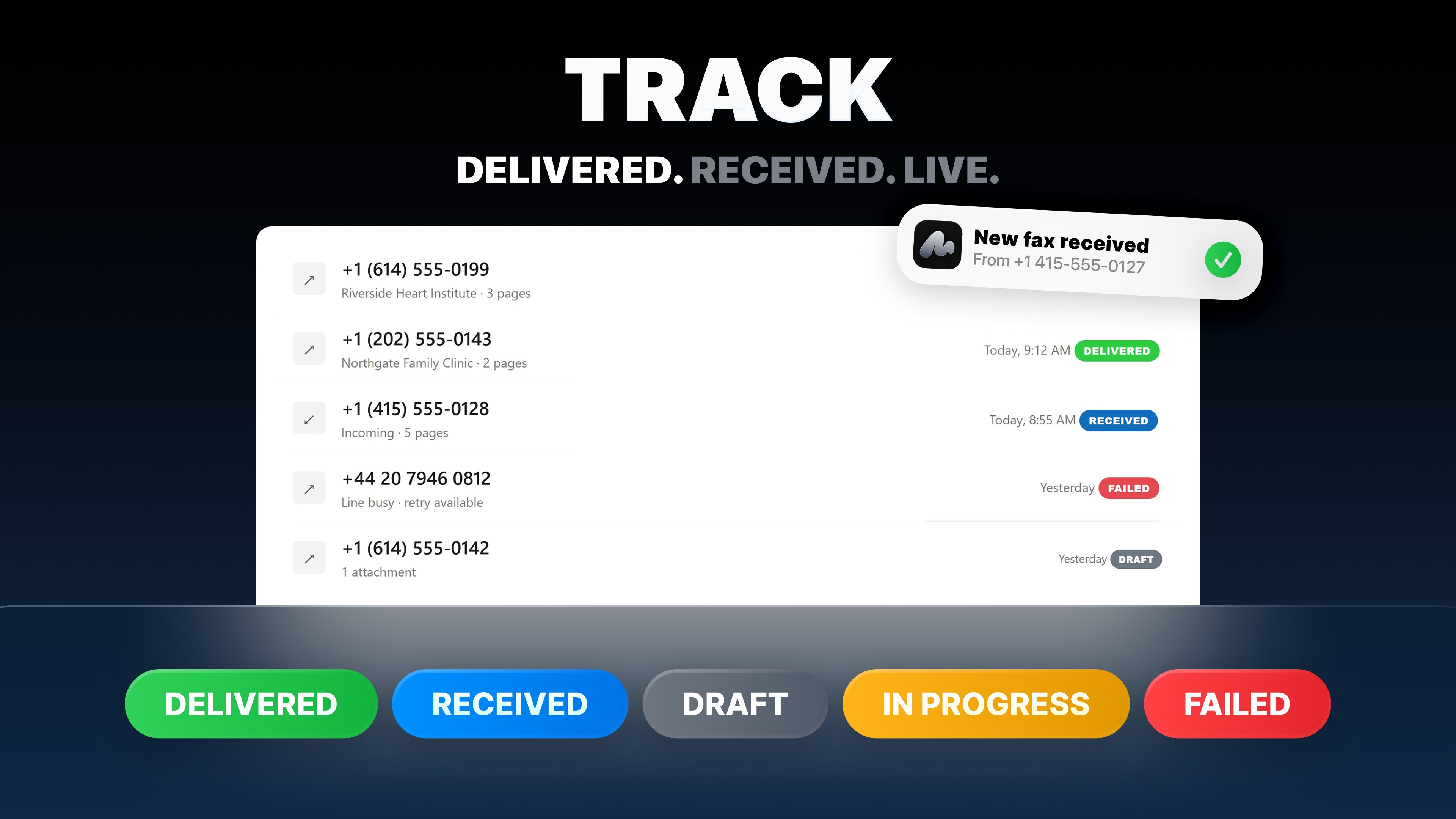
mFax turns your Windows PC into a full fax machine. No hardware, no phone line, no driver — open the app, drop in a document, type the number, send. Faxing is still required by clinics, law firms, banks, insurers, schools and government offices. mFax makes it a two-minute job from the same PC you already work on. SEND A FAX IN THREE STEPS • Add your files — drag and drop them straight into the app, paste an image from the clipboard, or pick them from disk. • Enter the fax number — international dialling with country picker and live formatting, so you always send to a valid number. • Press Send — the app converts, optimises and transmits your document, and shows live progress with a time estimate. WORKS WITH THE FILES YOU ALREADY HAVE PDF, Word (.doc, .docx), Excel (.xls, .xlsx), PowerPoint (.ppt, .pptx), OpenDocument (.odt, .ods, .odp), RTF, TXT, CSV, HTML and images (PNG, JPG, BMP, GIF, WebP). Everything is converted to fax-ready pages for you — nothing to print or scan first. EDIT AND SIGN BEFORE YOU SEND A built-in page editor gives you full control over the document that actually goes out: • Reorder, rotate, duplicate and delete individual pages. • Extract selected pages into a new document. • Draw on a page in seven ink colours with an adjustable brush. • Add text captions anywhere on the page. • Sign with your mouse, trackpad or pen and place the signature exactly where it belongs. • Full undo and redo, multi-select, and Ctrl + wheel to resize thumbnails. PROFESSIONAL COVER PAGES Generate a cover page with your name, contact details and a message, and mark it Urgent, Confidential, For Review, Please Reply or Please Comment. GET YOUR OWN FAX NUMBER Pick a country, pick a state or area, then filter the available numbers by the digits you like until you find one worth keeping. Faxes sent to your number arrive straight in the app — no fax machine on your desk, no shared office line. PROOF THAT IT ARRIVED Every transmission is tracked. Download a delivery receipt as a PDF and share it with the recipient, so nobody has to ask "did you get it?" again. If a fax fails, mFax tells you exactly why — busy line, no answer, no fax signal, number out of service — and what to do next, instead of showing an error code. A REAL DESKTOP READER Faxes open in a proper PDF viewer: zoom, fit width, fit page, actual size, rotate the view, jump to any page, page thumbnails, and a distraction-free reading layout. STAY ON TOP OF EVERYTHING One list for all your faxes, filtered by All, Incoming, Outgoing or Drafts, with search by number and grouping by Today, This Week and Earlier. Resend, forward or retry any fax in one click, and pick up a draft exactly where you left it. FOR TEAMS Create an organisation and invite colleagues by email. Everyone shares one workspace, one fax number and one history, with seat and page usage visible to the owner. Switch between your personal and organisation workspace at any time. YOUR ACCOUNT, YOUR CONTROL Sign in with just your email — no password to forget. Or start as a guest and add your email later. See every device signed in to your account and revoke any session you don't recognise. Delete your account and its data whenever you want. DESIGNED FOR WINDOWS Native Windows 11 design with light and dark themes, a resizable navigation pane, keyboard shortcuts, drag and drop, and clipboard paste. Available in English, German, Spanish, Japanese, Korean and Portuguese. LIMITS Up to 60 pages per fax and 20 MB per file. SUPPORT Stuck on something? Real people answer, straight from the app. An internet connection and an account are required. Sending faxes and a dedicated fax number require a paid subscription; you can see the plans and prices inside the app before you buy.
Utilities · Windows, Android · Free
Rating: 4.7 out of 5, based on 1358 user ratings.