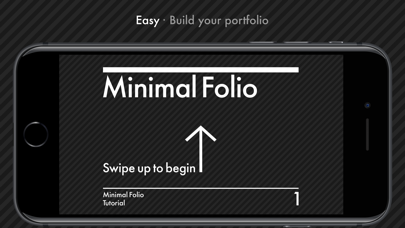
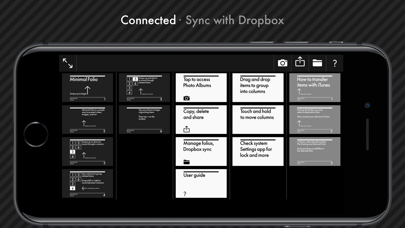
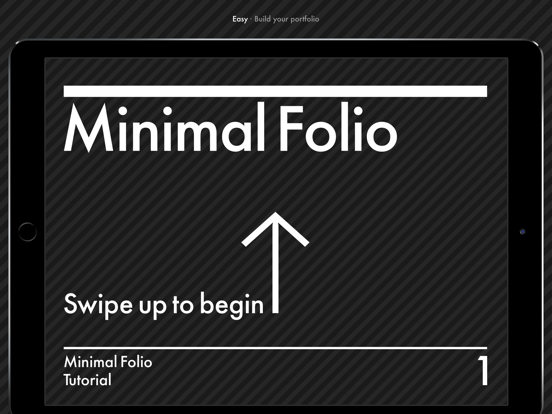
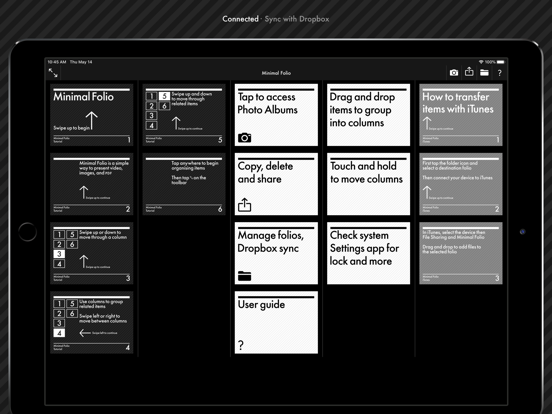
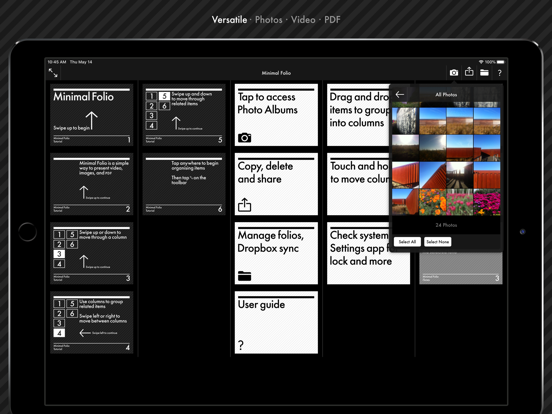
Minimal Folio shows your portfolio of images, PDF and video full screen on iPad and iPhone. The toolbar hides while you present, and the app puts no name or logo over your work. Demo videos and more: https://mfl.io/ PRESENT - Swipe sideways between columns and down through the items in a column - Pinch to look closer at an image or a PDF page - Show JPEG, PNG, GIF, TIFF and BMP images, PDF pages, and MOV, M4V and MP4 video - Choose whether video plays by itself, loops, shows controls, and fits or fills the screen - Move between items with the arrow keys on a hardware keyboard - Hide editing, thumbnail view, folio switching and the user guide before you hand the device over ORGANISE - Keep separate folios and switch between them - Drag items, or whole columns, into order in thumbnail view - Import several photos and videos from your albums at once - Copy and paste items between folios and between apps - Arrange newly added files into columns from their filenames - Email selected items as optimised copies or as the originals TRANSFER - Sync folios with Dropbox in both directions, or replace one side with the other - Copy files to and from a Mac in the Finder, or a Windows PC in Apple Devices MORE - Open the Settings app and choose Minimal Folio for launch, lock, video, sync, import and cache options
Photo & Video · iPhone, iPad · Free
Rating: 4.4 out of 5, based on 201 user ratings.