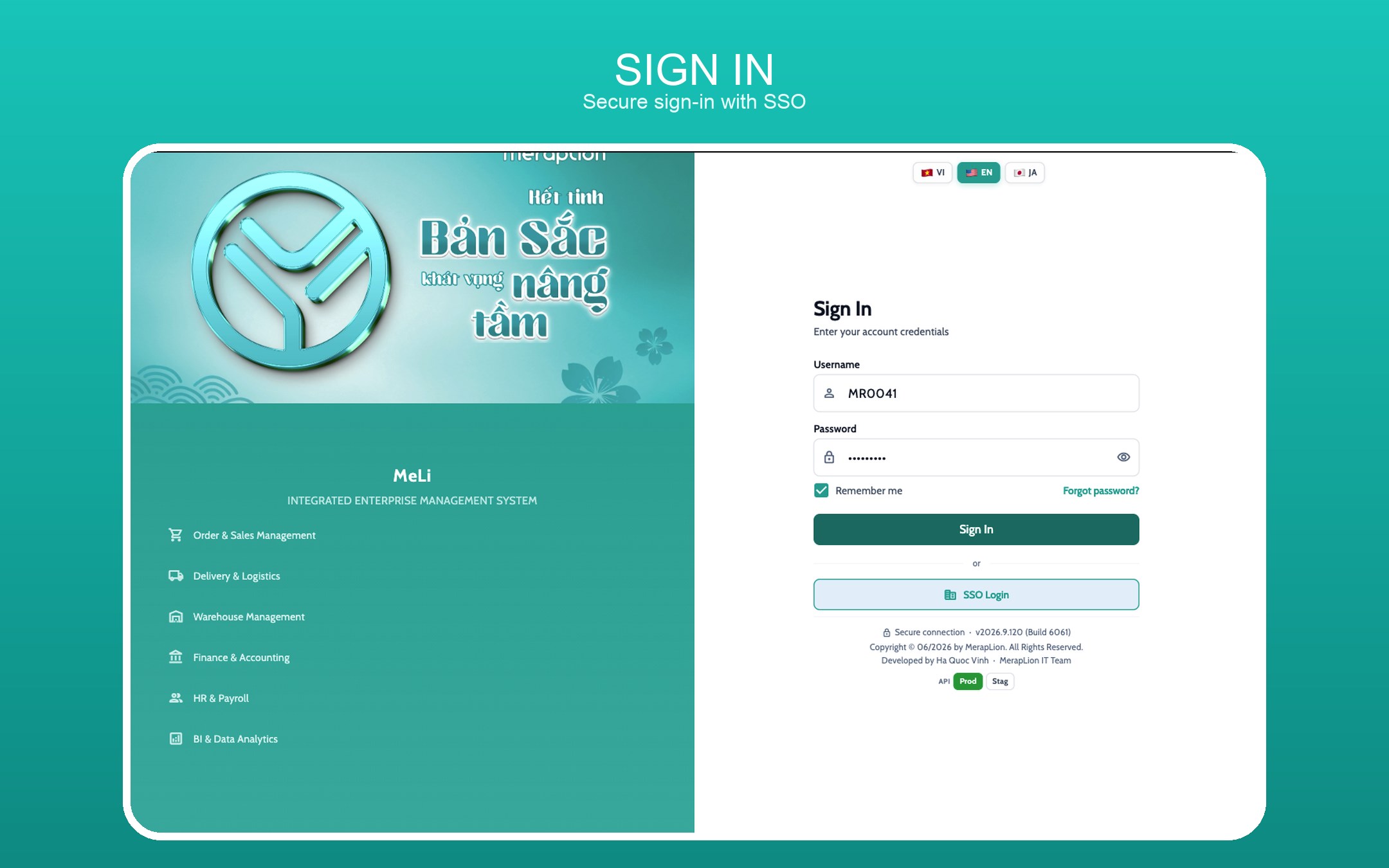
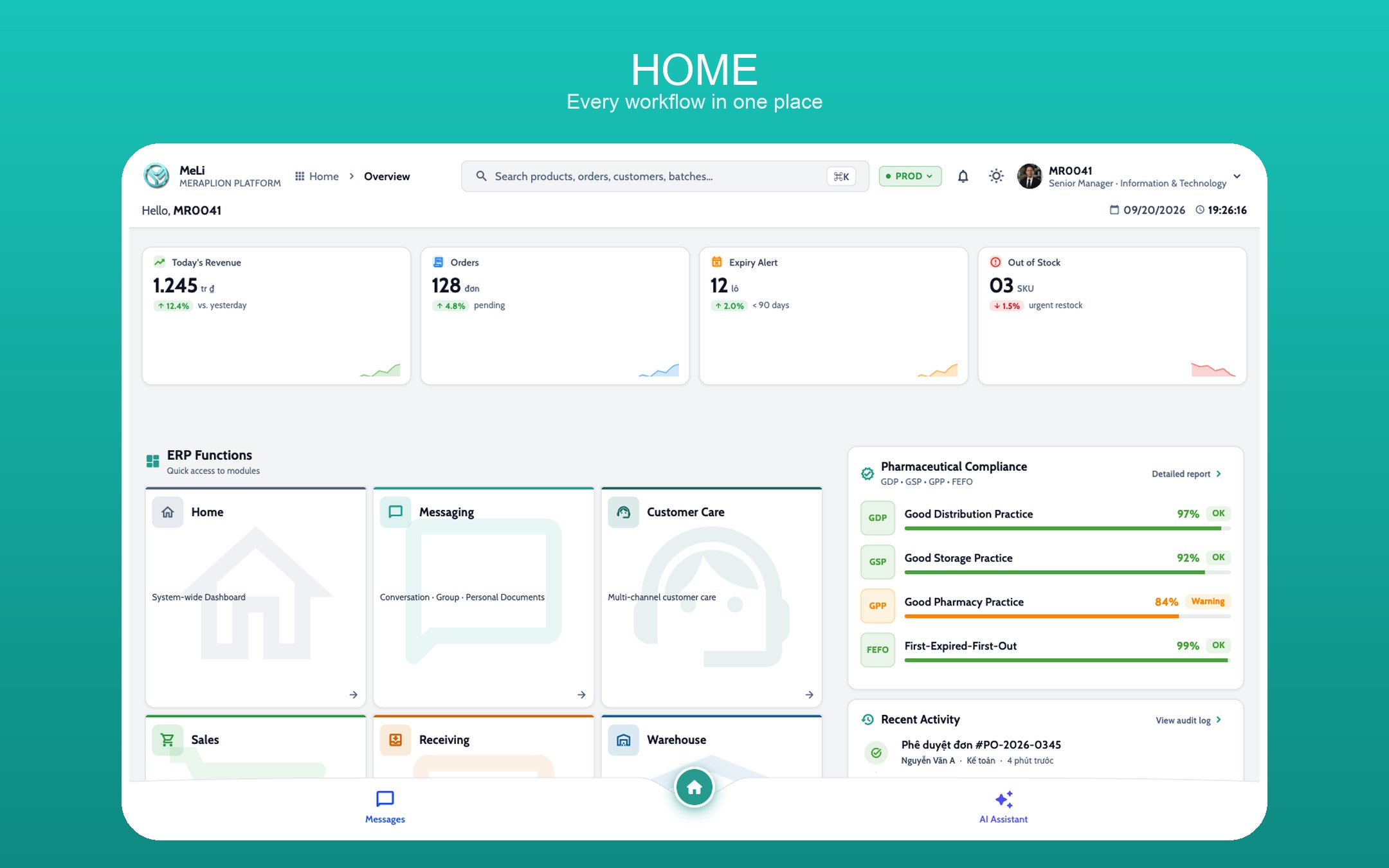
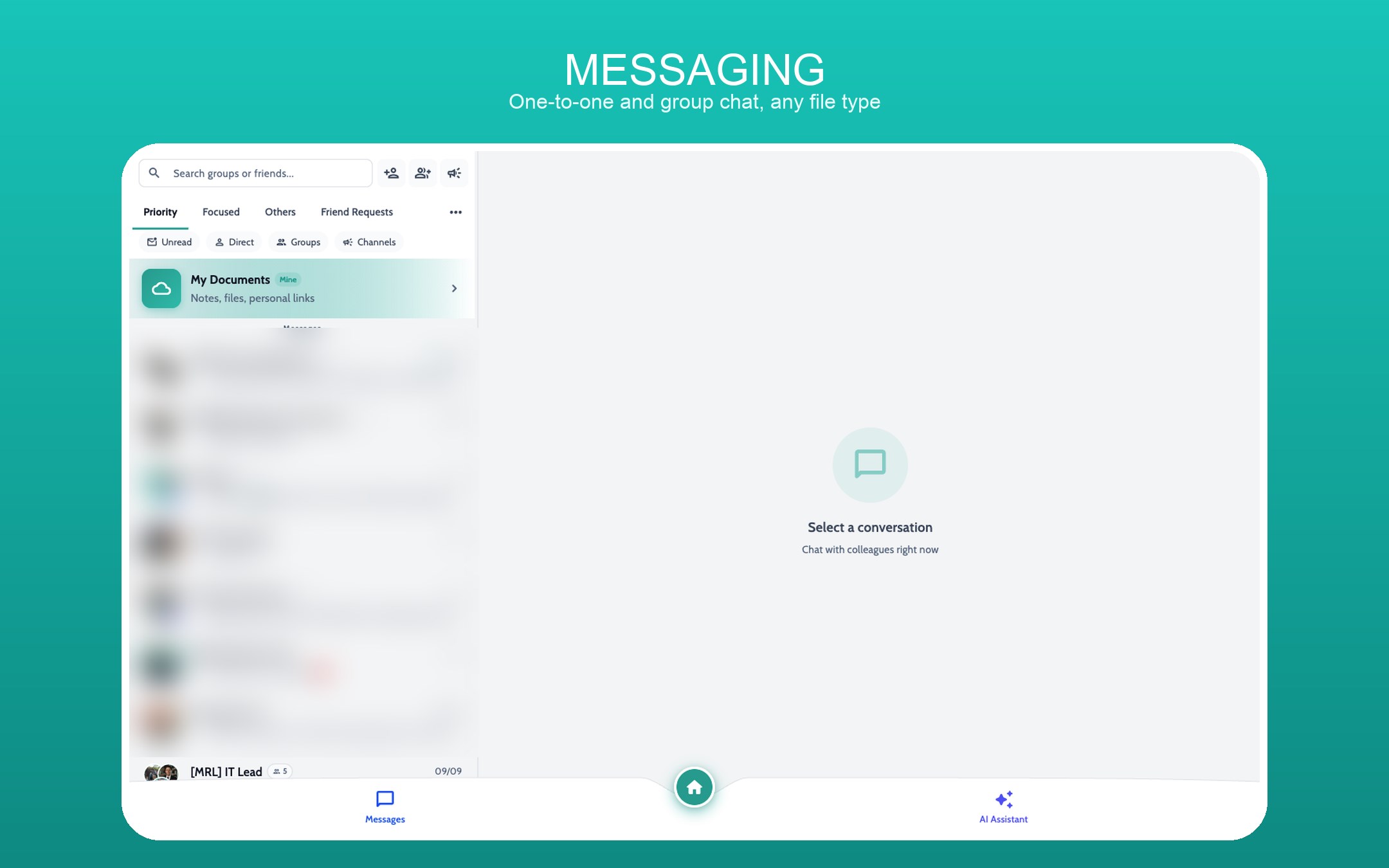
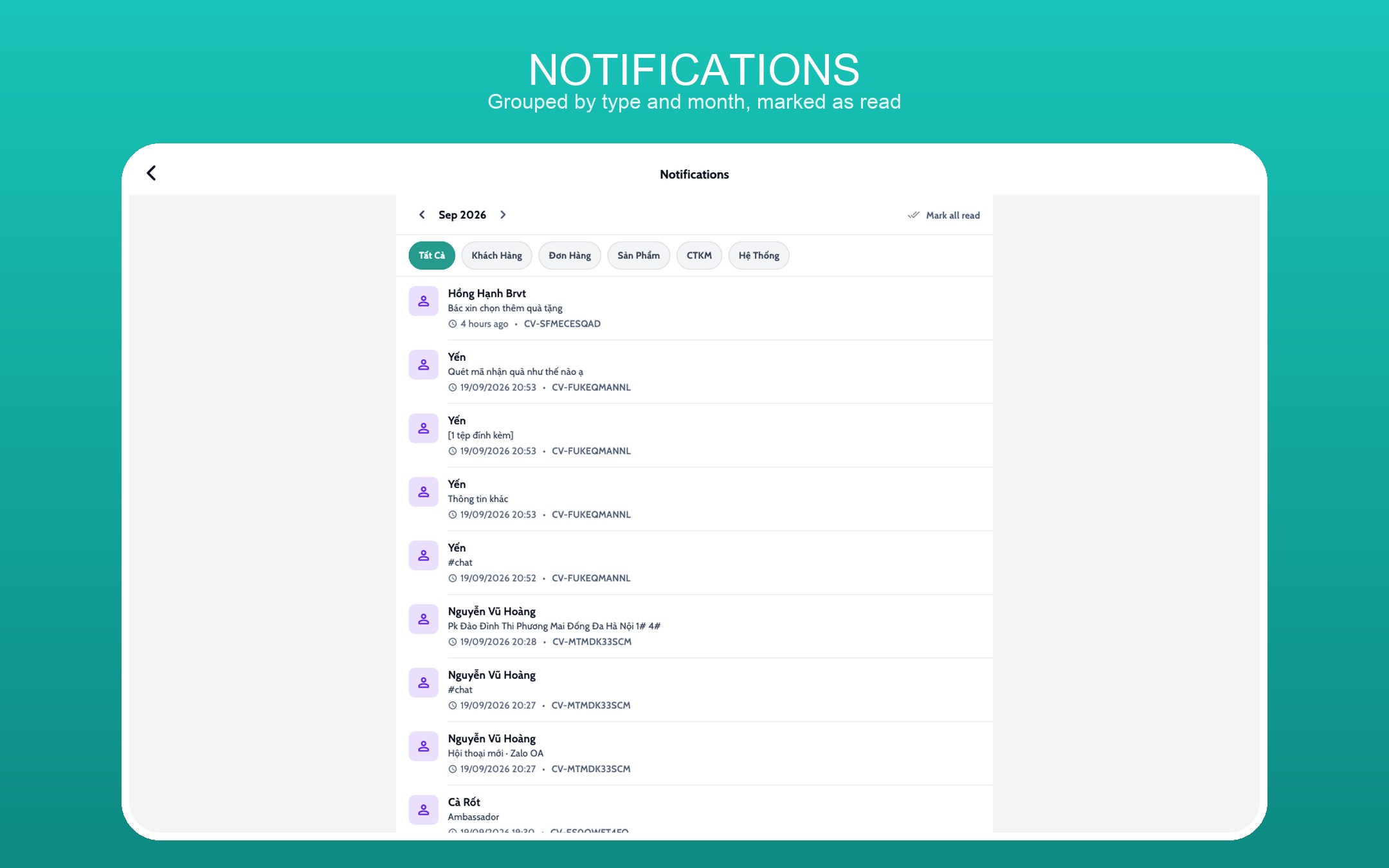
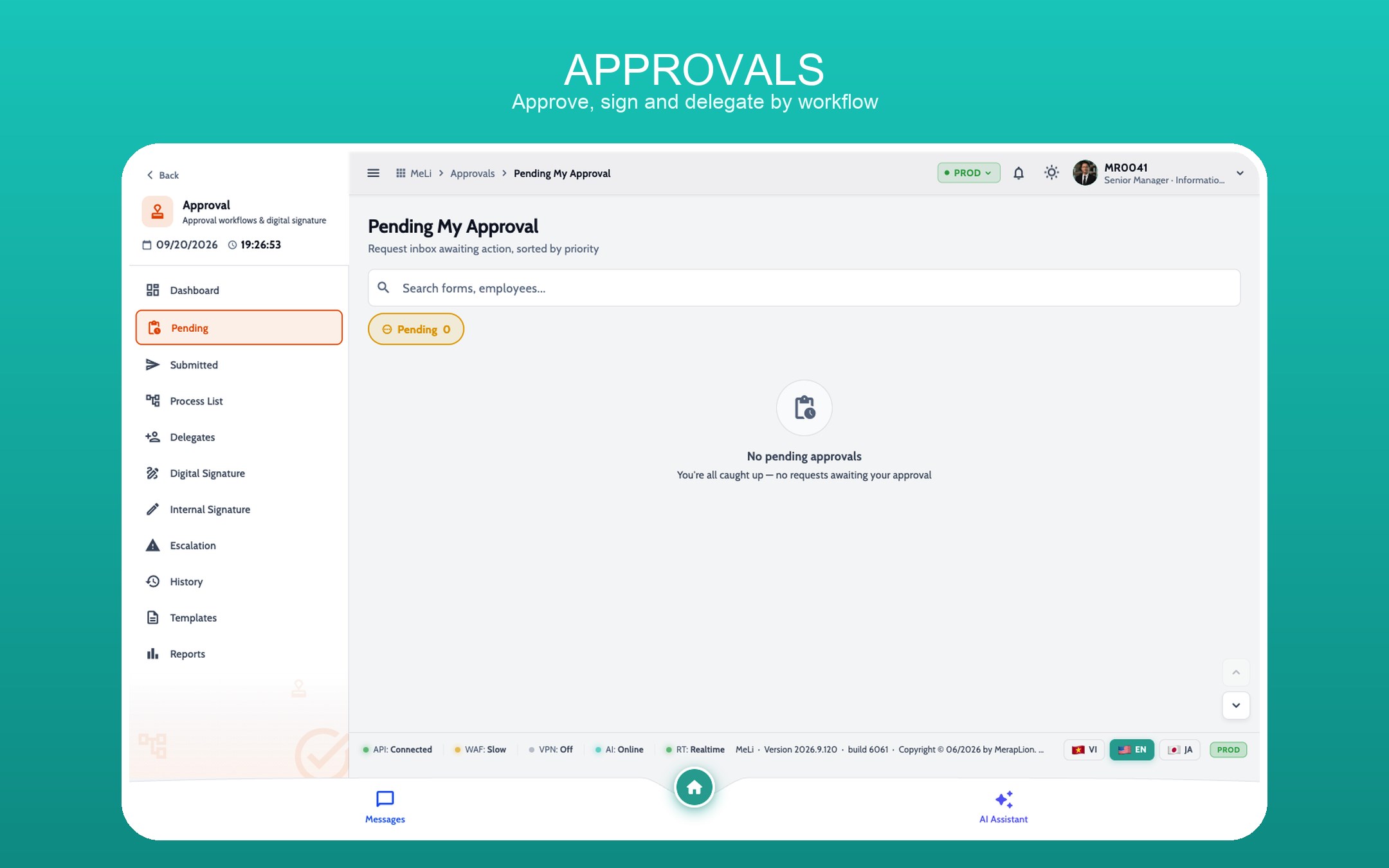
What is MeLi? MeLi brings company operations together in one app that works on phone, browser and desktop. It supports Vietnamese, English and Japanese, light and dark themes, and a layout that adapts to the device. What the app covers today ACCOUNT AND SECURITY - Sign in with a regular account or single sign-on. - Recover your password, see which devices are signed in, and sign them out remotely. - Fingerprint or face recognition on supported devices. - Control camera, photo, location, notification and microphone permissions. MESSAGING AND COLLABORATION - One-to-one and group conversations; send text, images, video, audio and files. - Reply, forward, recall, pin, react and mention members. - Search and filter conversations, sort them into Focused, Priority and Other, manage contact requests and tune the messaging experience. - Use "My Documents" and the media library to find files you shared earlier. - While you are online, messages, typing indicators and conversation updates arrive faster on the new realtime layer. NOTIFICATIONS AND REALTIME UPDATES - A Notification Centre groups notifications by type and by month, loads more on demand and marks them read. - The bell on the Home screen shows the unread count; on web and desktop it opens as a panel, on phone as its own screen. - With the app open, messages, notifications, approvals and signing can update almost instantly. - The server decides who receives each notification, which keeps the app safer and avoids stray deliveries after an account switch. COMPANY NETWORK - Read and post announcements, achievements and short updates across the company. - React to posts and choose who can see them. - Follow new content straight from the home screen. APPROVALS AND DIGITAL SIGNING - Track requests awaiting your approval, requests you sent, processing history and items close to their deadline. - Open the document, timeline, assignees and the state of each step. - Sign, approve, reject, return or delegate according to the configured workflow. - Use a handwritten signature, a confirmation stamp, a password or a verification code when the workflow requires one. - Contact an approver directly from the timeline. OPERATIONS AND REPORTING - Modules for Sales, Receiving, Delivery, Warehouse, Finance, HR, Master Data, AI and Data Analytics. - Several areas already run on live data - notably orders, sales reports, the Ingredients catalogue and approval workflows. - View PDFs, download files, export reports and print across platforms.
Productivity · Windows · Free