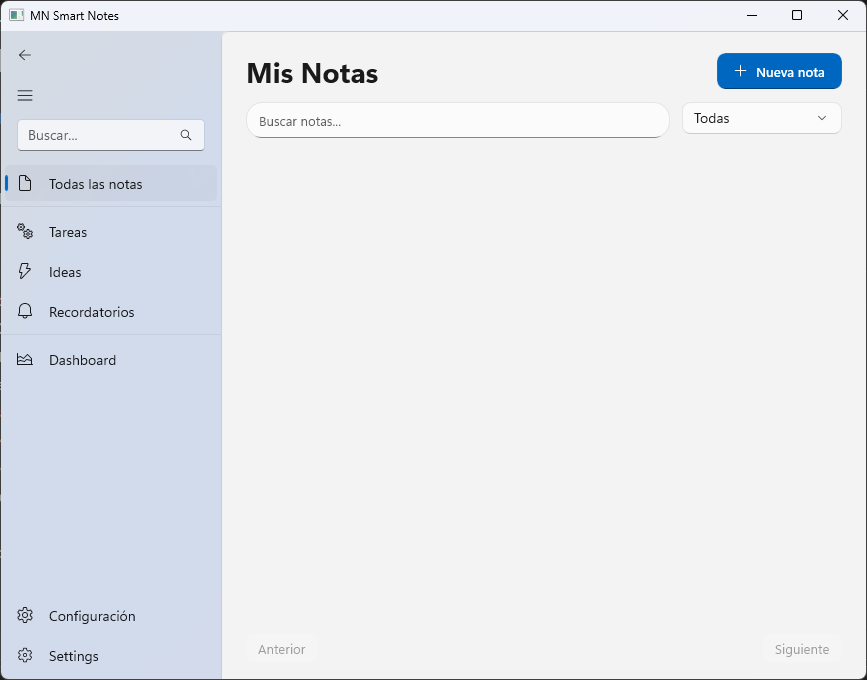
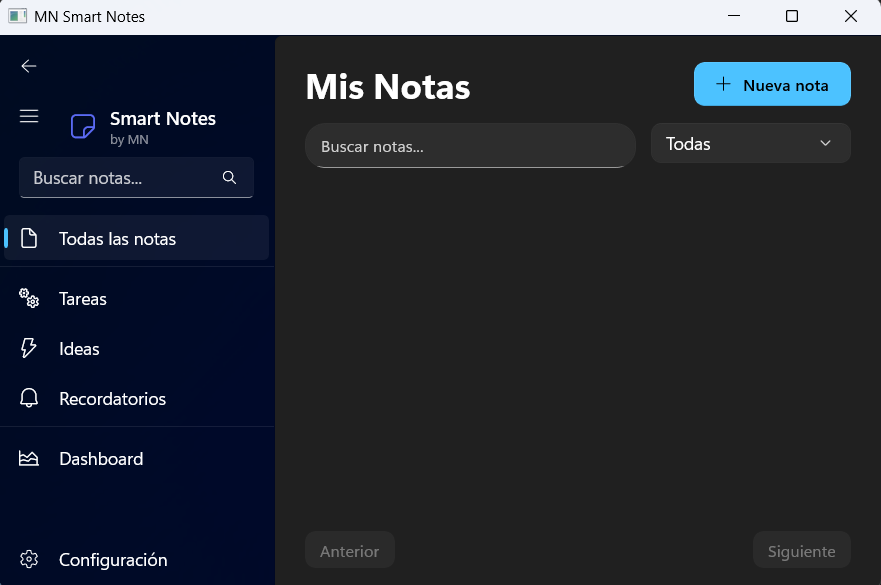
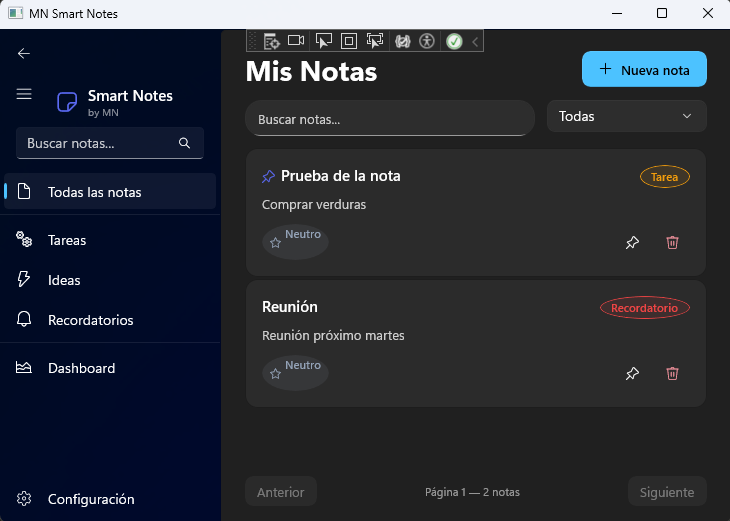
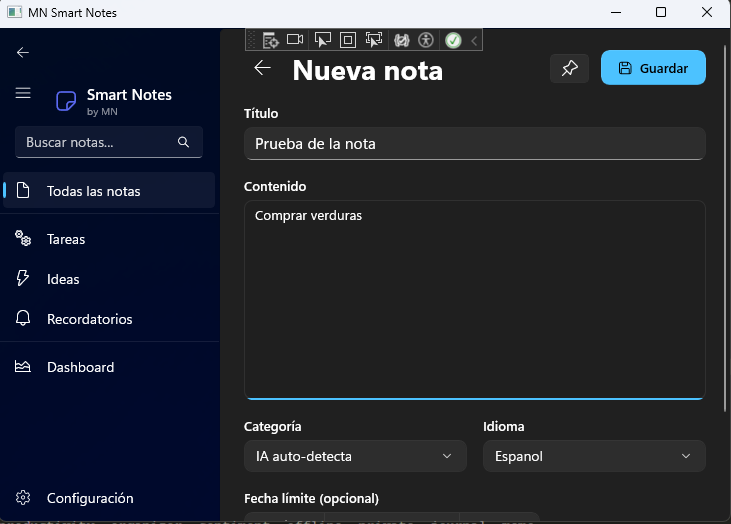
MN Smart Notes is a note-taking app designed for people who want to capture ideas, manage tasks, and keep reminders in a simple, fast, and visually pleasant way — all from Windows. ────────────────────────────────────── SMART ORGANIZATION ────────────────────────────────────── Classify each note with a category that gives it immediate context: • General — for loose thoughts and everyday notes. • Task — for pending activities with a due date and time. • Idea — to capture inspiration before it slips away. • Reminder — with scheduled notifications so nothing gets forgotten. Each category has its own icon and color, visible directly in the notes list. ────────────────────────────────────── KEY FEATURES ────────────────────────────────────── • Custom color-coded tags to group notes across categories. • Pinned notes at the top of the list with a golden visual effect to distinguish them. • Integrated date and time picker for tasks and reminders. • System notifications for reminders with due dates. • Real-time search across title and content. • Category filter and customizable sort (recent, creation date, category, A–Z). • Export notes as .TXT or .MD (Markdown). • Word count and estimated reading time in the editor. • Adjustable text zoom from 70% to 300% with saved preference. • Keyboard shortcuts: Ctrl+N for new note, Ctrl+S / Ctrl+G to save without leaving the editor. • Full light and dark theme support, following system preference. ────────────────────────────────────── DISTRACTION-FREE EDITOR ────────────────────────────────────── The editor automatically focuses the content area when a note is opened. The title is automatically suggested from the first words you type if none is specified, saving time without sacrificing organization. ────────────────────────────────────── DASHBOARD & STATISTICS ────────────────────────────────────── See at a glance how many notes you have, how many are pinned, how many tasks are pending or overdue, and the distribution of your notes by category. ────────────────────────────────────── PRIVACY FIRST ────────────────────────────────────── MN Smart Notes works completely offline. All your data is stored locally on your device. No accounts, no servers, no tracking. ────────────────────────────────────── REQUIREMENTS ────────────────────────────────────── • Windows 10 version 1809 or higher / Windows 11. • x64 architecture. • No internet connection required.
Utilities · Windows · Free