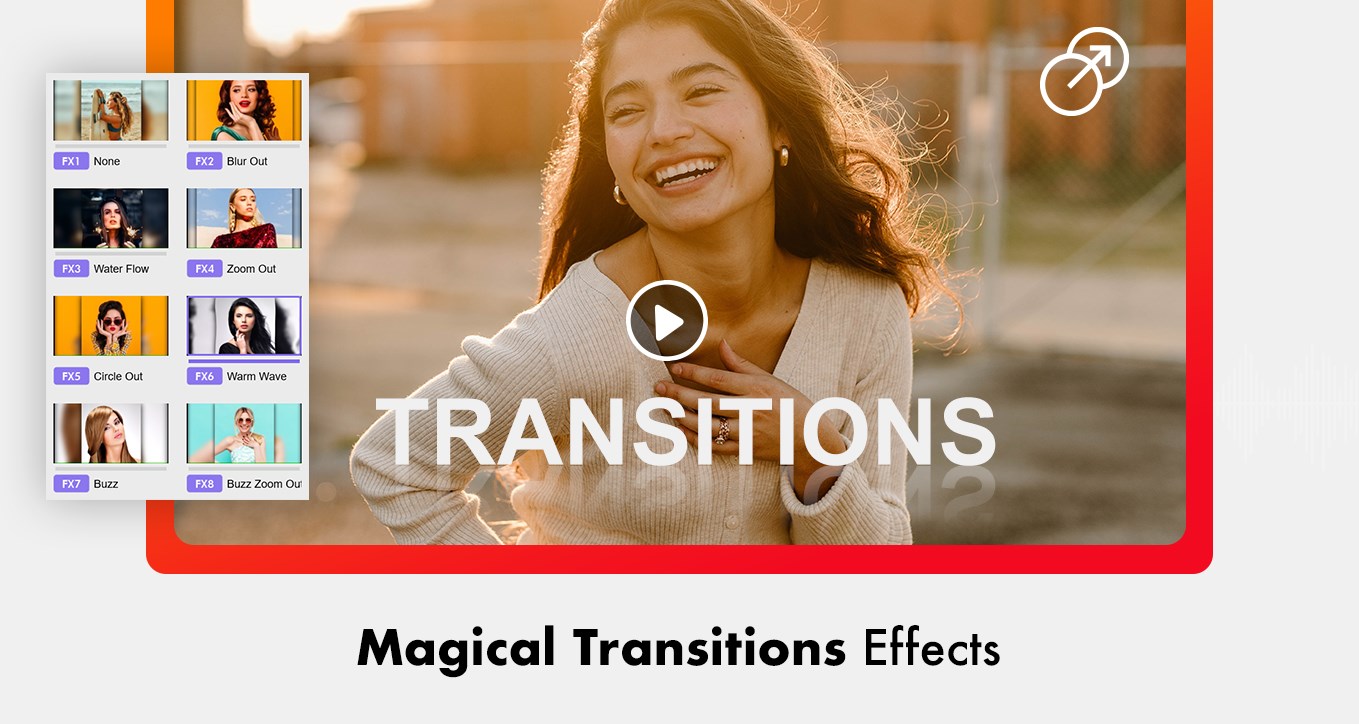
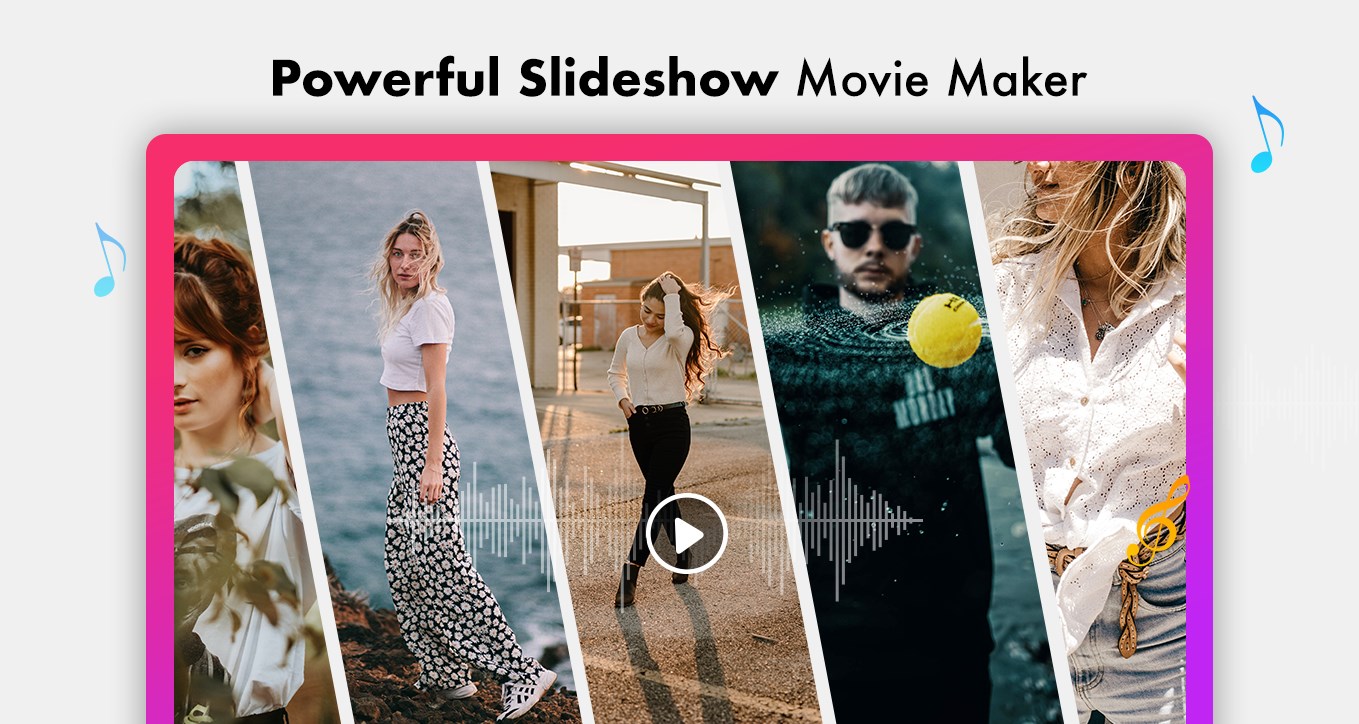
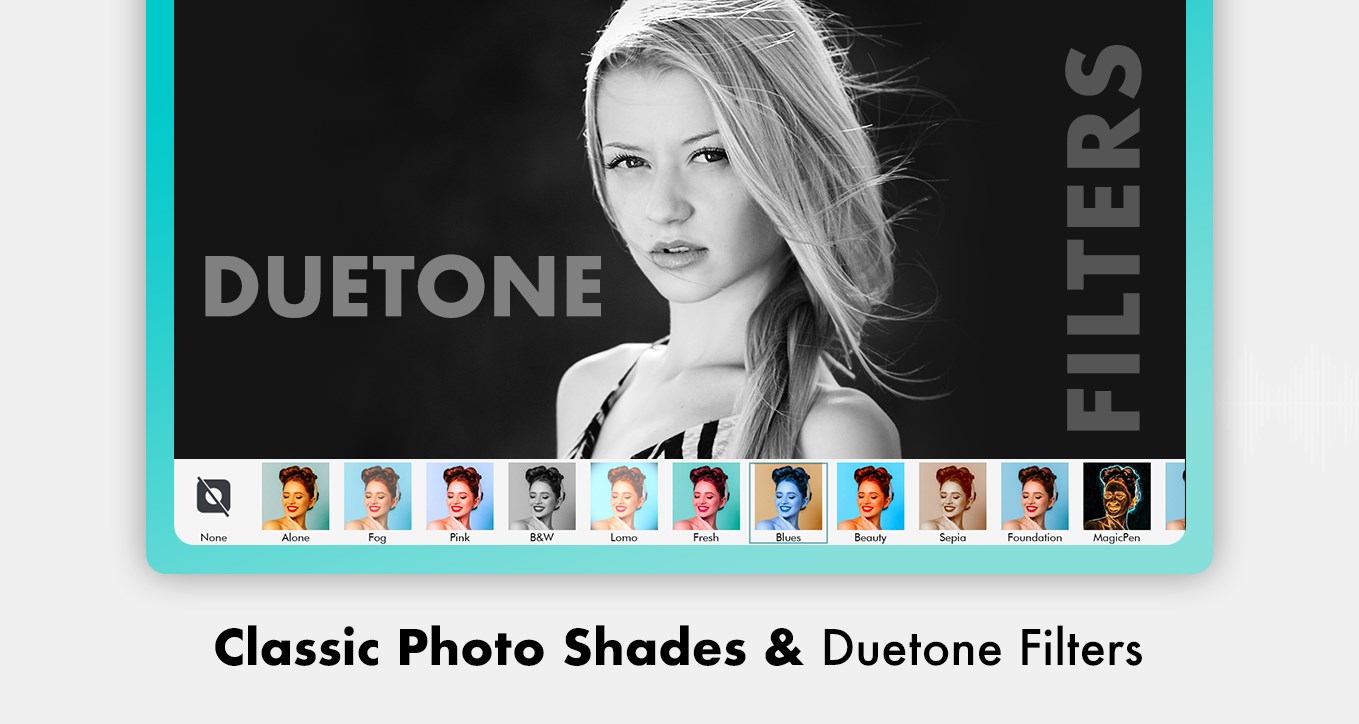
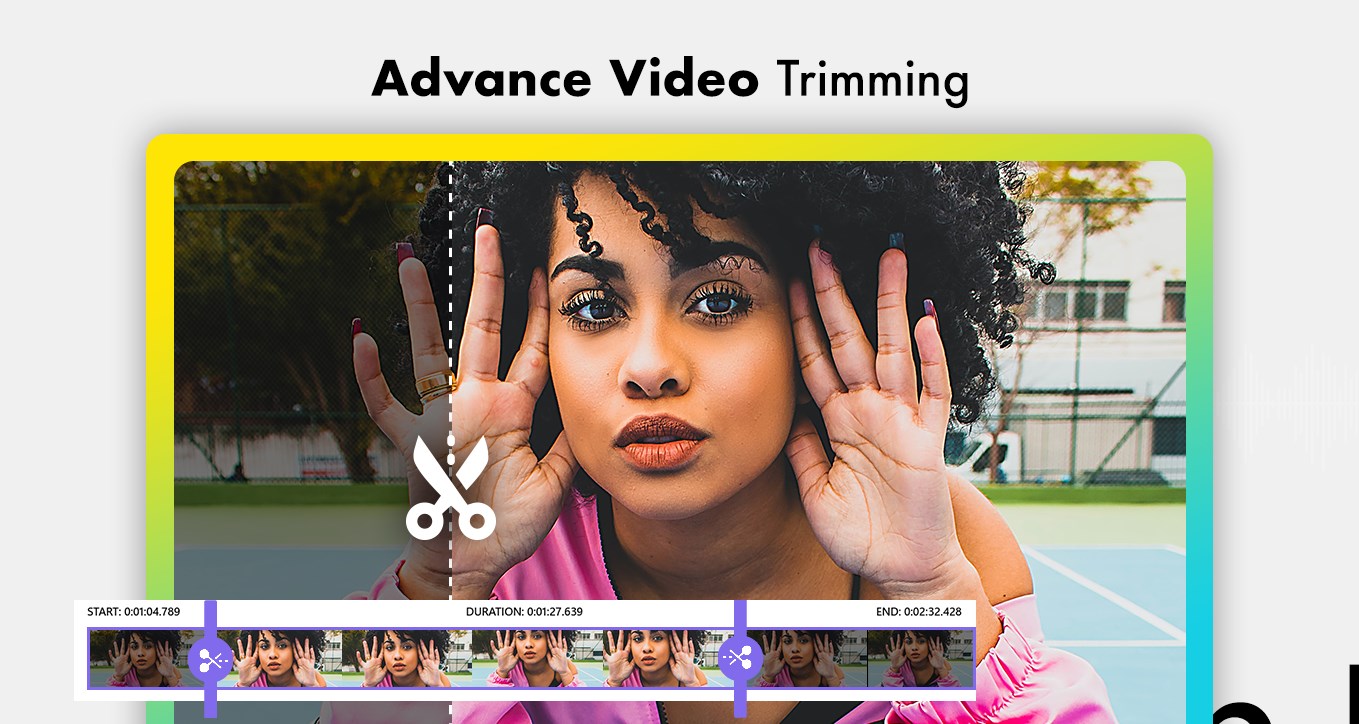
Movie Designer Master is a versatile and user-friendly video editor designed to help you create professional-quality videos effortlessly. Whether you want to trim, cut, merge, or enhance your clips, this app provides all the tools you need in one place. Add stunning visual effects, trending filters, customizable text, stickers, and music to bring your videos to life. Perfect for personal projects, social media content, vlogs, presentations, or any creative video endeavor, Movie Designer Master makes video editing fast, intuitive, and enjoyable. With support for multiple formats, flexible aspect ratios, and easy export options, you can produce polished videos ready to share with friends, followers, or your audience. Tutorial Link- https://purplemartinstore.com/movie-maker-master-tutorial/ App Features :- 1. Video Editor • Canvas & Aspect Ratio: Choose your preferred video ratio and apply blurred or colored backgrounds. • Trim & Split: Remove unwanted sections or split clips into multiple segments. • Copy & Delete Clips: Duplicate clips for further editing or remove unnecessary parts. • Crop & Radius: Adjust dimensions and soften edges for smooth visuals. • Properties: Modify volume and clip settings for precise control. • Add Layers: Overlay images, stickers, and text for creative effects. • Transitions: Apply fade, dissolve, wipe, or slide transitions between clips. • Filters: Enhance video visuals with a variety of filter effects. • Audio & Music: Add music from the library or upload custom tracks. • Stickers & Text: Add trending stickers and customizable text. • Add Clips: Insert additional video clips or color overlays. • Save & Share: Export videos in multiple formats and share on social media. 2. Shoot Video • Capture new videos directly within the app. • Apply editing tools immediately: Split, Copy, Crop, Add Layers, Filters, Transitions, Music, Stickers, Text, and Save. 3. Video Trimmer • Trim videos by adjusting start and end points with a slider. • Customize clip size and select video quality. • Supports all popular formats: .wmv, .mp4, .mov, .mkv, and more. • Choose original or blurred backgrounds. • Save videos in preferred format and resolution. 4. Video Merger • Merge multiple video clips into a single file. • Trim clips before merging for precise results. • Apply filters and adjust volume to achieve a polished final video. Please note: Some of the features, come with IAP’s (In App Purchase), means you have to buy certain features of the app before using them. So, if your subscription expires, these features will be locked again. We will update the app regularly, so that you get more of the premium features each time. Support: Web: https://purplemartinstore.com/ Tutorial: http://purplemartinstore.com/movie-maker-master-tutorial/ Email: sandpiperapps@outlook.com
Photo & Video · Windows · Free