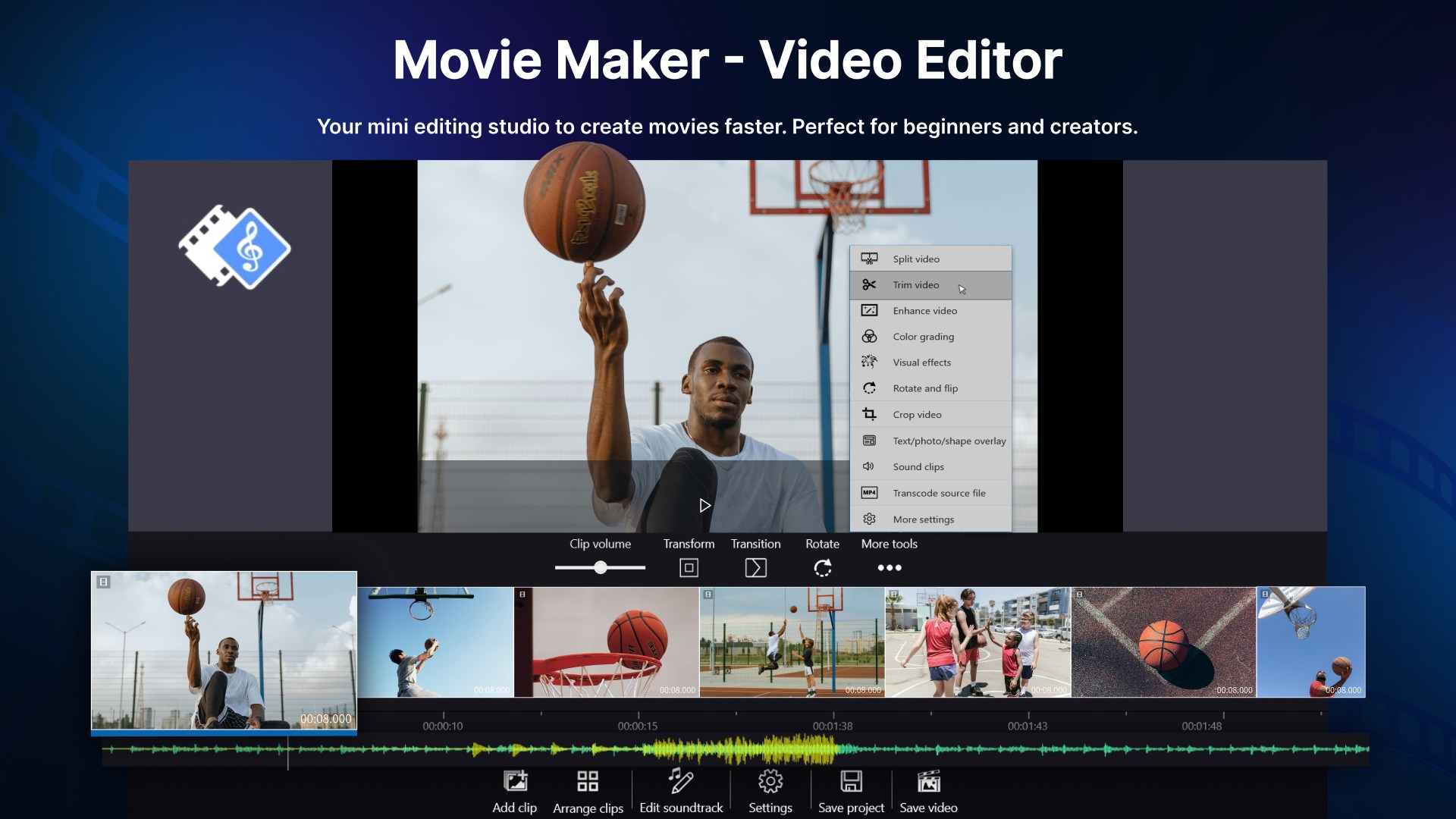
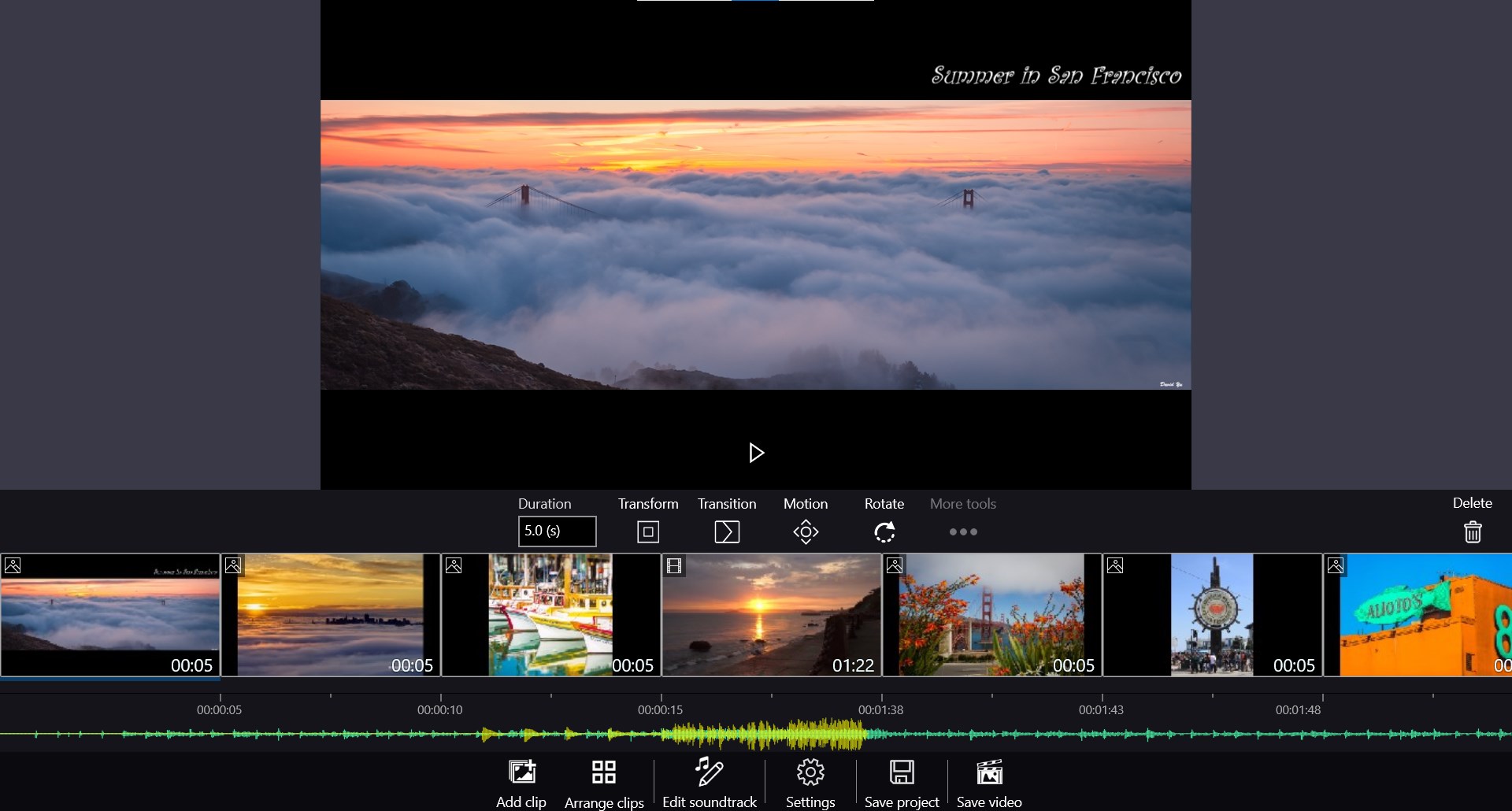
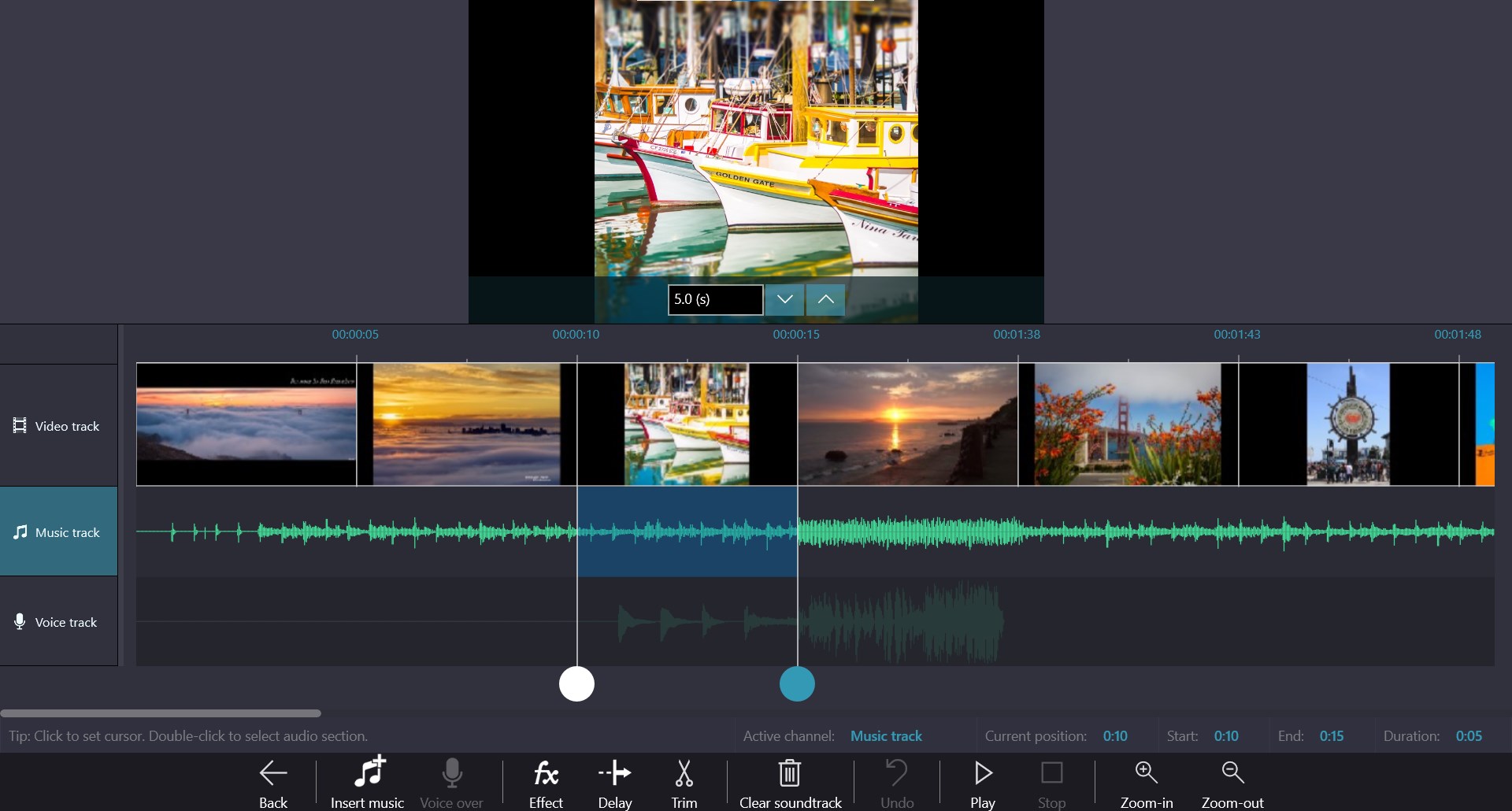
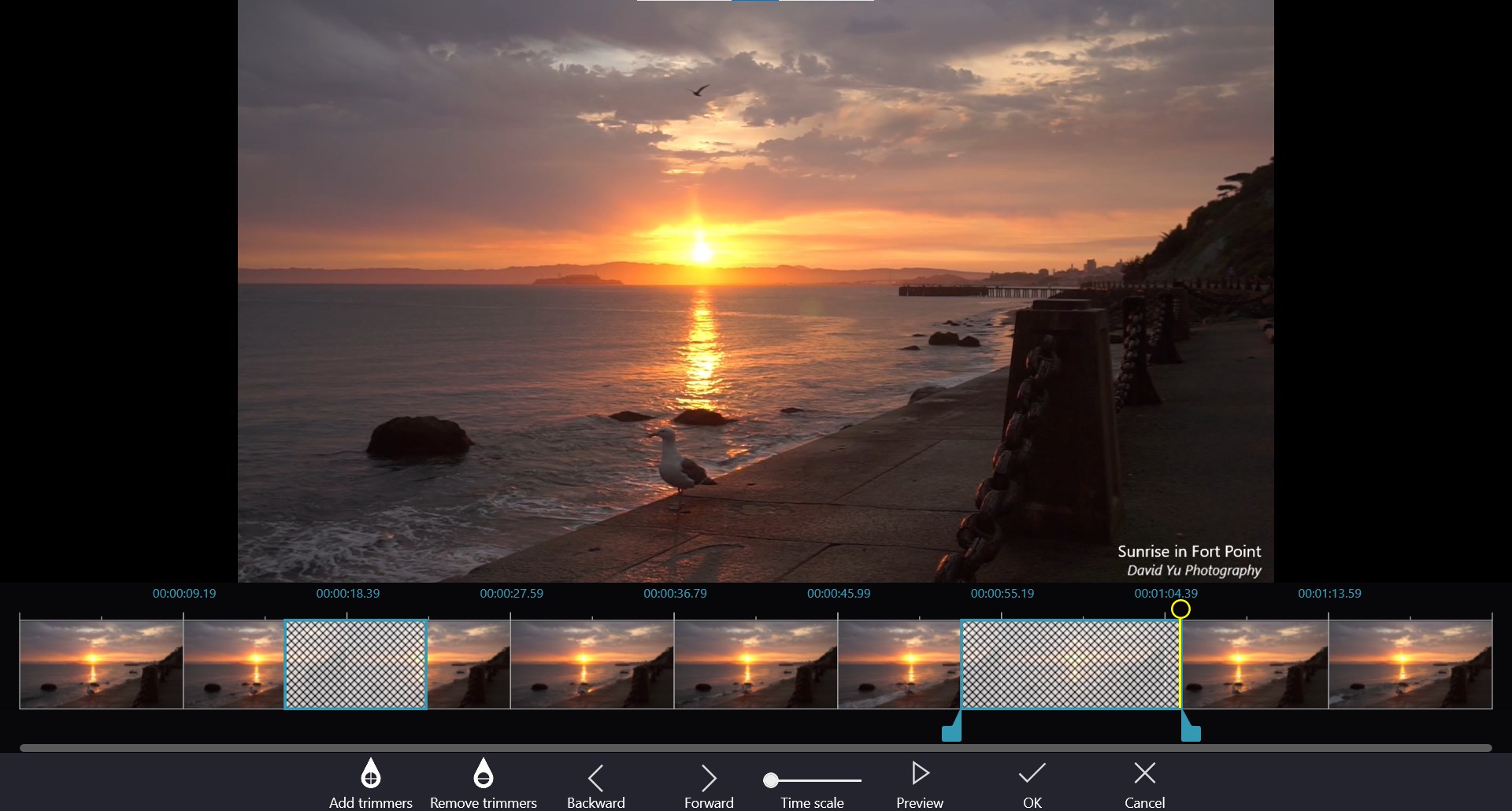
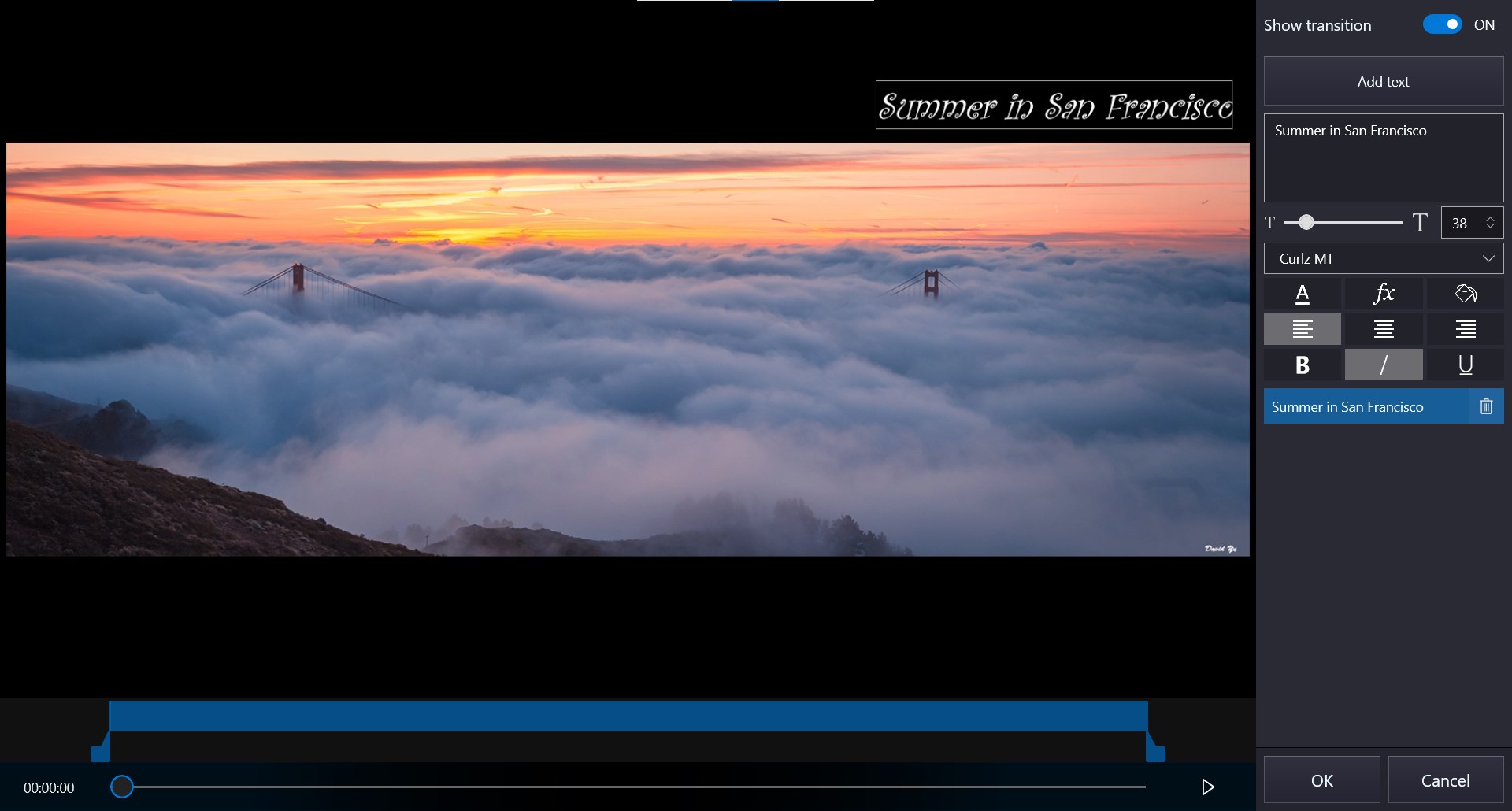
Video Editor - Movie Maker for Windows 10 & 11. The fastest way to make video for YouTube, TikTok, or Instagram - no experience needed. Trusted by millions of users worldwide. Create stunning videos and slideshows with Full HD export and NO watermark. Whether it’s a family video, school project, product showcase, vlog, or content for YouTube, TikTok, or Instagram – Video Editor - Movie Maker makes video editing simple, fast, and professional. Key Features (Free Version) - Make slideshow videos, movies from photos & video clips with basic editing functions: cut, split, join, rotate, flip... - Add soundtracks – built-in music or import your own audio file, with support for voice-over. - Text & captions – animated titles, credits, stickers, and overlays. - Transitions & effects – fade, zoom, ripple, pixelate, and many more. - Photo enhancements – filters, pan-zoom animation. - Audio tools – adjust volume, mute, extract audio. - Export Full HD video (1080p) with no watermark. - Support most formats: MP4, WMV, MKV, MOV, AVI, JPEG, PNG, MP3, WAV, and more. - Animated text templates - Rotation for overlays Upgrade to PRO - Unlock advanced tools with a bundle with affordable price. - Project management – save & load projects anytime. - Quick tools – trim, split, join, crop, overlay, green screen, censor, and more. - Export in 4K & 60fps. - Exclusive effects. Why choose Video Editor - Movie Maker? - Simple like iMovie, powerful like CapCut, but built for Windows. - Perfect for beginners and creators alike. - Free to start – upgrade only if you need pro features. Disclaimer: This app is not affiliated with iMovie, CapCut, YouTube, TikTok, Instagram, or other brands. All trademarks belong to their respective owners.
Photo & Video · Windows, iPhone, iPad · Free
Rating: 4.0 out of 5, based on 876 user ratings.